网络爬虫:是一种自动爬取网站内容信息的程序,被广泛运用于搜索引擎和数据挖掘等领域。 网络爬虫的基本执行流程:下载页面 - 提取页面中的数据 - 提取页面中的链接 Scrapy:是一个由Python语言编写的开源的网络爬虫框架,特点:使用简单,跨平台,灵活易拓展等。
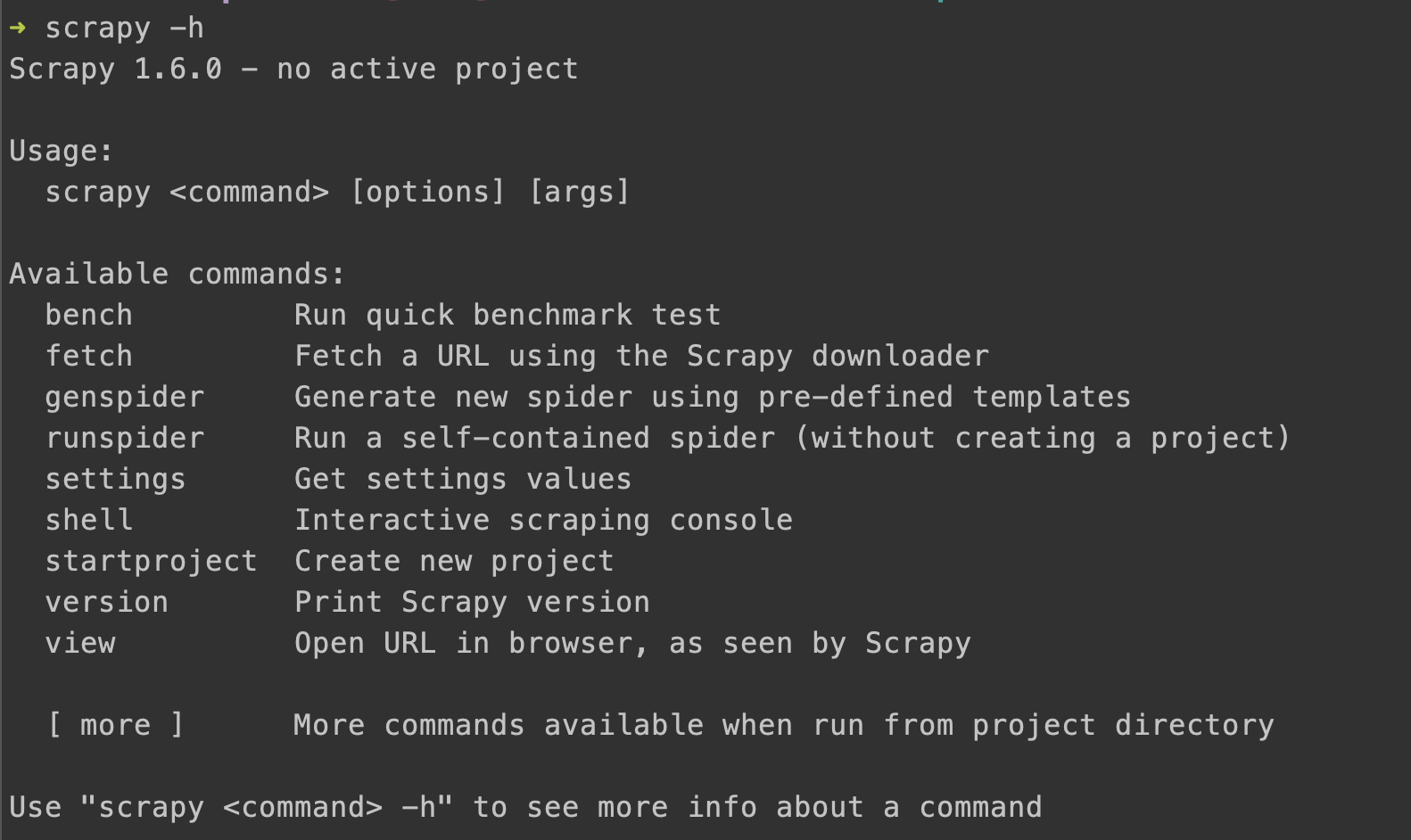
本机环境 Mac 10.14, Python3 pip3 install scrapy 安装成功后 scrapy -h 查看包含的命令
安装过程中出现了一堆 error: unknown type name 'uint64_t' 错误 网上搜索 sudo mv /usr/local/include /usr/local/include_old 重新执行安装命令,安装成功后再恢复即可
创建一个项目 scrapy startproject tutorial
会生成以下文件
tutorial/
    scrapy.cfg            # deploy configuration file
    tutorial/             # project's Python module, you'll import your code from here
        __init__.py
        items.py          # project items definition file
        middlewares.py    # project middlewares file
        pipelines.py      # project pipelines file
        settings.py       # project settings file
        spiders/          # a directory where you'll later put your spiders
__init__.py其实就是写一个类 创建文件 quotes_spider.py 放到 tutorial/spiders 目录
import scrapy

class QuotesSpider(scrapy.Spider):
   # 爬虫名,唯一标示,会在命令行中用到
    name = "quotes"

    def start_requests(self):
        urls = [
            'http://quotes.toscrape.com/page/1/',
            'http://quotes.toscrape.com/page/2/',
        ]
        for url in urls:
            yield scrapy.Request(url=url, callback=self.parse)

    def parse(self, response):
        page = response.url.split("/")[-2]
        filename = 'quotes-%s.html' % page
        with open(filename, 'wb') as f:
            f.write(response.body)
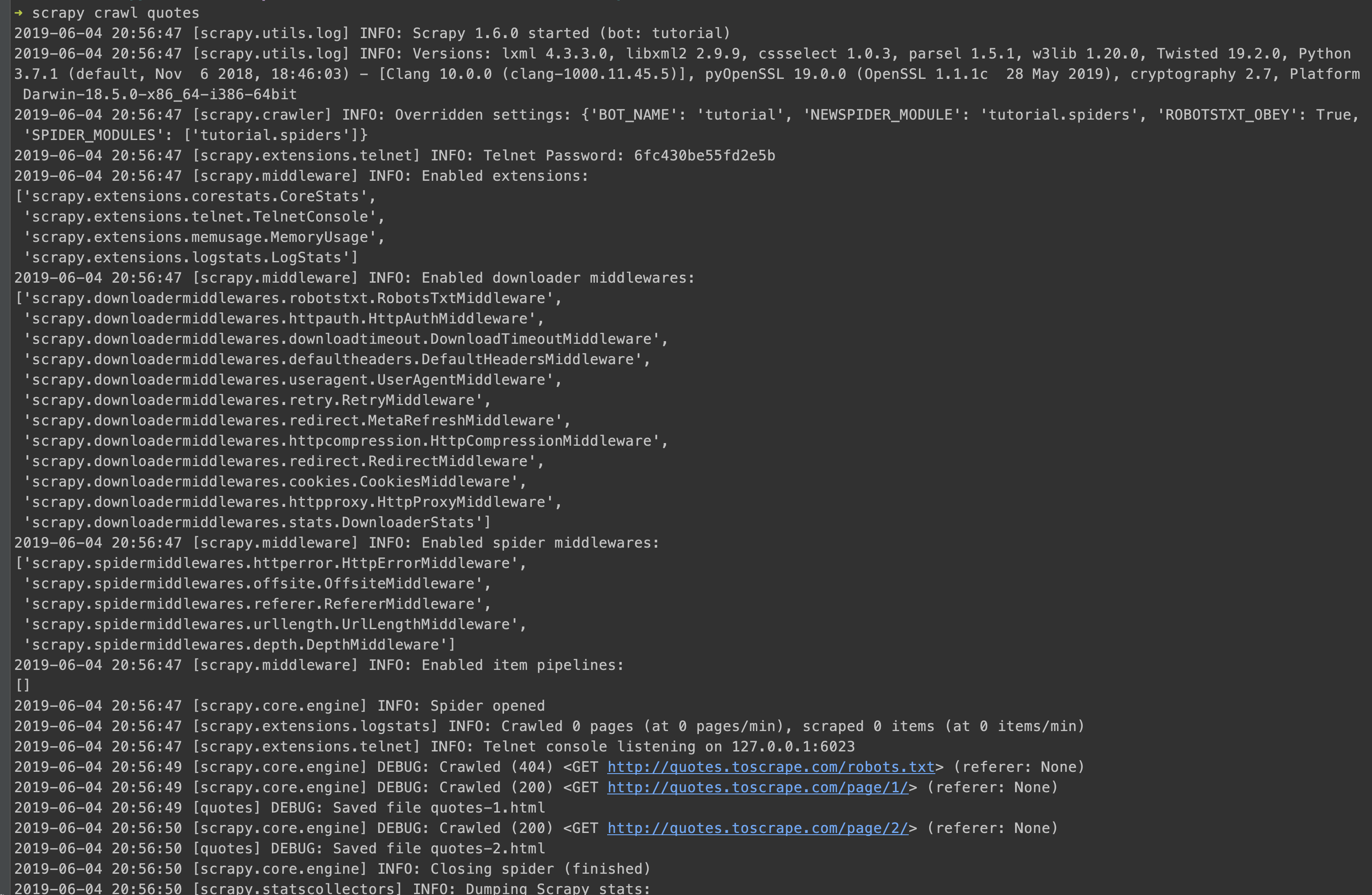
self.log('Saved file %s' % filename)来到项目的根目录,执行scrapy crawl quotes 显示过程
结果:发现多出了两个 html 文件,等于我们把网页抓取下来了。
此内容由惯性聚合(RSS阅读器)自动聚合整理,仅供阅读参考。 原文来自 — 版权归原作者所有。