在 Jenkins2 学习系列13 -- 邮件和Slack通知 里发送邮件的内容是写死到了pipeline里,这样不太灵活
groovy
emailext (
to: 'mafeifan@qq.com',
subject: "Job [${env.JOB_NAME}] - Status: ${currentBuild.result?: 'success'}",
body:
"""
<p>EXECUTED: Job <b>\' ${env.JOB_NAME}:${env.BUILD_NUMBER}\'
</b></p><p>View console output at "<a href= "${env.BUILD_URL}">
${env.JOB_NAME}:${env.BUILD_NUMBER}</a>"</p>
<p><i>(Build log is attached.)</i></p>
""")
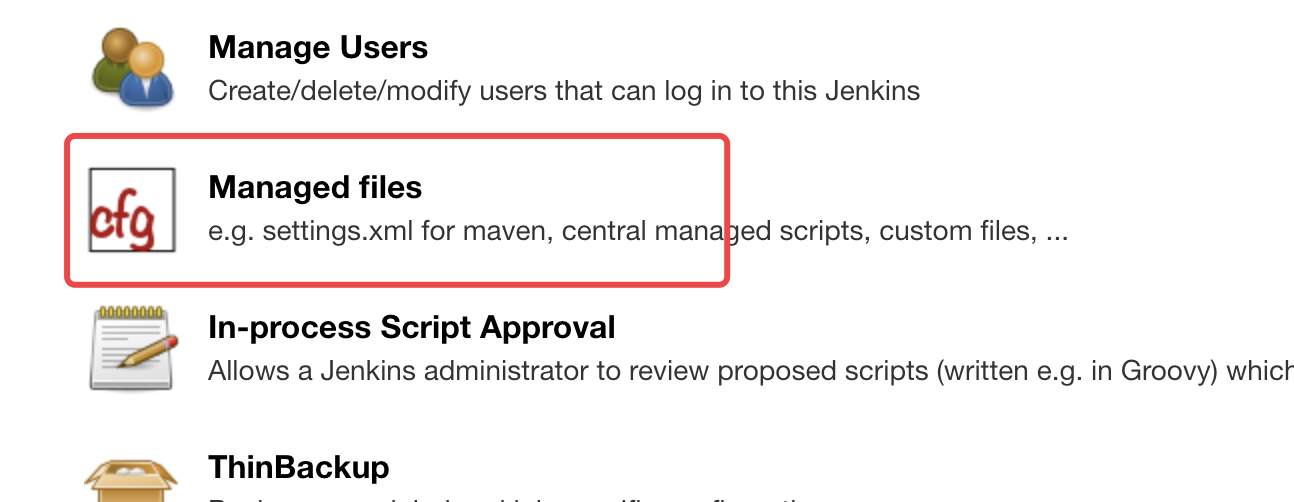
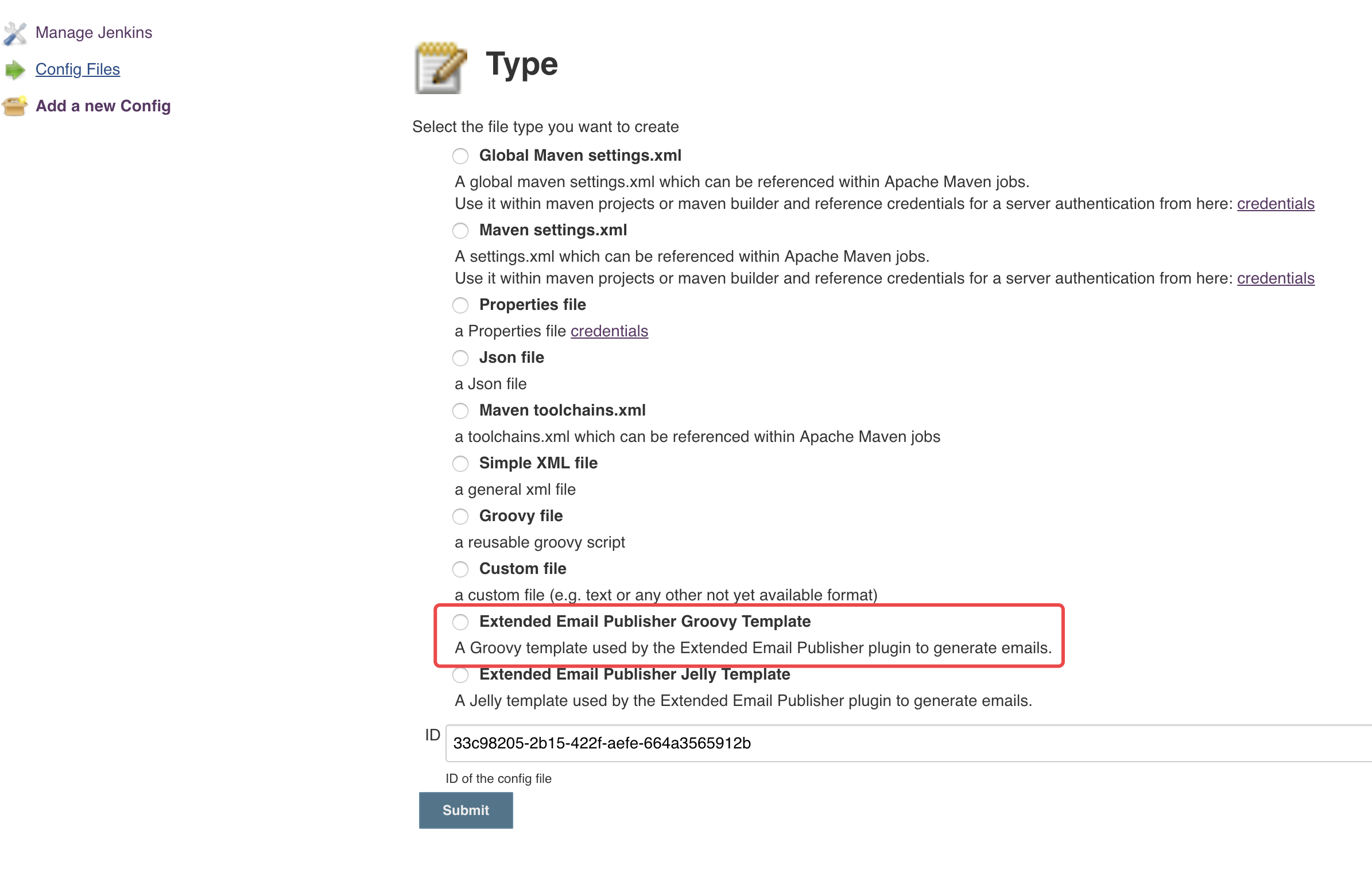
这里我们通过 Config File Provider 插件,创建邮件模板,然后实现复用的目的,具体步骤:
Type 选择 "Extended Email Publisher Groovy Template"
ID 可以自行填写
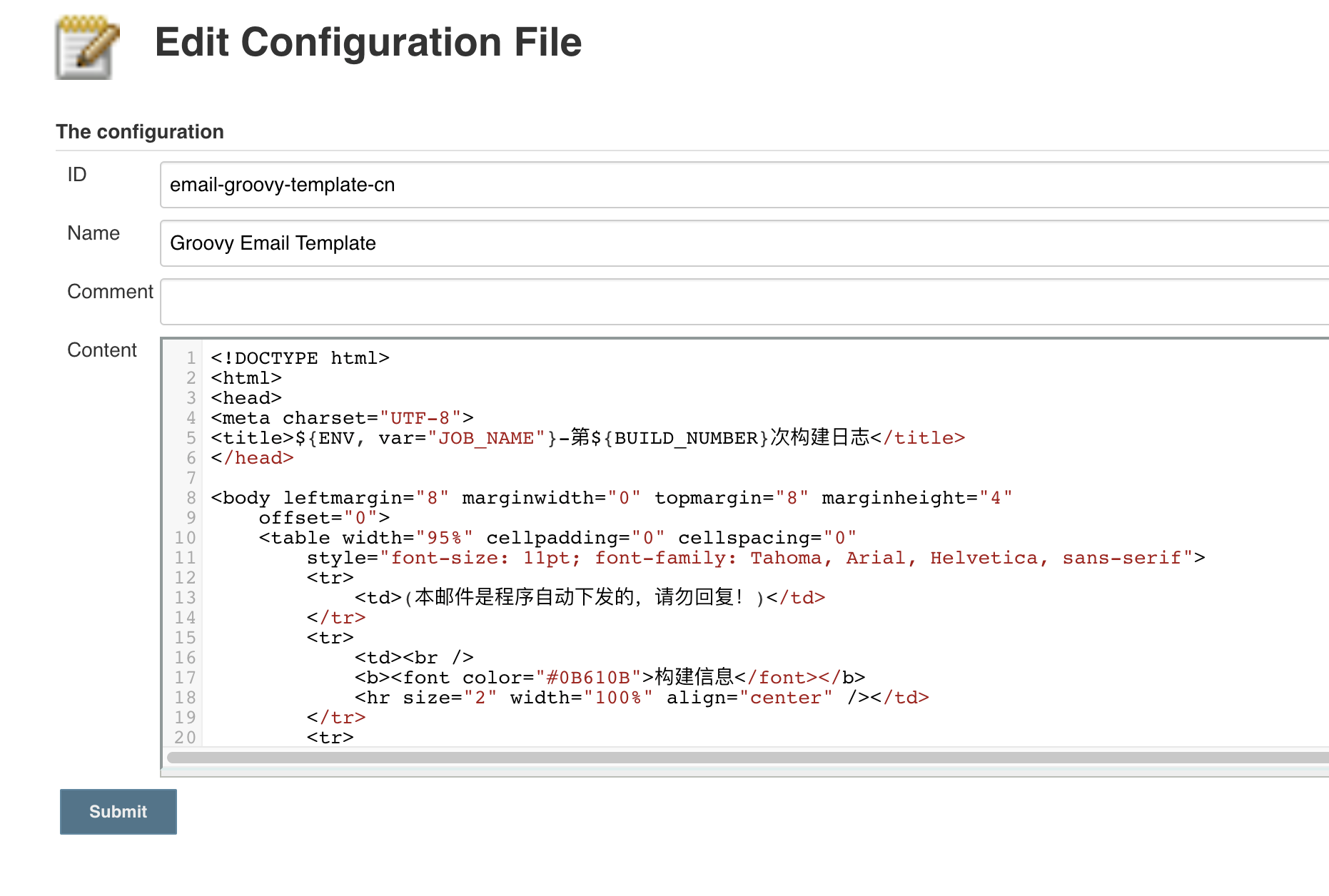
Content 填写如下
html
<!DOCTYPE html>
<html>
<head>
<meta charset="UTF-8">
<title>${ENV, var="JOB_NAME"}-第${BUILD_NUMBER}次构建日志</title>
</head>
<body leftmargin="8" marginwidth="0" topmargin="8" marginheight="4"
offset="0">
<table width="95%" cellpadding="0" cellspacing="0"
style="font-size: 11pt; font-family: Tahoma, Arial, Helvetica, sans-serif">
<tr>
<td>(本邮件是程序自动下发的,请勿回复!)</td>
</tr>
<tr>
<td><br />
<b><font color="#0B610B">构建信息</font></b>
<hr size="2" width="100%" align="center" /></td>
</tr>
<tr>
<td>
<ul>
<li>项目名称 : ${JOB_NAME}</li>
<li>构建编号 : 第${BUILD_NUMBER}次构建</li>
<li>触发原因 : ${CAUSE}</li>
<li>构建日志 : <a href="${BUILD_URL}console">${BUILD_URL}console</a></li>
<li>工作目录 : <a href="${PROJECT_URL}">${PROJECT_URL}</a></li>
</ul>
</td>
</tr>
<tr>
<td><b style="color='#0B610B'">历史变更记录:</b>
<hr size="2" width="100%" align="center" /></td>
</tr>
<tr>
<td>
${CHANGES_SINCE_LAST_SUCCESS,reverse=true, format="Changes for Build #%n:<br />%c<br />",showPaths=true,changesFormat="<pre>[%a]<br />%m</pre>",pathFormat=" %p"}
</td>
</tr>
<tr>
<td><b style="color='#0B610B'">构建日志(最后100行):</b>
<hr size="2" width="100%" align="center" /></td>
</tr>
<tr>
<td><p><pre>${BUILD_LOG, maxLines=100}</pre></p></td>
</tr>
</table>
</body>
</html>groovy
node () {
    stage('email'){
        echo "测试发送邮件"
        // 设置生成模板文件
        configFileProvider([configFile(fileId: '0ad43176-c202-4ebc-aaff-441ef79f49d8',
                                       targetLocation: 'email.html',
                                       variable: 'failt_email_template')]) {
            //  读取模板
            template = readFile encoding: 'UTF-8', file: "${failt_email_template}"
            //  发送邮件
            emailext(subject: '任务执行失败',
            	     attachLog: true,
            	     recipientProviders: [requestor()],
            	     to: '32*****47@qq.com',
            	     body: """${template}""")
        }
    }
}
如果是声明式流水线
groovy
post {
        always {
            configFileProvider([configFile(fileId: 'email-groovy-template-cn', targetLocation: 'email.html', variable: 'content')]) {
               script {
                   template = readFile encoding: 'UTF-8', file: "${content}"
                   emailext(
                       to: "${email_to}",
                       subject: "Job [${env.JOB_NAME}] - Status: ${currentBuild.result?: 'success'}",
                       body: """${template}"""
                   )
               }
           }
        }
    }
}
大致流程,configFileProvider 通过传入的 fileId 读取具体文件,然后通过 targetLocation 给模板起起名,假如 WORKSPACE=/var/jenkins_home/workspace/email-test,targetLocation: 'email.html',执行时,通过构建日志你会发现 copy managed file [Groovy Email Template] to file:/var/jenkins_home/workspace/email-test/email.html
此内容由惯性聚合(RSS阅读器)自动聚合整理,仅供阅读参考。 原文来自 — 版权归原作者所有。