





Every developer knows the feeling. You click into a documentation page hoping for quick answers, only to be greeted by dense paragraphs instead of the sweet relief of code examples.
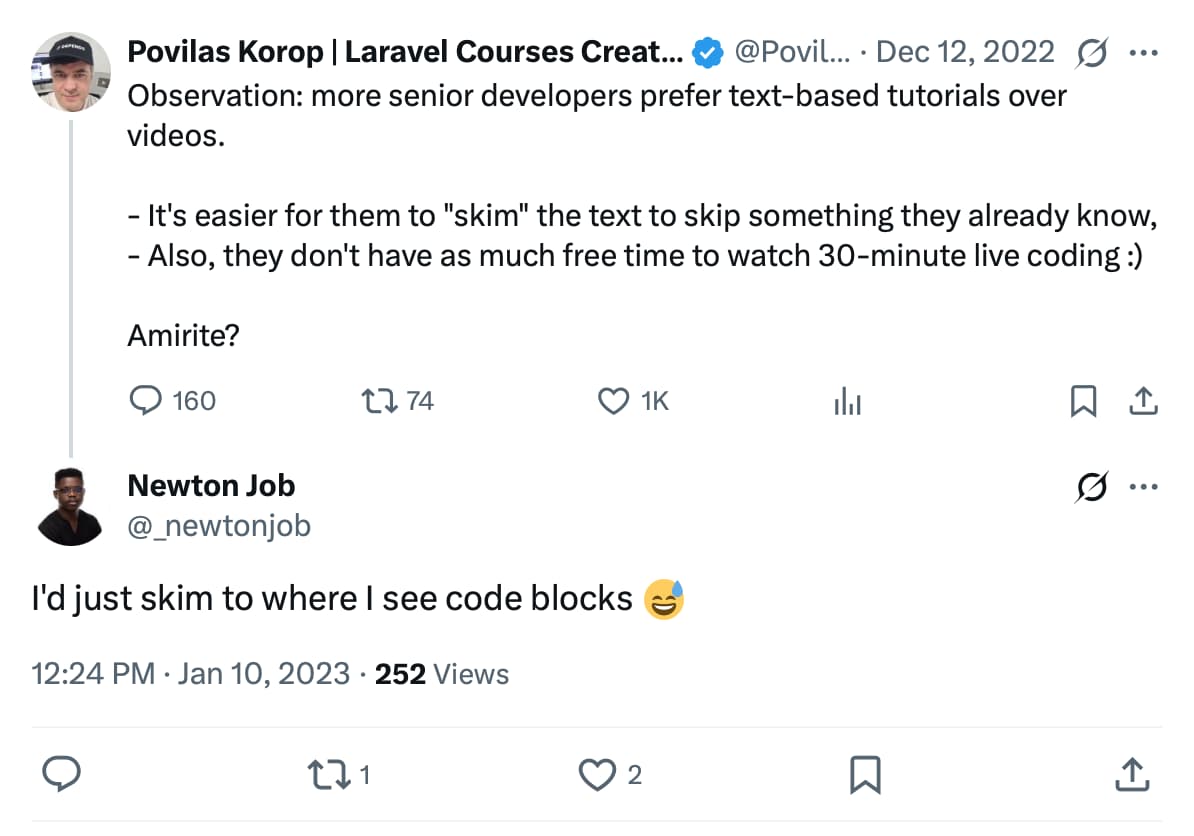
Developers (and AI) prefer syntax to walls of text. Mintlify is built around this truth. Our code blocks already support line focusing to draw attention to critical information and visual diff to make changes crystal clear.
Starting today, your code blocks get even better. We're introducing custom Shiki themes for on-brand syntax highlighting, Twoslash for IDE-style type information on hover, and Ask AI for instant code explanations without having to copy-paste.
More developers are learning new coding techniques from AI-enabled tools today. Instead of pushing users to external AI chatbots, keeping queries embedded within documentation improves AI search optimization and developer engagement.
Our AI Assistant is a developer favorite for that reason. We use it in our own documentation; it’s often brought up as a stand-out in our developer experience that helps users get started faster.
If you have a Pro+ Mintlify plan, the assistant is automatically enabled in code blocks.
Clicking the shortcut gets the assistant to explain a code snippet without any copy and pasting, so if you don't fully understand the syntax, you can press the “Ask AI” button to get a quick explanation.
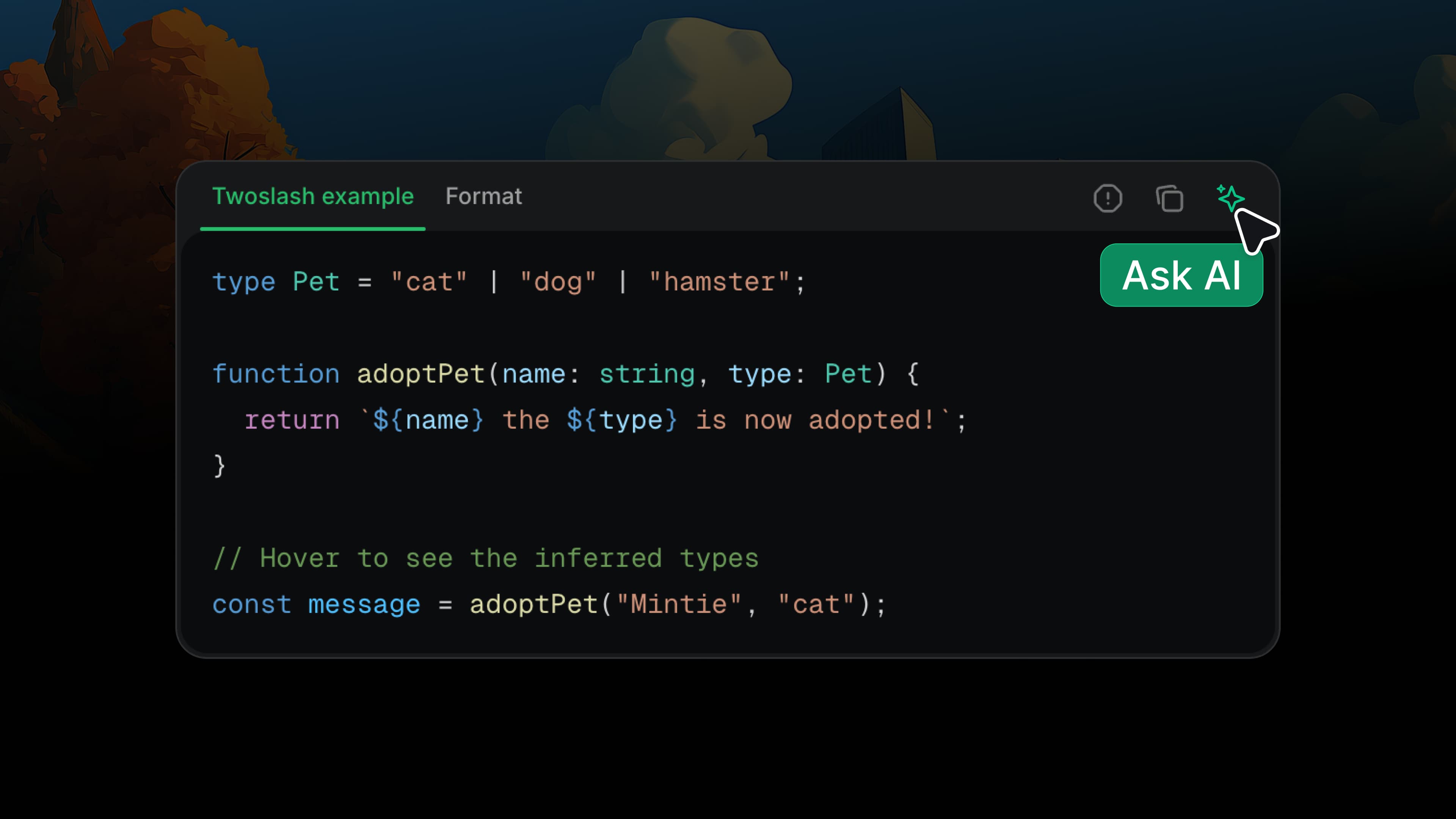
When I asked our internal engineering team, they unanimously praised the feature for its convenience and speed.
Unlike AI agents, human developers read documentation with their eyes, so visual presentation matters. Theming your code blocks to match your brand colors creates a cohesive experience that feels polished and professional.
Mintlify now supports the entire Shiki theme library, making it easy to customize code blocks beyond just light and dark mode with themes like Dracula, Everforest, GitHub Dark, Monokai, and Nord.
What differentiates Shiki from other syntax highlighting packages is its use of TextMate grammars, the same technology that powers VS Code and Cursor, the most commonly used IDE. This means you have the same level of customization control over your documentation's code blocks as developers have over their IDEs. You can match your brand colors, create consistent visual experiences across your docs, or mirror popular IDE themes that your developer audience already knows and loves.
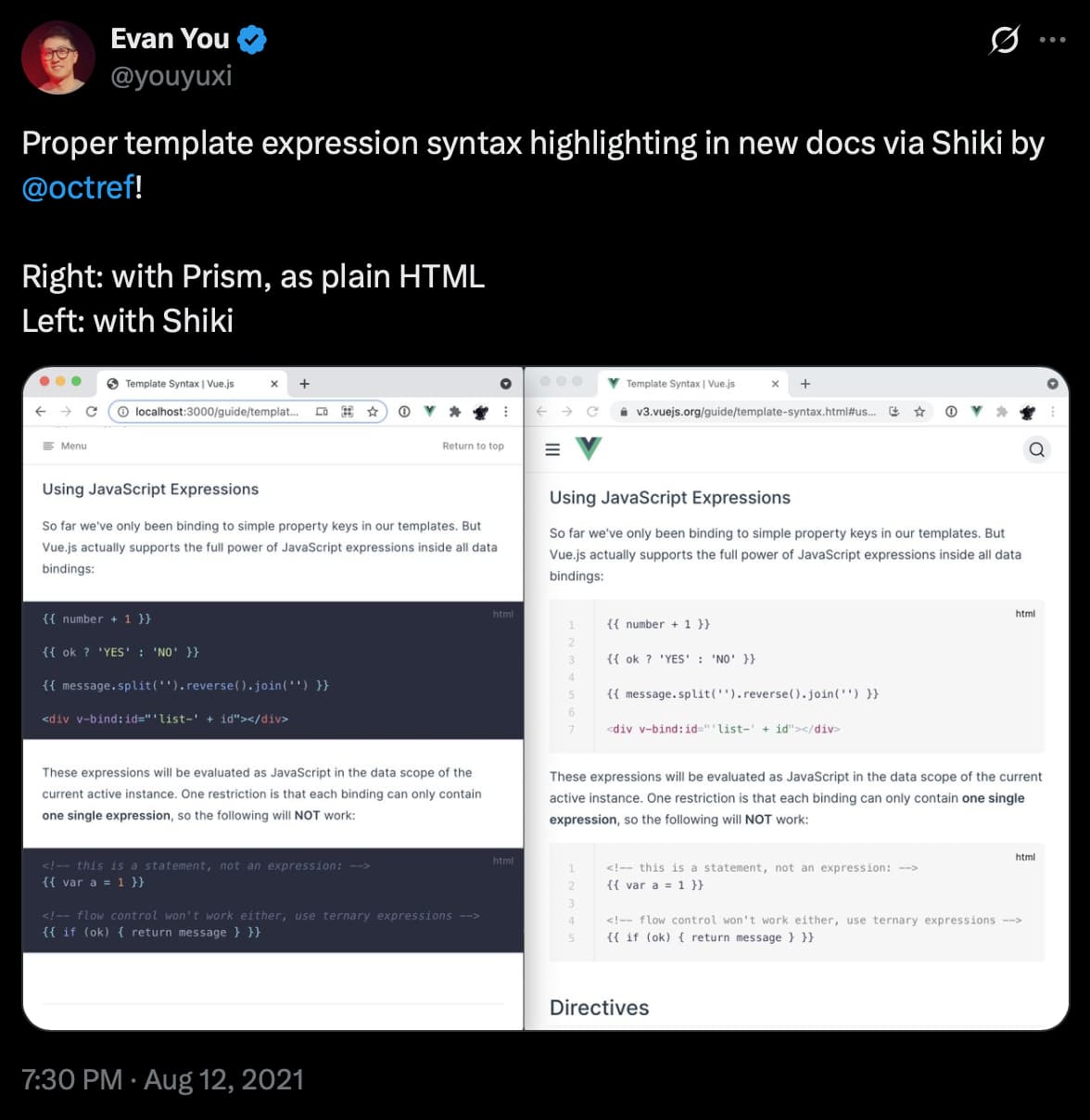
Shiki was created in 2018 by Pine Wu on the VS Code team at Microsoft. It started as an experiment to use VS Code's syntax engine, TextMate grammars with Oniguruma, at build time instead of in the browser.
There was clear demand for IDE-like syntax highlighting in the browser with no JavaScript overhead. Since 2020, Shiki has grown from 5,000 to 15,000,000 weekly downloads.
Read our docs for more on how to enable custom Shiki themes. It’s a simple configuration using styling.codeblocks in your docs.json. You can see here that we’ve added the Shiki theme everforest-dark in the code block below.
We don’t ignore any light mode enjoyers out here. Shiki gives you the flexibility to switch between dark or light themes. everforest-light , used below, is the inverse of the theme I chose above.
{
  "styling": {
    "codeblocks": {
      "themes": {
        "light": "everforest-light",
        "dark": "everforest-dark"
      }
    }
  }
}
Beautiful syntax highlighting is just the beginning. The real magic happens when your code blocks become interactive.
Twoslash brings IDE-quality type inspection right into your documentation. You can hover over variables, functions, and parameters to see inferred types or catch errors the way you would in VS Code.
Developers love it because it brings the familiarity of their IDE into documentation. It's especially helpful for TypeScript projects where understanding complex types is crucial.
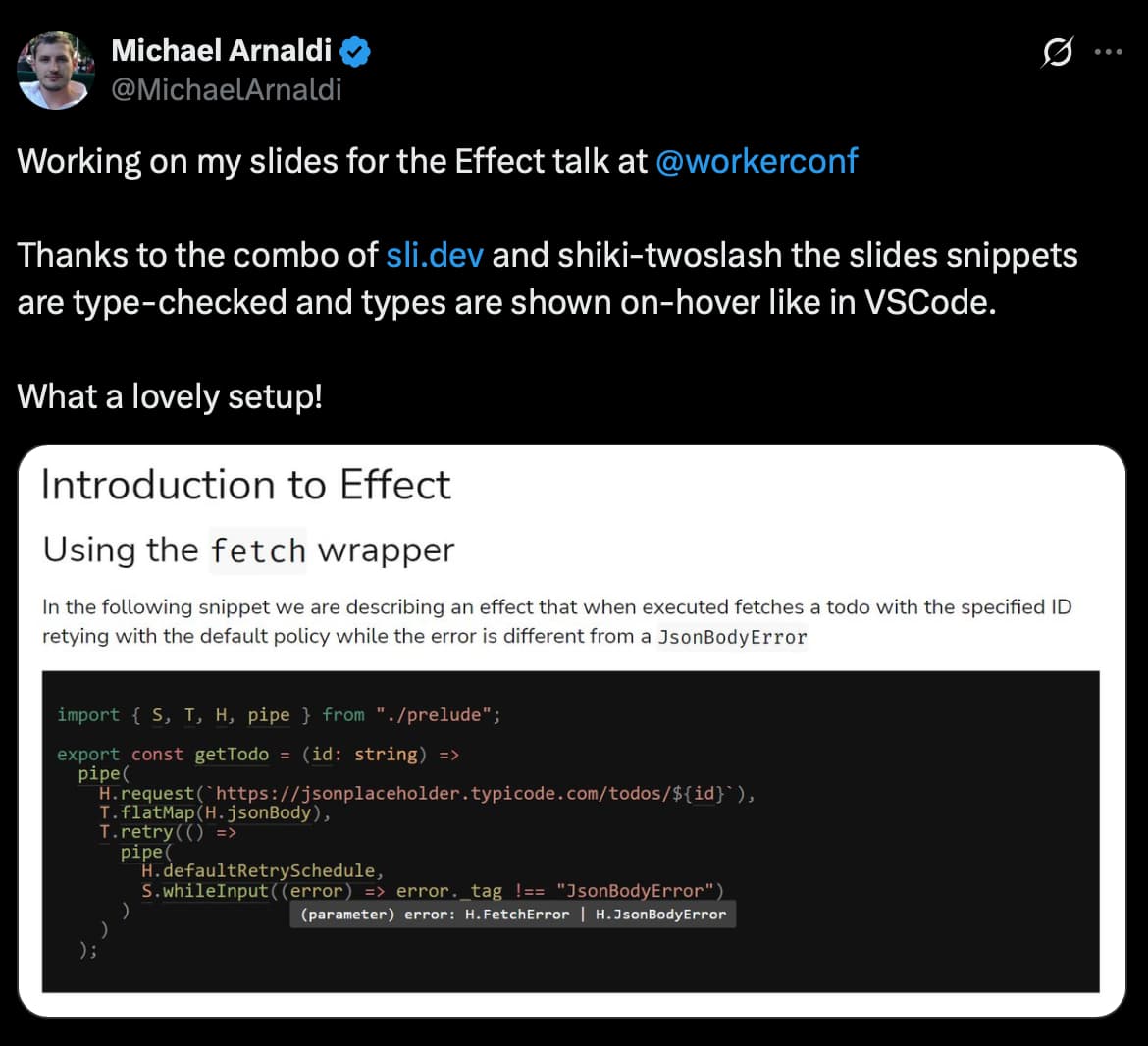
TypeScript's 2020 handbook redesign introduced Twoslash, seeding its growth. Adoption has accelerated since, with notable projects like Effect integrating it into their documentation more recently.
Try hovering over Sponge in the code block below for a live preview of what Twoslash looks like and experience the magic yourself!
function flipPatties(sponge: Sponge) {
  console.log(`${sponge.name} is ready! 🍔`);
}
Good documentation is centered around thoughtful design, functionality, and IDE-adjacent features.
These new improvements extend our existing code block customizability options, including:
The bar is rising for good documentation and there’s a growing emphasis on code blocks that are less static and easier to maintain.
We'll keep an eye out on more projects building on code block interactivity. See something interesting? Tag us on X @mintlify with your ideas!
此内容由惯性聚合(RSS阅读器)自动聚合整理,仅供阅读参考。 原文来自 — 版权归原作者所有。