


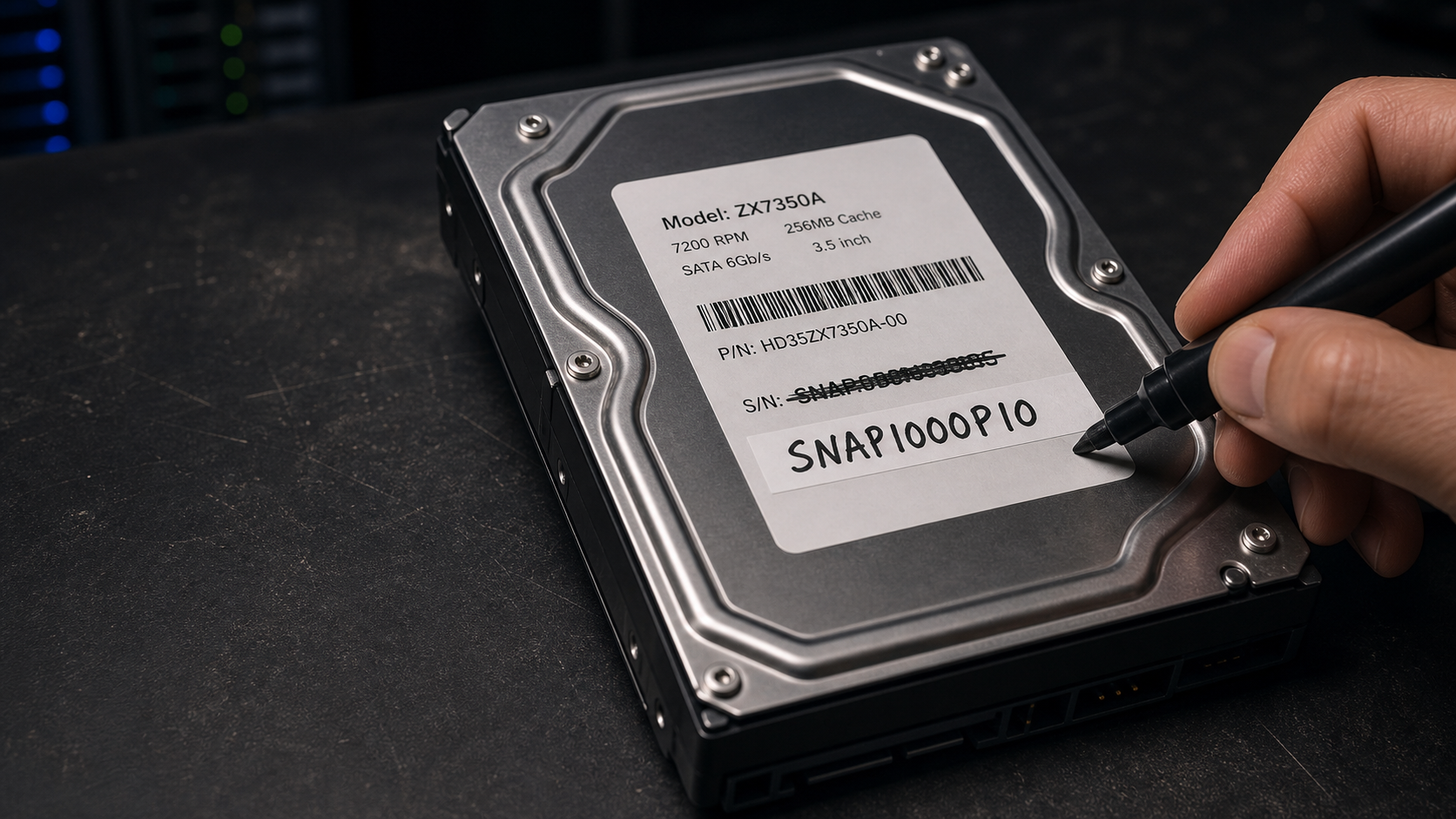
Whilst prepping for Perfect Media Server Part 3, I needed to conduct some testing with a Proxmox VM and make fake QEMU disks attached via SCSI look real to inxi -xD.
The problem was that inxi kept showing generic QEMU HARDDISK. Fine, but not what I wanted when filming a video about how to identify physical disks and map them to your fstab file. I had hoped I could make it feel a bit more real in the video without having to drag a ton of old physical disks out of storage.
root@proxtest:~# inxi -xD
Drives:
  Local Storage: total: 240 GiB lvm-free: 16 GiB used: 5.71 GiB (2.4%)
  ID-1: /dev/sda vendor: QEMU model: HARDDISK size: 10 GiB
  ID-2: /dev/sdb vendor: QEMU model: HARDDISK size: 8 GiB
  ID-3: /dev/sdc vendor: QEMU model: HARDDISK size: 5 GiB
  ID-4: /dev/sdd vendor: QEMU model: HARDDISK size: 7 GiB
  ID-5: /dev/sde vendor: QEMU model: HARDDISK size: 10 GiB
Unfortunately, setting the serial= parameter had no effect. Which led me to do a deepdive on the fields that Proxmox SCSI disks support:
vendor
product
serial
wwn
The useful ones for inxi -xD are vendor and product.
Here is one example:
qm set 1000 \
  --scsi0 local-lvm:vm-1000-disk-2,discard=on,iothread=1,product=WD10EZEX-D10A,serial=SNAP1000D10A,size=10G,vendor=WDC,wwn=0x5000100001001000
I did that for each fake disk. Then after a full VM stop and start, inxi -xD showed me what I wanted. Pretty convincing at first glance, wouldn't you say? Perfect for my needs tonight.
ID-1: /dev/sda vendor: Western Digital model: WD10EZEX-D10A size: 10 GiB
ID-2: /dev/sdb vendor: HGST (Hitachi) model: HDN7280D08 size: 8 GiB
ID-3: /dev/sdc vendor: Crucial model: CT500MX500D05 size: 5 GiB
ID-4: /dev/sdd vendor: Seagate model: ST7000VN-D07 size: 7 GiB
ID-5: /dev/sde vendor: Western Digital model: WD10PURX-P10 size: 10 GiB
A couple of small gotchas, you can only set the values to a max:
vendor  = max 8 bytes
product = max 16 bytes
serial  = max 20 bytes
wwn     = 0x plus 16 hex digits
Also, vendor=WDC shows up as Western Digital in inxi because it normalizes some short hardware vendor codes into friendly names. WDC is the common vendor string for Western Digital disks. Linux sees the SCSI vendor as WDC, but inxi maps that to Western Digital for display.
Hope you found this little tip useful.