







Fair warning: this is mostly a rant. This rant was mostly inspired by discussions about whether it is safe to remove a thumb drive without ejecting it from the computer, and from a wonderful article about mirroring boot devices in FreeNAS.
The non-rant version is: mirror your FreeNAS boot device, back up the configuration often, and if possible don’t use thumb drives (at least not primarily). There is some practical, non-ranty advice at the end.
You have been warned.
I have worked on filesystems, on and off, for some decades. This has also meant that I have had to deal with all sorts of storage media, and the primary lesson I’ve learned after 20 years is: ALL STORAGE MEDIA ARE HORRIBLE. They’re slow or expensive or both; they change data randomly; they stop working the moment you NEED the data on them; none of them have the lifespan of a gnat flying through an asbestos-laced cloud of chlorine gas.
Most of the advances in storage technology have been working around all of those horrors. RAID, for example, exists so that some of your hard drives can explode in a tiff, and you’ll still be able to get at your data. If you’re using FreeNAS, then you hopefully have your data pool set up with some redundancy (mirroring, for the various levels of RAID, or both).
Unfortunately for us at iXsystems, most FreeNAS users use consumer-grade thumb drives as their boot medium. And of all the horrible storage media out there, thumb drives are only better than SD and MMC cards. (Yes, some people use those. Please don’t. There is not enough beer in the world to drown our sorrows when we get bug reports from people using an MMC card as their boot device.) Thumb drives are the modern version of floppy drives. And like floppy drives, they are short-lived, slow, and prone to failure without telling you.
There are many reasons why they are so horrible. One big one is that many of them lie to you — I’ve bought name-brand thumb drives that claimed to be 4GBytes but were only 128kbytes. (This happens due to factory employees making some extra money: they’ll run the machinery after hours, using rejected parts; sometimes, they’ll throw in some firmware that treats the data as a ring buffer, so you’ll write 4Gbytes out, but in doing so will have over-written the contents many times.)
Another reason they will fail on you just when you’ve configured your system the way you like has to do with the tragic melting point of economics and NAND design. NAND, as most people know by now, has a limited lifetime — you can only write to each cell a certain number of times. Each write to it (and, to a lesser degree, each *read*) decreases the lifespan. So NAND-based storage devices have to have spare cells, and remap.
On a good SSD, for example, there might be as much as 10% in spare cells, and every write of a block gets remapped to a new one.
But thumb drives are *cheap*. So they have far fewer spare cells. (In some distressing cases, none — resulting in a thumb drive that can fail after just a couple of days.) The cheaper (and smaller) the thumb drive, the fewer spare cells it is likely to have, and the shorter lifespan.
But thumb drives are also *slow*. And this is because NAND is slow — SSDs are fast primarily because they internally use striping. Reading from one cell may be slow, but you can read from 64 of them at nearly the same time, and get a lot of data throughput. But thumb drives, being small and cheap, don’t have many NAND cells, so performance is hindered. (This is part of the reason a thumb drive may get very high read speeds, but writing may be only a trickle by comparison.)
“But how can I rest easy?” you ask plaintively. And I can help! (This is the practical advice mentioned above.)
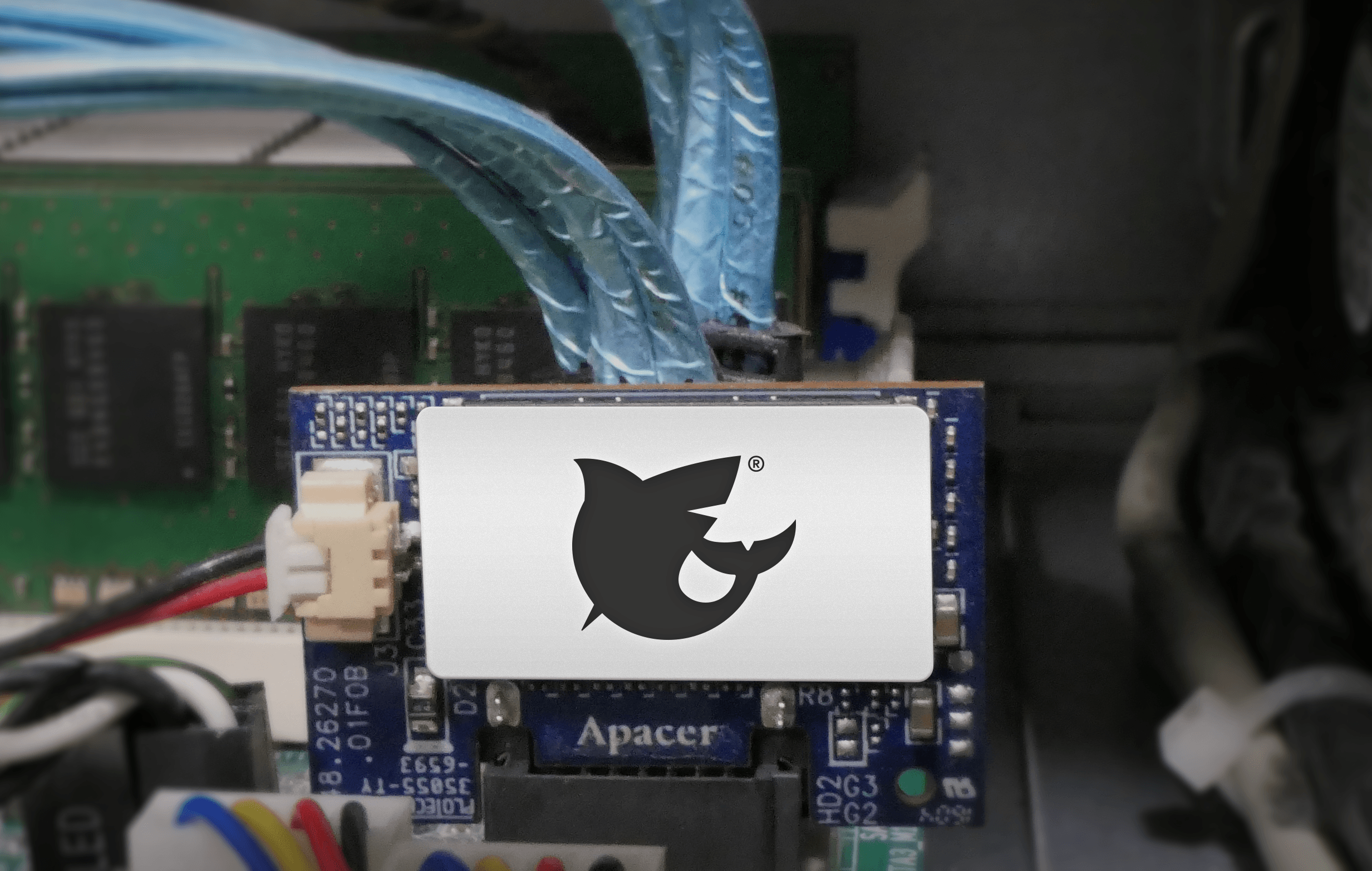
We, at iXsystems, advise using SATA-DOMs for booting, if you can. They are a reasonable trade-off between thumb drives and a full SSD — they typically have a smaller size than an SSD, but more redundancy and parallelism than a thumb drive.
We also strongly advice mirroring your boot device. On a FreeNAS Mini, for example, you can mirror the SATA-DOM with a thumb drive. But check the periodic scrub reports for the boot pool whenever they happen — that’ll show any errors.
But you can also do more than that! For one thing, you can have a mirror with more than two devices — the SATA-DOM being the primary boot device, and two (or even more) thumb drives for mirroring.
You can also be pro-active: every month, get a new thumb drive, add it as a mirror, and then remove the previous thumb drive. (This also gives you a backup of your boot device!)
There is a big caveat with that, unfortunately: every thumb drive has a different size. Yes, sometimes even the same brand from the same manufacturer will have a different amount of bytes for a 16G thumb drive. And this can cause problems when setting up mirrors. (Some of this is my fault, and I apologize.) At this point, the best advice I have to avoid this is to manually set up the mirroring, by manually partitioning the thumb drive, and then attaching it to one of the existing boot devices from the command line.
I have one system where I installed an SSD to act as a cache device for my data pool, but I manually partitioned it so that I had a second ZFS partition on it, which I use to mirror the boot device (a SATA-DOM). This won’t help booting if the SATA-DOM dies, but it does mean that in that case, I have an up-to-date instance of my configuration, and can relatively easily get back up and running.
In conclusion: storage devices, *all of them*, are out to ruin your life. Never trust any of them, and plan for at least one failure at a critical moment.
Sean Fagan, Senior Software Engineer
此内容由惯性聚合(RSS阅读器)自动聚合整理,仅供阅读参考。 原文来自 — 版权归原作者所有。