








本文内容:
- 使用Docker部署RustDesk中续
- 解决阿里云上docker-compose的依赖版本问题
- 切换网站框架为为vuepress
在服务器上使用Docker部署RustDesk中续
由于我有两台电脑,虽然日常都是通过tailscale穿透后ssh连接,但是总还是偶有需要远程操控的地方。很显然RustDesk提供的服务器就亚洲而言延迟有点高了,因此自己动手部署一个中续服务器。依然在是前文提到的阿里云香港轻量应用服务器,Ubuntu 22.04上部署。
安装Docker
虽然可以选择官方源进行安装.....但是当时用了阿里云镜像进行安装docker(埋坑了):
curl -fsSL https://mirrors.aliyun.com/docker-ce/linux/ubuntu/gpg | apt-key add -
add-apt-repository "deb [arch=amd64] https://mirrors.aliyun.com/docker-ce/linux/ubuntu $(lsb_release -cs) stable"
apt-get update
apt-get install docker-ce docker-ce-cli containerd.io docker-compose由于我直接用的root用户登录所以并没加sudo。随后找一个你喜欢的地方创建RustDesk的docker-compose.yml文件吧,此处文件参照官方文档:
version: '3'

networks:
  rustdesk-net:
    external: false

services:
  hbbs:
    container_name: hbbs
    ports:
      - 21115:21115
      - 21116:21116
      - 21116:21116/udp
    image: rustdesk/rustdesk-server:latest
    command: hbbs -r <Your IP>:21117 -k _
    volumes:
      - ./data:/root
    networks:
      - rustdesk-net
    depends_on:
      - hbbr
    restart: unless-stopped
    deploy:
      resources:
        limits:
          memory: 64M

  hbbr:
    container_name: hbbr
    ports:
      - 21117:21117
    image: rustdesk/rustdesk-server:latest
    command: hbbr -k _
    volumes:
      - ./data:/root
    networks:
      - rustdesk-net
    restart: unless-stopped
    deploy:
      resources:
        limits:
          memory: 64M
此处我添加了
-k _以阻止没加密key的用户进行连接
随后cd到响应的地方,docker-compose up -d就可以用了....?
解决依赖问题
随后立即就得到一堆报错,其中最为关键的几处报错为:
TypeError: request() got an unexpected keyword argument 'chunked'
docker.errors.DockerException: Error while fetching server API version: request() got an unexpected keyword argument 'chunked'随后搜索定位到为这个issue中提到过,原因为pip包requests更新导致的接口变化,后续版本有修复。查看服务器上的docker-compose版本为1.29.2-1.....(是不是有点过于旧了),考虑别的地方暂时也没使用requests,将其降级草草解决问题:
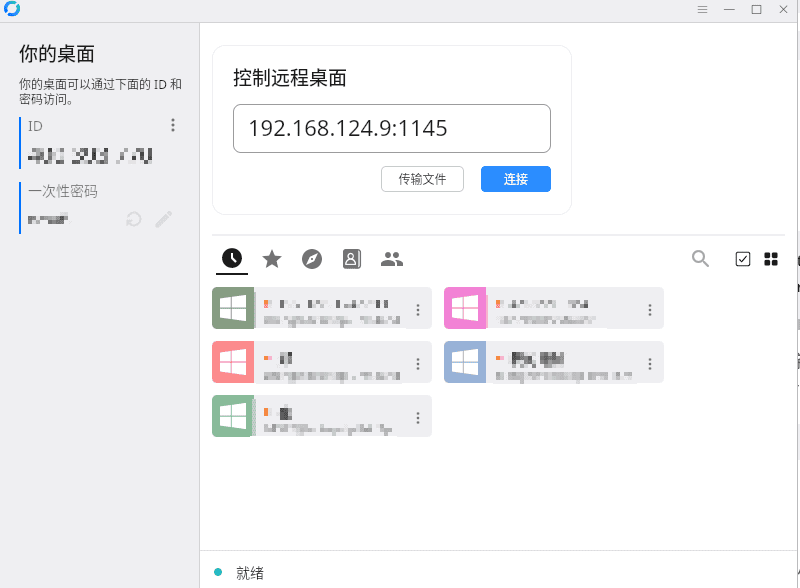
pip install requests<2.2.29随后再重新启动,这次一切正常了。在RustDesk中填入中续服务器的ip以及id_ed25519.pub作为密匙就好了。
将网页从pelican切换为vuepress
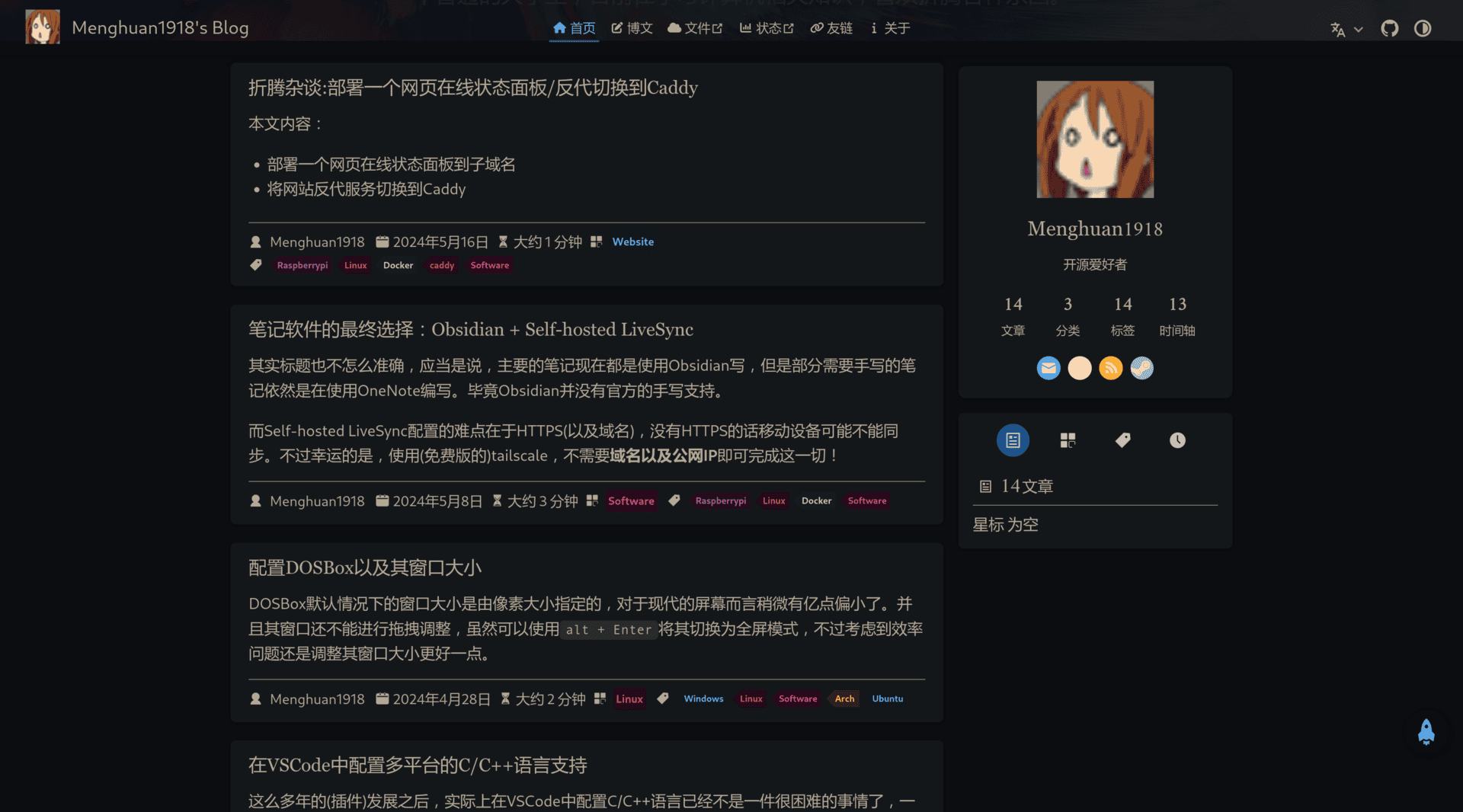
考虑到前者对markdown的支持实在是有点过于折腾,花了两个多小时切换到了vuepress。效果相当的好!由于两者都是以Markdown为基础,所以迁移过程无非就是改了改配置文件就完了。
除了首页的图标
heroImage貌似只能读取svg文件以外...最开始尝试的png图片,老是报错还以为是路径。
改进的更新脚本
随着写的文章多起来了(指加上这篇水文也才4篇),开始有往文章里面插入图片的需求了。于是在原先的更新脚本中插入了一个对特定文件夹图片进行压缩的脚本。
对这个文件夹中所有文件进行遍历,如有.done结尾的标示文件则代表已经被压缩,如没有则压缩并标记。