


惯性聚合 高效追踪和阅读你感兴趣的博客、新闻、科技资讯
阅读原文 在惯性聚合中打开

推荐订阅源

cs.AI updates on arXiv.org
C
CERT Recently Published Vulnerability Notes
C
Cybersecurity and Infrastructure Security Agency CISA
P
Proofpoint News Feed
Security Latest
Security Latest
P
Privacy International News Feed
Threat Intelligence Blog | Flashpoint
AI
AI
Cisco Talos Blog
Cisco Talos Blog
K
Kaspersky official blog
S
Secure Thoughts
PCI Perspectives
PCI Perspectives
Simon Willison's Weblog
D
DataBreaches.Net
GbyAI
GbyAI
让小产品的独立变现更简单 - ezindie.com
大猫的无限游戏
大猫的无限游戏
T
Tailwind CSS Blog
The Cloudflare Blog
阮一峰的网络日志
阮一峰的网络日志
CTFtime.org: upcoming CTF events
罗磊的独立博客
V
Visual Studio Blog
aimingoo的专栏
aimingoo的专栏
H
Hackread – Cybersecurity News, Data Breaches, AI and More
IT之家
IT之家
V
V2EX
Last Week in AI
Last Week in AI
有赞技术团队
有赞技术团队
月光博客
月光博客
酷 壳 – CoolShell
酷 壳 – CoolShell
T
Tenable Blog
T
Threat Research - Cisco Blogs
T
Troy Hunt's Blog
V2EX - 技术
V2EX - 技术
S
Security @ Cisco Blogs
Security Archives - TechRepublic
Project Zero
Project Zero
The GitHub Blog
The GitHub Blog
Recent Commits to openclaw:main
L
Lohrmann on Cybersecurity
F
Full Disclosure
H
Help Net Security
博客园 - Franky
Stack Overflow Blog
Stack Overflow Blog
N
Netflix TechBlog - Medium
Engineering at Meta
Engineering at Meta
A
Arctic Wolf
O
OpenAI News
S
Securelist

多星宇博客

免费获取Gemini 3.1Pro会员一年专用 使用AI做想要的图脚本 Clawdbot才学会安装,大厂的一键安装就来了~ 拒绝订阅费!手把手教你在 CodeBuddy 中部署私有化 TTS Skill 网站被“红色警告”?别慌,3步教你满血复活! 最终还是落后了,尽然没看懂Skills是什么? 阿里这次太“老实”了:图、视频生成全免费,先用再说 年底了,赶快把移动/联通/电信积分兑换了~ 超方便!有苹果手机的福利,利用 iPhone自动解锁加密的Windows电脑
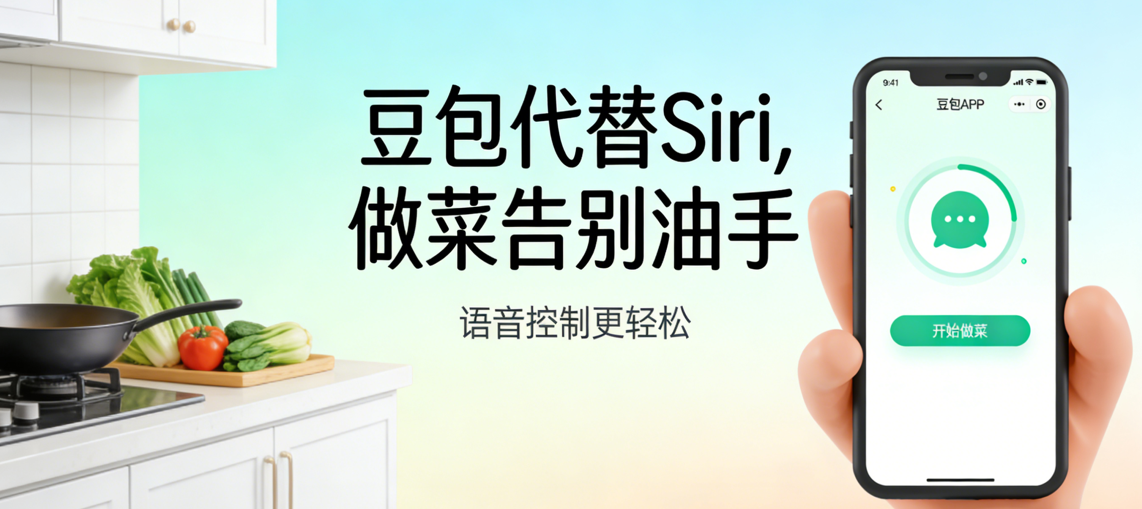
明明是做菜神器,却要脏手碰手机?教你1步把Siri换成豆包
星河 · 2026-02-28 · via 多星宇博客

ScreenShot_2026-02-28_100509_661.png最近,多星宇博主(www.0731119.xyz)发现一个事,跟着豆包学做菜明明是件省心的事,却藏着一个格外别扭的小麻烦——每次操作都得用沾着油污的手去触碰手机屏幕,才能打开豆包询问教程,不仅容易弄脏屏幕,忙起来的时候还特别耽误事。

其实也不是什么大问题,但对于爱折腾、追求便捷的我来说,这种“明明能更顺手”的落差,实在让人在意。昨天做完饭后,我没忙着收拾厨房,反倒钻了牛角尖:既然Siri能随时唤醒,能不能把它改成豆包,不用碰屏幕就能直接问教程?

抱着试试看的心态,我研究了一下,没想到还真的用快捷指令搞定了这个难题。

下面就把具体步骤分享给大家,以后做菜再也不用脏手碰手机,喊一声就能唤醒“专属豆包”~

第一步:打开快捷指令

第二步:添加快捷指令,并搜索“豆包”

第三步:添加“和豆包语音通话”

第四步:在搜索框中在添加一个打开app-豆包即可。

晒一下完整的“快捷指令”

写在最后:快捷键指令的名字就是你呼唤siri后需要说的,语音呼叫的格式就是,嘿,siri+(快捷指令名字)#Siri快捷指令#​ #豆包实用技巧#​ #做菜神器#​ #手机便捷操作#​