










- Published on
- Authors

- Name
- Homing So
效果 🔅
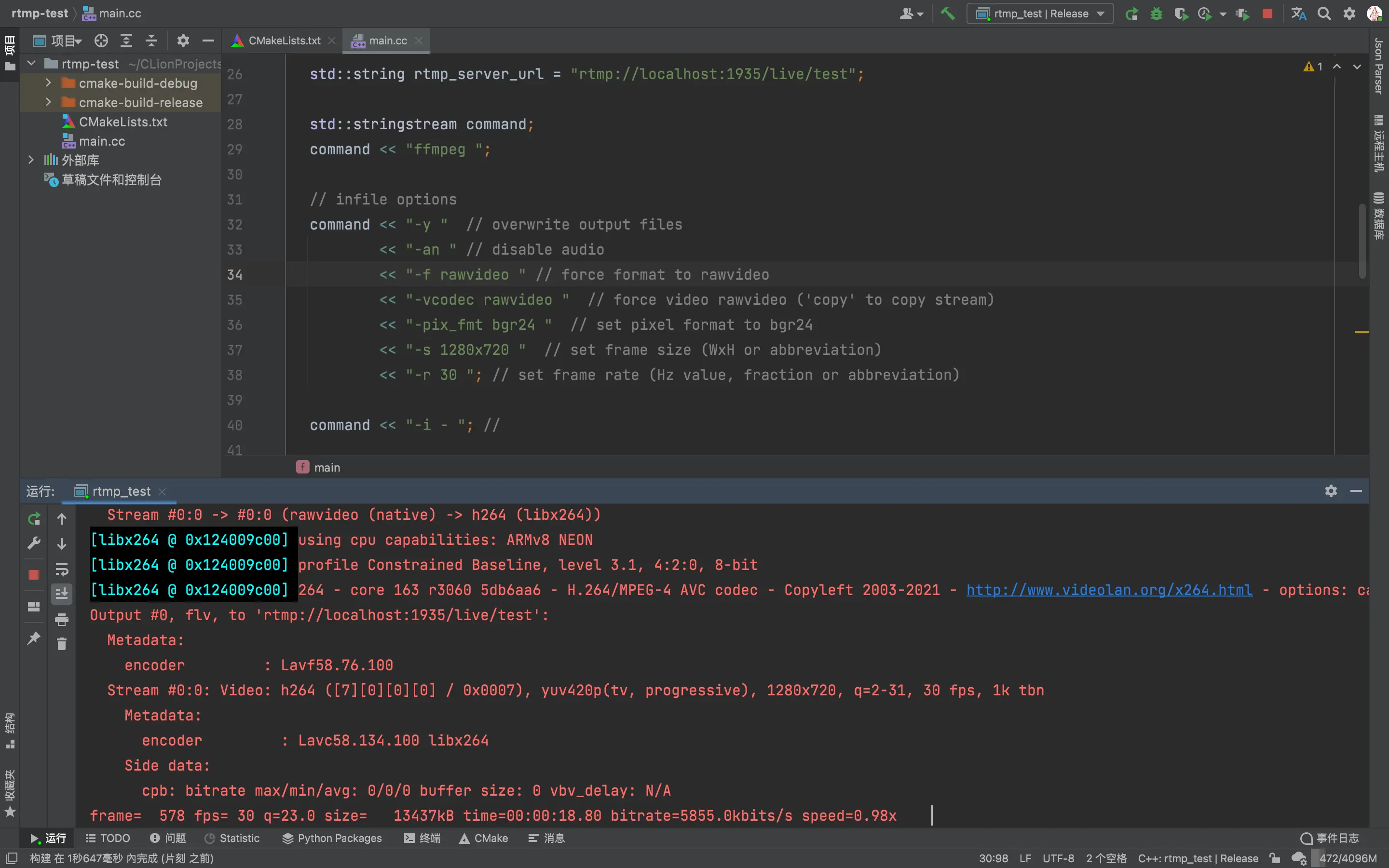
Clion 中演示的效果
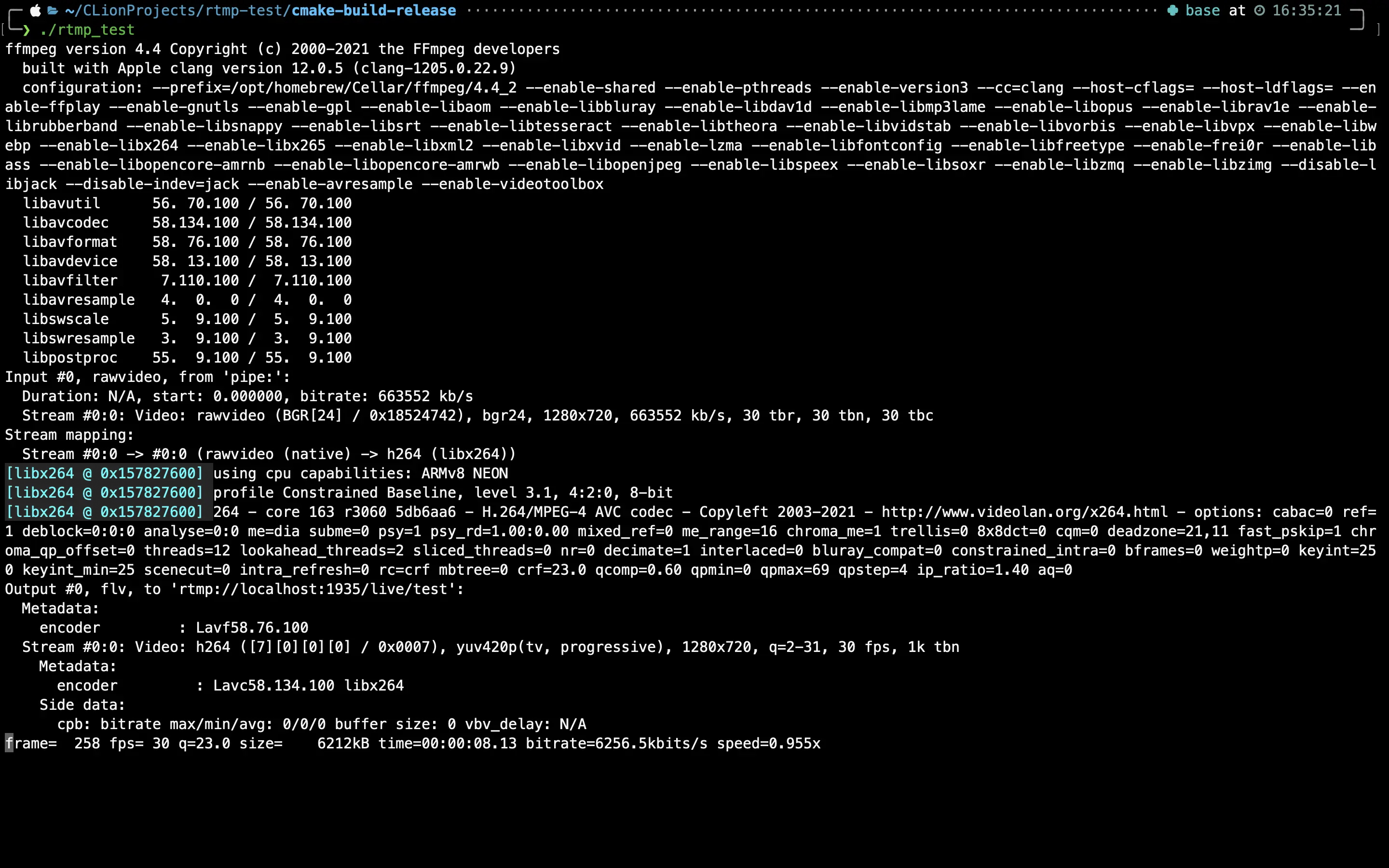
终端中运行也没有问题
思路 💡
通过 fork 一个子进程来调用 ffmpeg 进行推流, 视频帧通过 opencv 来获取, 通过管道传输到子进程, 实现推流
代码 🔨
需要注意的是, 机器上要先安装 ffmpeg, 其次视频的帧率一定要匹配, 否则会出现莫名其妙的问题
#include <csignal>

#include <iostream>

#include <opencv4/opencv2/opencv.hpp>

bool is_running = true;

void on_signal(int) {
  is_running = false;
}

int main() {
  signal(SIGINT, on_signal);
  signal(SIGQUIT, on_signal);
  signal(SIGTERM, on_signal);

  cv::VideoCapture capture(0);
  if (!capture.isOpened()) {
    std::cerr << "Failed to open camera." << std::endl;
    return EXIT_FAILURE;
  }
  capture.set(cv::CAP_PROP_FRAME_WIDTH, 1280);
  capture.set(cv::CAP_PROP_FRAME_HEIGHT, 720);

  std::string rtmp_server_url = "rtmp://localhost:1935/live/test";

  std::stringstream command;
  command << "ffmpeg ";

  // infile options
  command << "-y "  // overwrite output files
          << "-an " // disable audio
          << "-f rawvideo " // force format to rawvideo
          << "-vcodec rawvideo "  // force video rawvideo ('copy' to copy stream)
          << "-pix_fmt bgr24 "  // set pixel format to bgr24
          << "-s 1280x720 "  // set frame size (WxH or abbreviation)
          << "-r 30 "; // set frame rate (Hz value, fraction or abbreviation)

  command << "-i - "; //

  // outfile options
  command << "-c:v libx264 "  // Hyper fast Audio and Video encoder
          << "-pix_fmt yuv420p "  // set pixel format to yuv420p
          << "-preset ultrafast " // set the libx264 encoding preset to ultrafast
          << "-f flv " // force format to flv
          << rtmp_server_url;

  cv::Mat frame;

  FILE *fp = nullptr;
  fp = popen(command.str().c_str(), "w");

  if (fp != nullptr) {
    while (is_running) {
      capture >> frame;
      if (frame.empty()) {
        continue;
      }

      fwrite(frame.data, sizeof(char), frame.total() * frame.elemSize(), fp);
    }
    pclose(fp);
    return EXIT_SUCCESS;
  } else {
    return EXIT_FAILURE;
  }
}
cmake_minimum_required(VERSION 3.20)
project(rtmp_test)

set(CMAKE_CXX_STANDARD 20)

find_package(OpenCV REQUIRED)
include_directories(${OpenCV_INCLUDE_DIRS})

if (CMAKE_BUILD_TYPE STREQUAL Debug)
    ADD_DEFINITIONS(-DDEBUG)
    message(STATUS "CMake Build Type: Debug")
    message("")
elseif (CMAKE_BUILD_TYPE STREQUAL Release)
    message(STATUS "CMake Build Type: Release")
    message("")
endif ()

file(GLOB ProjectSRC
        "*.cc")

add_executable(${PROJECT_NAME} ${ProjectSRC})
target_link_libraries(${PROJECT_NAME} ${OpenCV_LIBS})