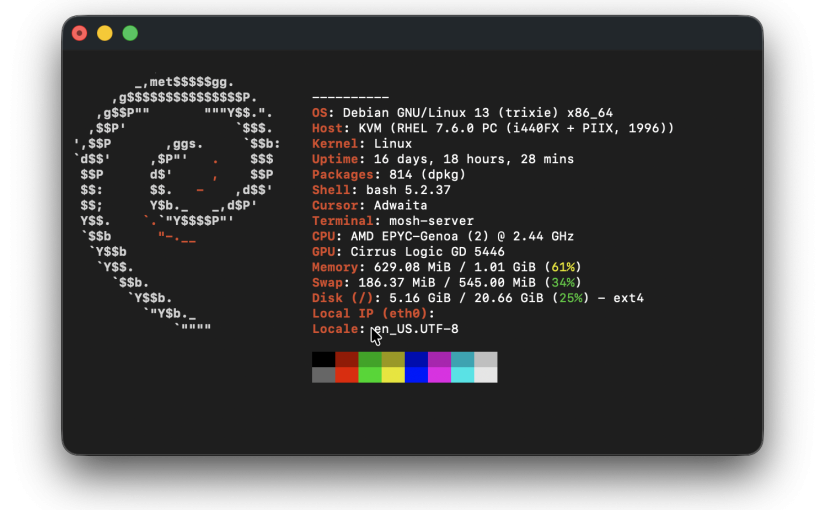
由于AI的关系,最近各种漏洞满天飞,但又无能为力,唯一能做就是利用 AI 做些以前做起来非常费劲的安全措施了
在 Debian/Ubuntu 系统中,使用 unattended-upgrades 工具可以实现仅自动安装安全更新,这是官方推荐的标准方案(来自AI整理)
- 自动安装安全更新
- 普通功能更新仍然手动
- 自动清理旧包
避免自动重启导致业务中断也没什么重要业务,就重启吧
Debian 自动更新其实由两部分组成:
| 组件 | 作用 |
|---|---|
| apt-daily.timer | 自动刷新软件源缓存 |
| apt-daily-upgrade.timer | 自动安装更新 |
| unattended-upgrades | 真正执行自动升级(核心包) |
| /etc/apt/apt.conf.d/ | 配置目录 |
第一步:安装与启用
大多数系统可能已安装,你可以通过以下命令确保安装并开启:
# 1. 安装工具
sudo apt update && sudo apt install unattended-upgrades -y

# 2. 启用自动更新(交互界面选 Yes)
sudo dpkg-reconfigure --priority=low unattended-upgrades
第二步:配置更新源(核心)
编辑配置文件,确保系统只从安全仓库拉取补丁。
sudo nano /etc/apt/apt.conf.d/50unattended-upgrades找到 Unattended-Upgrade::Allowed-Origins 部分,只保留 -security 这一行,其余带 -updates 的行请保持注释状态(行首有 //):
Unattended-Upgrade::Allowed-Origins {
    "${distro_id}:${distro_codename}-security";
    // "${distro_id}:${distro_codename}-updates";   // 必须注释,避免安装功能更新
    // "${distro_id}:${distro_codename}-backports";
};补充说明:Debian 系统有时会使用不同的匹配模式,如 origin=Debian,codename=${distro_codename},label=Debian-Security,原理相同,只启用 Security 相关条目即可。
不要开启:”${distro_id}:${distro_codename}”; 否则会自动安装普通更新。
第三步:设置执行频率
编辑自动升级任务文件:
sudo nano /etc/apt/apt.conf.d/20auto-upgrades确保或修改内容如下(1 代表每天执行):
APT::Periodic::Update-Package-Lists "1"; #每天更新软件列表
APT::Periodic::Download-Upgradeable-Packages "1";
APT::Periodic::Unattended-Upgrade "1"; #每天自动升级
APT::Periodic::AutocleanInterval "7";
第四步:可选的高级配置
如果希望内核更新后自动重启(慎重开启),可在 50unattended-upgrades 文件末尾添加:
Unattended-Upgrade::Automatic-Reboot "true"; #自动重启
Unattended-Upgrade::Automatic-Reboot-Time "02:00"; #重启时间
Unattended-Upgrade::Remove-Unused-Dependencies "true"; #自动清理旧包
Unattended-Upgrade::Remove-Unused-Kernel-Packages "true"; #自动清理旧 kernel
Unattended-Upgrade::SyslogEnable "true"; #开启日志,位置/var/log/unattended-upgrades/;unattended-upgrades.log;unattended-upgrades-dpkg.log
第五步:验证配置
运行试运行命令,检查系统是否会获取安全更新:
sudo unattended-upgrade --dry-run -d查看日志可确认运行状态:
sudo cat /var/log/unattended-upgrades/unattended-upgrades.log确认自动任务存在:
systemctl list-timers --all 'apt-daily*'
#应该看到:
# * apt-daily.timer
# * apt-daily-upgrade.timer