








Introduction
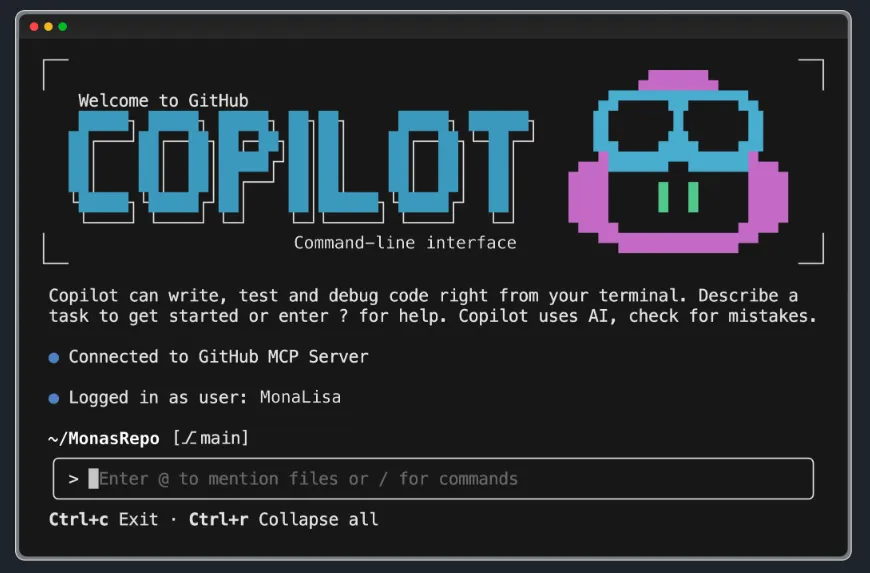
I’ve been using GitHub Copilot on and off to build a few small projects lately, and I’ve picked up quite a few lessons along the way. This post is a summary of that experience, written for anyone who’s exploring AI-assisted programming.
How It Started
As some of you know, I have a few annual goals I want to track — the problem was figuring out how to do it. So I decided to vibe code something myself, which became push.bboy.app. Another project of mine, cal.bboy.app, was also built entirely with Copilot.
Environment Isolation Matters
The first lesson I learned: write code inside a clean virtual machine or container. This keeps your local environment untouched and prevents project dependencies from polluting your host machine. Managing your own deployment also gives you better control over production security and makes rollbacks much easier when things go wrong.
My Development and Release Workflow
Define requirements → Write code → Create a version tag → CI pipeline builds a Docker image for that tag → Manually trigger the deploy pipeline
This workflow gives me clear control over every release. The manual deploy trigger is especially valuable — it lets you decide exactly when a new version goes live, giving you enough time to test before it reaches users.
For working on the go, I SSH into my server with Termius and use tmux to keep sessions alive, so a dropped connection never loses my work.
Think Like a Product Manager
This is the most important mindset shift: adding features is easy, cutting them is hard.
AI will happily pile on functionality if you let it. You have to keep asking yourself: is this feature actually necessary right now? Good enough is good enough — the real focus should be on refining details and ensuring code security. A stable, secure, and smooth product beats a feature-bloated one every time.
The Right Way to Work
Write the product document before writing any code. Think through the requirements first and get them down in writing. You can even have AI generate a first draft of the doc and revise it yourself. Then let AI produce a rough implementation and chisel it into shape from there.
Tackle one task at a time. Smaller scope means better quality control and easier debugging.
Testing is non-negotiable. Every new feature can introduce new bugs. Never assume existing functionality still works — run a full test pass every time.
On that note, I’ve come to believe that in the AI era, testing may now be more important than development itself. In the past, code quality was judged by how elegantly it was written. But when AI can generate the code, what truly measures a project’s health is the quality of its test suite. Solid test coverage gives you a safety net so you can confidently let AI modify, extend, and refactor, without worrying about something quietly breaking in the background.
Tips for Saving Tokens
If you use Copilot long enough, you’ll notice tokens disappear fast. Here are the habits that have helped me:
- Pick the right model: use lightweight models for simple tasks, reserve the powerful ones for complex work — no need to use the most expensive option every time
- Compress context: run
/compactmanually — I do it after completing each task - Clear when done: use
/clearto clean up context you no longer need - Reference files with
@: use@src/app.jsto pull in specific code snippets instead of stuffing the whole project into context - Pre-define your conventions: create
.github/copilot-instructions.mdin your project with coding standards, common commands, and project structure — this gives every conversation a stable foundation - Plan before you act: ask AI to lay out an execution plan first, confirm the direction is right, then move on to implementation
Do You Still Need to Know How to Code?
A lot of people ask this. My answer: yes, but differently.
You don’t need to memorize syntax — but you do need to act as the architect:
- Choose a tech stack and framework you’re familiar with
- Design the system architecture and module boundaries
- Define interfaces and data structures
- Review AI-generated code for correctness, security, and sanity
Hand the implementation details off to AI. Keep the thinking for yourself.
A Hard Lesson About Backups
Vibe coding is addictive — constantly iterating feels like leveling up in a game. That’s exactly when code backups become critical.
I once ran git filter-repo without properly scoping it, which wiped out everything in the repository except one specific set of files. I then force-pushed that to GitHub. The damage was nearly unrecoverable — I had to restore from a backup.
The lesson: always back up before any destructive git operation. Always. Always. Always.
Closing Thoughts
Vibe coding with GitHub Copilot genuinely improves productivity — but the tool is just the tool. Product thinking, security awareness, and clear requirements are what make a project succeed.
Stay focused on core functionality. Cut more than you add. Polish the details. Take security seriously. That’s the deepest lesson this whole experience has taught me.
Follow my blog at www.bboy.app
Have Fun