在前面两篇文档,在 Kubernetes 上动态创建 Jenkins Slave 和 Kubernetes 添加 Windows 节点提供 Jenkins 构建动态 Agent 的基础之上,本篇文档主要尝试在 Kubernetes 上动态提供 Windows 构建 Agent 。
1. 新增流水线
Kubernetes 与 Jenkins 集成部分可以参考上面的两篇文档,这里直接新建两条流水线进行测试。
- windows - jenkins 内置的流水线示例
 1
 2
 3
 4
 5
 6
 7
 8
 9
10
11
12
13
14
15
16
17
18
19
20
21
22
23
24
25
26
27
| /*
* Runs a build on a Windows pod.
* Tested in EKS: https://docs.aws.amazon.com/eks/latest/userguide/windows-support.html
*/
podTemplate(yaml: '''
apiVersion: v1
kind: Pod
spec:
containers:
- name: jnlp
image: jenkins/inbound-agent:windowsservercore-1809
- name: shell
image: mcr.microsoft.com/powershell:preview-windowsservercore-1809
command:
- powershell
args:
- Start-Sleep
- 999999
nodeSelector:
kubernetes.io/os: windows
''') {
node(POD_LABEL) {
container('shell') {
powershell 'Get-ChildItem Env: | Sort Name'
}
}
}
|
使用 dotnet 镜像进行构建
 1
 2
 3
 4
 5
 6
 7
 8
 9
10
11
12
13
14
15
16
17
18
19
20
21
22
23
24
25
26
27
28
29
30
31
| pipeline {
agent {
kubernetes {
yaml """
apiVersion: v1
kind: Pod
metadata:
name: windows
spec:
containers:
- name: jnlp
image: jenkins/inbound-agent:windowsservercore-1809
tty: true
- name: windows-dotnet
image: mcr.microsoft.com/dotnet/core/sdk:2.1
tty: true
nodeSelector:
kubernetes.io/os: windows
"""
}
}
stages {
stage('Run on windows') {
steps {
container(name:'windows-dotnet'){
bat 'dotnet -h'
}
}
}
}
}
|
2. 查看结果
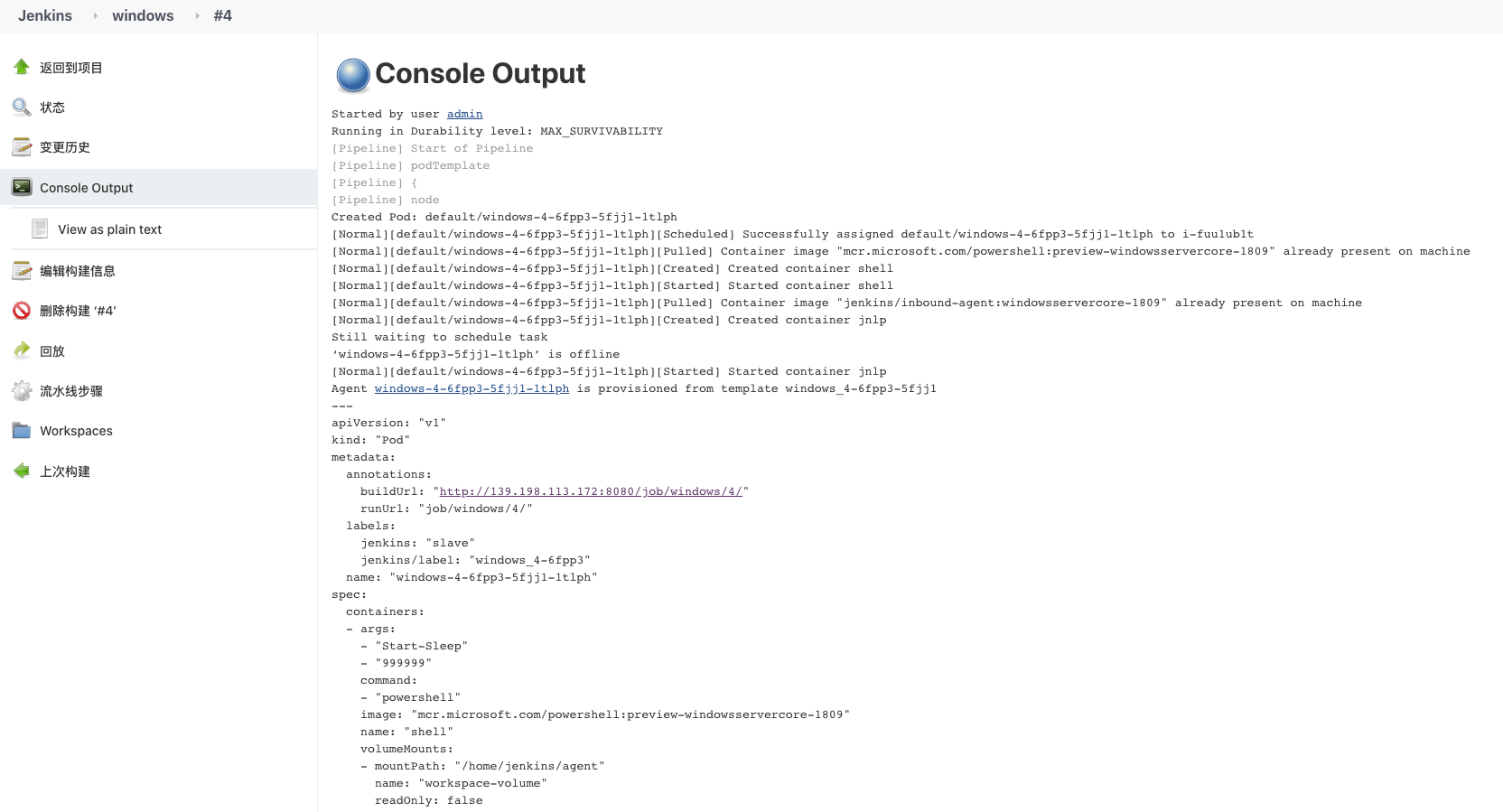
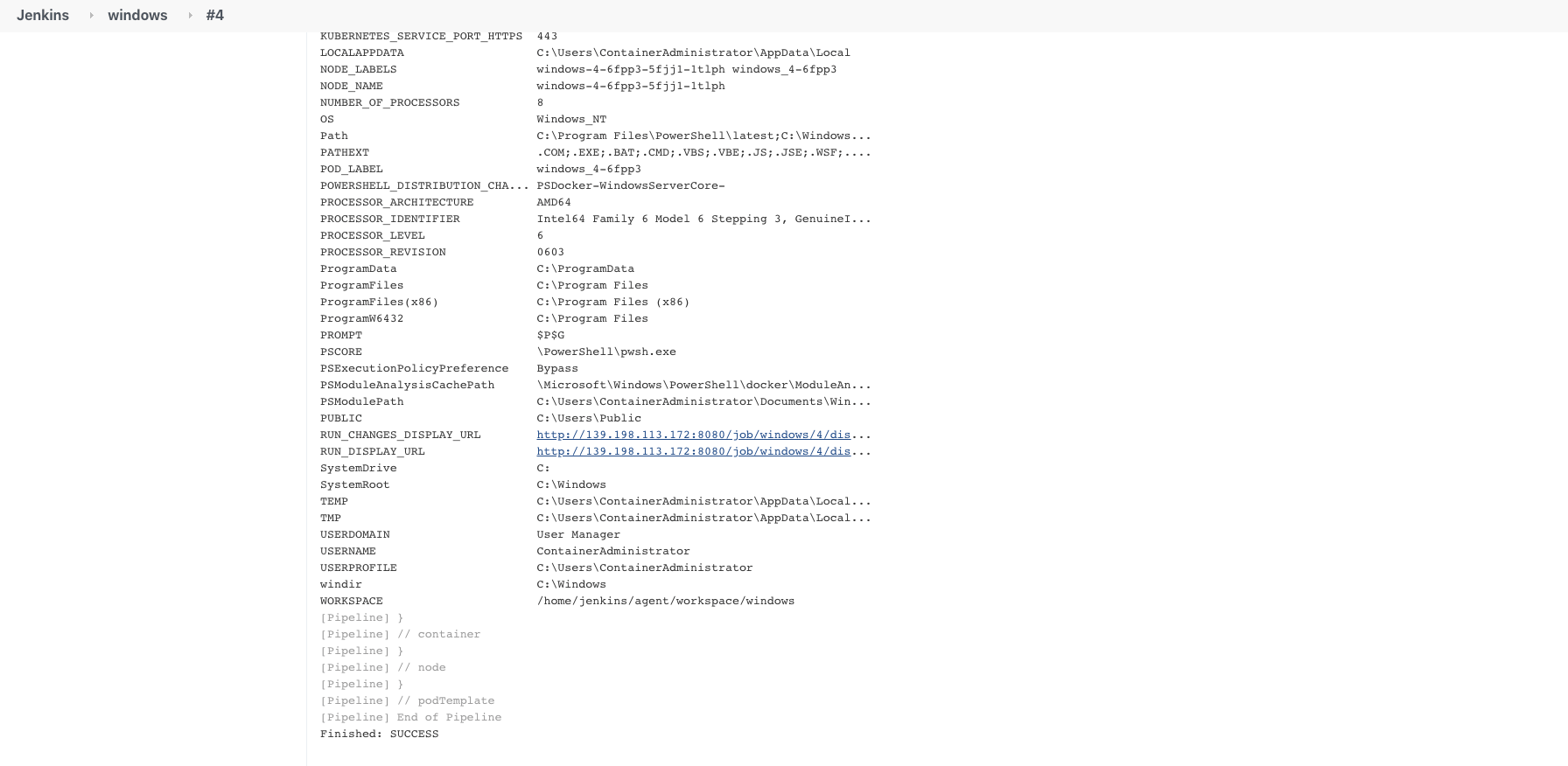
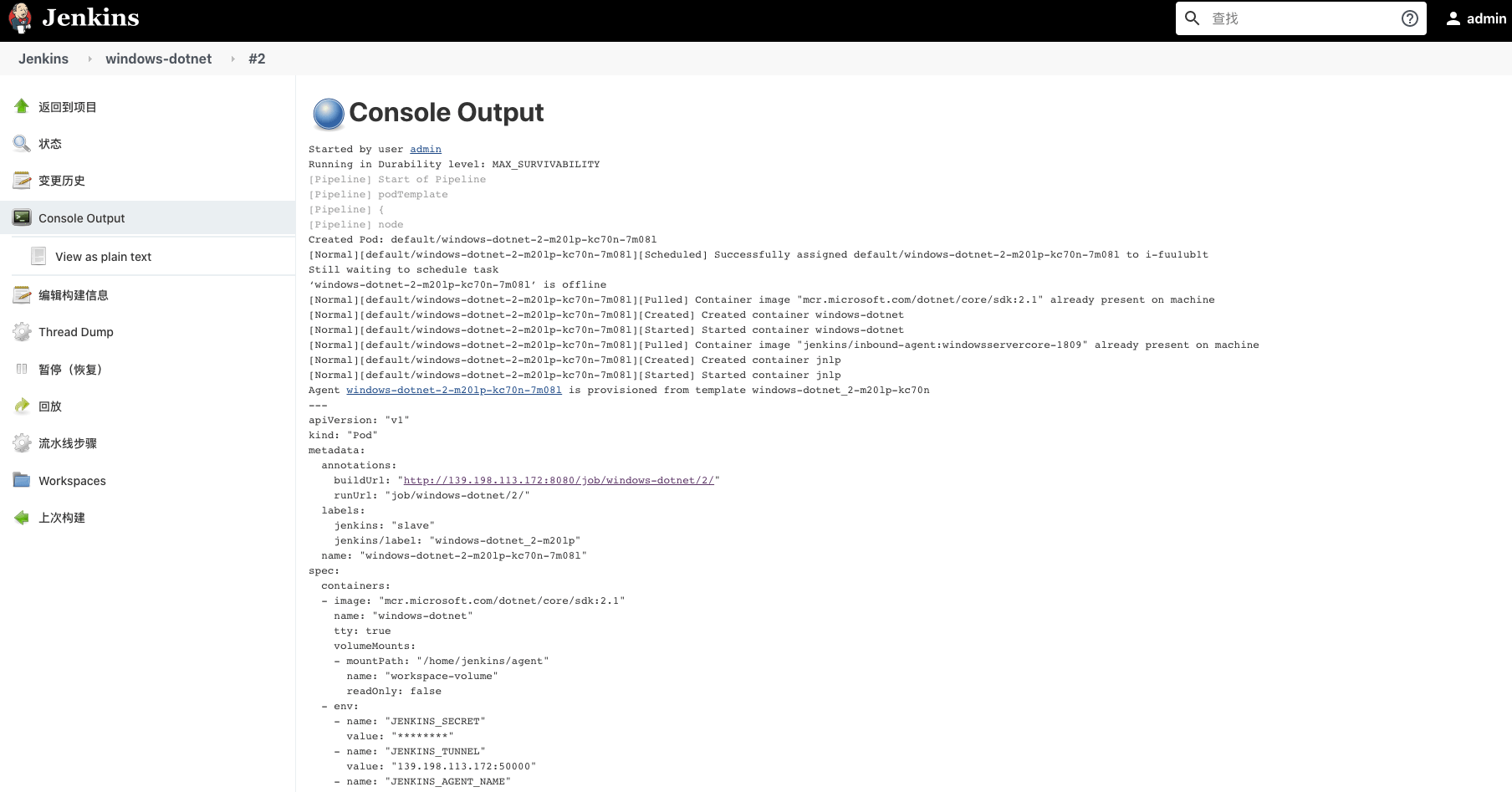
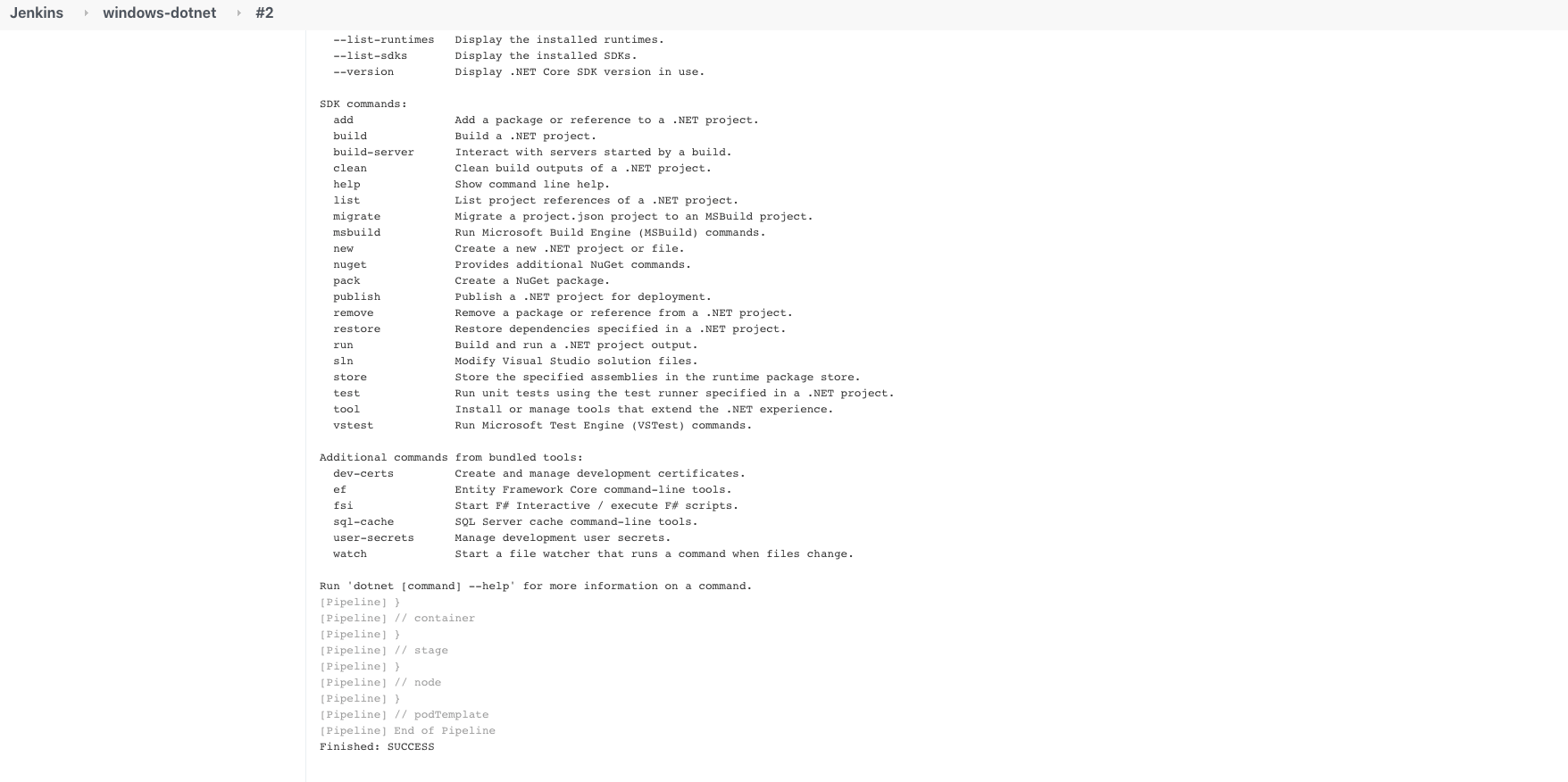
1
2
3
4
5
6
| docker images
REPOSITORY TAG IMAGE ID CREATED SIZE
mcr.microsoft.com/powershell preview-windowsservercore-1809 ff3a59b7e85e 3 days ago 5.24GB
mcr.microsoft.com/dotnet/core/sdk 2.1 4ca3f3cfa1e2 4 days ago 1.66GB
jenkins/inbound-agent windowsservercore-1809 45f5745f2aab 4 days ago 4.09GB
|
Windows 节点的磁盘空间一定要很大才行。
3. 参考








