惯性聚合 高效追踪和阅读你感兴趣的博客、新闻、科技资讯
阅读原文 在惯性聚合中打开

推荐订阅源

T
Tailwind CSS Blog
Cyber Security Advisories - MS-ISAC
雷峰网
雷峰网
量子位
有赞技术团队
有赞技术团队
阮一峰的网络日志
阮一峰的网络日志
The Cloudflare Blog
博客园 - Franky
罗磊的独立博客
宝玉的分享
宝玉的分享
博客园_首页
腾讯CDC
The GitHub Blog
The GitHub Blog
D
DataBreaches.Net
IT之家
IT之家
D
Docker
Microsoft Security Blog
博客园 - 司徒正美
V
V2EX
月光博客
月光博客
N
Netflix TechBlog - Medium
爱范儿
爱范儿
I
InfoQ
P
Proofpoint News Feed

Razeen`s Blog

Let Automatically Backup Your iPhone to NAS via Wi-Fi Reflections on Management Training: A Technologist's Perspective on the Path to Leadership UPS Multi-Device Protection: Safeguarding Your NAS and Linux Server From Media Center to AI Assistant: My List of 50 Homelab Services Discussing the Reduction of SSL Certificate Validity to 47 Days Deploy Your Own Running Page One Year Review and Cost Analysis of Tesla Model Y Replacing Disqus Comments with Self-hosted Waline Use Prometheus and Grafana to Set Up Your Certificate Monitoring Dashboard Server Migration: Lessons Learned from Swapping Linux Disk Boards Improve Information Sources with RSS (RSShub + Reeder 5) Razeen`s Blog Gallery Goods Apps Links Projects
App Share | AppCleaner - The Uninstaller for Mac
2023-07-15 · via Razeen`s Blog

Do you ever uninstall software and find that there are still leftover files on your computer? It gives me a feeling of not fully getting rid of something, and it’s very frustrating. But this AppCleaner has helped me solve this problem, so I want to share it with everyone here.

AppCleaner

Download and Installation

You can use Homebrew to install it directly:

brew install --cask appcleaner

Or you can download and install it directly from FreeMacSoft.

Features

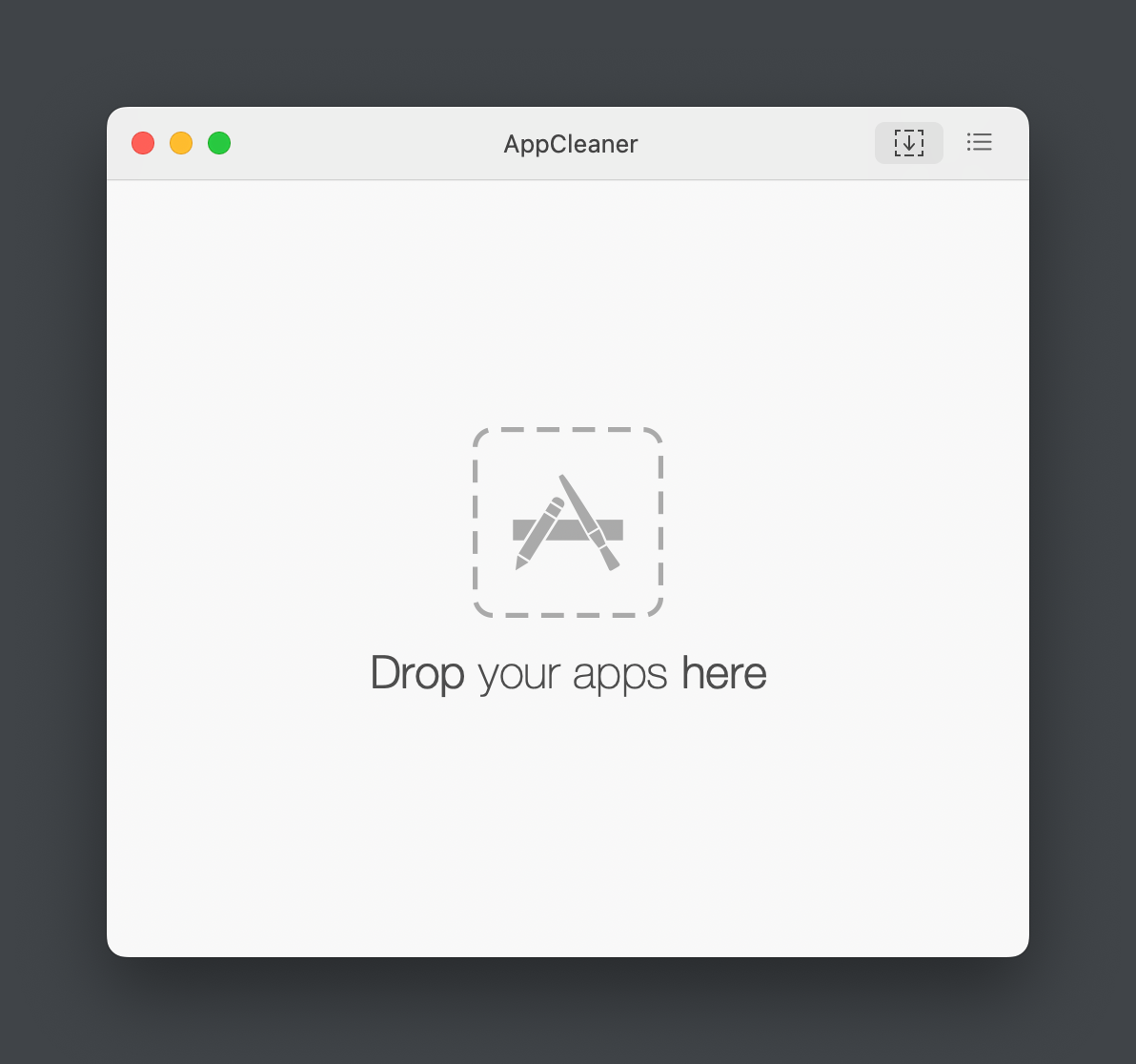
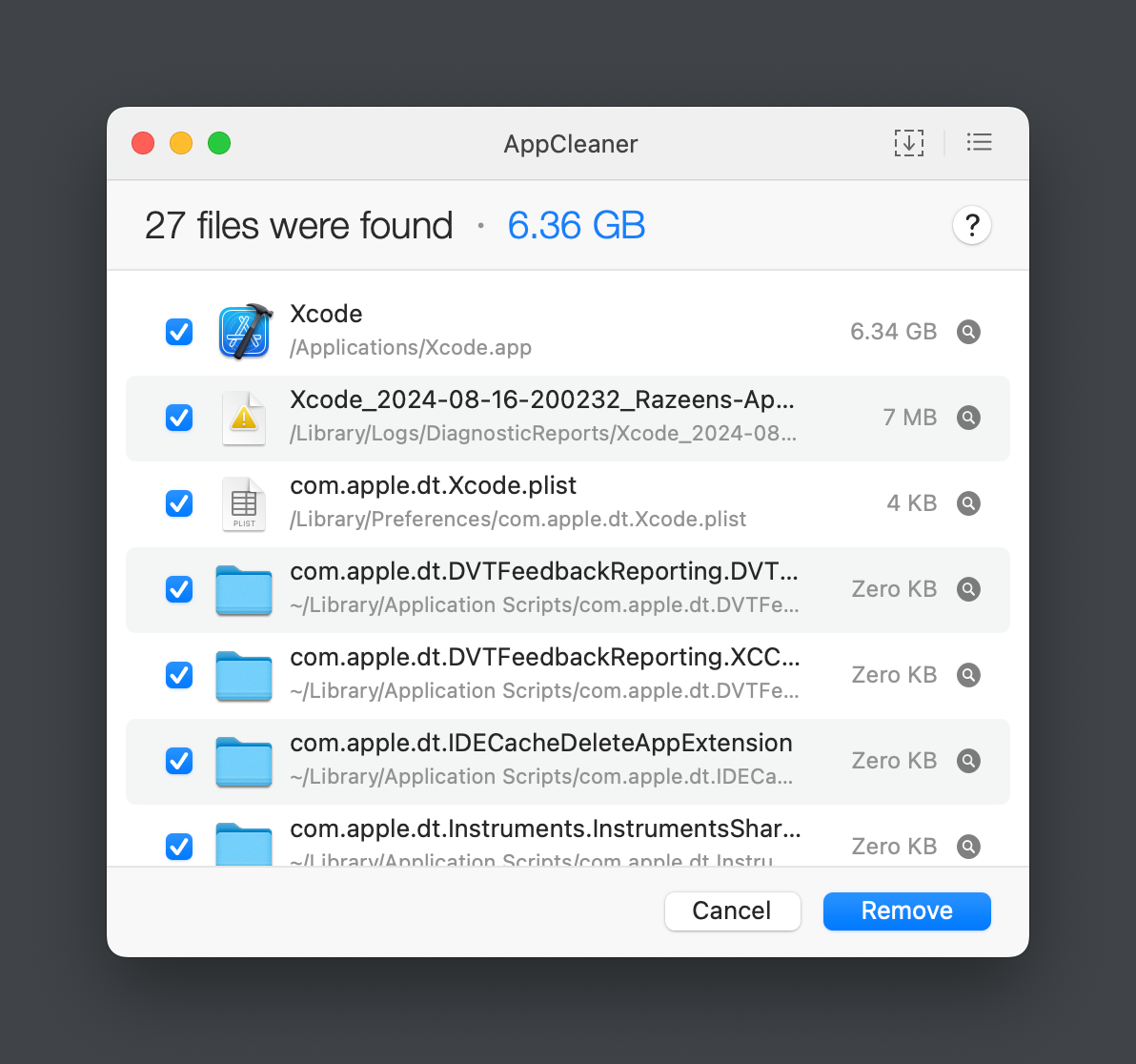
Its functionality is very simple. Open the app, drag the software you want to uninstall into the window, confirm that you want to delete the associated files, click Remove, and you’re done.
The paths, sizes, and other information of the associated files will be displayed.
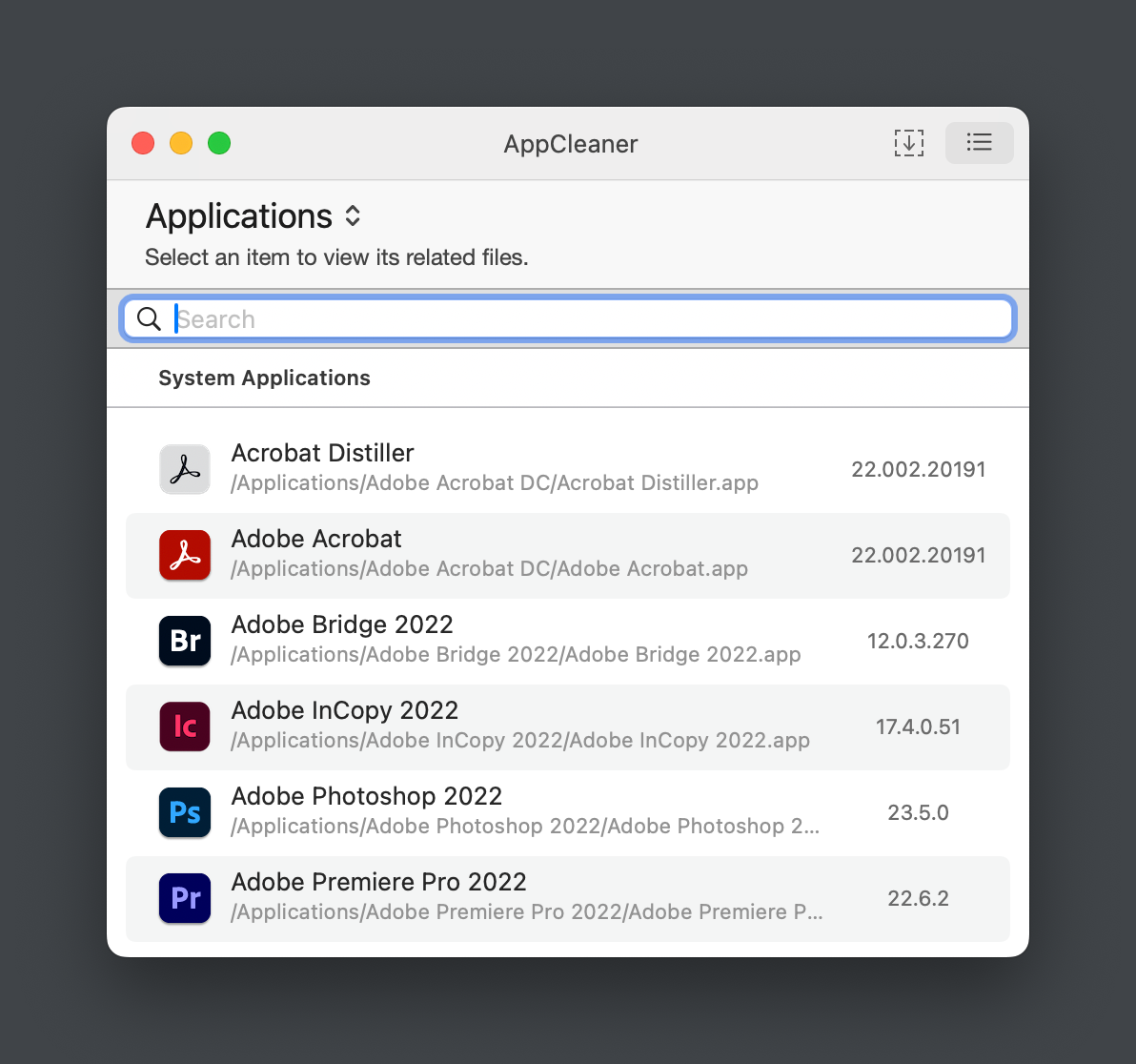
You can also search and browse the list of apps to choose the software you want to uninstall.
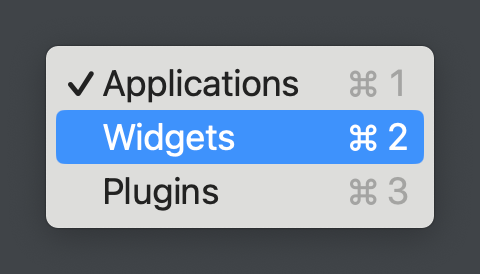
In addition, it also supports uninstalling plugins and widgets.