


在新版的 Win10 中,微软添加了 Windows Hello 人脸、 Windows Hello 指纹、安全密钥 等登陆方式。对于不搭载专属配件的设备来说,实现任意一种免密登录的成本都比较高。而 DigiSpark 成本非常低,不到7元包邮,可以实现模拟键鼠。受USB免密登录的启发,通过 DigiSpark 实现 Windows 免密登录,可以做到 移动密钥 的效果 —— 插入即可免密登录,拔出则自动锁定设备。
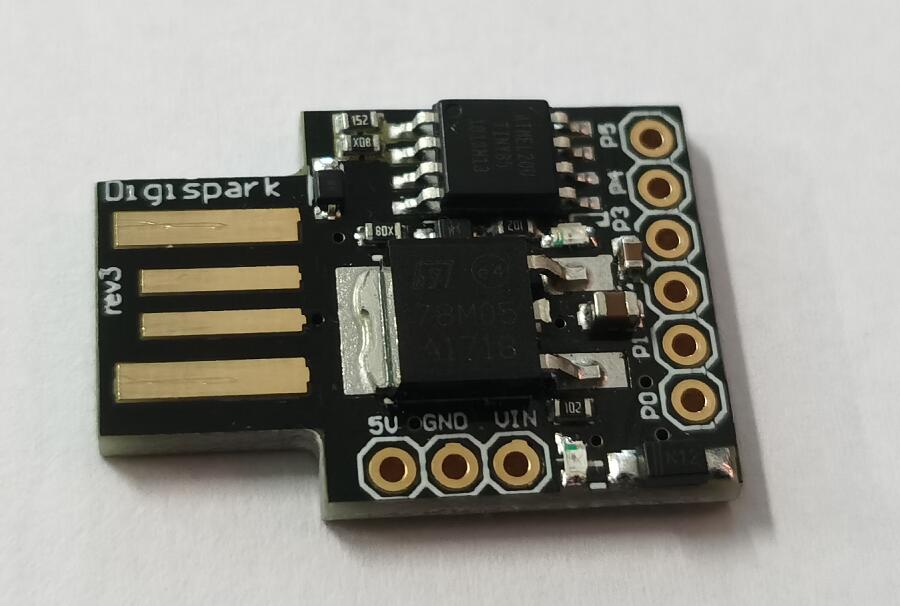
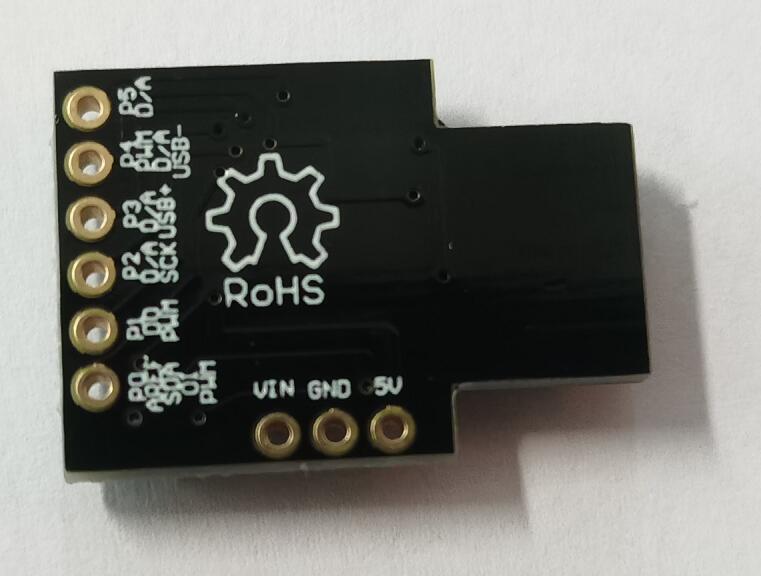
烧录到DigiSpark的代码:
#include "DigiKeyboard.h" //library declaration

void setup() {
  pinMode(1, OUTPUT); //LED on Model USB type A
  DigiKeyboard.update(); //Get the Keboard input ready
  DigiKeyboard.delay(500);
  DigiKeyboard.sendKeyStroke(KEY_SPACE);
  DigiKeyboard.delay(2000);
  DigiKeyboard.println("你的开机密码或Pin密码");
  DigiKeyboard.delay(500);
  DigiKeyboard.sendKeyStroke(KEY_ENTER);
  digitalWrite(1, HIGH); //Turn on the LED when program finishes
}

void loop() {
}
C# 实现 拔出设备则自动锁定 的 Windows服务源代码:
https://github.com/yi-ge/USBAuth
运行方法:
进入bin\Release,右键以管理员权限运行USBAuth.exe。
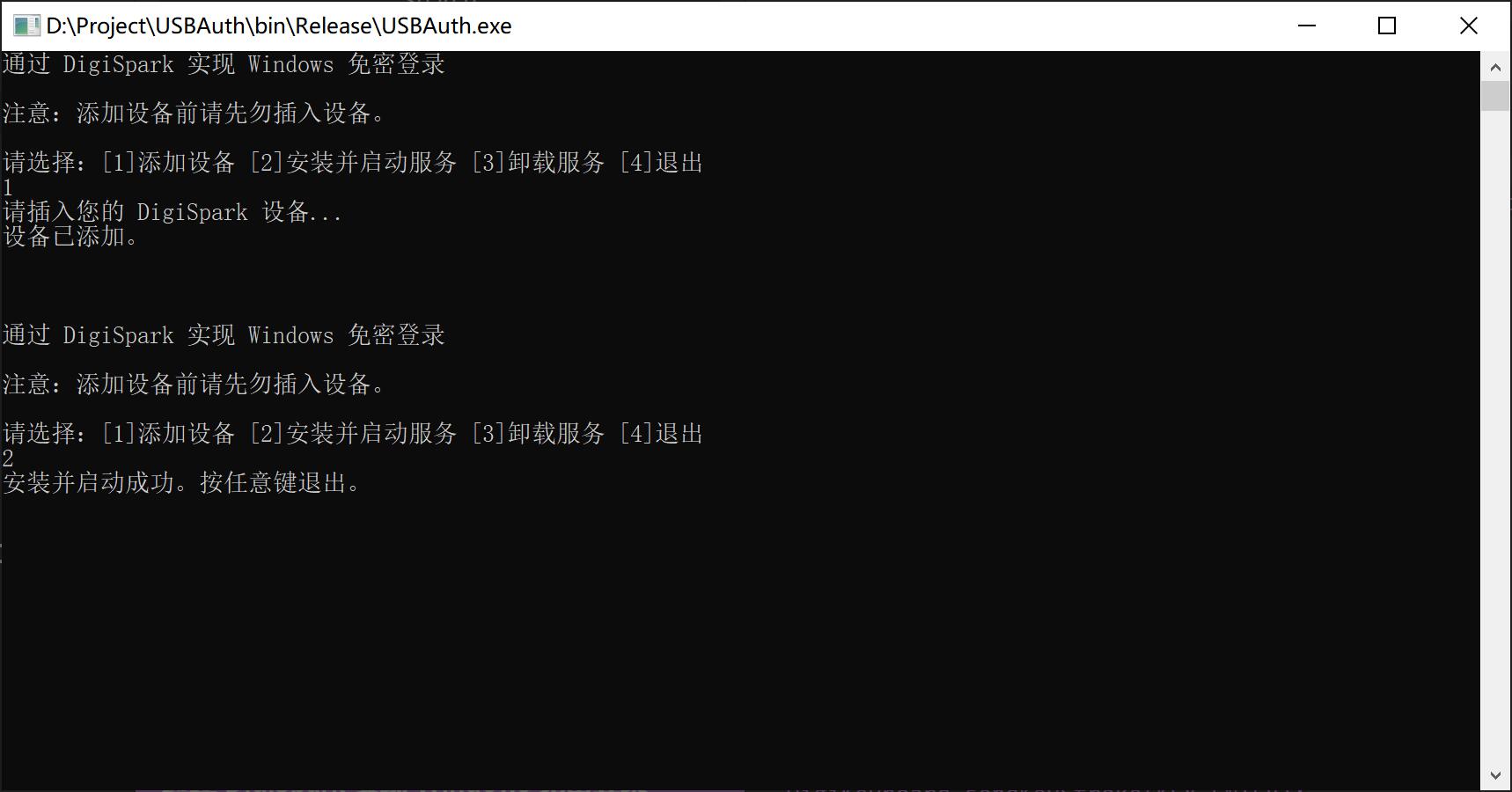
注意:添加设备期间,请勿激活命令行窗口(点击其他应用即可),否则设备执行回车将导致程序异常退出。
此内容由惯性聚合(RSS阅读器)自动聚合整理,仅供阅读参考。 原文来自 — 版权归原作者所有。