


After recently moving into a new apartment, I realized how much time I was spending searching online for household items ranging from storage solutions, to pots and pans, to the furniture thing that sits at the end of the bed. It occurred to me that this seems like the perfect task for an LLM. So I built an app that does just that.
The Nemofinder sorts through dozens of product descriptions to find one that matches your exact needs. This tutorial describes how the application works.
Nemotron 3 Nano’s efficient Mixture-of-Experts architecture enables cost-effective product filtering at scale, comparing product descriptions against specific requirements while maintaining high accuracy.
The Nemofinder integrates third-party search APIs to gather product listings and leverages Nemotron 3 Nano to intelligently match products based on detailed user requirements, reviews, and pricing.
The application is fully customizable and open source, allowing you to adapt it for any product search use case and integrate it with different search APIs based on your needs.
Nemotron 3 Nano is specifically optimized for cost efficiency in targeted agentic tasks without sacrificing accuracy. This makes it an ideal choice for filtering through dozens of product descriptions and checking whether each one matches specific product requirements. Unlike larger models that may be overkill for focused tasks, Nano delivers strong performance while remaining significantly more efficient. It is also open source, giving you complete control over your personal product queries and output data.
Under the hood, Nemotron 3 Nano uses a hybrid Mixture-of-Experts (MoE) architecture combined with Mamba-2 state-space models, which dramatically reduces computational overhead compared to traditional transformer architectures. Even though the model has 30 billion parameters, only 3.5 billion are active per token during inference. This architectural efficiency translates to faster response times and lower computational costs, making it practical to deploy on smaller GPU instances. Additionally, you can optionally disable Nemotron’s reasoning capabilities through a simple configuration flag if you need even faster inference for straightforward product matching tasks, though this may slightly reduce accuracy. Refer to the deployment guide to deploy an instance on a DigitalOcean Droplet.
First, the application takes the keyword you would like to search along with a detailed text description of your specific requirements for that item.

It then uses a search API (application programming interface) to look for items using the keyword. The search API can be store-specific, a generic shopping API, or a custom combination that calls multiple APIs. It needs to be able to take a keyword and return a list of products with their descriptions, and ideally reviews, as a response.
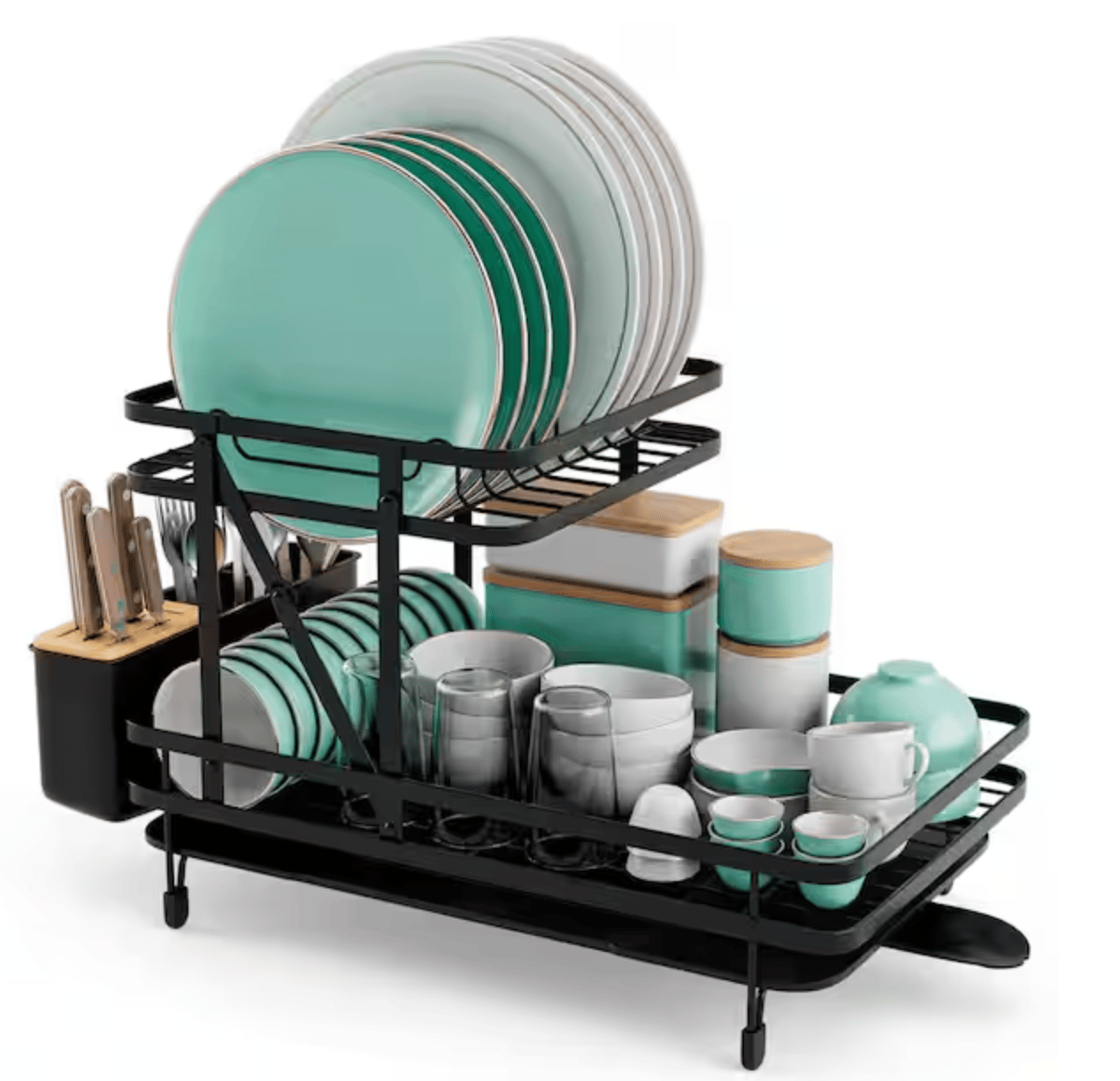
The application then goes through each of the product descriptions, prices, reviews, comments, etc., and has Nemotron 3 Nano compare each description to your product requirements. After sorting through and finding matches, it returns the matches to the user. In this case, it found the perfect dish rack to match the requirements in my description.
The Nemofinder is open source and available on GitHub. You need to add a SerpAPI key or change the API to one that you have access to. You need to set up a DigitalOcean GPU droplet with Nemotron 3. Next, you need to update the Nemotron 3 calls to use your deployment’s IP address. Feel free to clone, change, and use the application as you’d like.
Can this application buy the product?
No, purchasing functionality could be added, but I wouldn’t trust it. The problem being solved in this use case is the time spent looking for the ideal product. Automating purchases without human verification introduces unnecessary risk.
Can it search on all platforms, like Amazon?
Only if you have an API for that particular platform. With the right API, you can search through anything. Amazon does offer a Product Advertising API, though access can be limited. For most e-commerce platforms, you’ll need to check their developer documentation.
Can I use a different LLM instead of Nemotron 3 Nano?
Yes, you can adapt the application to use other models. However, Nemotron 3 Nano is recommended for its efficiency and cost-effectiveness on product filtering tasks. Larger models like Claude or GPT may work but could result in higher token costs.
How do I handle price variations across different products?
As long as the API allows, the application passes the price data from the search API alongside the product description to Nemotron 3 Nano. You can modify the prompts to set price thresholds or have the model factor pricing into the matching criteria based on your budget requirements.
Is my product search history private?
It depends on how you deploy it. Running the application locally keeps everything on your machine. If you deploy it on a remote server, be mindful of which APIs you’re using and review their privacy policies. Consider using a dedicated API account and limiting what data is logged.
The Nemofinder demonstrates how Nemotron 3 Nano can efficiently handle targeted product discovery tasks without the overhead of larger language models. By combining intelligent search APIs with Nemotron’s reasoning capabilities, you can quickly find products that match your exact specifications across multiple product listings and review data. Whether you’re searching for household items, specialized equipment, or niche products, the application adapts to your needs through customizable prompts and API integrations.
The beauty of the Nemofinder is its flexibility. You can extend it to search across multiple e-commerce platforms, add additional filtering criteria, or integrate it into a larger workflow. As shown in the related Daily Digest tutorial, these kinds of specialized tools can be combined to create comprehensive AI-driven solutions. If you want to explore further or build your own product search application, the source code is available on GitHub, and the setup process is straightforward with the right API keys and a Nemotron 3 Nano deployment.
 This work is licensed under a Creative Commons Attribution-NonCommercial- ShareAlike 4.0 International License.
此内容由惯性聚合(RSS阅读器)自动聚合整理,仅供阅读参考。 原文来自 — 版权归原作者所有。