惯性聚合 高效追踪和阅读你感兴趣的博客、新闻、科技资讯
阅读原文 在惯性聚合中打开

推荐订阅源

S
Secure Thoughts
罗磊的独立博客
T
The Blog of Author Tim Ferriss
人人都是产品经理
人人都是产品经理
博客园 - 叶小钗
Last Week in AI
Last Week in AI
美团技术团队
Google Online Security Blog
Application and Cybersecurity Blog
D
Docker
G
Google Developers Blog
大猫的无限游戏
大猫的无限游戏
酷 壳 – CoolShell
酷 壳 – CoolShell
小众软件
小众软件
月光博客
月光博客
L
LINUX DO - 最新话题
cs.AI updates on arXiv.org
CTFtime.org: upcoming CTF events
W
WeLiveSecurity
H
Heimdal Security Blog
Vercel News
Vercel News
SecWiki News
SecWiki News
Forbes - Security
Forbes - Security
Blog — PlanetScale
Blog — PlanetScale
Google DeepMind News
Exploit-DB.com RSS Feed
www.infosecurity-magazine.com
TaoSecurity Blog
TaoSecurity Blog
T
Troy Hunt's Blog
A
About on SuperTechFans
C
Check Point Blog
S
Security Affairs
Hacker News - Newest:
Hacker News - Newest: "LLM"
AI
AI
WordPress大学
WordPress大学
K
KPMG report finds enterprise disconnect between AI and its ROI | CIO
Help Net Security
Help Net Security
博客园_首页
The Last Watchdog
The Last Watchdog
S
SegmentFault 最新的问题
Hugging Face - Blog
Hugging Face - Blog
Security Archives - TechRepublic
Engineering at Meta
Engineering at Meta
cs.CV updates on arXiv.org
I
Intezer
K
Kaspersky official blog
M
MIT News - Artificial intelligence
J
Java Code Geeks
G
GRAHAM CLULEY
P
Palo Alto Networks Blog

博客园 - 停留的风

SpringBoot入门 【SQL实践】其他常用SQL汇总 2017年考研英语二真题与答案(最新) oracle基础教程(8)oracle修改字符集 Oracle 异常处理汇总 领域驱动(DD)目录 [开源项目]Hibernate基本使用 Oracle基本教程 系统架构研究目录 设计原则目录 Oracle 备份与还原 Oracle 物理备份--rman Oracle 使用SqlPlus管理 Oracle 用户管理与权限控制 oracle 科普 Java基础--Java语言介绍 Java基础--serialVersionUID 开源项目学习历程 开源项目学习记录
Eclipse 常用快捷键
停留的风 · 2015-10-19 · via 博客园 - 停留的风

 Eclipse 常用快捷键

1、ctr+/ 注释代码、反注释代码

2、F3 或ctrl+鼠标左键 打开声明

3、ctrl+q 回到最后编辑位置

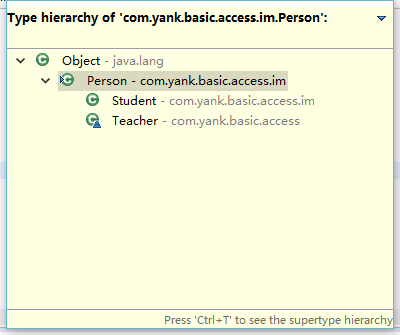
4、ctrl+t 打开类型继承结构
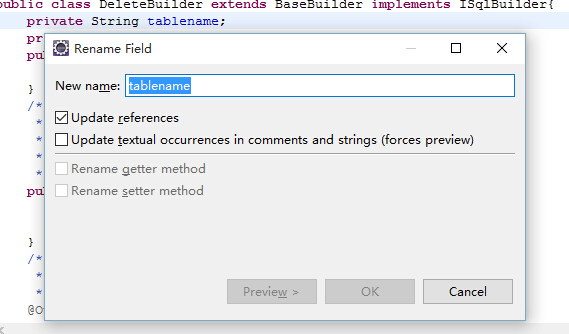
5、alt+shift+r  重命名 

可以重命名类名、方法名、变量等

如果连续两次使用快捷键,会弹出重命名窗口,选择更新其他引用。
6、alt+方向键  移动当前行

这也是个节省时间的法宝。这个组合将当前行的内容往上或下移动

7、ctrl+m 当前编辑器最大化

再按一次又还原 

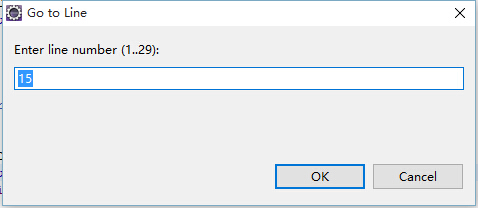
8、ctrl+l 跳转到某一行
9、ctrl+f 查找替换
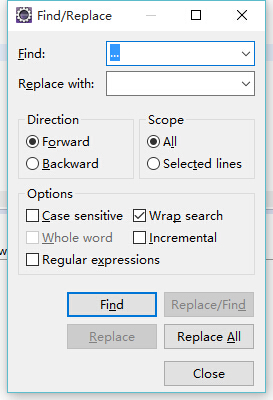
 

如果是替换多个文件需要借助:ctrl+h

选中字符,然后ctrl+h,切换到File Search
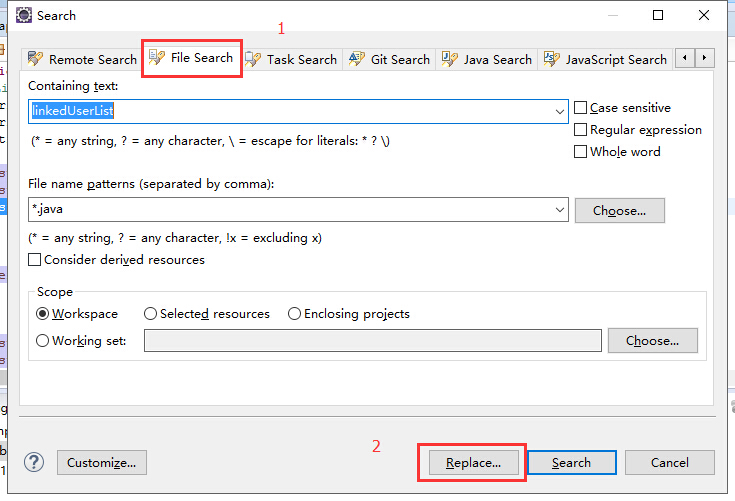
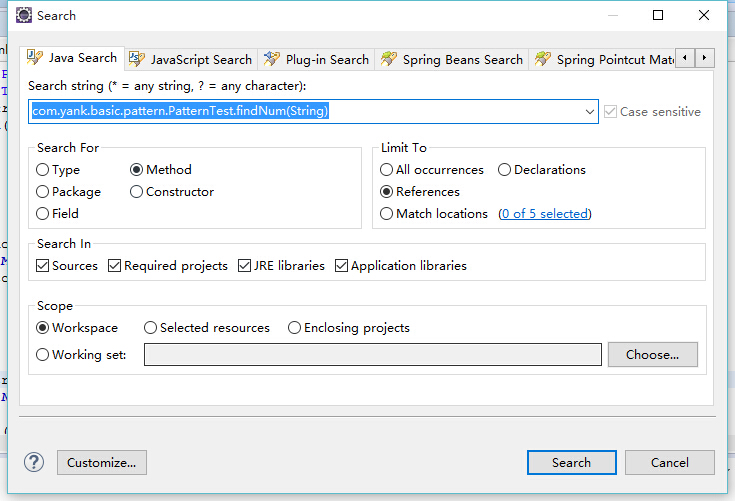
10、ctrl+h 高级查找

可以在工作区、文件中进行查找
 

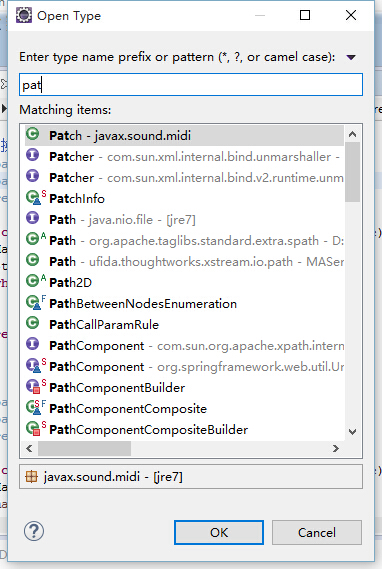
11、ctrl+shift+t 打开类型
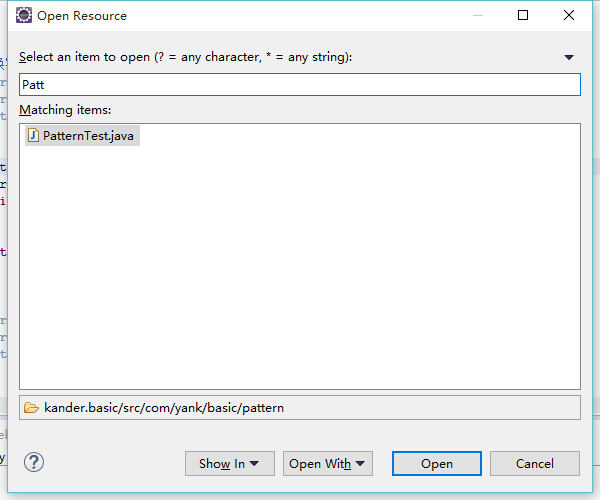
12、ctrl+shift+r 打开资源 

可以打开工作区的任意文件
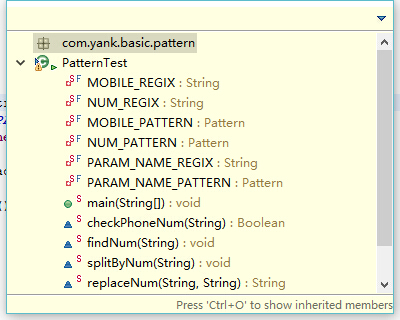
13、ctrl+o 快速列出类中的成员,包括方法、变量等
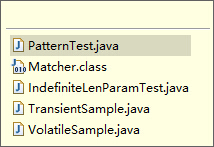
14、ctrl + e 切换文件
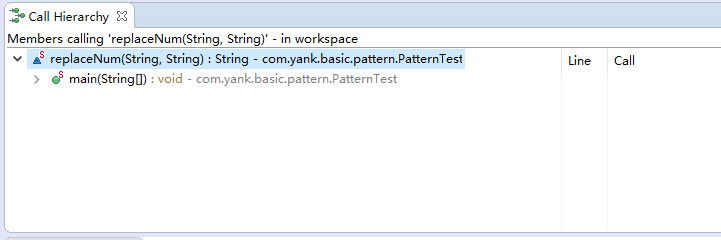
15、ctrl+alt+h 查看被调用的地方

如类、变量、方法
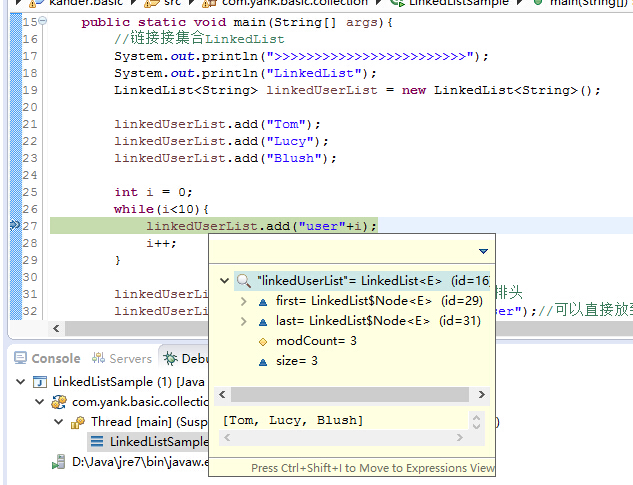
16、调试双击选中变量,ctrl+shift+i即可查看具体的值,特别是对于一些对象,很方便