








2019-04-03 11:04 努力学习的小熊 阅读(472) 评论() 收藏 举报
User Account is already deleted in AD.
User Mailbox is already deleted in Exchange.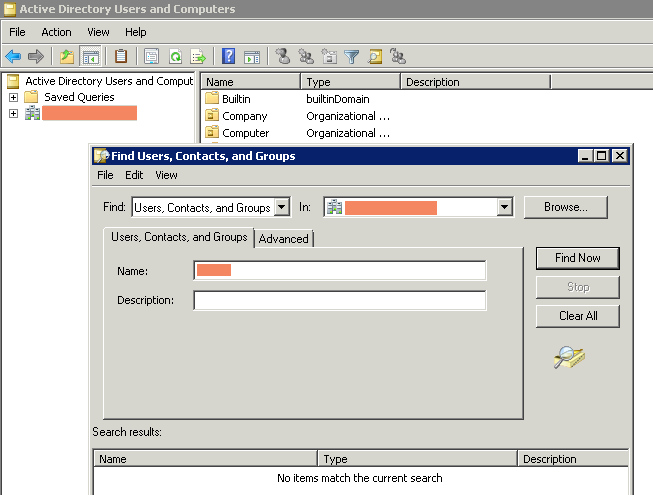
1. Connect to Exchange Online service in Windows PowerShell command line.
$UserCredential = Get-Credential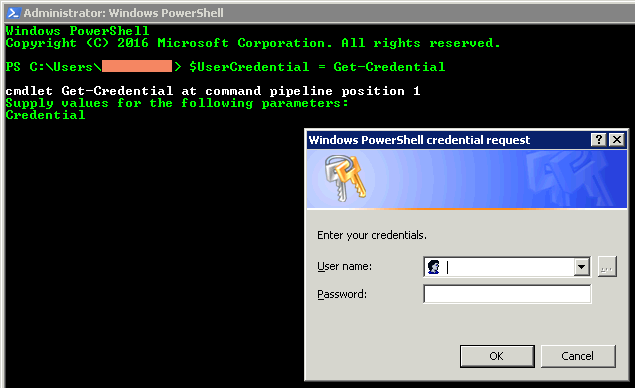
$Session = New-PSSession -ConfigurationName Microsoft.Exchange -ConnectionUri https://outlook.office365.com/powershell-liveid/ -Credential $UserCredential -Authentication Basic -AllowRedirection
Import-PSSession $Session -DisableNameChecking

2. Restore mailbox with InactiveMailboxOnly parameter.
$InactiveMailbox = Get-Mailbox -InactiveMailboxOnly -Identity <identity of inactive mailbox>
New-MailboxRestoreRequest -SourceMailbox $InactiveMailbox.DistinguishedName <-SourceIsArchive> -TargetMailbox targetaccount@contoso.com -TargetRootFolder "TargetUser_Restored01" -AllowLegacyDNMismatch
3. Check status of mailbox restoration.
Get-MailboxRestoreRequest -TargetMailbox targetaccount
4. Check restored mails in target mailbox.
Get-MailboxFolderStatistics -Identity targetaccount | select Name, FolderPath, FolderSize | Format-Table -AutoSize
此内容由惯性聚合(RSS阅读器)自动聚合整理,仅供阅读参考。 原文来自 — 版权归原作者所有。