






转换,实际上是将图片加入到xps,pdf文件中,不是真正意义的格式转换,在这篇blog中已经介绍了如何将图片转换为pdf。下面介绍图片到xps的转换,这里使用了.NET Framework3.0中的新功能,.NET 3.0中有对xps文件支持的类,xps也是OpenXML格式,
首先添加对.NET 3.0中的两个程集的引用ReachFramework,Windowbase,
转换代码代码如下:
 protected bool Convert(string sourcePath, string targetPath)
 {
{
 Image img = Image.FromFile(sourcePath);
string resFile = sourcePath;
XpsDocument xpsDoc = new XpsDocument(targetPath, FileAccess.ReadWrite);
IXpsFixedDocumentSequenceWriter fds = xpsDoc.AddFixedDocumentSequence();
IXpsFixedDocumentWriter fd = fds.AddFixedDocument();
IXpsFixedPageWriter fp = fd.AddFixedPage();
XpsResource res = null;
XpsResource thumb = null;
res = fp.AddImage(XpsImageType.JpegImageType);
thumb = xpsDoc.AddThumbnail(XpsImageType.JpegImageType);
WriteStream(res.GetStream(), resFile);
WritePageContent(fp.XmlWriter, res, img.Width, img.Height);
res.Commit();
WriteStream(thumb.GetStream(), resFile);
thumb.Commit();
fp.Commit();
fd.Commit();
fds.Commit();
xpsDoc.Close();
return true;
 }
}
private static void WritePageContent(System.Xml.XmlWriter xmlWriter, XpsResource res, int width, int height)
{
xmlWriter.WriteStartElement("FixedPage");
xmlWriter.WriteAttributeString("xmlns", @"http://schemas.microsoft.com/xps/2005/06");
xmlWriter.WriteAttributeString("Width", width.ToString());
xmlWriter.WriteAttributeString("Height", height.ToString());
xmlWriter.WriteAttributeString("xml:lang", "en-US");
xmlWriter.WriteStartElement("Canvas");
if (res is XpsImage)
 {
{
xmlWriter.WriteStartElement("Path");
xmlWriter.WriteAttributeString("Data", "M 20,20 L 770,20 770,770 20,770 z");
xmlWriter.WriteStartElement("Path.Fill");
xmlWriter.WriteStartElement("ImageBrush");
xmlWriter.WriteAttributeString("ImageSource", res.Uri.ToString());
xmlWriter.WriteAttributeString("Viewbox", "0,0,750,750");
xmlWriter.WriteAttributeString("ViewboxUnits", "Absolute");
xmlWriter.WriteAttributeString("Viewport", "20,20,750,750");
xmlWriter.WriteAttributeString("ViewportUnits", "Absolute");
xmlWriter.WriteEndElement();
xmlWriter.WriteEndElement();
xmlWriter.WriteEndElement();
 }
}
xmlWriter.WriteEndElement();
xmlWriter.WriteEndElement();
}
private static void WriteStream(Stream stream, string resFile)
{
using (FileStream sourceStream = new FileStream(resFile, FileMode.Open, FileAccess.Read))
{
byte[] buf = new byte[1024];
int read = 0;
while ((read = sourceStream.Read(buf, 0, buf.Length)) > 0)
{
stream.Write(buf, 0, read);
}
}
}
这样同一个图片得到的xps和pdf差异比较大,
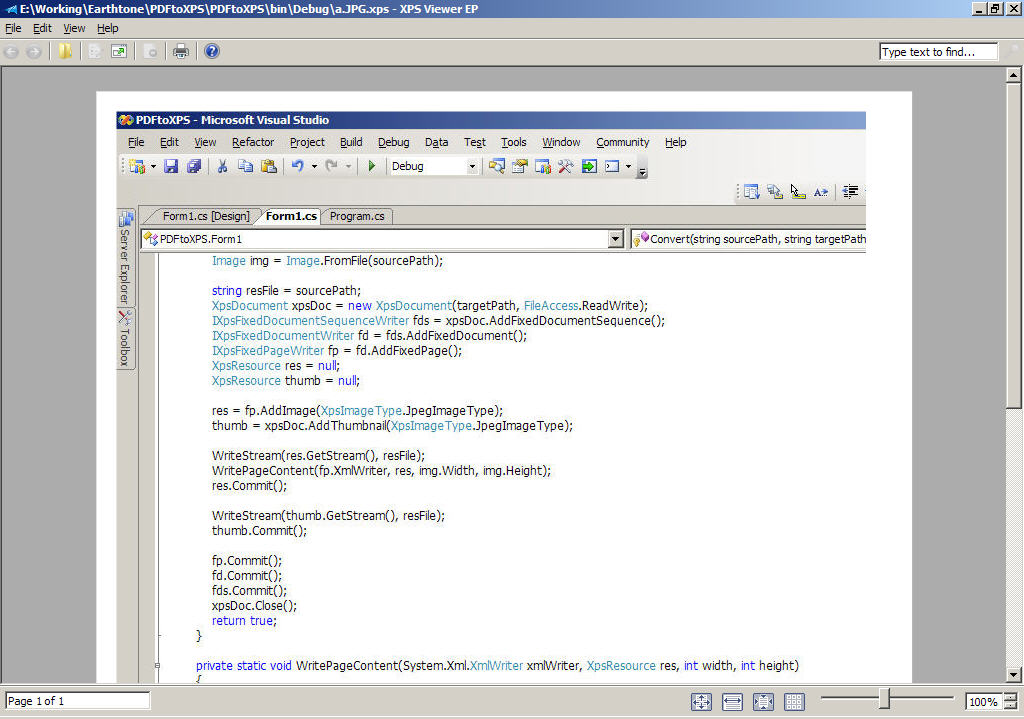
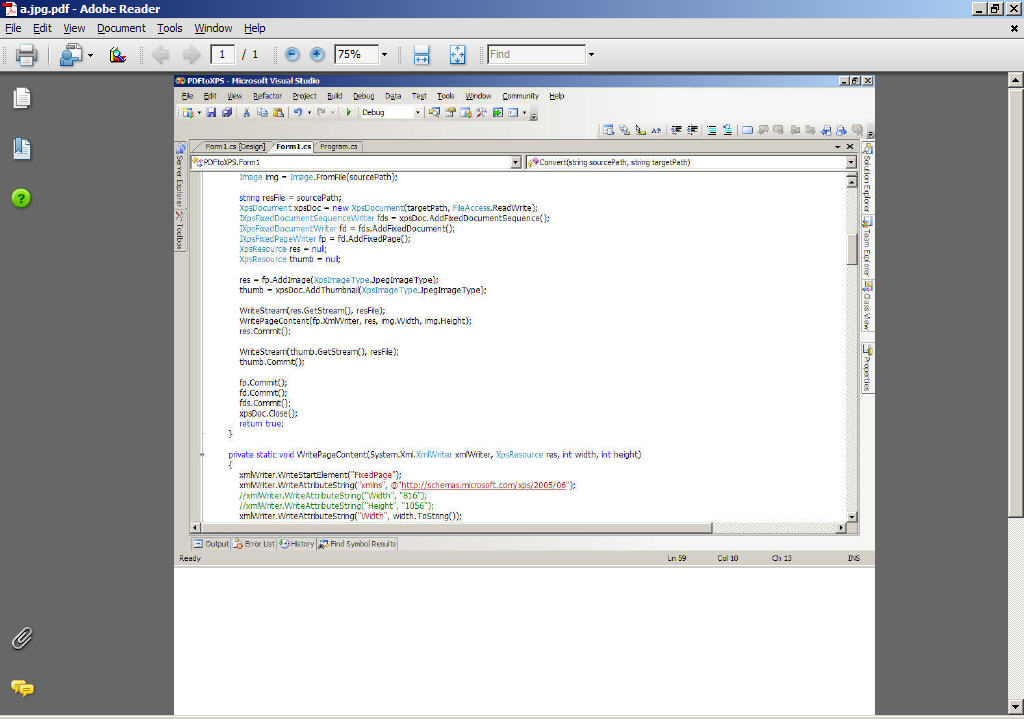
当然,我们通过调整代码,也可以得到相近的效果,但需要时间,这里想到个折中的办法,Office 2007可以通过AddIn将文档转换为xps和pdf,通过它得到xps和pdf应该是一样的。所以,这里我们先将图片添加到一个word文档中,再通过office 2007得到xps和pdf,在上篇blog中的代码再添加将图片添加到word文档的代码:
wordDocument = wordApplication.Documents.Add(ref paramMissing, ref paramMissing, ref paramMissing, ref paramMissing);
wordDocument.InlineShapes.AddPicture(sourcePath, ref paramMissing, ref paramMissing, ref paramMissing);
object a = Path.GetTempPath() + Path.GetTempFileName() + ".docx";
object format = Word.WdSaveFormat.wdFormatDocumentDefault;
wordDocument.SaveAs(ref a, ref format,
ref paramMissing, ref paramMissing, ref paramMissing,
ref paramMissing, ref paramMissing, ref paramMissing,
ref paramMissing, ref paramMissing, ref paramMissing,
ref paramMissing, ref paramMissing, ref paramMissing,
ref paramMissing, ref paramMissing);
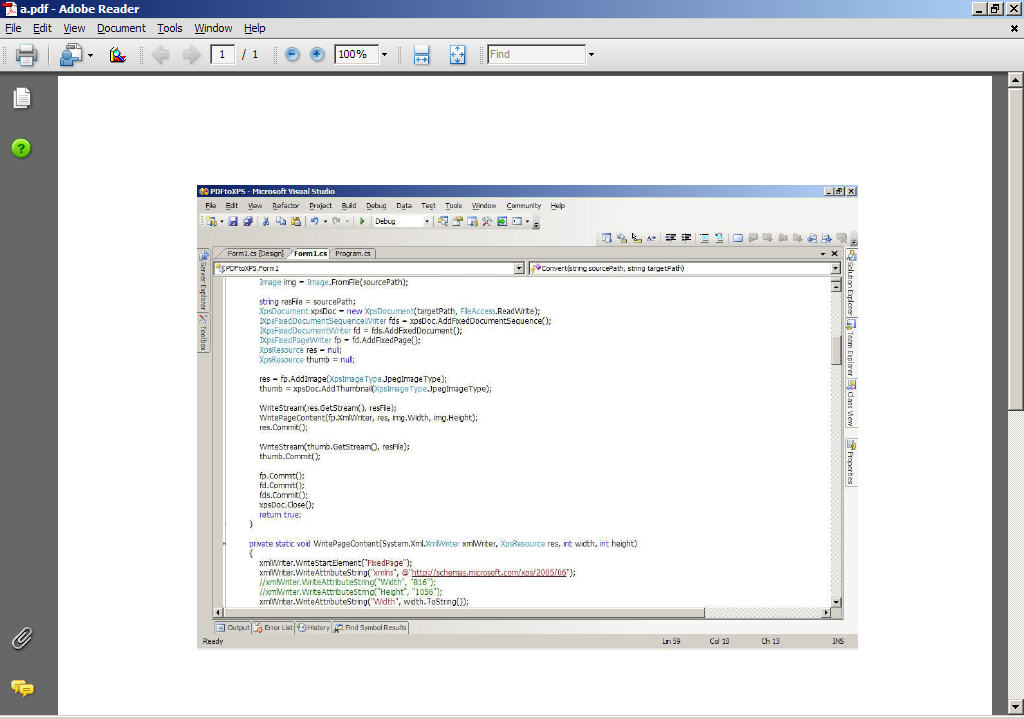
添加了图片后的word文档先要保存到磁盘,然后,再转换为xps和pdf,否则会打开一个word窗口。这样我得到xps和pdf是一样的

此内容由惯性聚合(RSS阅读器)自动聚合整理,仅供阅读参考。 原文来自 — 版权归原作者所有。