






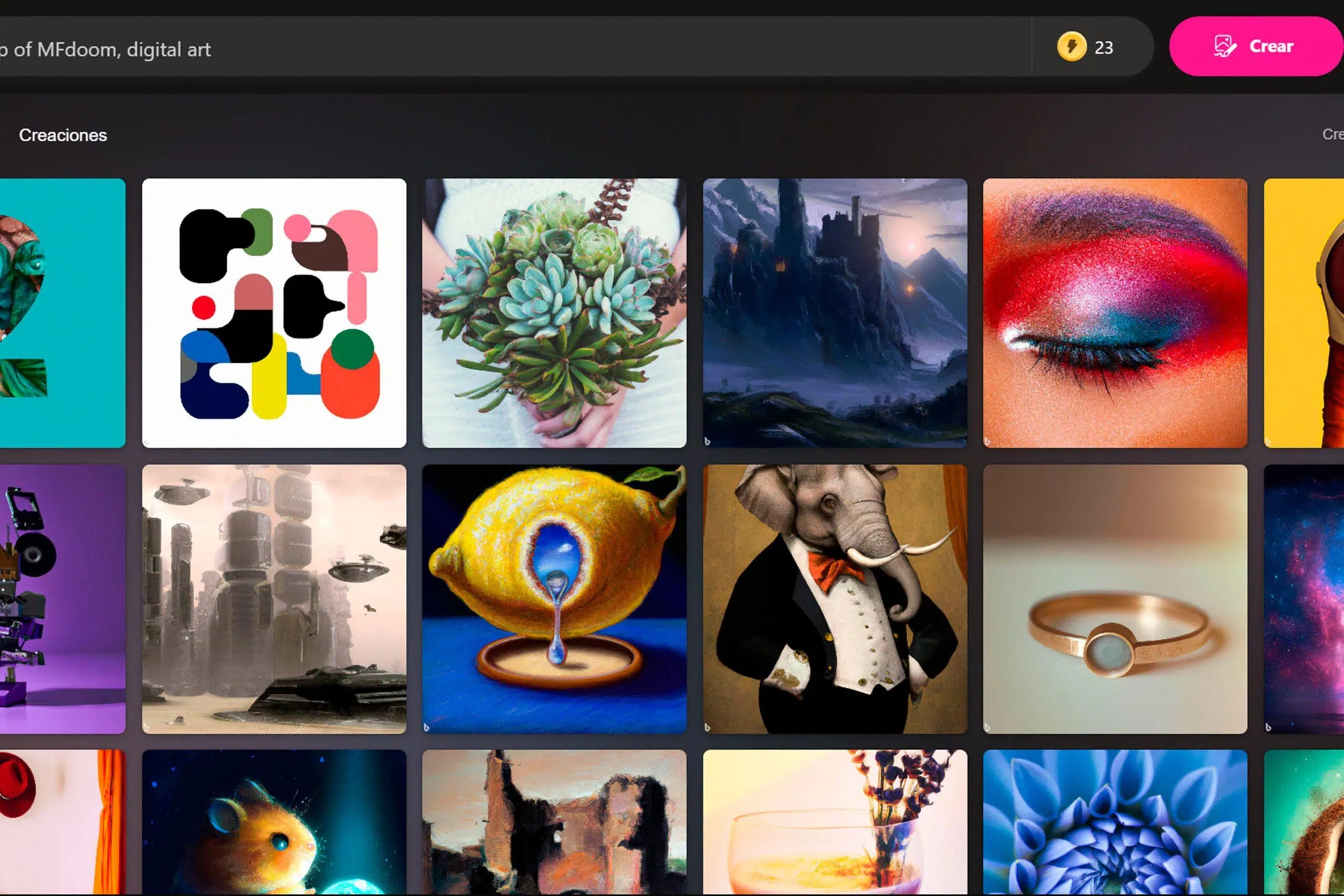
If you're thinking about creating images with AI without paying a cent, you've come to the right place: Bing Image Creator (now integrated into Microsoft Copilot) allows you to generate art from text with fast, highly visual results. Simply describe what you're imagining, and the tool returns several suggestions that you can download and share in seconds.
Furthermore, Microsoft's platform is not just about photos: Bing Video Creator on mobile devices, which allows you to convert descriptions into small vertical clips. In the following lines, we'll tell you what it is, how it works, how to use it step by step, its limits, timing, prompt tricks, and where to save your creations.
Bing Image Creator is a free generator AI image generator that turns descriptions into illustrations or photocomposites. Powered by OpenAI technology (advanced versions of DALL·E and model options like DALL·E 3 or GPT‑4o for generation), it's designed to help anyone, without design knowledge, create believable images with varied styles.
In its recent evolution, Bing Image Creator was integrated into Microsoft Copilot, the company's conversational assistant. In practice, you can request images from Copilot by starting the request with a keyword like "Draw" or directly with an instruction like "Create an image of...". This integration provides something very useful: continuous dialogue to touch up the work, for example, “add a fireplace” or “make the background brighter.”
The tool understands natural language and recognizes artistic styles, objects, settings or adjectivesIf you ask for "a watercolor-style portrait with warm lighting and a nighttime urban background," they'll combine those attributes. They can even interpret cultural references, movie names, or characters in quotation marks to make it clear what you're referring to.
By working with diffusion models, the system generates images from scratch and does not copy and paste from specific photos. Each execution It is unique: even if you repeat the same prompt, you will see variations due to the randomness of the process.
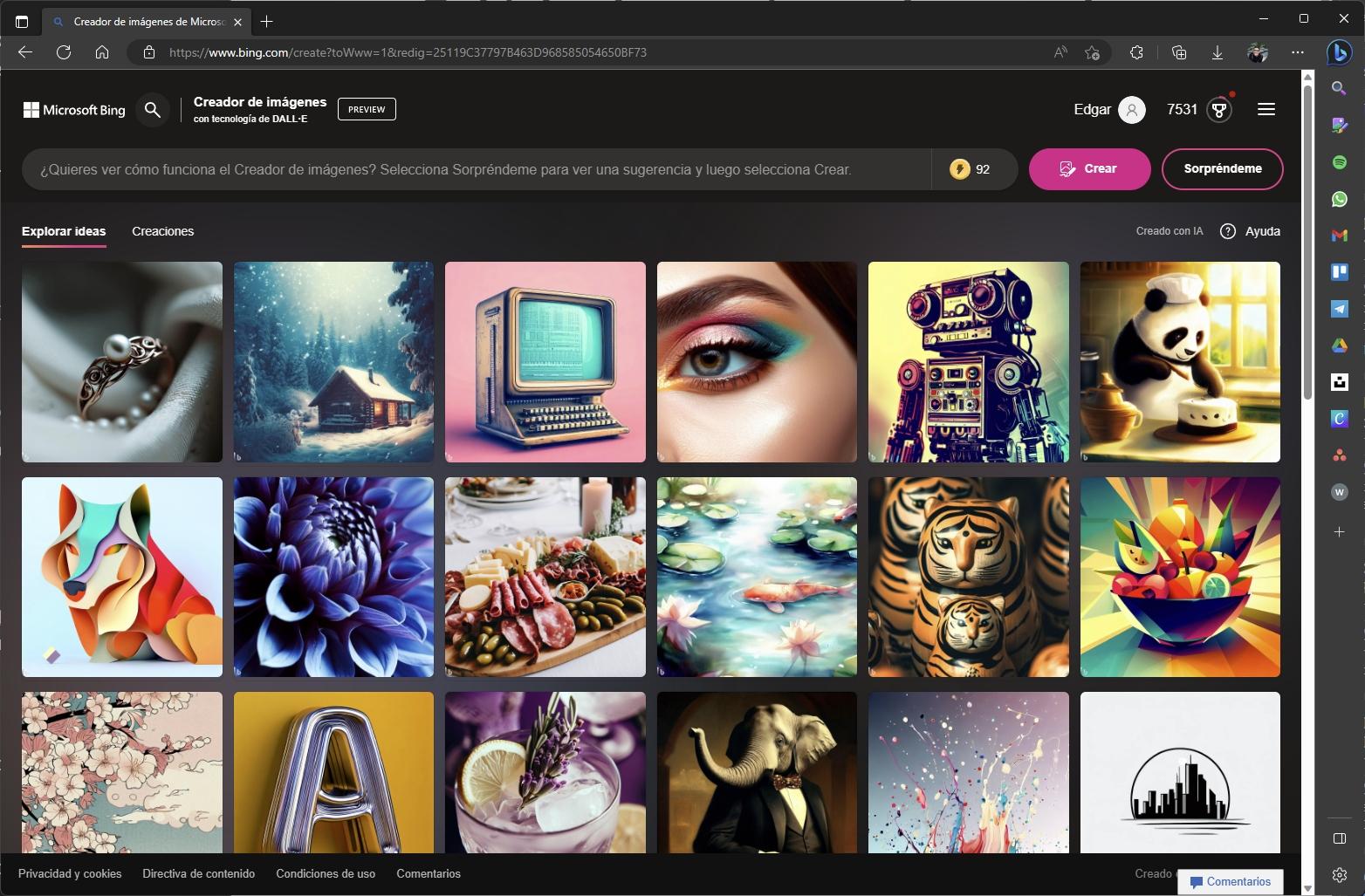
You can access it in two main ways: from the web at bing.com/create or Traves de Microsoft Copilot (Bing Chat)In both cases, you'll need a Microsoft account and to be logged in.
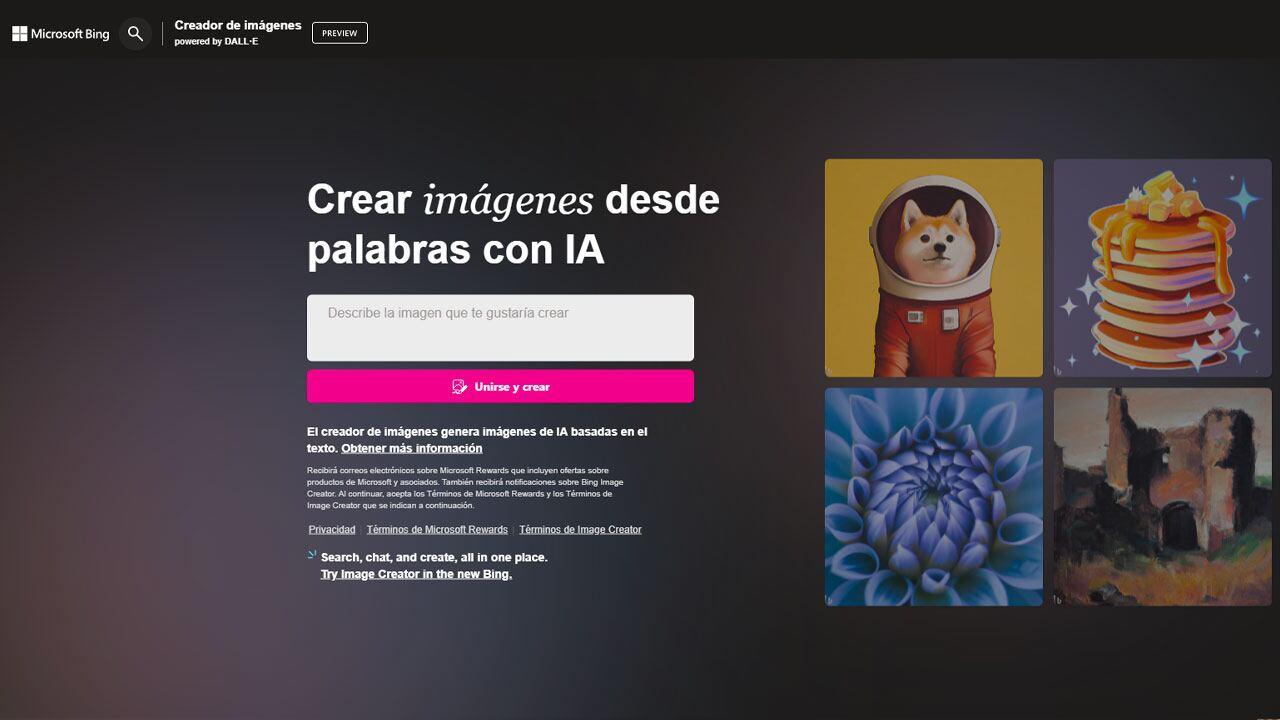
From the web, click on the “Join and create” option if you are not already logged in. Enter your prompt in the text box and click Create. The page itself offers a "Surprise Me" feature to generate ideas if you're stuck.
After submitting your description, the system typically produces several images (usually four), which you can open at a larger size. Under normal conditions, the waiting time is a few seconds to several minutes: Users report intervals of 15–25 s when there is a quota of “quick creates” and up to 1–2 minutes if the queue is busy.
When you open a large thumbnail you will see options to download in JPG, share, or save. It's a useful standard size for the web and social media. If you want to edit or remix, you can continue the conversation in Copilot or transfer the image to Microsoft Designer for further adjustments.
On the bing.com/create homepage, other users' work is displayed A gallery. It serves as inspiration and helps you understand how the AI interprets certain prompts. Above is the box where you can enter your idea; the clearer and more detailed the better.
Examples of fun and effective prompts you can try: “an astronaut cat exploring space”"A dog dressed as a superhero saving the world," "a mountain of flying donuts," "a castle in the clouds with pink unicorns." From there, add adjectives, styles, or specific lighting.
If you prefer chat, open Bing in conversation mode with your Microsoft account. Select the creative style to give the generator more freedom. You can start with “Draw…” or “Create an image of…”, and the bot understands that you want a visual composition.
The advantage of chat is that you can chain natural instructionsFor example: "make the sky more dramatic," "add golden lighting," "change the style to oil painting." You don't need to redo the prompt from scratch; you'll fine-tune the result.
The key is specificity. Try to make each sentence contain adjectives, location, time of day and style (photographic or artistic). “Woman portrait with soft sidelight, watercolor style, urban sunset background” is better than “woman portrait.”
Provide references where they make sense. Quoting titles or iconic names helps disambiguate: “furry creature wearing sunglasses, 'Pixar' style” usually gives better results than “creature” without further clues.
If it doesn't reach what you had in mind, it's okay: test prompt variationsChange the style, add or remove objects, play with framing or lighting. Experimentation "educates" the tool for your purpose.
Bing Image Creator uses a diffusion model that learns to remove noise from blurred images to reveal a composition consistent with the text. First, encode your prompt to extract concepts, relationships, and attributes; then, decide which elements to include and how to organize them; finally, decode that representation into a new image.
Due to the controlled randomness of the process, each execution is different Even if the prompt is the same. This allows for iteration: if you're not satisfied with a result, regenerate it or request specific changes ("make the house bigger," "add a fireplace," or "convert the style to comics").
As the model has been trained with a large amount of works and photos, it is able to capture specific styles and combine themAsk for “visible impressionist brush strokes,” “cinematic grain,” “35mm lens,” or “retro low contrast,” and you’ll see how the aesthetic changes.
To speed up the queue, Microsoft uses a system of “quick builds” or boosts that give temporary priority. When the time expires, the time reverts to standard mode, which is slightly slower. Availability and quota vary from account to account and depending on current demand.
There are cases where new users receive 25 initial boosts, others display counters like “3/15 quick builds” and a replenishment notice “in less than 1 hour.” It is also possible to redeem Microsoft Rewards to get moreThe result is the same in quality; what changes is the waiting time.
When there are boosts, generation can be around 15–25 seconds per imageWithout priority (or with a heavy load), it can take longer, approaching a minute or two. If you plan to create multiple batches, it's a good idea to space out the requests or rely on available boosts.
When you open a proposal you will see the download button. The file will be displayed in JPG and 1024x1024 resolution. There is no native scaling within Image Creator, but you can tweak the image in Microsoft Designer to adjust composition, add text, or rearrange elements; if you need transparency, see where to get free PNG.
Also, you have the option of save in "My Saved Items" within your Microsoft account, allowing you to organize, create collections, and jot down ideas. If you want to publish later, the sharing option is just a click away, allowing you to bring your work to social media or presentations.
Remember, if a result doesn't fit, you can regenerate and obtain other variations. The nature of the system means that each attempt brings small surprises; it's part of the charm of finding "the" image you were looking for.
Microsoft also offers a video generator in the Bing app for iOS and Android. Video creation is currently only available on mobile devices, accessible from the menu as “Video Creator” or by typing instructions like “Create a video of…”.
The system transforms your description into a five-second clip, vertical format 9:16, ideal for TikTok, Reels, or Shorts. Microsoft has indicated that horizontal support will come later, but for now the focus is on vertical.
Up to 1000kJ can be generated three videos simultaneously and download them when finished. Note: creations are stored for a period of time 90 days, so it's a good idea to save them locally if you want to keep them longer.
There are two modes of generation: one standard (free) with longer wait times, and a mode Speed that speeds up the queue in exchange for redeeming 100 Microsoft Rewards points per video. Upon accessing, some users receive 10 free quick creations to try.
Yes. Bing Image Creator and Copilot allow you to generate images. for freeThere are boosts that only prioritize the queue; their availability varies, and you can earn more with Microsoft Rewards.
The platform works with OpenAI technologies such as DALL·E (including DALL·E 3) and GPT‑4o options for the generation. On mobile devices, the video module relies on Sora-like capabilities as announced.
It was originally recommended to use prompts in English, but with Copilot integration, you can usually express yourself in your own language. If you don't understand something, try rephrasing or using English terms for technical styles.
The normal thing is to obtain up to four proposals per instruction. You can open each one full size, download, or save to compare and choose the one you like best.
Natively, the download is JPG to 1024 × 1024If you need a different aspect ratio or larger size, edit in external tools like Microsoft Designer or resize using prompts.
You have the option to Save to “My Saved Items” linked to your Microsoft account. There you can organize them into collections and leave notes for your projects.
Yes. After the first batch, dialogue with Copilot to add, remove or change elements: color, light, style, objects… It's faster than rebuilding from scratch every time.
Without boosts, the wait may be somewhat longer, especially during peak hours. Even so, the quality remains the same; only the priority in the queue changes.
Counters of the type may appear in the interface “3/15 quick creations” and messages notifying you of restocking within an hour. The exact quota may vary by account and time.
With all of the above, you now have a map to get the most out of the tool: describe in detailCombine styles and rely on quick creations when you need speed. Between the web/Copilot image generator and the mobile video module, Microsoft's offering ranges from instant creative sketches to small, vertical, social-ready pieces.
此内容由惯性聚合(RSS阅读器)自动聚合整理,仅供阅读参考。 原文来自 — 版权归原作者所有。