



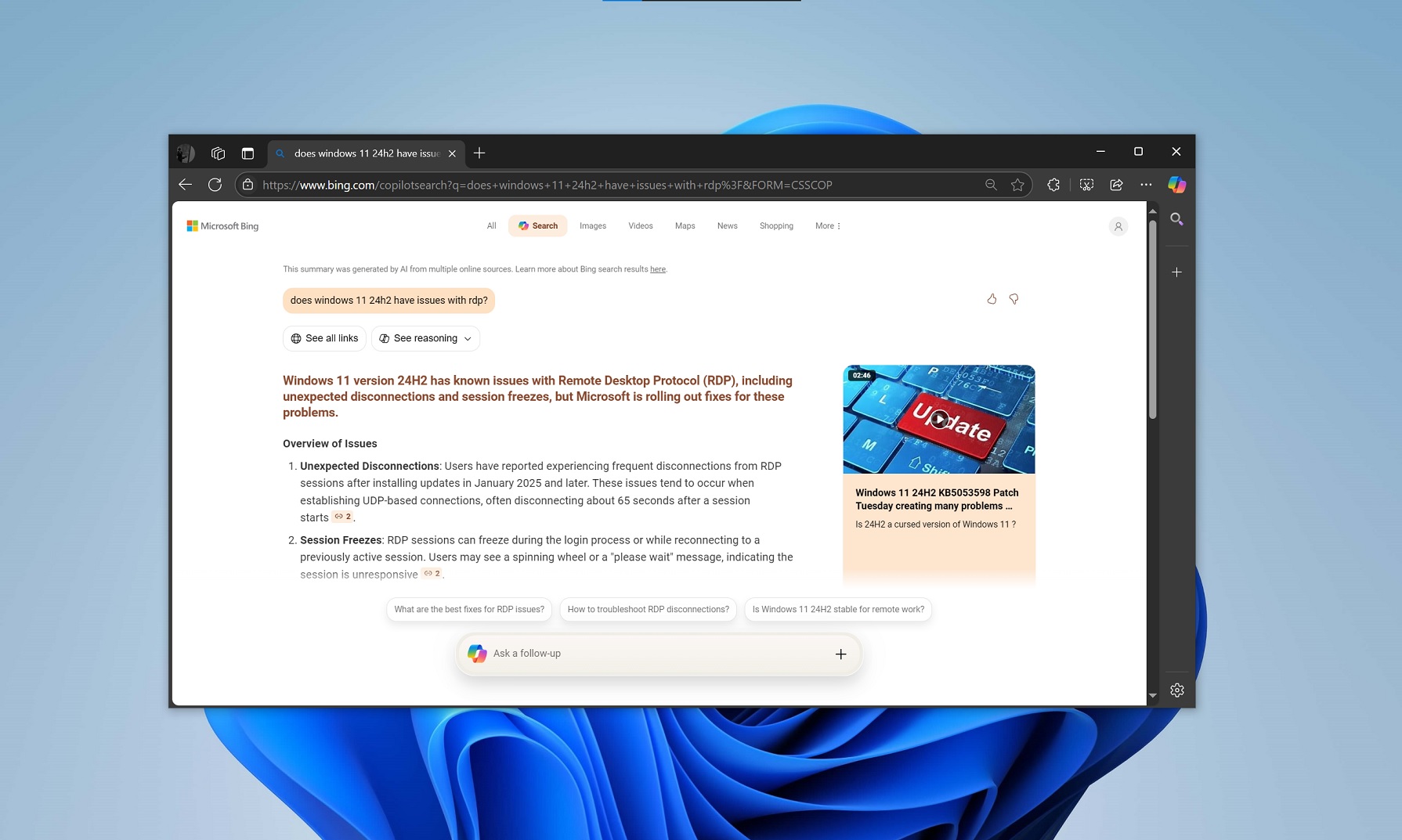
Microsoft has been secretly working on a Copilot-powered search feature called “Copilot search,” which isn’t anything like the existing Copilot or Bing search. Bing’s new AI search summarizes links from the web and tries to answer the questions. My sources describe the feature as the “future of search,” and it’s now rolling out to everyone.
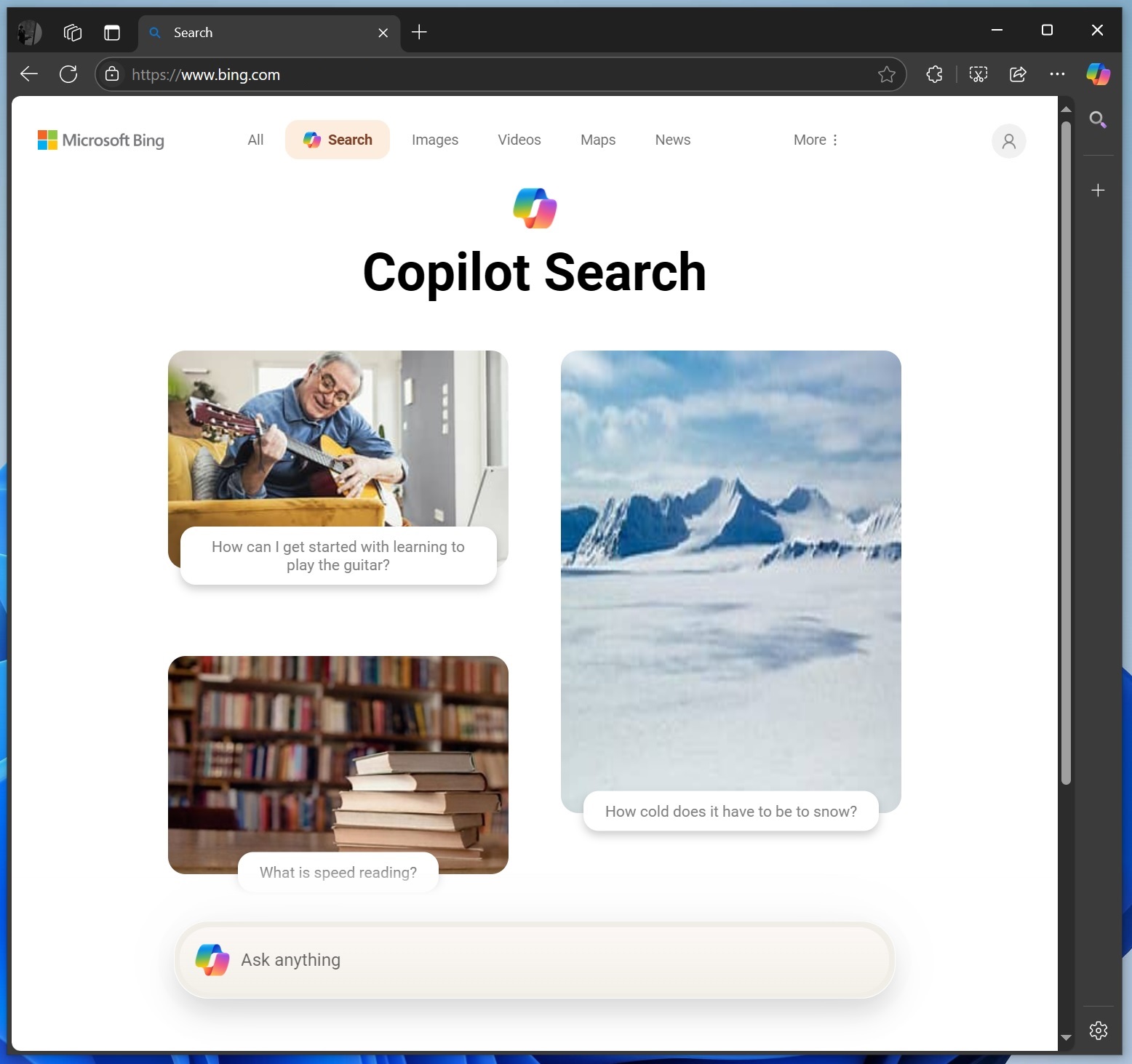
On February 24, I exclusively reported about Bing’s new AI search feature called Copilot Search, but at that point, the feature was hidden and not available to everyone. We could only access it by manually typing bing.com/copilotsearch or selecting “Search” under the “Tools” button on Bing.com. It was limited to select Microsoft accounts and regions.
However, Microsoft told me Bing’s AI mode is now being tested with the public. We also noticed that it automatically appears on the homepage for some queries. However, it’s optional and you need to manually click the new “Search” button to access it.
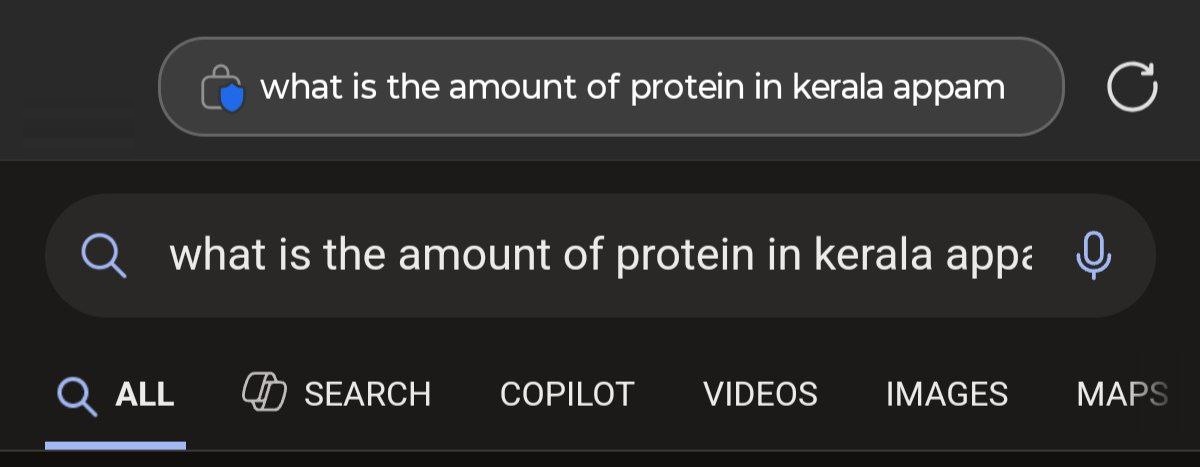
In our tests, Windows Latest observed that you’ll automatically begin seeing a new toggle called “Search” with a Copilot icon, among other options, such as All, Copilot, Images, Videos, News, etc.
When we searched for a recipe on mobile using Edge, a new toggle called “Search” with the Copilot icon automatically appeared on Bing. When I selected the new “Search” button, it opened a new bing.com/copilot search?q= page, which tried to answer my question using a new reasoning-based AI model.
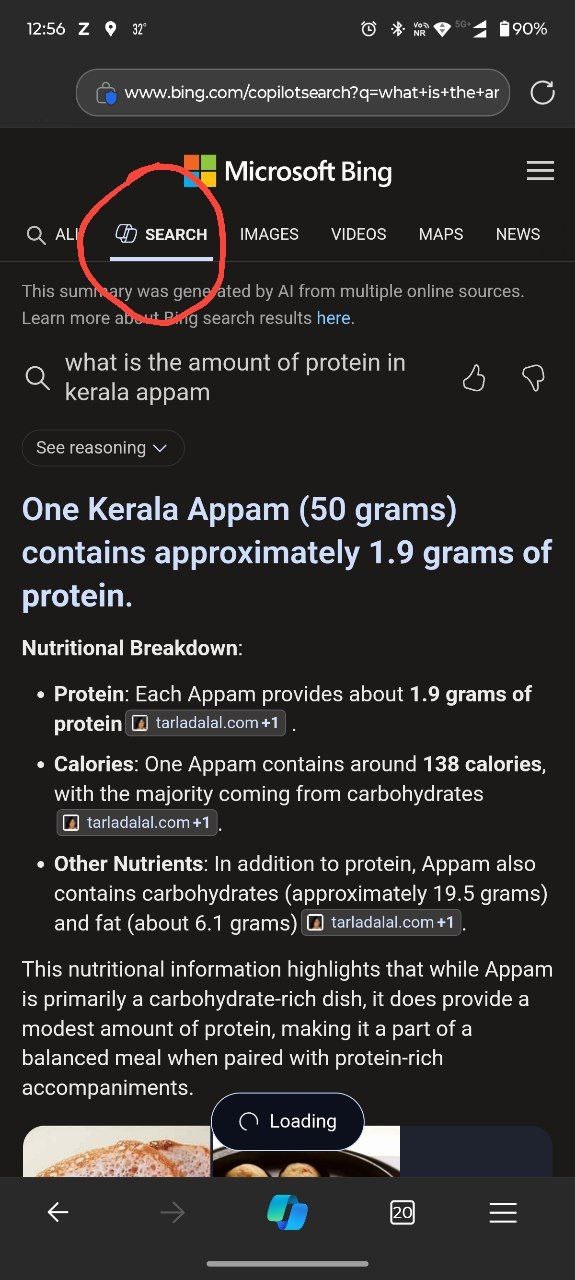
Windows Latest understands that Microsoft uses its AI model to power these AI search results.
These results are pretty nice, and they have the links to the websites the AI referred to, but you may not click on them because Bing AI search answers pretty much everything, including images at the bottom of the results.
1 of 2
Bing’s AI search now looks better than the original interface tested in February 2025.
For example, the top bar is centred and has “All, Search, Images, Videos, Maps, News, Shopping, and More.” If you click on any option other than “Search”, you’ll go back to the traditional Bing interface with blue links, also known as SERP (Search Engine Results Page).
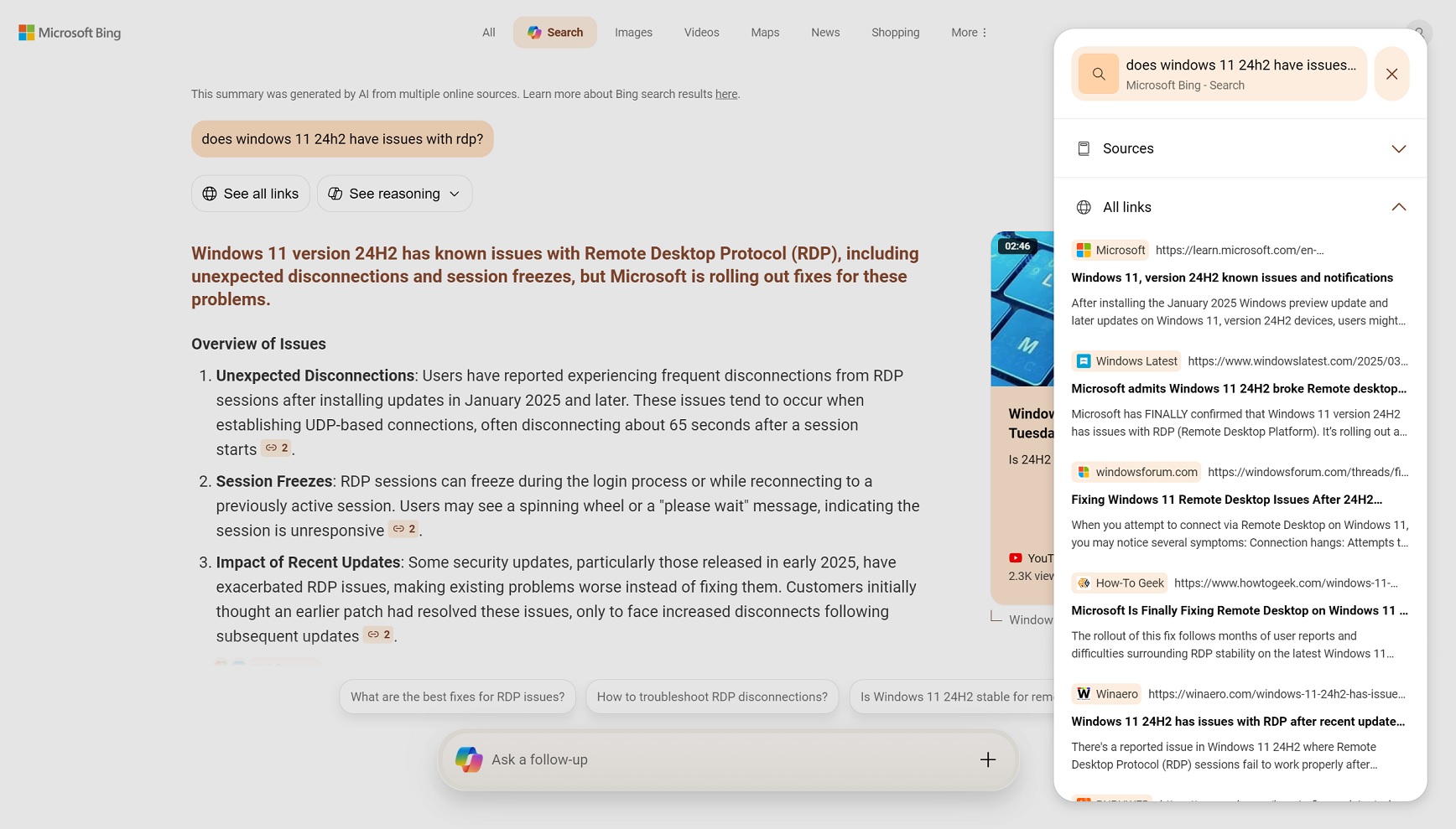
After Bing AI has completed the task, it lets you browse all links by clicking on the “See all links” button, which opens links in a panel on the right side. This is very similar to how ChatGPT works and perhaps – ChatGPT search.
In fact, the new Bing AI Search works very much like the ChatGPT search, but it does a better job of referencing links.
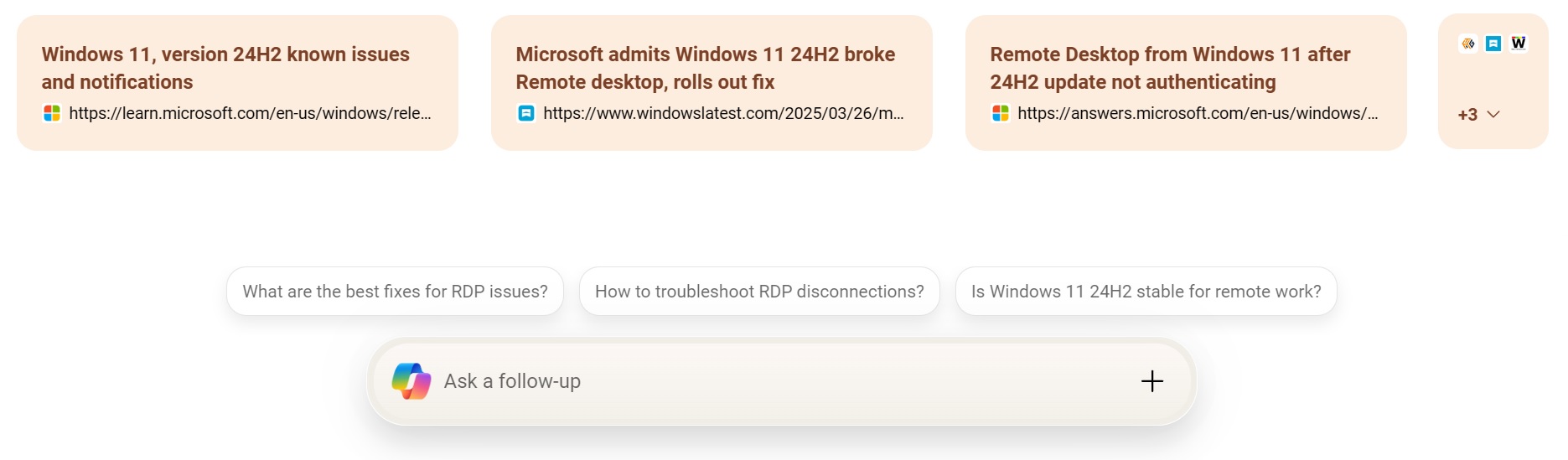
Finally, if you scroll down, you’ll again see the links at the bottom of the Bing result, and you can also ask a Follow-up question. You can start typing your following, and the page will automatically scroll down with an updated answer. You can always go back to the original query.
However, Bing AI’s follow-up responses do not reference source links as frequently as the initial answers do.

For example, when I asked Bing AI, “How to fix the RDP issues in Windows 11 24H2,” it answered with 100% accuracy. But it clearly scraped my article on Windows 11 24H2 RDP issues, including my registry workaround and group policy steps, without properly attributing my original work.
Is this what the future of the web will look like? I’m not sure I like it.
Here is a video demo of Bing AI:
The results are more accurate now compared to how they were in February. It’s also much faster, and it does feel like Bing AI search is now ready for daily use, but it’s not going to be the default mode of browsing Bing anytime soon.
In a statement to Windows Latest, Microsoft confirmed that it has started rolling out the new generative search experience and has nothing more to share.
“We’re continuing to experiment and iterate with generative search, which we began rolling out last year. At this point, we don’t have anything further to share,” a Microsoft official told me via email.
Microsoft isn’t the only company exploring AI-based search results.

As Barry Schwartz reported, Google also launched “AI mode” for search, and it works very much like Bing AI search, but Google’s solution is only available for those who pay for the $20 AI subscription, and it currently works in the United States only.
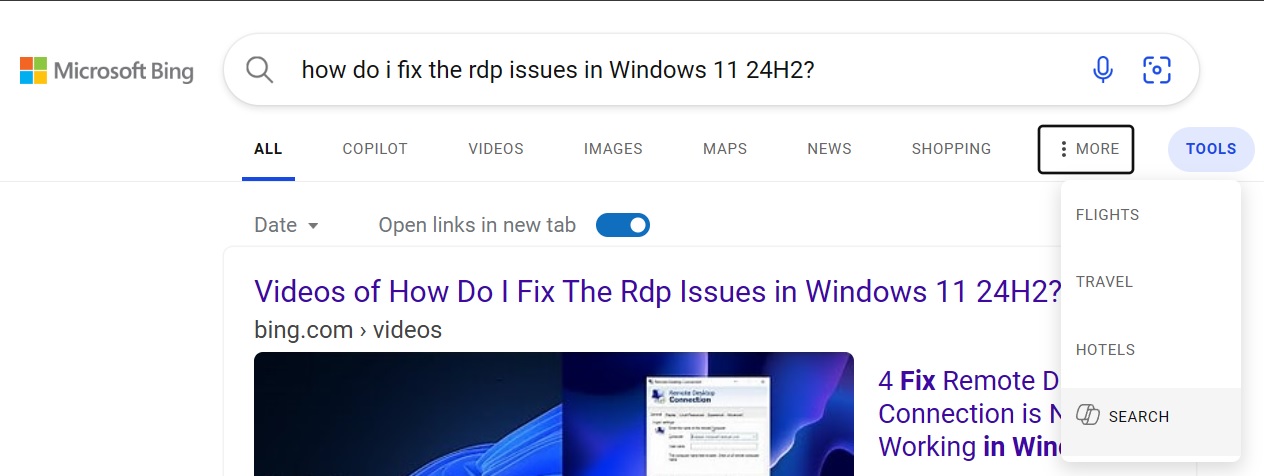
On the other hand, Bing AI is available in all regions for free, but if you do not see the option, click on More and select “Search” from there.
此内容由惯性聚合(RSS阅读器)自动聚合整理,仅供阅读参考。 原文来自 — 版权归原作者所有。