





I am here not talking about debugging BizTalk application with HAT, my topic is how to debug map in VS2005. Is it a new topic? I hope so. :)
1. Why is it possible to debug BizTalk map in VS2005?
1).
VS2005 enables you to debug XSLT (It might be a new feature coming with VS2005, I am not sure whether VS2003 has this feature.)
2). BizTalk map is essentially a XSLT file.
2. Are you ready? the exciting journey begins here...
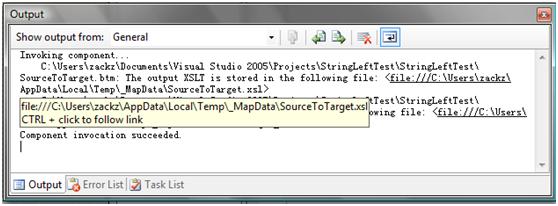
1). Generate XSLT file based on physical map. We will use the sample code which is for previous topic.

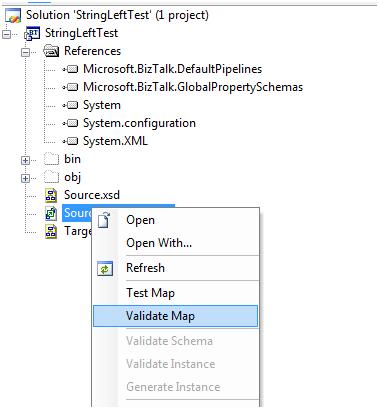
2). Open your explorer, right click on the map file and select validate map.
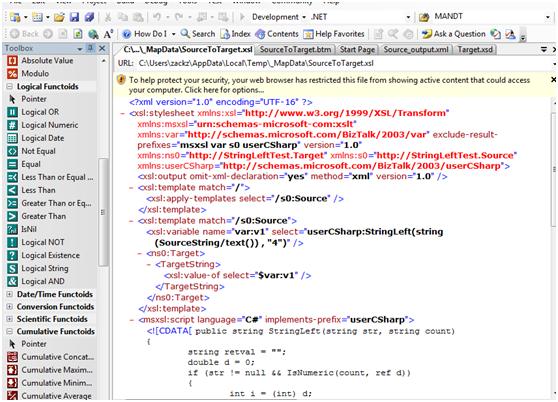
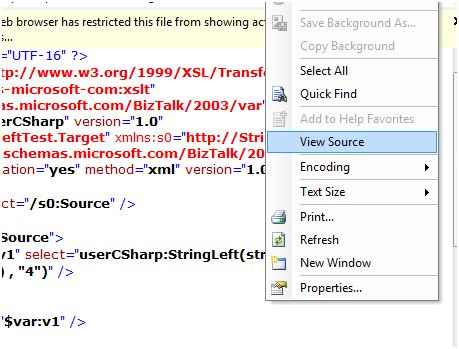
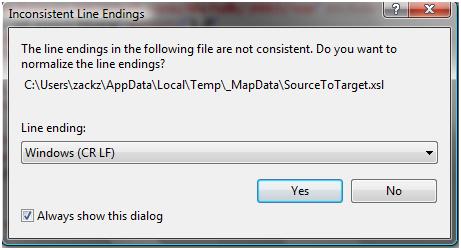

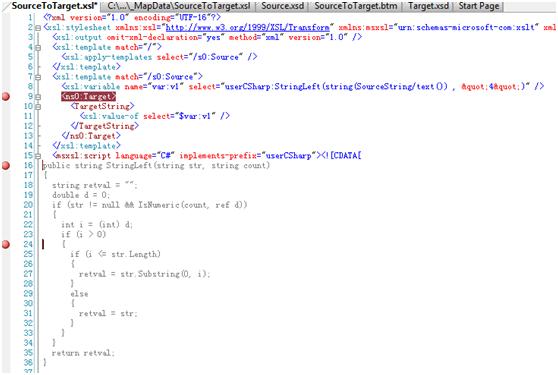 8). Just click it…another window will pop up to ask you specify a input file instance before debugging and continue to debug. As you can see watch window, command/immediate window now is available for you keep tracking variables, you can press F10 to step forward.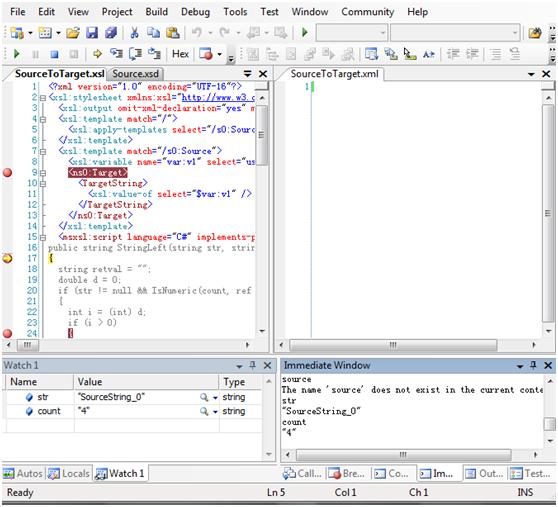
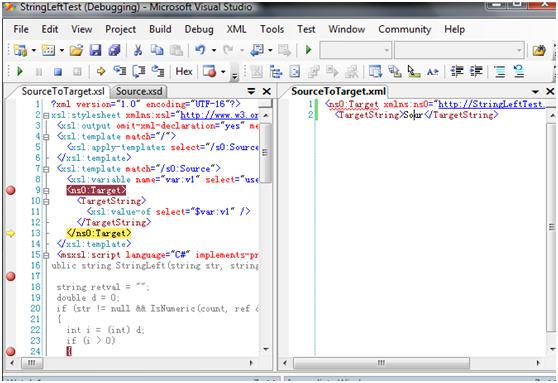 What do you see? It is really cool, isn’t it?
此内容由惯性聚合(RSS阅读器)自动聚合整理,仅供阅读参考。 原文来自 — 版权归原作者所有。