






Chat SDK is now available, the universal chat layer for building bots and agents. Build your Slack agent with the Slack adapter now or follow the guide.
Slack is already where teams work. It provides a natural interface for agents, with messages, threads, buttons, and events, so you don't need to invent a new UI or onboarding flow. Getting from "I want a Slack agent" to a running deployment, though, means coordinating across a lot of systems:
Creating an app in the Slack API console
Configuring OAuth scopes and event subscriptions
Writing webhook handlers and signature verification
Deploying to infrastructure that can handle Slack's 3-second response window
Each piece has its own docs, and they all need to work together.
Coding agents like Claude Code, OpenCode, Cursor, and GitHub Copilot are well suited for exactly this kind of coordination because they can read docs, reason through dependencies, and generate code in seconds. We built the Slack agent skill to take advantage of that. It builds on our Slack Agent Template, works with the coding agent of your choice, and takes you from idea to a deployed Slack agent on Vercel in a single session, automating steps when possible and showing you exactly what to click when it can't.
Link to headingFrom idea to deployed agent with the skill wizard
Install the skill and run the wizard:
npx skills add vercel-labs/slack-agent-skill
Install the Slack agent skill
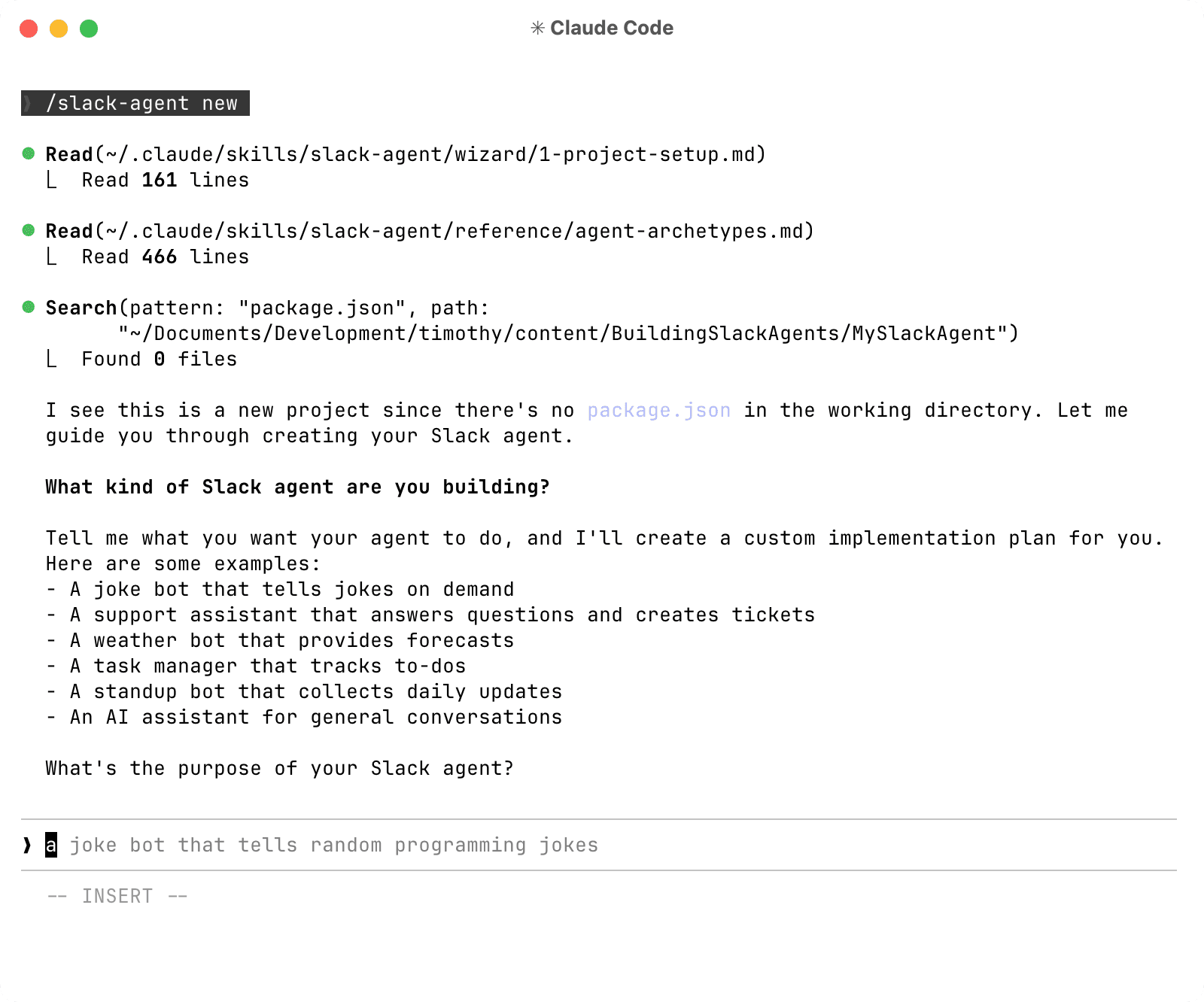
Then run the skill in your agent. For example, with Claude Code:
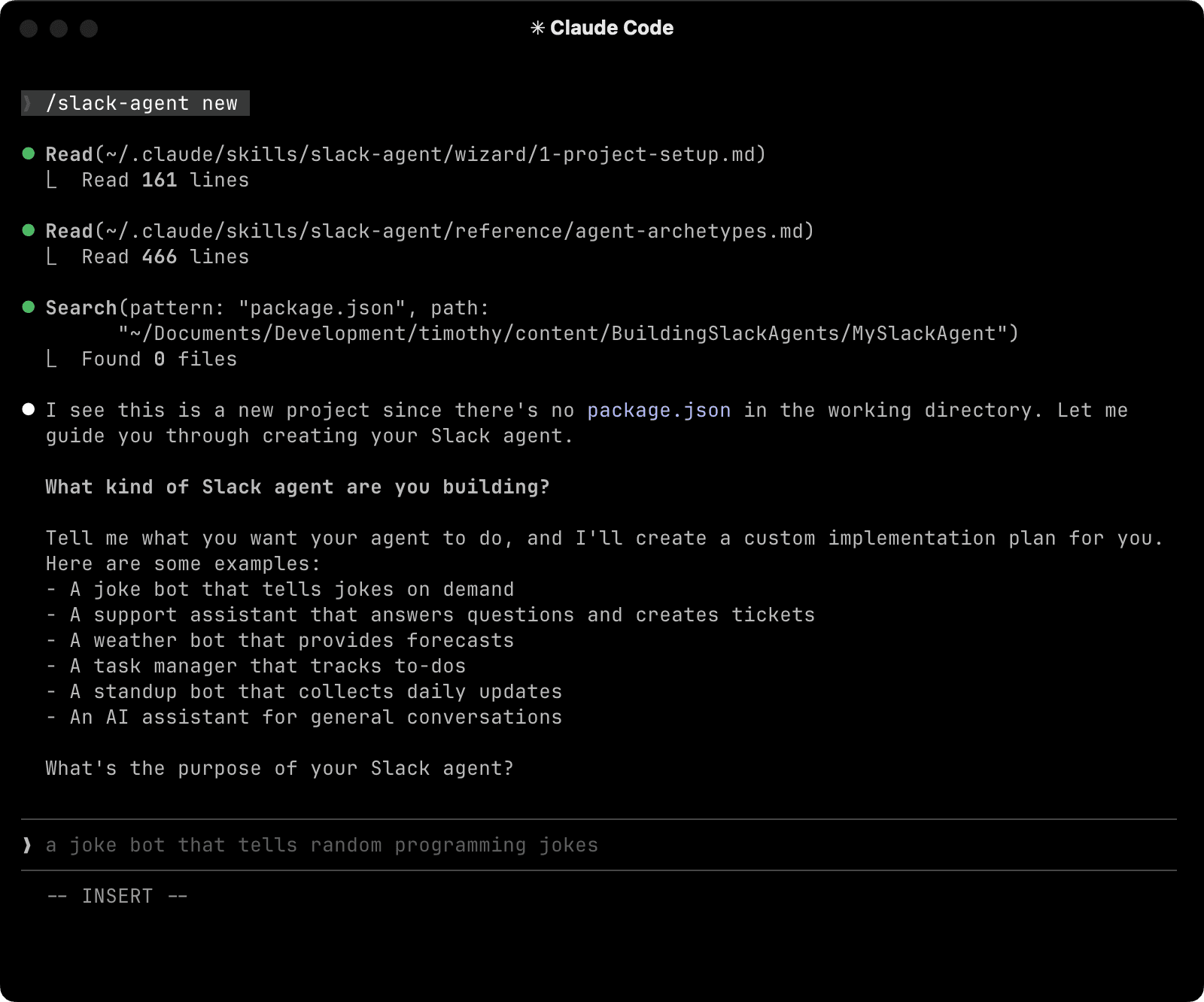
Start the wizard in Claude Code
The wizard starts by asking what kind of agent you want to build. You might say "a support agent that answers questions from our internal docs," or "a standup bot that collects updates from the team every morning." Based on your answer, it generates a custom implementation plan tailored to your use case. You review and approve the plan before any code is written.
From there, you move through five stages:
Project setup: You choose your LLM provider, and the agent scaffolds your project from our Slack Agent Template.
Slack app creation: The agent customizes your
manifest.jsonwith your app name, description, and bot display settings, then opens Slack's console and walks you through creating the app and installing it to your workspace. OAuth scopes, event subscriptions, and slash commands come pre-configured from the template.Environment configuration: The agent walks you through setting up your signing secret, bot token, and any API keys your project needs.
Local testing: The agent starts your dev server and connects it to Slack so you can message your bot and see it respond in real time before anything touches production.
Production deployment: The agent walks you through deploying to Vercel and setting up your environment variables. From this point, every git push triggers a new deployment.
Link to headingWhat the skill gives you
The Slack agent skill gives you an agent that can:
Hold multi-turn conversations across messages and threads
Pause for human approval before taking sensitive actions
Stream responses to Slack in real time
Read channels and threads on its own
Your agent interacts with Slack and your systems through tools, functions it can call to take actions or retrieve information. The template ships with tools for:
Reading channel messages
Fetching thread context
Joining channels (with human approval)
Searching channels by name, topic, or purpose
You can also tell your coding agent to add custom tools that connect to your own systems. Want the agent to look up a customer record, create a support ticket, or query a database? Each of those becomes a tool the agent knows when and how to call.
import { tool } from "ai";
import { z } from "zod";
const lookupCustomer = tool({
description: "Look up a customer record by email",
inputSchema: z.object({
email: z.string().describe("Customer email address"),
}),
execute: async ({ email }) => {
"use step";
const customer = await db.customers.findByEmail(email);
return { success: true, customer };
},
});
A custom tool that looks up customer records by email
Workflow DevKit is what makes the agent durable. A Slack agent often needs to hold a conversation across many messages, or wait hours for someone to approve a request. Workflow DevKit lets the agent suspend mid-conversation, wait for external input, and pick back up exactly where it left off. Tool calls are automatically retried on failure, and responses stream back to Slack in real time.
Human-in-the-loop is built in. When the agent needs to perform a sensitive action like joining a channel, it posts a message with Approve and Reject buttons and suspends. You're only billed for active CPU time, so waiting costs nothing, even if approval takes days. This pattern extends to any action requiring approval, from sending messages to modifying data to calling external APIs.
AI Gateway gives your agent access to hundreds of models from every major provider through a single API key. Switching models is a one-line change, and if a provider goes down, AI Gateway automatically routes to another so your agent stays up.
import { gateway } from "@ai-sdk/gateway";
const result = await generateText({
model: gateway("anthropic/claude-sonnet-4.6"),
prompt: userMessage,
});
Route to any supported model with AI Gateway
Link to headingGoing deeper
Once your agent is live, there are a few ways to extend it and understand it better.
Our Vercel Academy Slack Agents course covers the entire lifecycle, from creating and configuring a Slack app to handling events and interactive messages, building agents with the AI SDK, and deploying to production.
Vercel preview deployments let you test changes before they reach production. For Slack bots, this may require bypassing deployment protection so Slack's webhook verification can reach your endpoint. Our testing guide explains how to set this up.
Vercel Sandboxes let your agent execute code in isolated environments, so it can run user-provided scripts like analyzing a spreadsheet, generating a chart, or transforming data without risking your infrastructure.
Link to headingGet started
The whole experience fits in one session with your coding agent.