








scriptable可以让我们用 js 就可以创建出 ios 中的桌面小组件,而不需要掌握 ios 开发。由于最近深感自己文化水平低,所以想借助 scriptable实现一个每日诗词小组件,这样可以提高一下自己的文化水平。
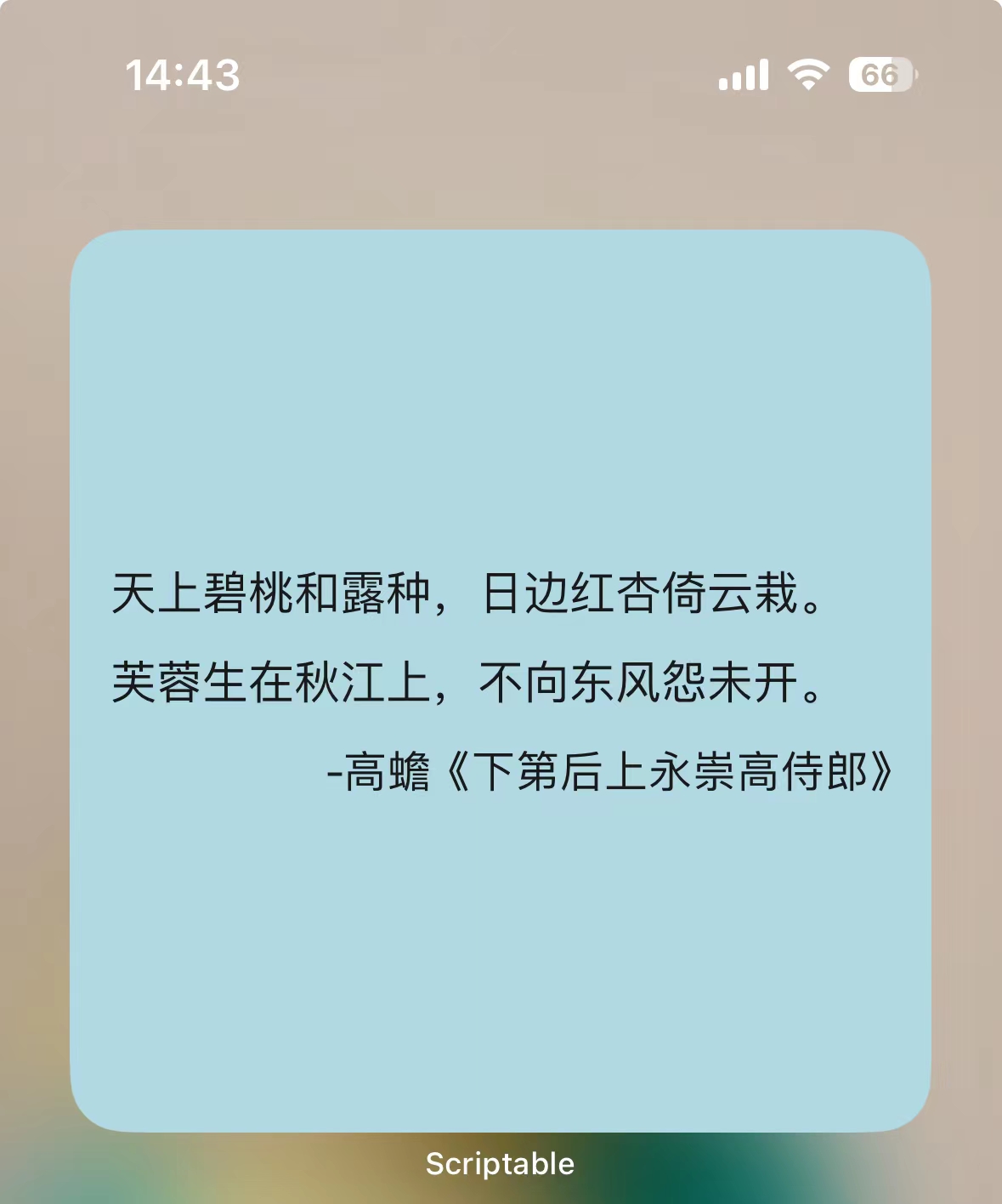
scriptable支持多种 api,比如发起请求,插入图片,布局。。。详细文档可以在 https://docs.scriptable.app 查阅
let url = "https://v2.jinrishici.com/one.json"
let req = new Request(url);
let json = await req.loadJSON();

// log(json)

let poem=json.data.origin.content[0]

let dotflag = /。|,|!|?/g
let dot=poem.match(dotflag)

poem=(poem.split(dotflag))
log(poem)


let str3=json.data.origin.author
let str4=json.data.origin.title


console.log(json.data.origin)

let widget = new ListWidget()

let lineColor=new LinearGradient()
// 自定义背景颜色
// widget.backgroundColor=new Color("#DC143C")

// 背景图片
let bgImg="https://d2w9rnfcy7mm78.cloudfront.net/8867234/original_63cd43c88048a9ff6279c0340faea9db.jpg?1601084036?bc=0"
const i = await new Request(bgImg);
const img = await i.loadImage();
widget.backgroundImage=img

for (let str of poem) {
  let strWidget=widget.addText(str)
  strWidget.font=new Font("KaiTi", 16)
  strWidget.textColor=new Color("#ffffff")
}


  widget.spacing=14
//   作者信息
  let author=widget.addText("-"+str3+"《"+str4+"》")
  author.textColor=new Color("#ffffff")
  author.rightAlignText()

  widget.presentMedium()


Script.setWidget(widget)
Script.complete()
此内容由惯性聚合(RSS阅读器)自动聚合整理,仅供阅读参考。 原文来自 — 版权归原作者所有。