




也就游戏用这种垃圾技术。(主要我还玩不好这个....)
实现billboard时候,用到了maps_baker节点。
这节点有2大傻逼问题
1,不支持采样(19是通过升分辨率,然后再降),主要在cop做一套这玩意还确实麻烦
2,不支持diffuse透贴alpha
解决2的问题:

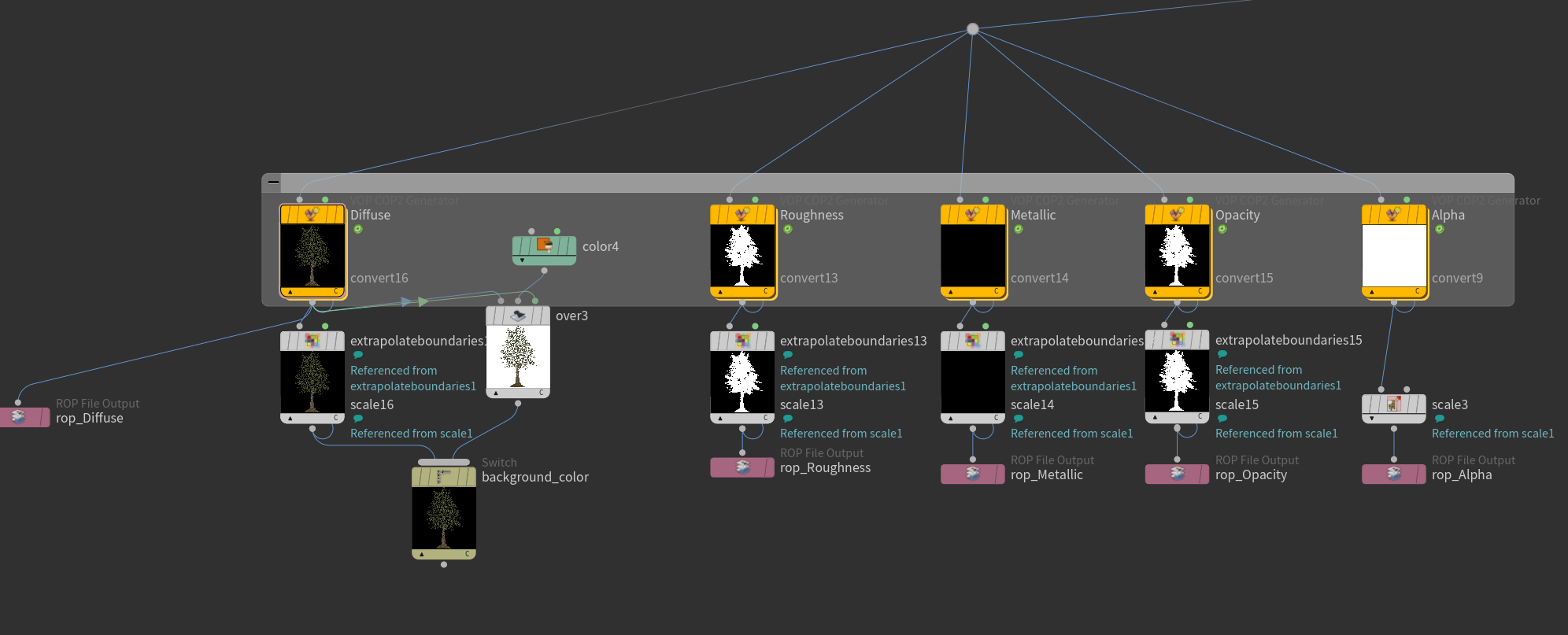
Diffuse节点里面的代码修改(其实主要改成vec4):
float prims[] = array($hitprimArr0.x, $hitprimArr0.y, $hitprimArr0.z, $hitprimArr0.w, $hitprimArr1.x, $hitprimArr1.y, $hitprimArr1.z, $hitprimArr1.w);
vector primuvs[] = array(set($primuv0.x, $primuv0.y, 0), set($primuv0.z, $primuv0.w, 0), set($primuv1.x, $primuv1.y, 0), set($primuv1.z, $primuv1.w, 0), set($primuv2.x, $primuv2.y, 0), set($primuv2.z, $primuv2.w, 0), set($primuv3.x, $primuv3.y, 0), set($primuv3.z, $primuv3.w, 0));
float contributions[] = array($contributions0.x, $contributions0.y, $contributions0.z, $contributions0.w, $contributions1.x, $contributions1.y, $contributions1.z, $contributions1.w);

vector4 pixelcolor = set(0,0,0,0);


foreach (int i; float _prim; prims){
    int hitprim = unpack_intfromsafefloat(_prim);

    if (hitprim == -1)
        break;


    dict Material = prim($HIGH, "__material", hitprim);
    string texture = Material[$channel];
    vector4 color = set(0,0,0,0);  // 这里
    float contribution = max(0, contributions[i]);

    if (texture != "") {
        vector uv = primuv($HIGH, "uv", hitprim, primuvs[i]);

        int succ;
        texture= expand_udim(uv.x, uv.y, texture);

        color = colormap(texture, uv) ; // 由于Hou爹拥有函数返回值重载能力,这里color就有了alpha
    } else {
        color = Material[$scalar];
    }

    pixelcolor += color * contribution;
}

$TEXVAL = pixelcolor;
Rop这个要加个Alpha plane
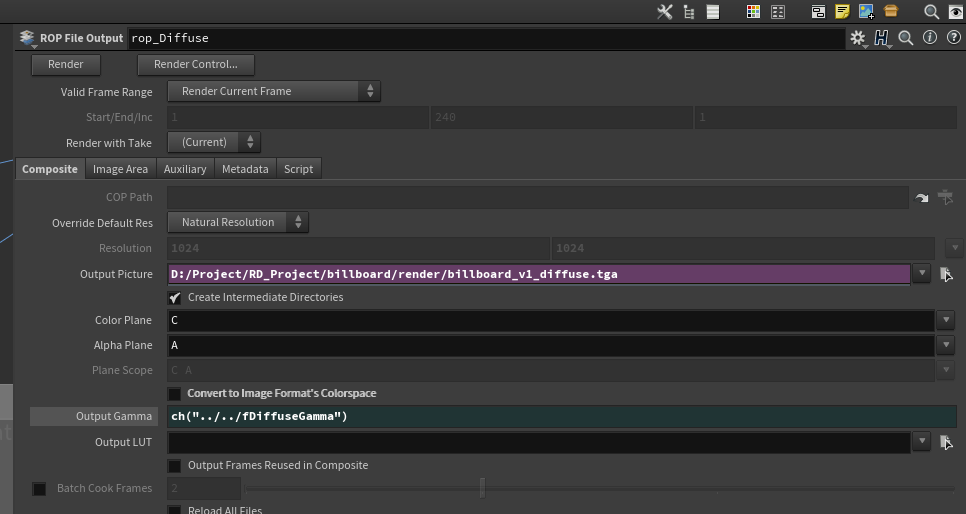
完美:
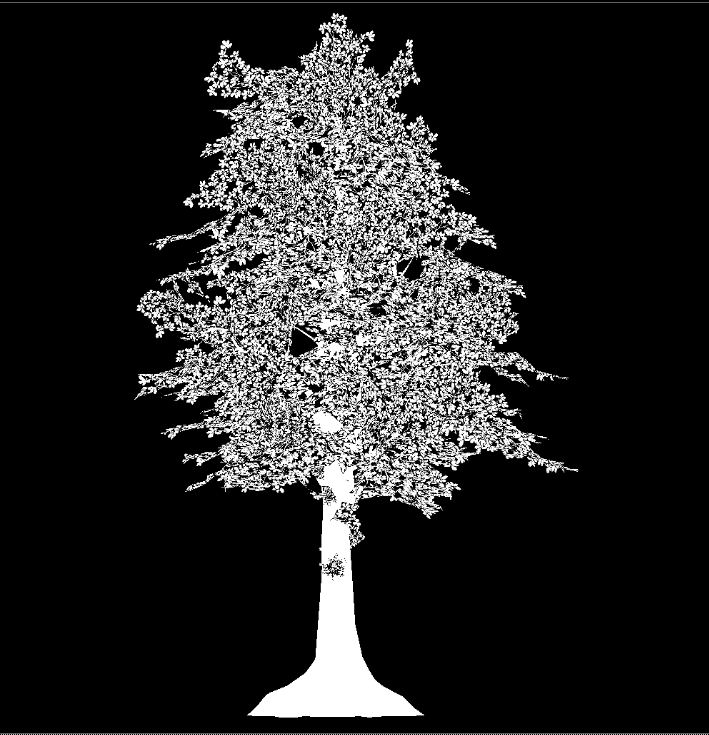
游戏经常还有一个贴图是mix_map,直接修改代码,加入mix_map输出就行。
仔细看最后一个alpha图,这种垃圾方法模拟得rasterlize,导致树叶得alpha把树杆 都alpha了
如何避开上面的方法做billboard.毕竟上面的方法是个玩具,经过实测没法应用
1. 使用mantra,摄像机正交渲染
2. 重写一个正交渲染器(SOP),现在没钱,放弃这个。
billboard这边跑的4面测试。

在摄像机里看一定要是 正儿八经的匹配boundbox
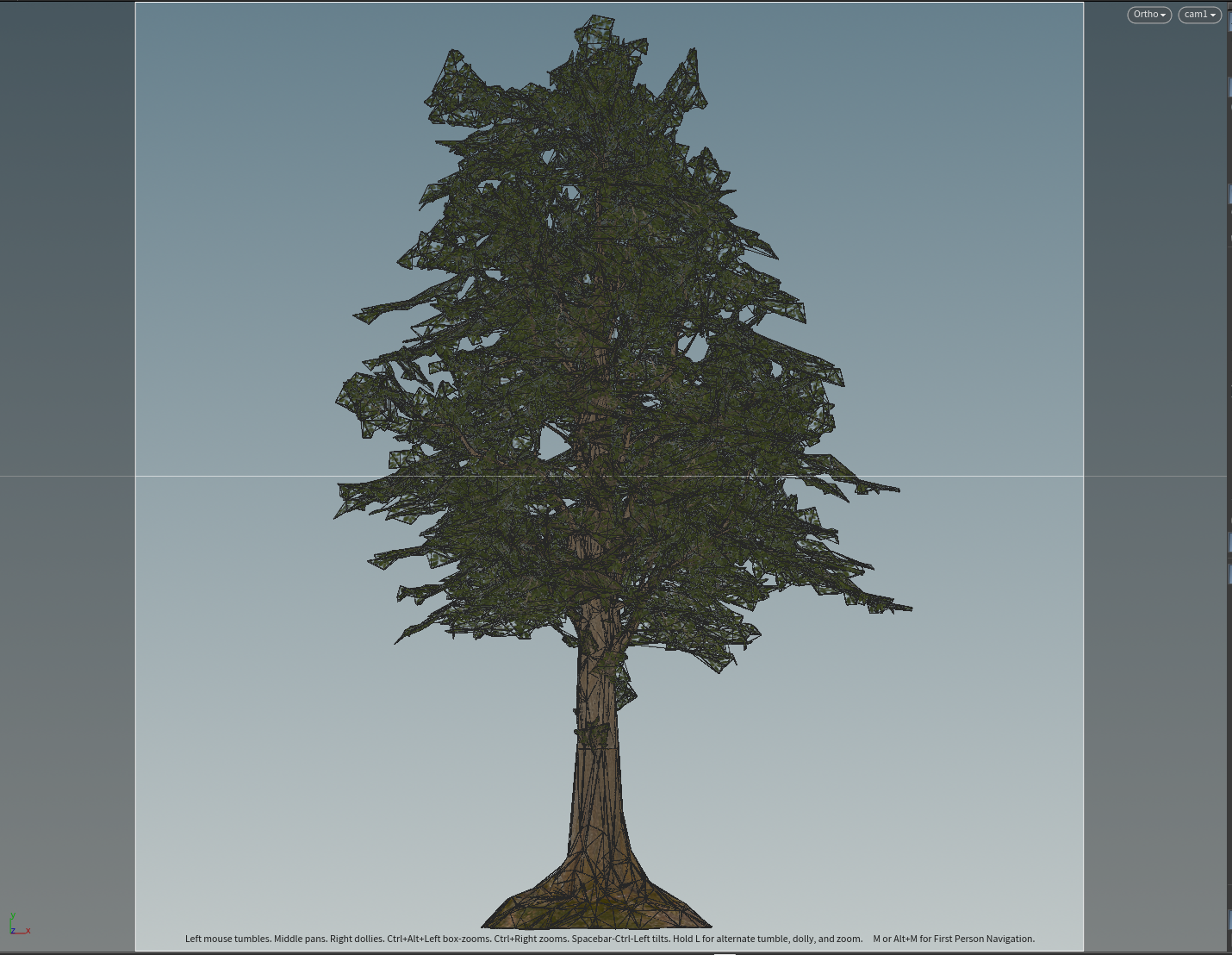
开渲:
base通道:
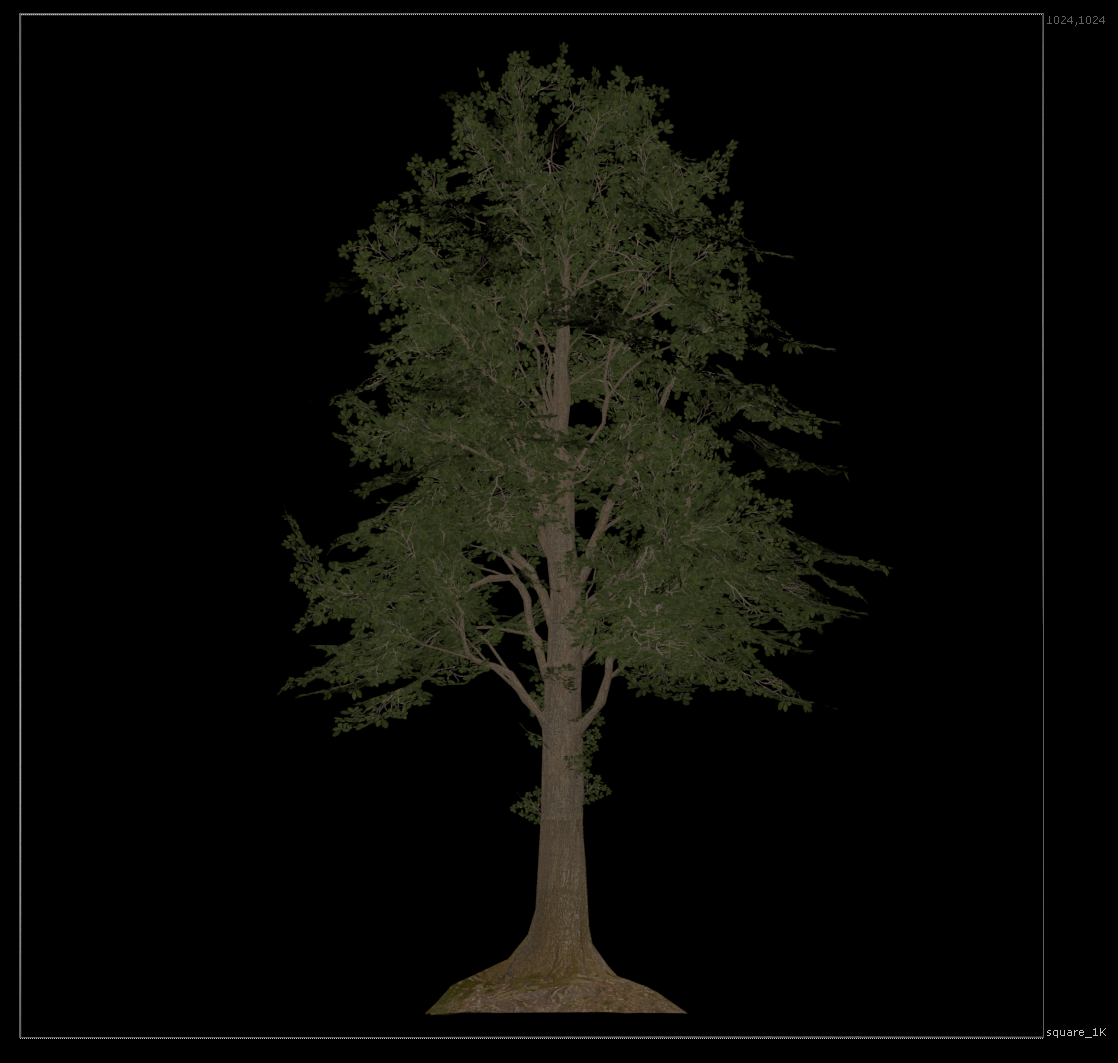
world_normal:
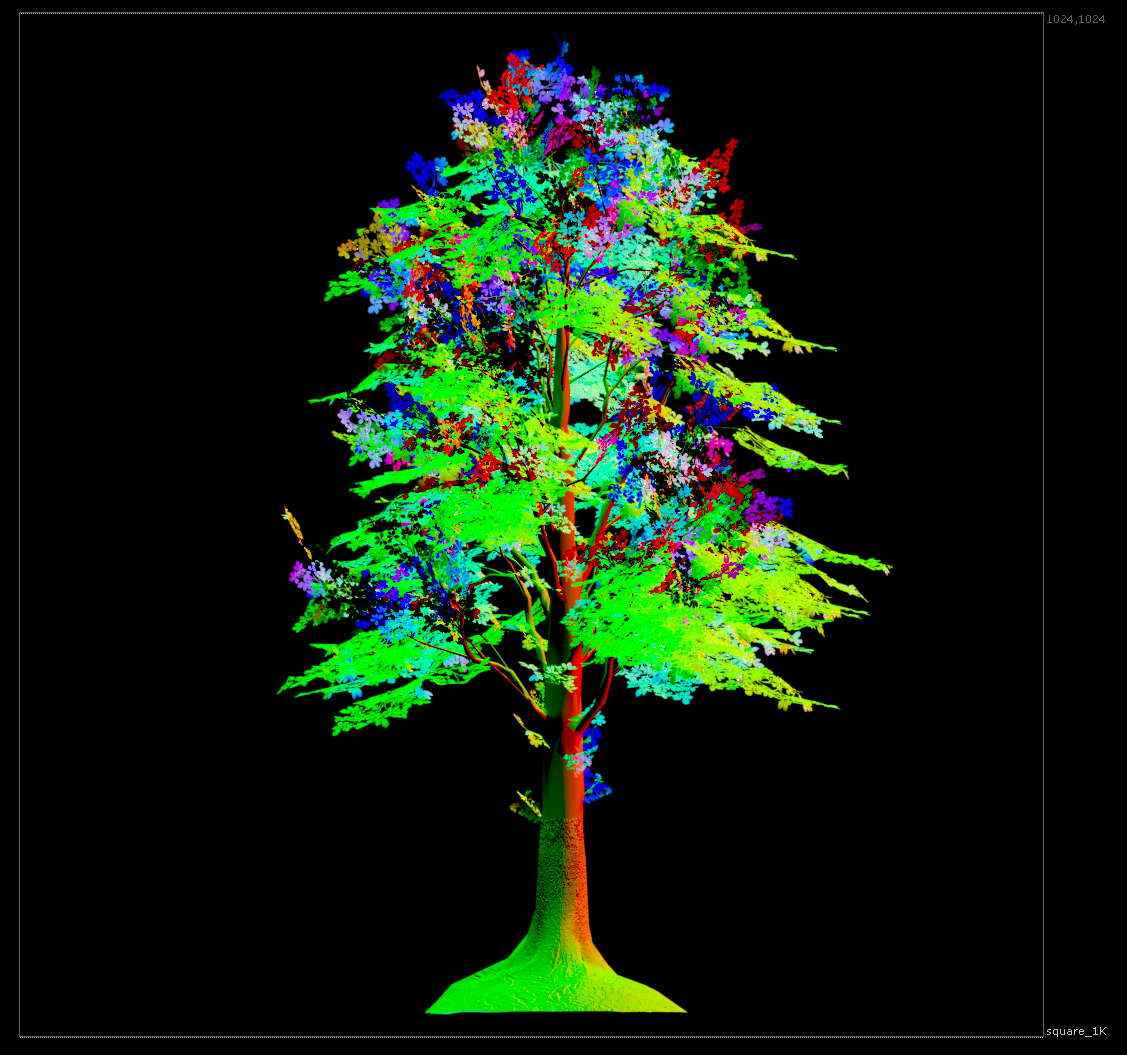
因为要导入引擎,所以必须把这个转换0-1:
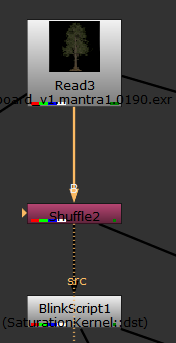
直接blink:
kernel SaturationKernel : ImageComputationKernel<ePixelWise>
{
  Image<eRead, eAccessPoint, eEdgeClamped> src; // the input image
  Image<eWrite> dst; // the output image

  param:
    float saturation; // This parameter is made available to the user.

  local:
    float3 coefficients;  // This local variable is not exposed to the user.

  // In define(), parameters can be given labels and default values.
  void define() {
    defineParam(saturation, "Saturation", 1.2f);
  }

  // The init() function is run before any calls to process().
  // Local variables can be initialized here.
  void init() {
    // Initialise coefficients according to rec. 709 standard.
    coefficients.x = 0.2126f;
    coefficients.y = 0.7152f;
    coefficients.z = 0.0722f;
  }

  void process() {
    // Read the input image
    SampleType(src) input = src();

    // Isolate the RGB components
    float3 srcPixel(input.x, input.y, input.z);

    // Calculate luma
    float luma = srcPixel.x * coefficients.x
               + srcPixel.y * coefficients.y
               + srcPixel.z * coefficients.z;
    // Apply saturation
    float3 saturatedPixel = (srcPixel - luma) * saturation + luma;
    float3 outPixel = (normalize(srcPixel) +1.0) / 2.0;


    // Write the result to the output image
    dst() = float4(outPixel.x, outPixel.y, outPixel.z, input.w);
  }
};
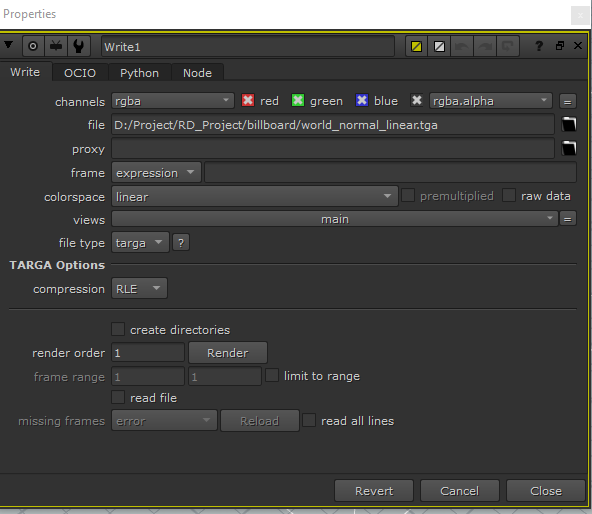
write出去一定要linear:
此内容由惯性聚合(RSS阅读器)自动聚合整理,仅供阅读参考。 原文来自 — 版权归原作者所有。