







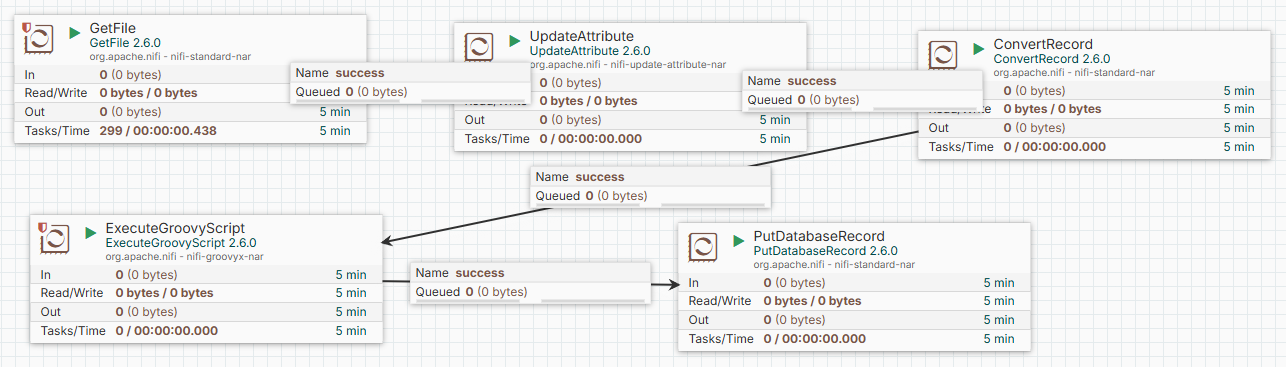
从EXCEL读取数据后,写入数据库这种场景 是很常见的,本次使用NIFI实现将 EXCEL 读取后吸入数据库的过程。
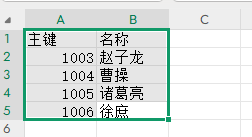
excel 长这样。
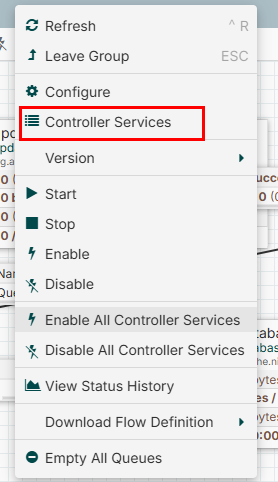
在画布上右键点击 controller services
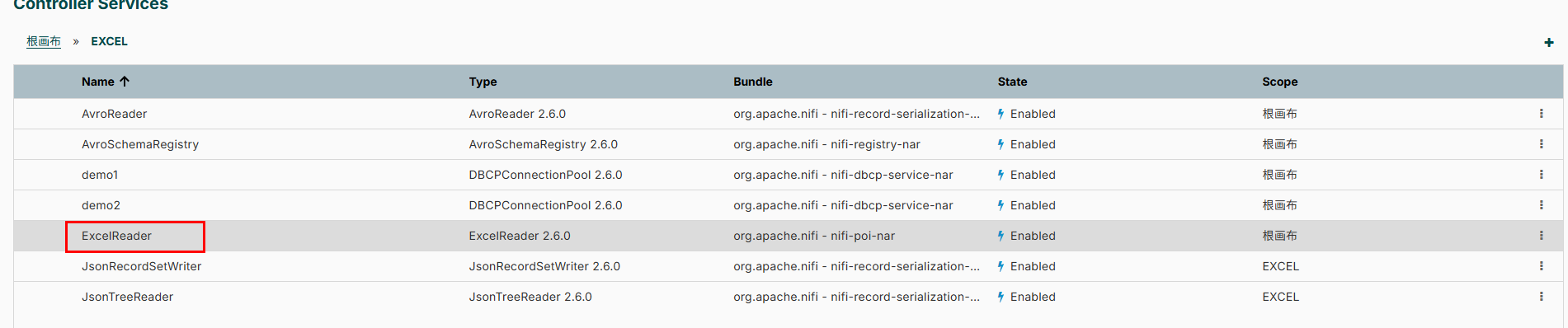
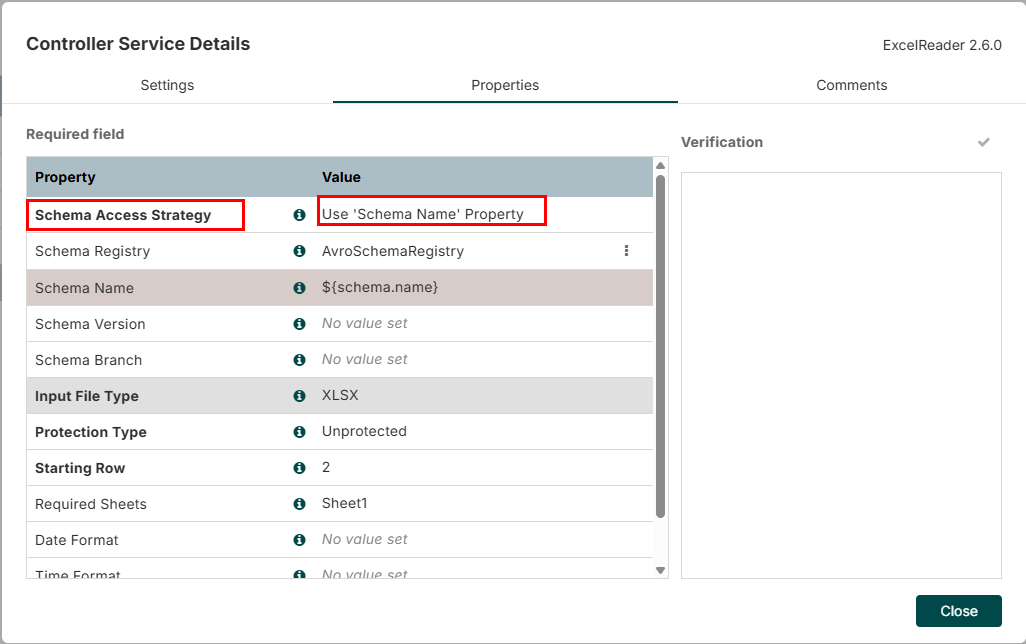
这里选 Use 'Schema Name' Property
Schema Registry 这里我们可以创建一个AvroSchemaRegistry
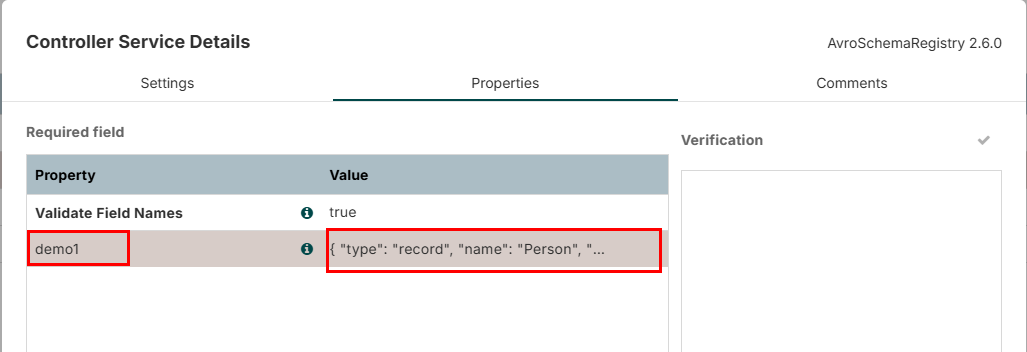
这里增加一个 demo1 的 schema 的配置
配置如下:
{
  "type": "record",
  "name": "Person",
  "namespace": "example",
  "fields": [
    { "name": "id", "type": "string" },
    { "name": "name", "type": "string" }
  ]
}
这个定义读取excel 后的数据的schema。
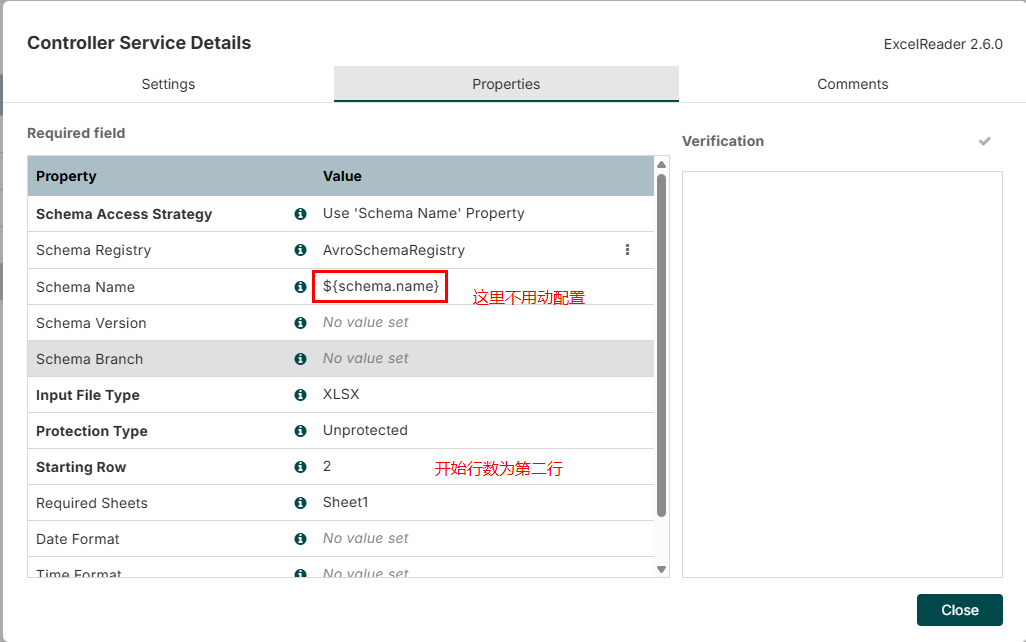
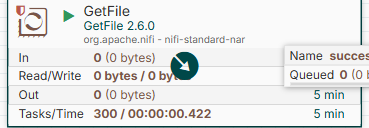
这里只要简单的配置下excel目录路径就可以了
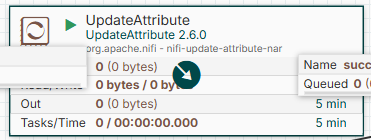
这里配置属性
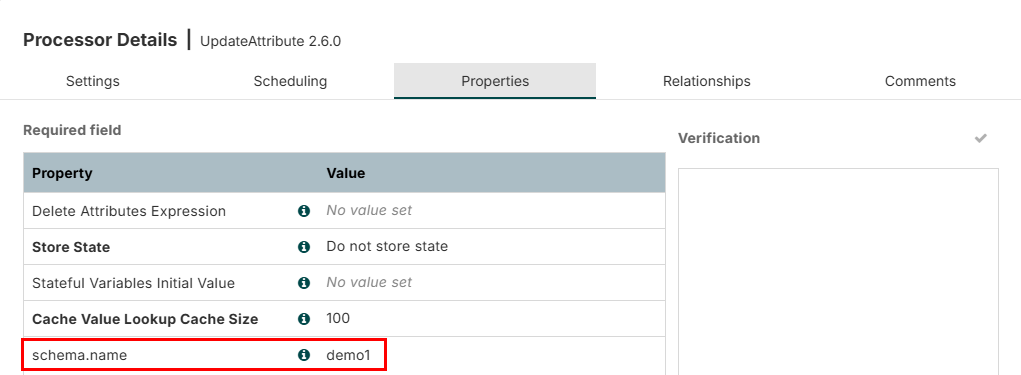
这个shcma.name 和之前配置的 AvroSchemaRegistry 的 需要对应上。
这个组件负责将excel 转换成JSON 数据
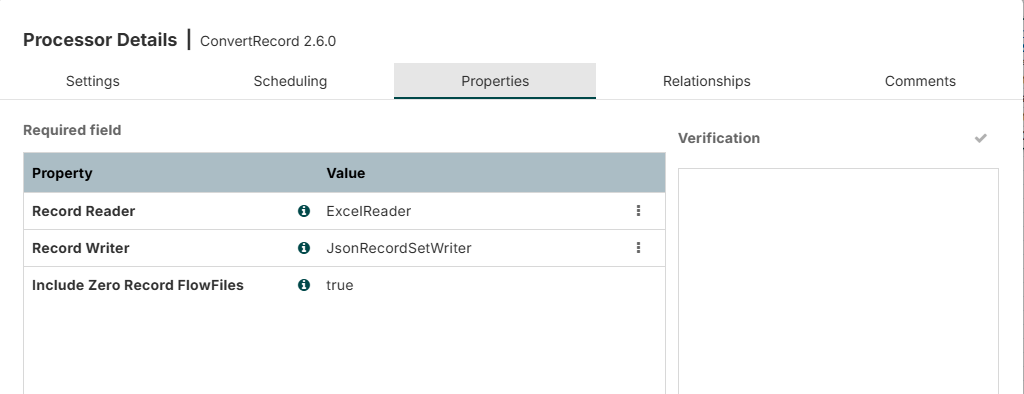
这里主要是配置读取excel,并返回 json 数据格式。
这个组件的作用是,我希望 我对这个读取的json数据,将id 属性改成我自己生成的。
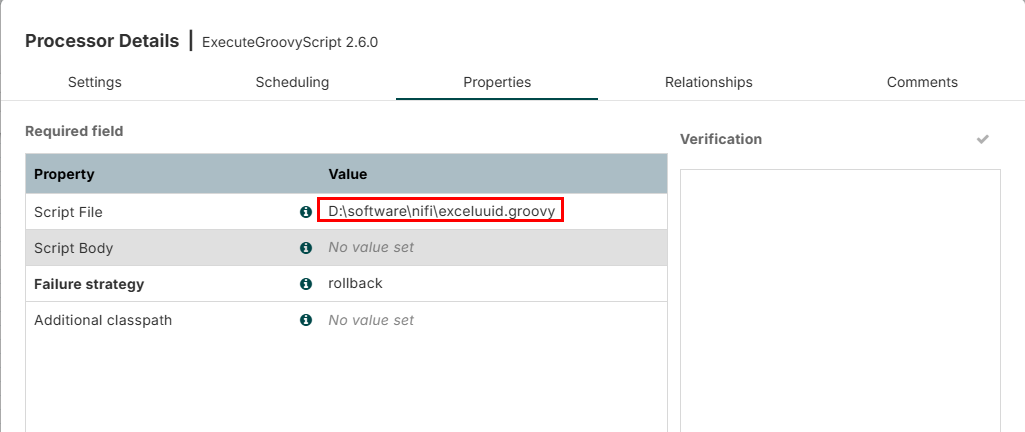
这里配置将ID 配置为uuid。
脚本为:
import groovy.json.JsonSlurper
import com.fasterxml.jackson.databind.ObjectMapper
import com.fasterxml.jackson.databind.json.JsonMapper
import com.fasterxml.jackson.core.JsonGenerator
import org.apache.commons.io.IOUtils
import java.nio.charset.StandardCharsets

def flowFile = session.get()
if (!flowFile) return

try {
    def text = ''
    session.read(flowFile, { inputStream ->
        text = IOUtils.toString(inputStream, StandardCharsets.UTF_8)
    } as InputStreamCallback)

    // 用 Groovy 解析 JSON(支持宽松语法)
    def jsonSlurper = new JsonSlurper()
    def jsonArray = jsonSlurper.parseText(text)

    // 为每条记录添加 id: UUID
    jsonArray.each { record ->
        record.id = java.util.UUID.randomUUID().toString()
        // 注意:Groovy 会自动将 "name" 保留在原位置,新增 id 字段
    }

    // 使用 Jackson 序列化,不转义非 ASCII 字符(保留中文)
    def mapper = new ObjectMapper()
    mapper.getFactory().setCodec(mapper)
    // 关键:禁用 Unicode 转义
    def writer = mapper.writer()
        .without(JsonGenerator.Feature.ESCAPE_NON_ASCII)

    def updatedJson = writer.writeValueAsString(jsonArray)

    flowFile = session.write(flowFile, { outputStream ->
        outputStream.write(updatedJson.getBytes(StandardCharsets.UTF_8))
    } as OutputStreamCallback)

    flowFile = session.putAttribute(flowFile, "mime.type", "application/json; charset=utf-8")
    session.transfer(flowFile, REL_SUCCESS)

} catch (Exception e) {
    log.error("处理FlowFile时发生错误", e)
    session.transfer(flowFile, REL_FAILURE)
}
写入数据库使用 PutDatabaseRecord 组件
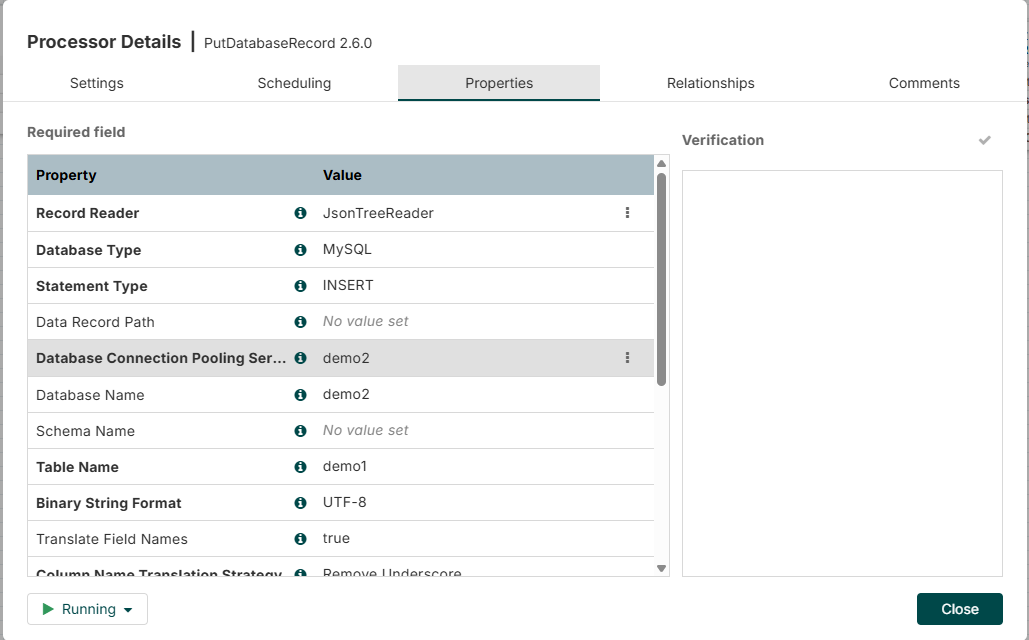
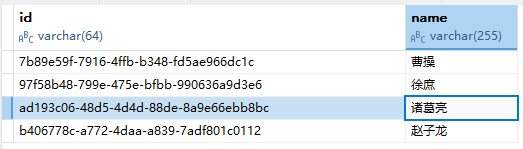
record reader 需要选择JsonTreeReader,并配置对应的数据库表。
此内容由惯性聚合(RSS阅读器)自动聚合整理,仅供阅读参考。 原文来自 — 版权归原作者所有。