





1
SUMMARY
After playing a game and closing the game, the compositor has an issue with the handshake it would seem and if a game is launched again will run very poorly. (Rebooting/refreshing compositor resolves problem but must be done between every game played)

STEPS TO REPRODUCE
1. Launch a game, close the game.
2. Launch the game again and it will be running at 10% performance
3. run kwin_wayland --replace & to refresh compositor after quitting game, reload game and it will work as expected.
(Essentially kwin_wayland --replace & needs to be run after every game, or in between every game.

OBSERVED RESULT
Im bad at reporting bugs, but the game starts to run like shit.

EXPECTED RESULT
Game should not be running like shit

SOFTWARE/OS VERSIONS
Operating System: CachyOS Linux
KDE Plasma Version: 6.6.4
KDE Frameworks Version: 6.25.0
Qt Version: 6.11.0
Kernel Version: 6.19.12-1-cachyos-bore-lto (64-bit)
Graphics Platform: Wayland
Processors: 16 × AMD Ryzen 7 5700G with Radeon Graphics
Memory: 32 GiB of RAM (30.7 GiB usable)
Graphics Processor 1: AMD Radeon RX 6600 XT
Graphics Processor 2: AMD Radeon Graphics

ADDITIONAL INFORMATION
Also escaping to the main menu and some applications will also produce the poor performance issue, however its impossible to predict when it will do it and seems almost at random.
I copy and pasted my bug report into here to try and make things a little easier.
But basically, I launch a game after reboot and it runs perfect. If I close that game and launch it (or another) after it will run very poorly. from 180FPS to 26FPS. Ive had Gemini spit out all kinds of nonsense trying to resolve it myself but its not working out very well.
Any help is appreciated! I also posted in KDE Plasma forums just in case.
Gemini thinks it could be either an issue between the iGPU and dGPU (my bios is totally locked down as it is a prebuilt HP (I know, ew). The only consistent fix for it has been runnning kwin_wayland --replace &
Thanks again! I love CachyOS and really appreciate everything you guys do! <3
mafdk 2
Can’t you disable igpu in UEFI?
KnB9376 3
NVIDIA dgpu?
Bios is locked down thanks to HP and there… brilliance P:
AMD
SOFTWARE/OS VERSIONS
Operating System: CachyOS Linux
KDE Plasma Version: 6.6.4
KDE Frameworks Version: 6.25.0
Qt Version: 6.11.0
Kernel Version: 6.19.12-1-cachyos-bore-lto (64-bit)
Graphics Platform: Wayland
Processors: 16 × AMD Ryzen 7 5700G with Radeon Graphics
Memory: 32 GiB of RAM (30.7 GiB usable)
Graphics Processor 1: AMD Radeon RX 6600 XT
Graphics Processor 2: AMD Radeon Graphics
What do you mean by “pre-built HP”? Laptops are usually pre-built and don’t have locked BIOS by default.
My guess is that you purchased a refurbished business laptop, and the BIOS wasn’t unlocked before it was resold. If you bought it from a company that sells refurbished used business laptops, I’d recommend contacting them and asking them to unlock the BIOS.
If that’s not an option, you could take it to a computer repair shop and ask if they have an SPI flasher. That can be used to restore the BIOS to factory settings. Or try doing it yourself. This HP is probably bit older than yours but you should be able to do something similar:
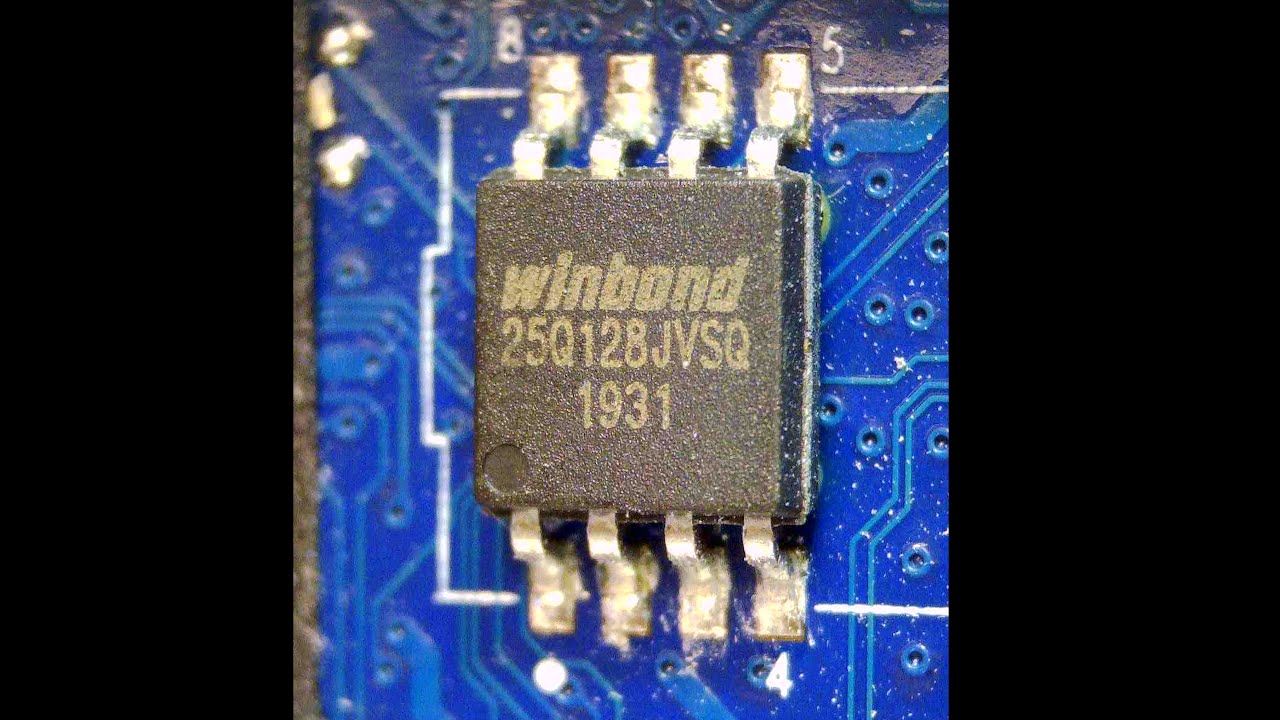
It’s just HP. I’ve been to there support forums and what not. They just have a locked down BIOS from my understanding at least. Its a TG-01 model with Erica6 motherboard. If you have any information on how to unlock I’d forever be in your debt. It was purchased new in the box in like 2022ish.
KnB9376 8
I appreciate the link but all it lead to was an HP employee saying “check if advanced is unlocked in bios. If not maybe update it?” which is more or less all Ive been able to get out of them. Super frustrating.
I appreciate the link, but I have a different motherboard and a desktop. I also dont know how to edit hex. Thank you though! Ive tried many many many other videos though to no avail.
KnB9376 11
There where also pointer to power management menu to unlock advanced menu.
I’m sorry, I don’t understand what you mean?
dennis1 13
He meant this:
Depending on the BIOS version and your specific desktop model, this option might be under different menus such as Configuration, System Configuration, or Advanced.
Btw did you check if there’s a new version of the bios available?