







1
Hello !
Sorry if this is obvious but I’ve been searching through the wiki(s) and man pages and don’t see my answer. I built 2 kernels via the kernel manager, one rc6.13 and one rc6.13 but with modprobed-db.
I want to uninstall them and 'cause they don’t appear in the kernel manager I didn’t go this route.
Instead, I tried to use the kernel-install package (I don’t wan’t to delete random files on my own, good way to break smth) and tried multiple times to uninstall with
sudo kernel-install remove 6.13.0-rc1-1 (and other variants, I tried all I could think of)
But it kept being listed when doing
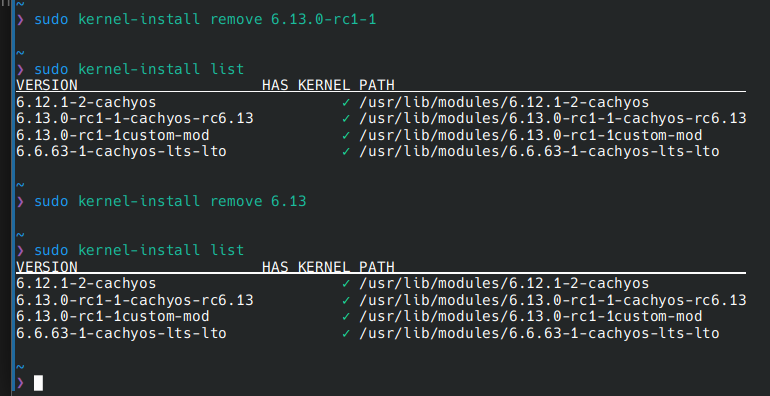
I don’t really know what I can do more, feel free to point me to resources that could help me understand more, as I’m here on arch and arch based distros primarily to learn.
Thx for your time !!
hotte 2
did you try pacman ?
Ouranos 3
I’m supposed to do
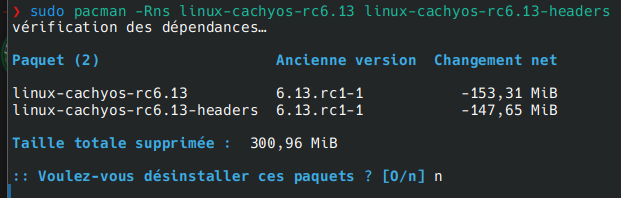
sudo pacman -Rns linux-cachyos-rc6.13 linux-cachyos-rc6.13-headers
for example ? There’s no more packages to remove or configs to delete ? I feel like this would leave something behind
Yeah I tried but as I said the ones that I built myself are not showing on there so I don’t know, is there a way to make them appear ? Or another page on the manager ?
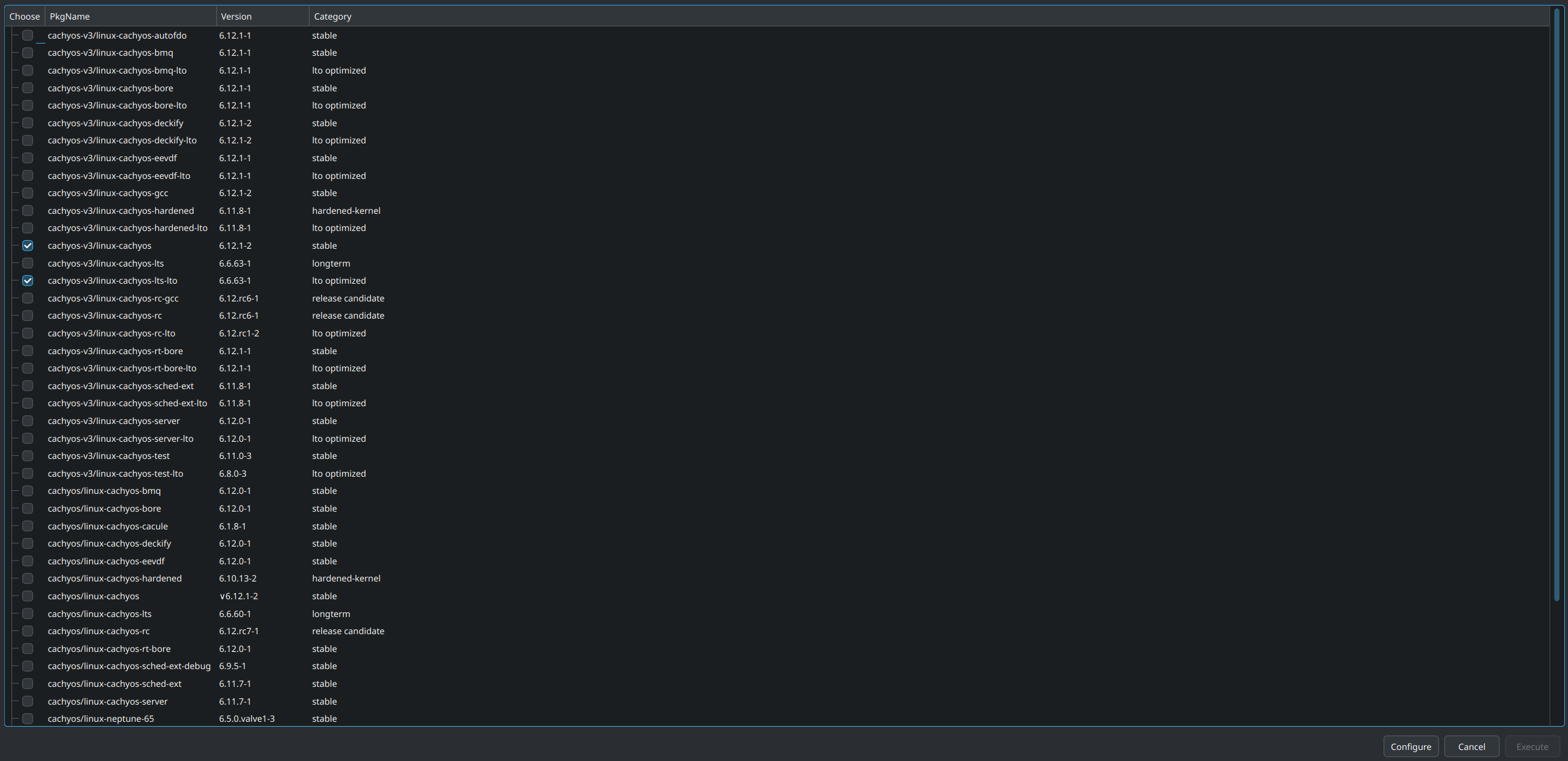
It prompts me to delete the kernel and headers but I was worried that it wasn’t all that was installed by compiling it and I was leaving so files behind
Ouranos 9
Nope I’m on AMD. And also I forgot to precise but after trying to run the commands with kernel-installed I updated grub to see if it would change smth, and I did several reboots trying to switch kernels to see if it would show up.
So okay I’ll do this with pacman !
Just to know, do you have any idea why kernel-install package wouldn’t work ? Was I running it wrong ?
And also is it expected behavior for the kernel manager to not show the kernels built by the user, even with said manager ?
11
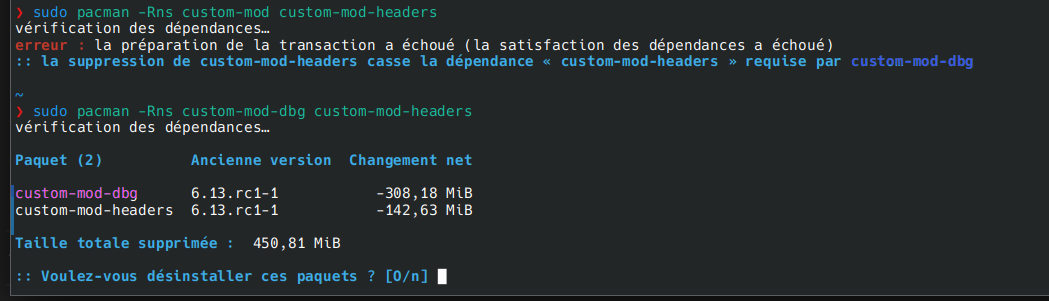
Also quick follow-up as I’m now trying to remove my custom kernel with custom name, do you know what the dbg stands for ? And why it’s here and wasn’t there on the rc that wasn’t moded ?
Ouranos 13
Oooh I see, but as you see on the pacman command on top the package without dbg wasn’t found, it’s only these 2 and I’ll be fine deleting only these ?
15
Yup read that but it wasn’t really helping me for my issue
Maybe this note is saying that it doesn’t support displaying and managing custom built kernel, even through the manager ?
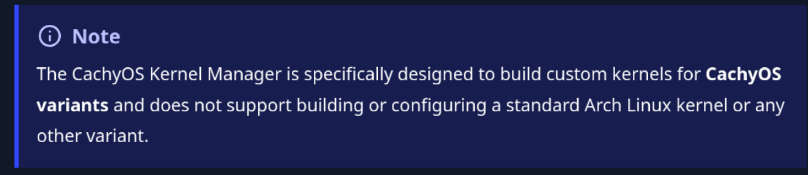
Ouranos 17
I have issues with the kernels after the lts I’m using (even though I still have some in lts it’s less). But I wanted to cleanup to be able to redo my kernel when 6.13 stbale comes out and to not bloat my grub
Ouranos 19
Yup I have backups and not really any important file anyway so it’s okay. And I’m used to things breaking as I spent my first year on linux with arch lmao.
I tested to delete custom-mod-dbg and headers and ran grub mkconfig, it still found the image for the custom-mod kernel so ig I missed the package but I don’t know what it’s called as I tested pacman -Rns custom-mod and it didn’t find it
21
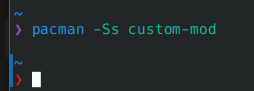
It tells me nothing lmao
23
Yes after reboot, also checked in grub and there still was an entry for this custom kernel. Didn’t dare to try to launch it tho 

I really don’t know how to uninstall it, or more specifically what the name of the package is.
As you can see the rc6.13 that I managed to uninstall via pacman isn’t there anymore but custo-mod persists
Ouranos 26
Thx !!
It found it and I was able to delete it
I’m still wandering why I couldn’t do it with kernel-install tho. But now it’s okay
peteydog 28
Hello, I am also trying to remove a custom kernel, but I can’t see the solution (probably because the person who had the answer has deleted their account). Would you be able to remember it?