




by Regina Wung
May 1, 2026 - 4 min
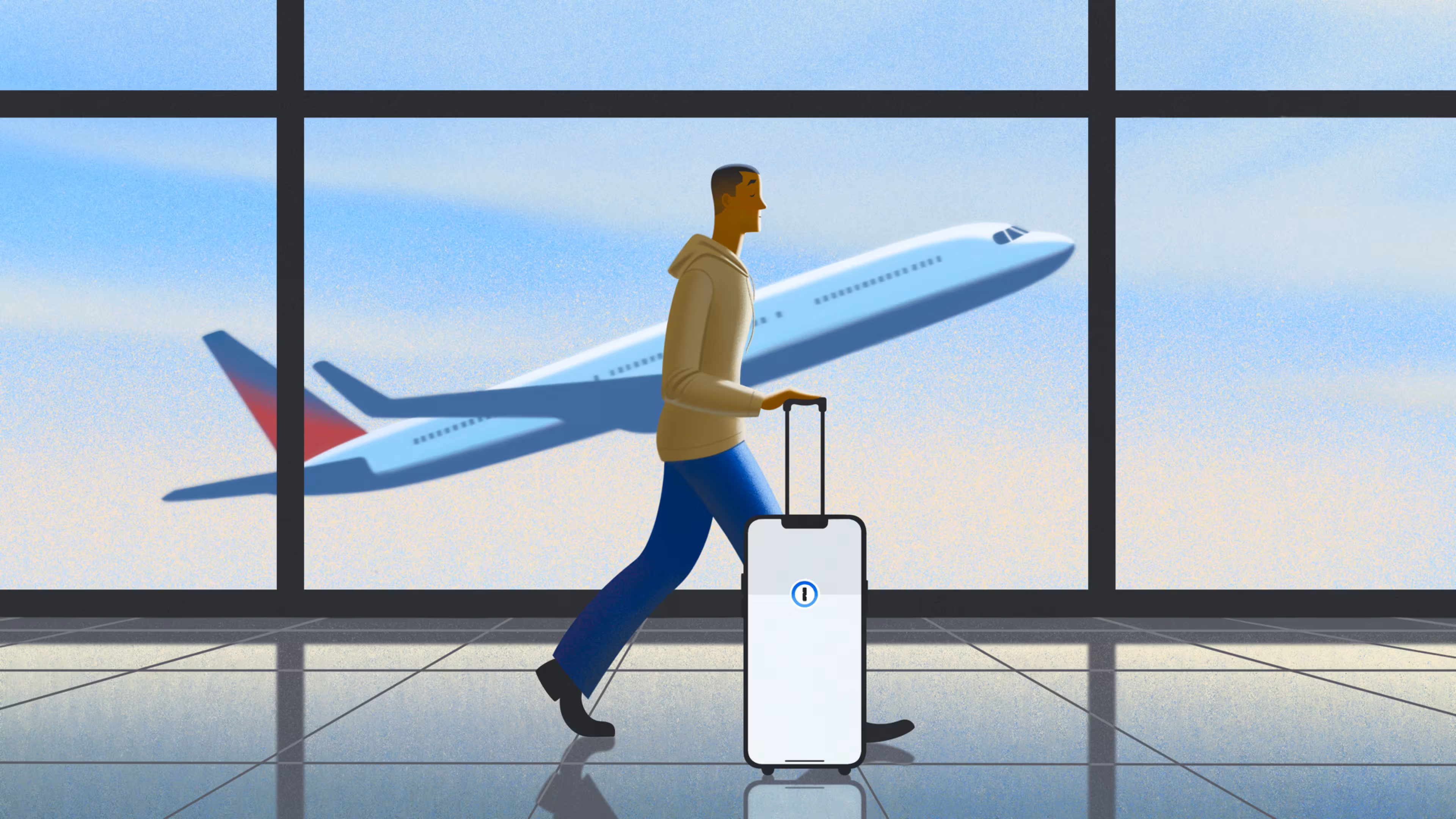
Whether you’re juggling travel bookings with friends or packing the kids’ suitcases, planning a summer vacation can be far from relaxing. And once you get to your destination, the confirmation codes and passport numbers are always buried in the group chat when you need them most. But when you have all your travel essentials saved securely in one place, you can skip the scramble and put safe travels on autopilot.
Before you take off this summer, check these tips to keep your information safe and your trip on track.
Before you leave
Set up strong account passwords. Your personal information lives in a host of accounts, from airlines to hotels to car rentals. Make sure all of that stays secure by using 1Password to generate and save unique passwords for every account.
Securely store travel details. Shared travel information, like passport numbers and Airbnb codes, shouldn’t get lost in a group text. Store them in a shared vault in 1Password so everyone can access them safely and seamlessly.
Back up data for easy access from anywhere. If your phone gets lost or damaged during your travels, you’ll need an alternate way of accessing your critical data. Keep copies of sensitive documents and your digital wallet in 1Password so you can access that information from any device with your recovery code.
Organize vaults for Travel Mode. When in use, 1Password’s Travel Mode lets you remove selected vaults from your device. If you have any sensitive information unrelated to your trip, you can move it to a designated vault to keep it private while you’re in transit.
Turn on two-factor authentication (2FA). It’s always a good idea to have an extra layer of protection on your accounts, but especially so when you’re traveling. 1Password identifies accounts that don’t yet have 2FA and also functions as an authentication app for one-time passcodes, so you can easily add that second layer of security.
During your trip
Use Nearby Items for seamless check-ins. We all know the pain of standing outside a vacation rental frantically searching for the entry code. Add locations to saved items in 1Password and they will automatically appear at the top of your app when you get close.
Turn on Travel Mode. If you organized your vaults in 1Password before leaving, turn Travel Mode on once you’ve left home. Only the vaults you marked safe for travel will be visible, so you can protect your privacy on the road and in the air.
Turn off Face ID. Removing biometrics like Face ID adds another layer of security while you’re traveling. Make sure to set up a strong password or passcode for your phone instead.
Set shorter auto-lock windows. Minimize how long your phone and apps like 1Password remain unlocked. If you get separated from your phone during your travels, these settings can prevent others from gaining access to your accounts.
After you return
Delete unnecessary apps and accounts. If you downloaded any apps or added any accounts for your trip that you don’t need at home, delete or close your accounts before deleting the apps. A breach of a dormant account can take longer to notice and address.
Review statements for unknown charges. While you’ll have charges from new merchants and potentially in new currencies, it’s best to check accounts even after you’re home for any unexpected charges. The earlier you report a suspicious transaction, the better.
Check your password health. Double check that all of your accounts are protected with strong passwords. 1Password’s Watchtower automatically monitors accounts for compromised passwords and sends alerts when they need your attention.
Your vacation will end, but the habits you build for safe, smooth travels don't have to. Passwords for family streaming services can live in shared vaults. Credit cards and your home address can be safely stored for faster autofill when you’re online shopping. With the right tools to keep your accounts organized and secure, you can put your digital life on autopilot, too.