







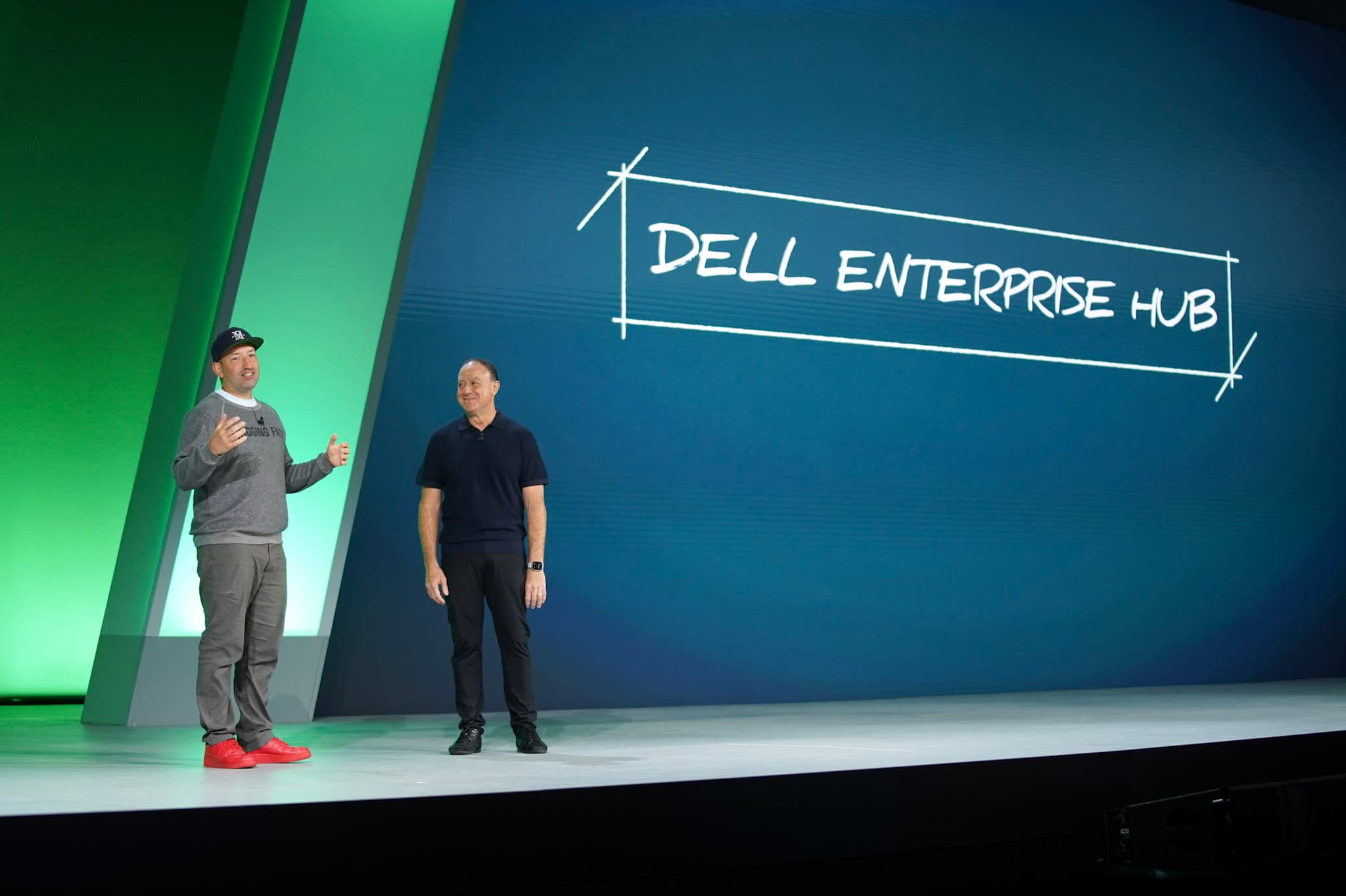
Today we announce the Dell Enterprise Hub, a new experience on Hugging Face to easily train and deploy open models on-premise using Dell platforms.
Try it out at dell.huggingface.co
When building AI systems, open models is the best solution to meet security, compliance and privacy requirements of enterprises:
But working with large language models (LLMs) within on-premises infrastructure often requires weeks of trial and error, dealing with containers, parallelism, quantization and out of memory errors.
With the Dell Enterprise Hub, we make it easy to train and deploy LLMs on premise using Dell platforms, reducing weeks of engineering work into minutes.
The Dell Enterprise Hub offers a curated list of the most advanced open models available today, including Llama 3 from Meta, Mixtral from Mistral AI, Gemma from Google and more.
To access Dell Enterprise Hub, all you need is a Hugging Face account.

The Dell Enterprise Hub is designed from the ground up for enterprises, and optimized for Dell Platforms.
You can easily filter available models by their license or model size.

Once you’ve selected a model, you can review a comprehensive model card designed for enterprise use. At a glance you see key information about the model, its size, and which Dell platforms support it well.
Many models from Meta, Mistral and Google require authorization to get access to the model weights. Because Dell Enterprise Hub is built upon Hugging Face user accounts, your account entitlements transfer over to Dell Enterprise Hub, and you only need to get permission once.
Once you’ve selected a deployable model, deploying it in your Dell environment is really easy. Just select a supported Dell platform, and the number of GPUs you want to use for your deployment.

When you paste the provided script in your Dell environment terminal or server, everything happens automagically to make your model available as an API endpoint hosted on your Dell platform. Hugging Face optimized deployment configurations for each Dell platform, taking into account the available hardware, memory and connectivity capabilities, and regularly tests them on Dell infrastructure to offer the best results out of the box.
Fine-tuning models improves their performance on specific domains and use cases by updating the model weights based on company-specific training data. Fine-tuned open models have been shown to outperform the best available closed models like GPT-4, providing more efficient and performant models to power specific AI features. Because the company-specific training data often includes confidential information, intellectual property and customer data, it is important for enterprise compliance to do the fine-tuning on-premises, so the data never leaves the company secure IT environment.
Fine-tuning open models on premises with Dell Enterprise Hub is just as easy as deploying a model. The main additional parameters are to provide the optimized training container with the Dell environment local path where the training dataset is hosted, and where to upload the fine-tuned model when done. Training datasets can be provided as CSV or JSONL formatted files, following this specification.

What if you want to deploy on-premises your own model without it ever leaving your secure environment?
With the Dell Enterprise Hub, once you’ve trained a model it will be hosted in your local secure environment at the path you selected. Deploying it is just another simple step by selecting the tab “Deploy Fine-Tuned”.
And if you trained your model on your own using one of the model architectures supported by Dell Enterprise Hub, you can deploy it the exact same way.
Just set the local path to where you stored the model weights in the environment you will run the provided code snippet.

Once deployed, the model is available as an API endpoint that is easy to call by sending requests following the OpenAI-compatible Messages API. This makes it super easy to transition a prototype built with OpenAI to a secure on-premises deployment set up with Dell Enterprise Hub.
Today we are very excited to release the Dell Enterprise Hub, with many models available as ready-to-use containers optimized for many platforms, 6 months after announcing our collaboration with Dell Technologies.
Dell offers many platforms built upon AI hardware accelerators from NVIDIA, AMD, and Intel Gaudi. Hugging Face engineering collaborations with NVIDIA (optimum-nvidia), AMD (optimum-amd) and Intel (optimum-intel and optimum-habana) will allow us to offer ever more optimized containers for deployment and training of open models on all Dell platform configurations. We are excited to bring support to more state-of-the-art open models, and enable them on more Dell platforms - we’re just getting started!
此内容由惯性聚合(RSS阅读器)自动聚合整理,仅供阅读参考。 原文来自 — 版权归原作者所有。