




🤗 datasets is a library that makes it easy to access and share datasets. It also makes it easy to process data efficiently -- including working with data which doesn't fit into memory.
When datasets was first launched, it was associated mostly with text data. However, recently, datasets has added increased support for audio as well as images. In particular, there is now a datasets feature type for images. A previous blog post showed how datasets can be used with 🤗 transformers to train an image classification model. In this blog post, we'll see how we can combine datasets and a few other libraries to create an image search application.
First, we'll install datasets. Since we're going to be working with images, we'll also install pillow. We'll also need sentence_transformers and faiss. We'll introduce those in more detail below. We also install rich - we'll only briefly use it here, but it's a super handy package to have around -- I'd really recommend exploring it further!
!pip install datasets pillow rich faiss-gpu sentence_transformers
To start, let's take a look at the image feature. We can use the wonderful rich library to poke around python objects (functions, classes etc.)
from rich import inspect
import datasets
inspect(datasets.Image, help=True)
╭───────────────────────── <class 'datasets.features.image.Image'> ─────────────────────────╮
│ class Image(decode: bool = True, id: Union[str, NoneType] = None) -> None:                │
│                                                                                           │
│ Image feature to read image data from an image file.                                      │
│                                                                                           │
│ Input: The Image feature accepts as input:                                                │
│ - A :obj:`str`: Absolute path to the image file (i.e. random access is allowed).          │
│ - A :obj:`dict` with the keys:                                                            │
│                                                                                           │
│     - path: String with relative path of the image file to the archive file.              │
│     - bytes: Bytes of the image file.                                                     │
│                                                                                           │
│   This is useful for archived files with sequential access.                               │
│                                                                                           │
│ - An :obj:`np.ndarray`: NumPy array representing an image.                                │
│ - A :obj:`PIL.Image.Image`: PIL image object.                                             │
│                                                                                           │
│ Args:                                                                                     │
│     decode (:obj:`bool`, default ``True``): Whether to decode the image data. If `False`, │
│         returns the underlying dictionary in the format {"path": image_path, "bytes":     │
│ image_bytes}.                                                                             │
│                                                                                           │
│  decode = True                                                                            │
│   dtype = 'PIL.Image.Image'                                                               │
│      id = None                                                                            │
│ pa_type = StructType(struct<bytes: binary, path: string>)                                 │
╰───────────────────────────────────────────────────────────────────────────────────────────╯
We can see there a few different ways in which we can pass in our images. We'll come back to this in a little while.
A really nice feature of the datasets library (beyond the functionality for processing data, memory mapping etc.) is that you get
some nice things 'for free'. One of these is the ability to add a faiss index to a dataset. faiss is a "library for efficient similarity search and clustering of dense
vectors".
The datasets docs shows an example of using a faiss index for text retrieval. In this post we'll see if we can do the same for images.
This is a dataset of images which have been pulled from a collection of digitised books from the British Library. These images come from books across a wide time period and from a broad range of domains. The images were extracted using information contained in the OCR output for each book. As a result, it's known which book the images came from, but not necessarily anything else about that image i.e. what is shown in the image.
Some attempts to help overcome this have included uploading the images to flickr. This allows people to tag the images or put them into various different categories.
There have also been projects to tag the dataset using machine learning. This work makes it possible to search by tags, but we might want a 'richer' ability to search. For this particular experiment, we'll work with a subset of the collections which contain "embellishments". This dataset is a bit smaller, so it will be better for experimenting with. We can get the full data from the British Library's data repository: https://doi.org/10.21250/db17. Since the full dataset is still fairly large, you'll probably want to start with a smaller sample.
Our dataset consists of a folder containing subdirectories inside which are images. This is a fairly standard format for sharing image datasets. Thanks to a recently merged pull request we can directly load this dataset using datasets ImageFolder loader 🤯
from datasets import load_dataset
dataset = load_dataset("imagefolder", data_files="https://zenodo.org/record/6224034/files/embellishments_sample.zip?download=1")
Let's see what we get back.
dataset
DatasetDict({
    train: Dataset({
        features: ['image', 'label'],
        num_rows: 10000
    })
})
We can get back a DatasetDict, and we have a Dataset with image and label features. Since we don't have any train/validation splits here, let's grab the train part of our dataset. Let's also take a look at one example from our dataset to see what this looks like.
dataset = dataset["train"]
dataset[0]
{'image': <PIL.JpegImagePlugin.JpegImageFile image mode=RGB size=358x461 at 0x7F9488DBB090>,
 'label': 208}
Let's start with the label column. It contains the parent folder for our images. In this case, the label column represents the year of publication for the books from which the images are taken. We can see the mappings for this using dataset.features:
dataset.features['label']
In this particular dataset, the image filenames also contain some metadata about the book from which the image was taken. There are a few ways we can get this information.
When we look at one example from our dataset that the image feature was a PIL.JpegImagePlugin.JpegImageFile. Since PIL.Images have a filename attribute, one way in which we can grab our filenames is by accessing this.
dataset[0]['image'].filename
/root/.cache/huggingface/datasets/downloads/extracted/f324a87ed7bf3a6b83b8a353096fbd9500d6e7956e55c3d96d2b23cc03146582/embellishments_sample/1920/000499442_0_000579_1_[The Ring and the Book etc ]_1920.jpg
Since we might want easy access to this information later, let's create a new column to extract the filename. For this, we'll use the map method.
dataset = dataset.map(lambda example: {"fname": example['image'].filename.split("/")[-1]})
We can look at one example to see what this looks like now.
dataset[0]
{'fname': '000499442_0_000579_1_[The Ring and the Book  etc ]_1920.jpg',
 'image': <PIL.JpegImagePlugin.JpegImageFile image mode=RGB size=358x461 at 0x7F94862A9650>,
 'label': 208}
We've got our metadata now. Let's see some pictures already! If we access an example and index into the image column we'll see our image 😃
dataset[10]['image']
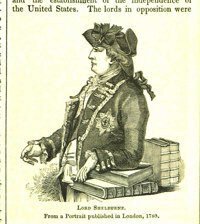
Note in an earlier version of this blog post the steps to download and load the images was much more convoluted. The new ImageFolder loader makes this process much easier 😀 In particular, we don't need to worry about how to load our images since datasets took care of this for us.

One of the super awesome things about the 🤗 ecosystem is the Hugging Face Hub. We can use the Hub to access models and datasets. It is often used for sharing work with others, but it can also be a useful tool for work in progress. datasets recently added a push_to_hub method that allows you to push a dataset to the Hub with minimal fuss. This can be really helpful by allowing you to pass around a dataset with all the transforms etc. already done.
For now, we'll push the dataset to the Hub and keep it private initially.
Depending on where you are running the code, you may need to authenticate. You can either do this using the huggingface-cli login command or, if you are running in a notebook, using notebook_login
from huggingface_hub import notebook_login

notebook_login()
dataset.push_to_hub('davanstrien/embellishments-sample', private=True)
Note: in a previous version of this blog post we had to do a few more steps to ensure images were embedded when using
push_to_hub. Thanks to this pull request we no longer need to worry about these extra steps. We just need to make sureembed_external_files=True(which is the default behaviour).
At this point, we've created a dataset and moved it to the Hub. This means it is possible to pick up the work/dataset elsewhere.
In this particular example, having access to a GPU is important. Using the Hub as a way to pass around our data we could start on a laptop and pick up the work on Google Colab.
If we move to a new machine, we may need to login again. Once we've done this we can load our dataset
from datasets import load_dataset

dataset = load_dataset("davanstrien/embellishments-sample", use_auth_token=True)
We now have a dataset with a bunch of images in it. To begin creating our image search app, we need to embed these images. There are various ways to try and do this, but one possible way is to use the CLIP models via the sentence_transformers library. The CLIP model from OpenAI learns a joint representation for both images and text, which is very useful for what we want to do since we want to input text and get back an image.
We can download the model using the SentenceTransformer class.
from sentence_transformers import SentenceTransformer

model = SentenceTransformer('clip-ViT-B-32')
This model will take as input either an image or some text and return an embedding. We can use the datasets map method to encode all our images using this model. When we call map, we return a dictionary with the key embeddings containing the embeddings returned by the model. We also pass device='cuda' when we call the model; this ensures that we're doing the encoding on the GPU.
ds_with_embeddings = dataset.map(
    lambda example: {'embeddings':model.encode(example['image'], device='cuda')}, batched=True, batch_size=32)
We can 'save' our work by pushing back to the Hub using
push_to_hub.
ds_with_embeddings.push_to_hub('davanstrien/embellishments-sample', private=True)
If we were to move to a different machine, we could grab our work again by loading it from the Hub 😃
from datasets import load_dataset

ds_with_embeddings = load_dataset("davanstrien/embellishments-sample", use_auth_token=True)
We now have a new column which contains the embeddings for our images. We could manually search through these and compare them to some input embedding but datasets has an add_faiss_index method. This uses the faiss library to create an efficient index for searching embeddings. For more background on this library, you can watch this YouTube video
ds_with_embeddings['train'].add_faiss_index(column='embeddings')
Dataset({
        features: ['fname', 'year', 'path', 'image', 'embeddings'],
        num_rows: 10000
    })
Note that these examples were generated from the full version of the dataset so you may get slightly different results.
We now have everything we need to create a simple image search. We can use the same model we used to encode our images to encode some input text. This will act as the prompt we try and find close examples for. Let's start with 'a steam engine'.
prompt = model.encode("A steam engine")
We can use another method from the datasets library get_nearest_examples to get images which have an embedding close to our input prompt embedding. We can pass in a number of results we want to get back.
scores, retrieved_examples = ds_with_embeddings['train'].get_nearest_examples('embeddings', prompt, k=9)
We can index into the first example this retrieves:
retrieved_examples['image'][0]
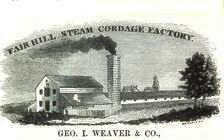
This isn't quite a steam engine, but it's also not a completely weird result. We can plot the other results to see what was returned.
import matplotlib.pyplot as plt
plt.figure(figsize=(20, 20))
columns = 3
for i in range(9):
    image = retrieved_examples['image'][i]
    plt.subplot(9 / columns + 1, columns, i + 1)
    plt.imshow(image)
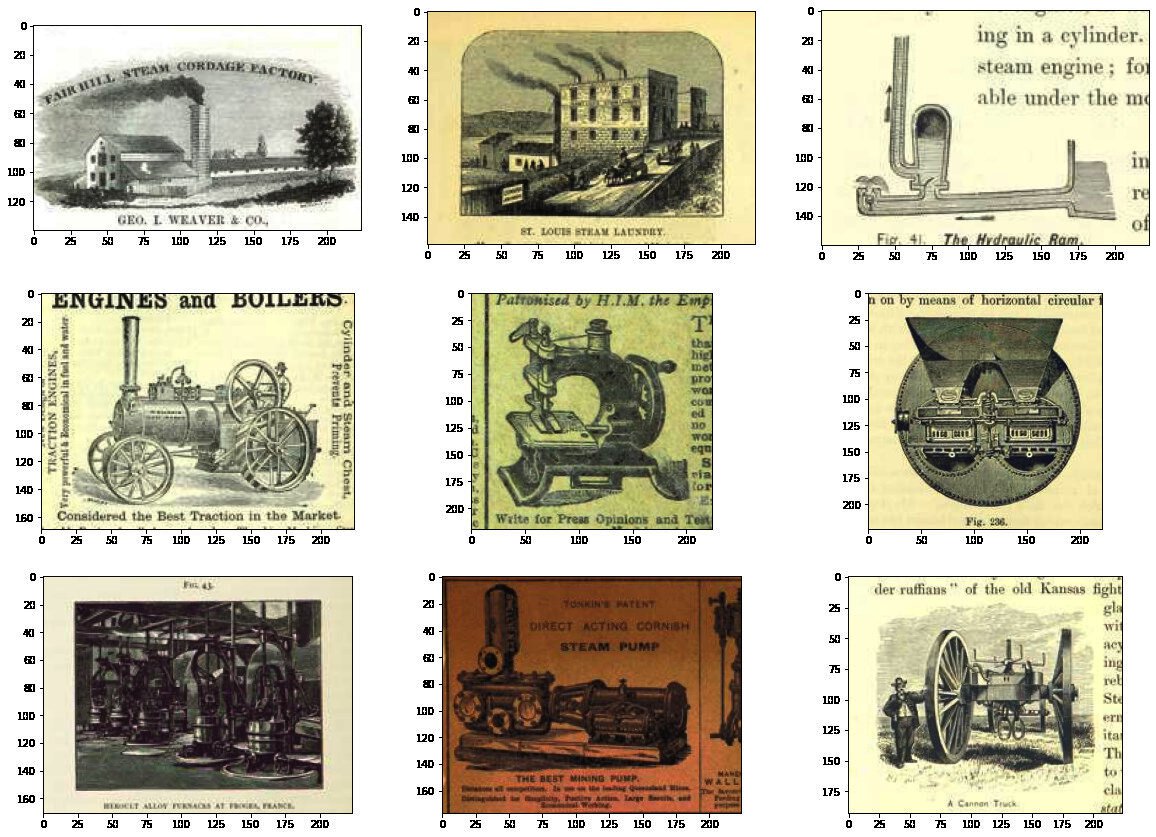
Some of these results look fairly close to our input prompt. We can wrap this in a function so we can more easily play around with different prompts
def get_image_from_text(text_prompt, number_to_retrieve=9):
    prompt = model.encode(text_prompt)
    scores, retrieved_examples = ds_with_embeddings['train'].get_nearest_examples('embeddings', prompt, k=number_to_retrieve)
    plt.figure(figsize=(20, 20))
    columns = 3
    for i in range(9):
        image = retrieved_examples['image'][i]
        plt.title(text_prompt)
        plt.subplot(9 / columns + 1, columns, i + 1)
        plt.imshow(image)
get_image_from_text("An illustration of the sun behind a mountain")
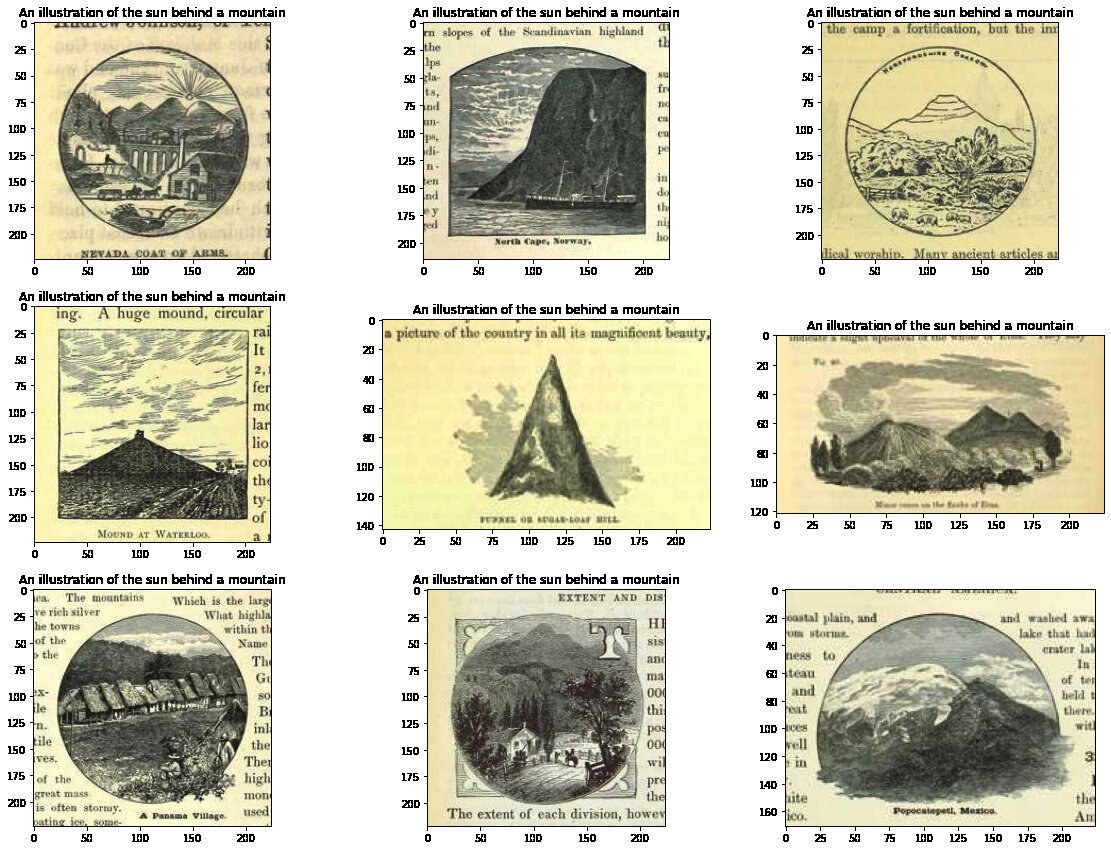
Now we have a function for getting a few results, we can try a bunch of different prompts:
For some of these I'll choose prompts which are a broad 'category' i.e. 'a musical instrument' or 'an animal', others are specific i.e. 'a guitar'.
Out of interest I also tried a boolean operator: "An illustration of a cat or a dog".
Finally I tried something a little more abstract: "an empty abyss"
prompts = ["A musical instrument", "A guitar", "An animal", "An illustration of a cat or a dog", "an empty abyss"]
for prompt in prompts:
    get_image_from_text(prompt)
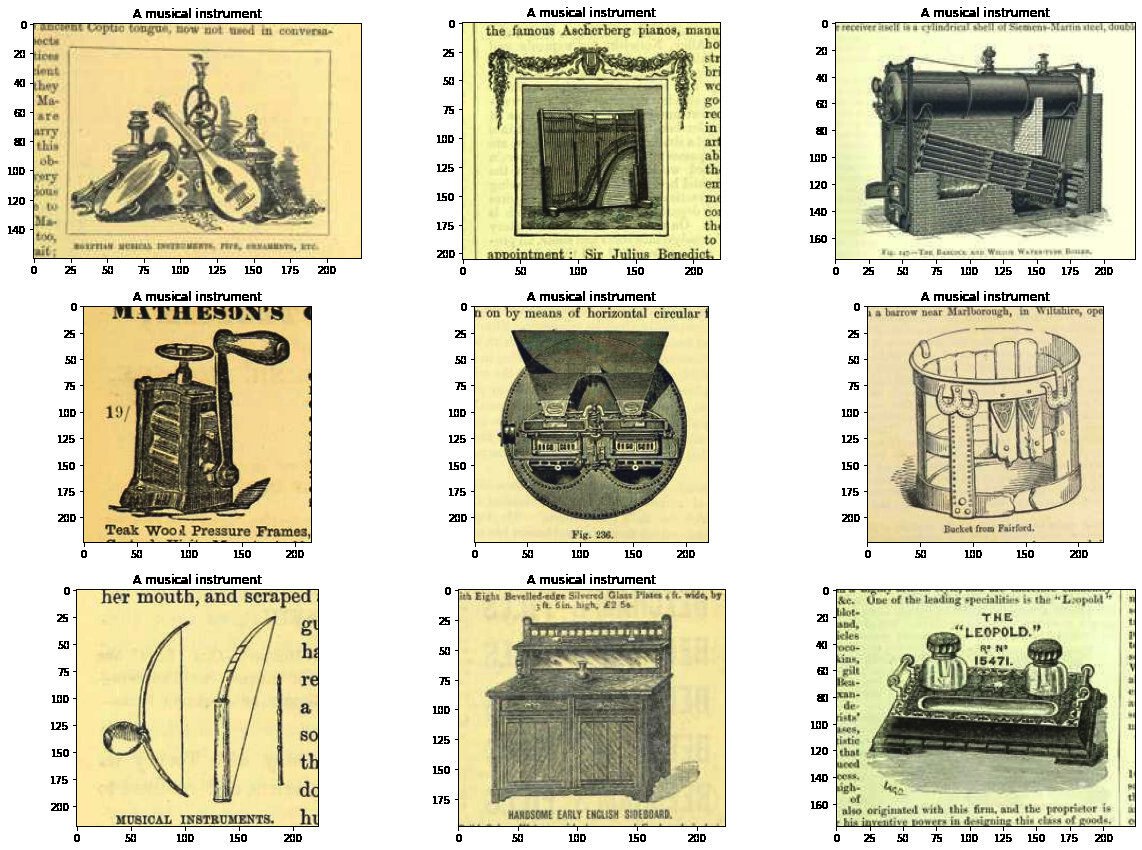
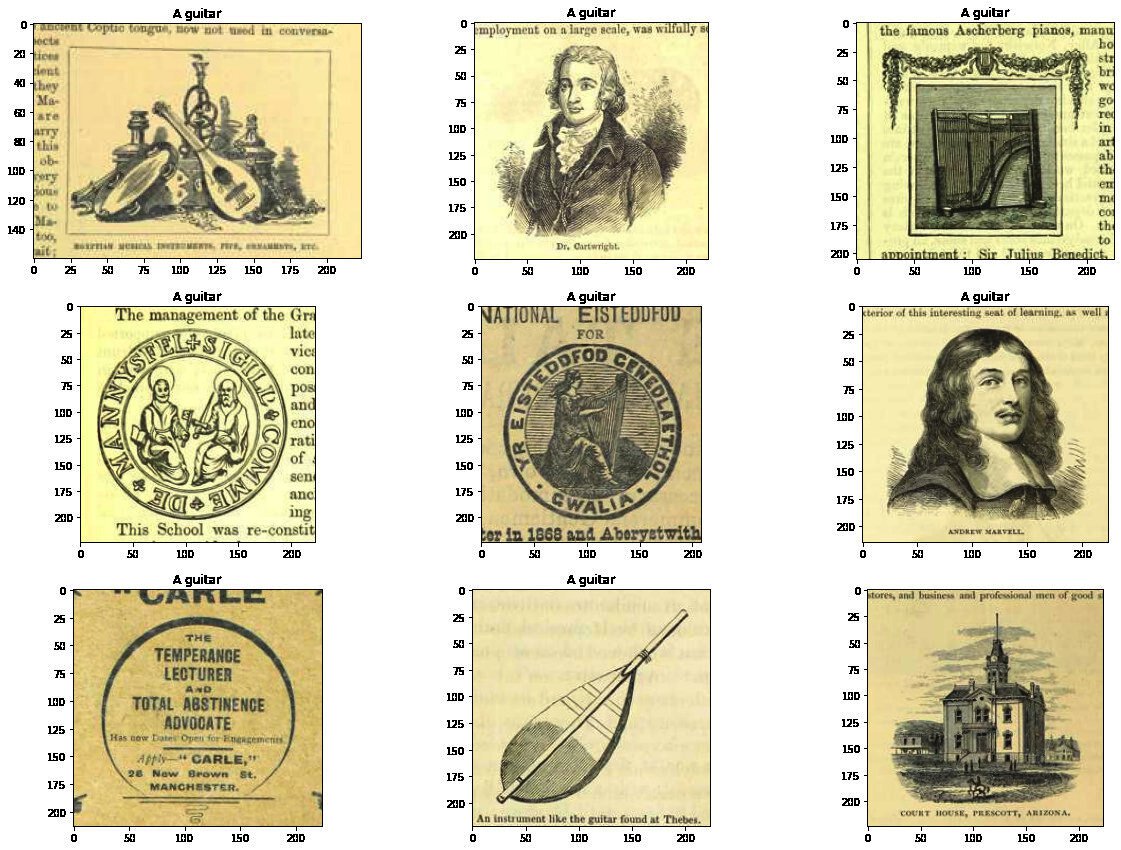
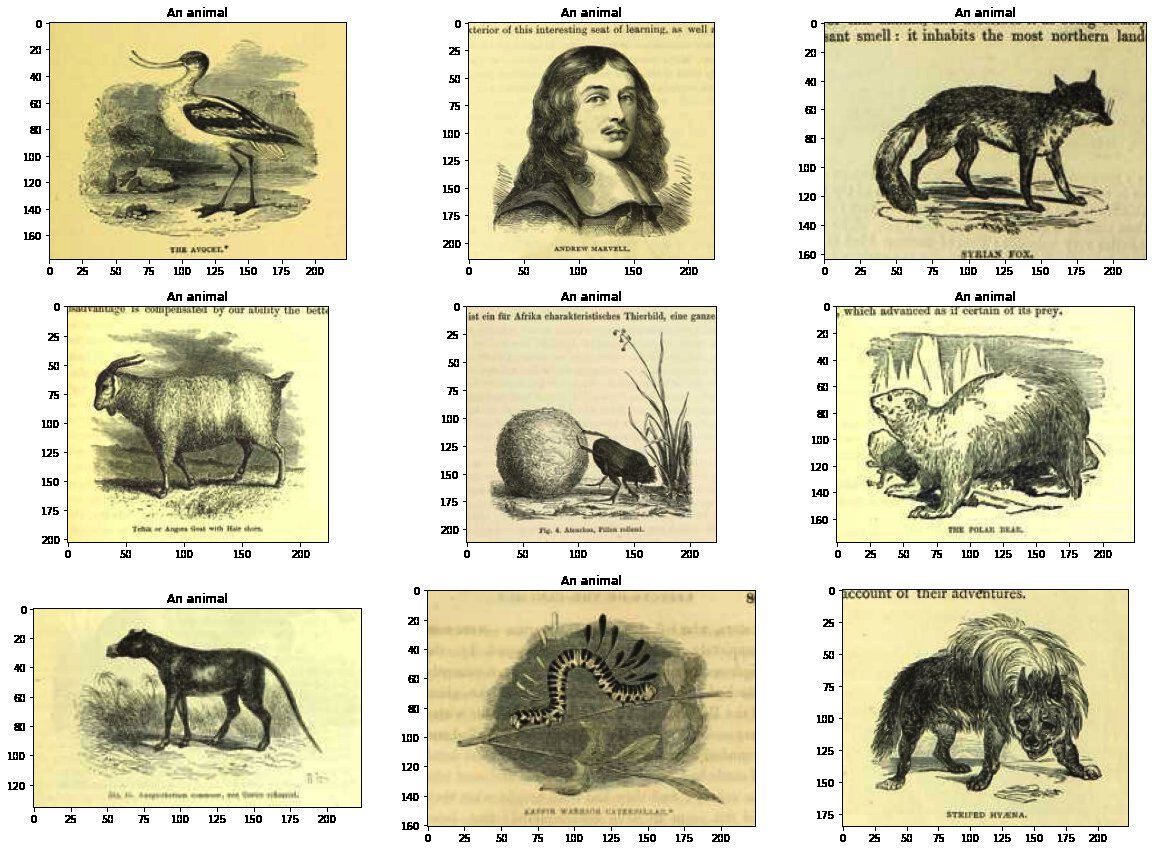
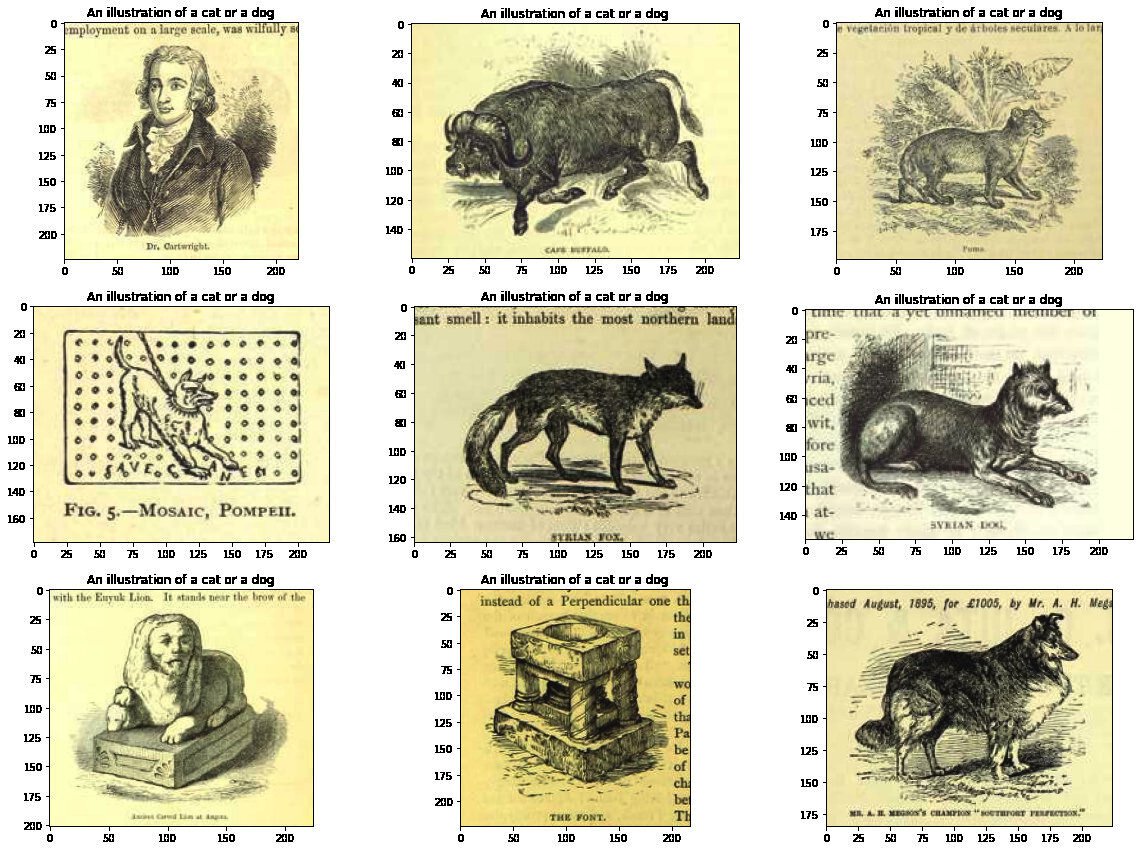
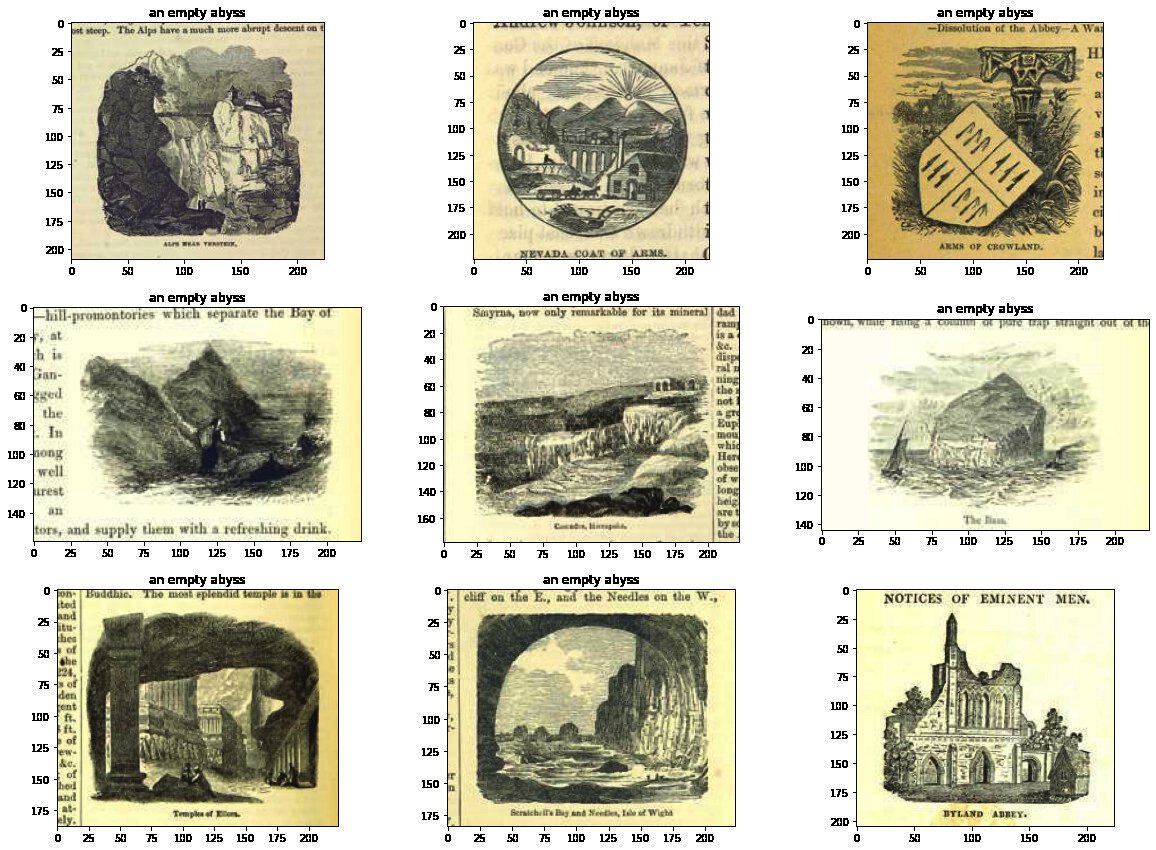
We can see these results aren't always right, but they are usually reasonable. It already seems like this could be useful for searching for the semantic content of an image in this dataset. However we might hold off on sharing this as is...
One obvious next step for this kind of project is to create a Hugging Face Space demo. This is what I've done for other models.
It was a fairly simple process to get a Gradio app setup from the point we got to here. Here is a screenshot of this app:
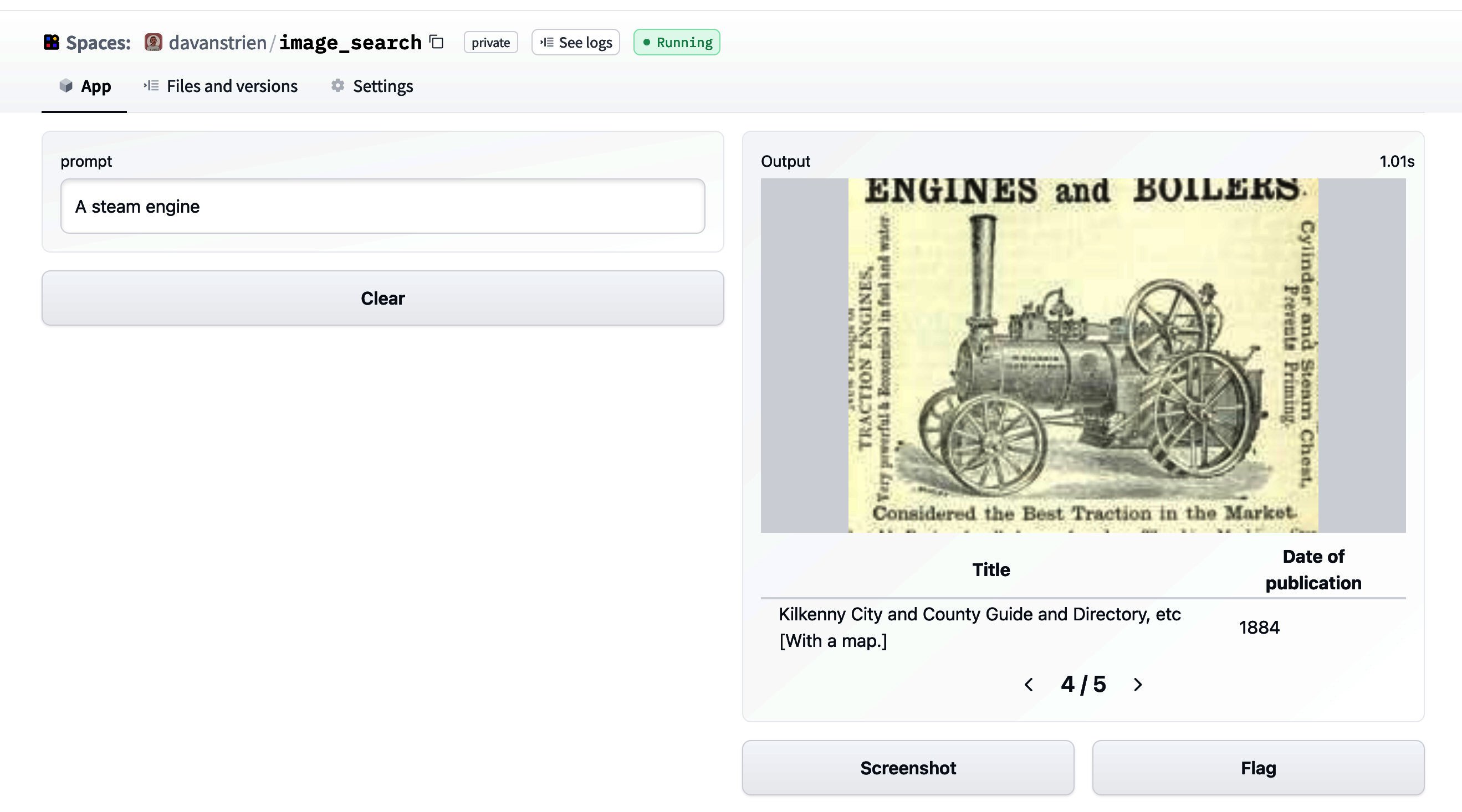
However, I'm a little bit vary about making this public straightaway. Looking at the model card for the CLIP model we can look at the primary intended uses:
Primary intended uses
We primarily imagine the model will be used by researchers to better understand robustness, generalization, and other capabilities, biases, and constraints of computer vision models. source
This is fairly close to what we are interested in here. Particularly we might be interested in how well the model deals with the kinds of images in our dataset (illustrations from mostly 19th century books). The images in our dataset are (probably) fairly different from the training data. The fact that some of the images also contain text might help CLIP since it displays some OCR ability.
However, looking at the out-of-scope use cases in the model card:
Out-of-Scope Use Cases
Any deployed use case of the model - whether commercial or not - is currently out of scope. Non-deployed use cases such as image search in a constrained environment, are also not recommended unless there is thorough in-domain testing of the model with a specific, fixed class taxonomy. This is because our safety assessment demonstrated a high need for task specific testing especially given the variability of CLIP's performance with different class taxonomies. This makes untested and unconstrained deployment of the model in any use case > currently potentially harmful. > source
suggests that 'deployment' is not a good idea. Whilst the results I got are interesting, I haven't played around with the model enough yet (and haven't done anything more systematic to evaluate its performance and biases) to be confident about 'deploying' it. Another additional consideration is the target dataset itself. The images are drawn from books covering a variety of subjects and time periods. There are plenty of books which represent colonial attitudes and as a result some of the images included may represent certain groups of people in a negative way. This could potentially be a bad combo with a tool which allows any arbitrary text input to be encoded as a prompt.
There may be ways around this issue but this will require a bit more thought.
Although we don't have a nice demo to show for it, we've seen how we can use datasets to:
Image feature typepush_to_hub and use this to move data between machines/sessionsfaiss index for images that we can use to retrieve images from a text (or image) input.此内容由惯性聚合(RSS阅读器)自动聚合整理,仅供阅读参考。 原文来自 — 版权归原作者所有。