









+ 1,695.40
+ 461.30
-123.00
+ 937.00
+ 1,527.00
+ 1,695.40
+ 461.30
+ 461.30
-123.00
-123.00
+ 937.00
Updated - May 31, 2023 at 10:48 AM.
| Bengaluru

Google announced opening access to Search Labs for users to experiment with generative AI technology, including the Search Generative Experience, before a wider launch.
Users who try out the Google Search Labs testing page will see new blocks with details about the topic along with related links and can ask follow-up questions. Users can access the waitlist through Chrome on all devices or the Google app on Android and iOS.
Step 1: Open Google Chrome.
Step 2: Head to the Google Labs page.
Step 3: Scroll down to Google Search section and click to join the waitlist.
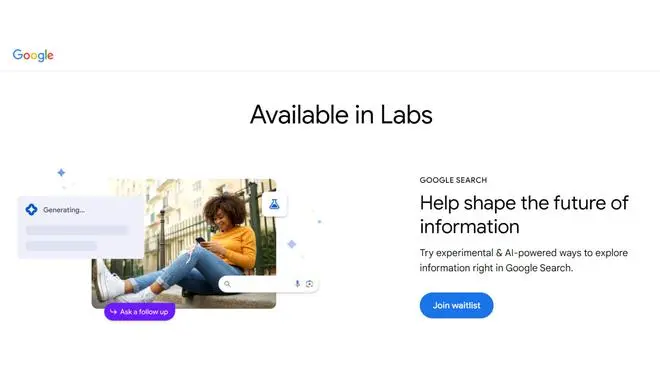
Google Search Labs waitlist
Step 4: Sign in to your Google account.
Step 5: Follow the on-screen instructions.
You will receive a confirmation after completing the process.
Step 1: Update your Google app.
Step 2: Open the application and click on the Labs icon in the top left corner.
Step 3: Proceed to the next screen and join the waitlist.
Published on May 31, 2023
此内容由惯性聚合(RSS阅读器)自动聚合整理,仅供阅读参考。 原文来自 — 版权归原作者所有。