ThreatDown introduces Firewall Management for Windows workstations
We’re excited to announce a major upgrade for IT administrators: Firewall Management from ThreatDown. This feature is designed to streamline and simplify the way you manage firewall rules across your Windows workstations, all from our intuitive central dashboard.
Firewall Management will be included in:
- the Advanced, Elite, and Ultimate bundles for Nebula customers and OneView upfront customers.
- EDR for OneView Usage customers.
Why Firewall Management matters
Managing firewall rules across multiple devices can be a complex and time-consuming task, especially as organizations grow and security requirements become more stringent. With Firewall Management, system administrators can now create, deploy, and enforce firewall rules, rulesets, and policies with just a few clicks—saving time and reducing the risk of misconfiguration.
How it works
The Firewall Management plugin leverages the Microsoft Windows firewall API and seamlessly integrates with the existing ThreatDown endpoint agent. This means you can add robust firewall management capabilities without the need to install additional software or disrupt your current setup.
Key features:
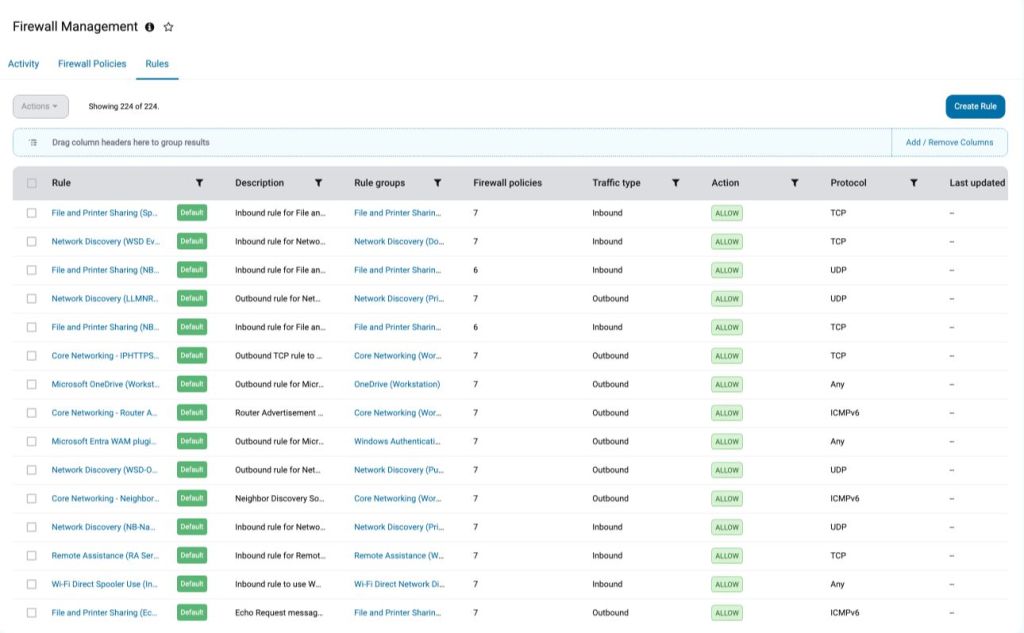
- Centralized Management: Manage firewall rules across all Windows Workstations at once from the console
- Granular rule creation: Configure firewall rules to filter inbound and outbound traffic, blocking unauthorized access to critical resources
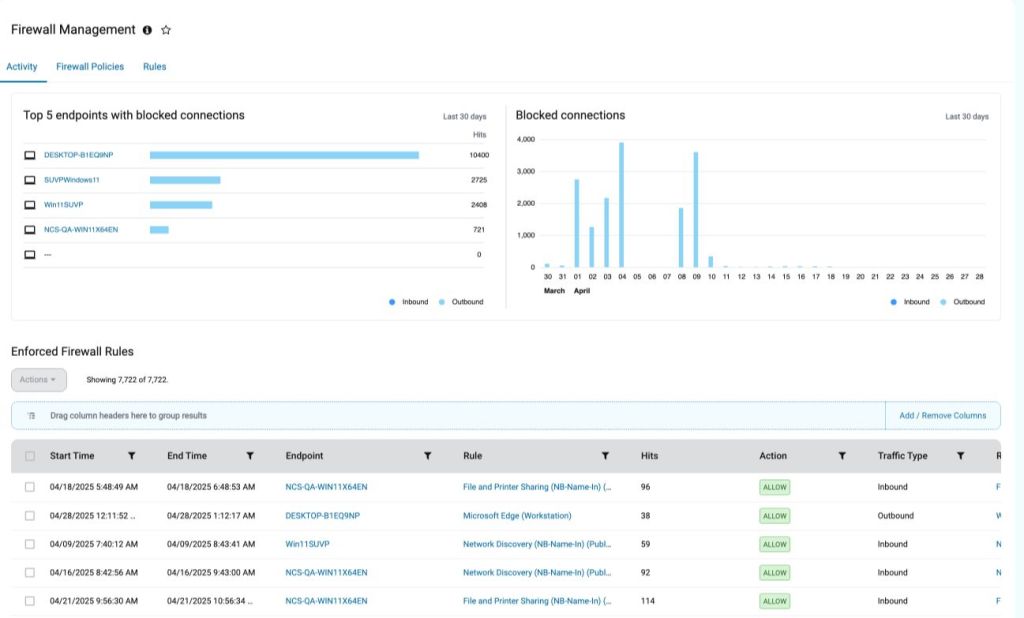
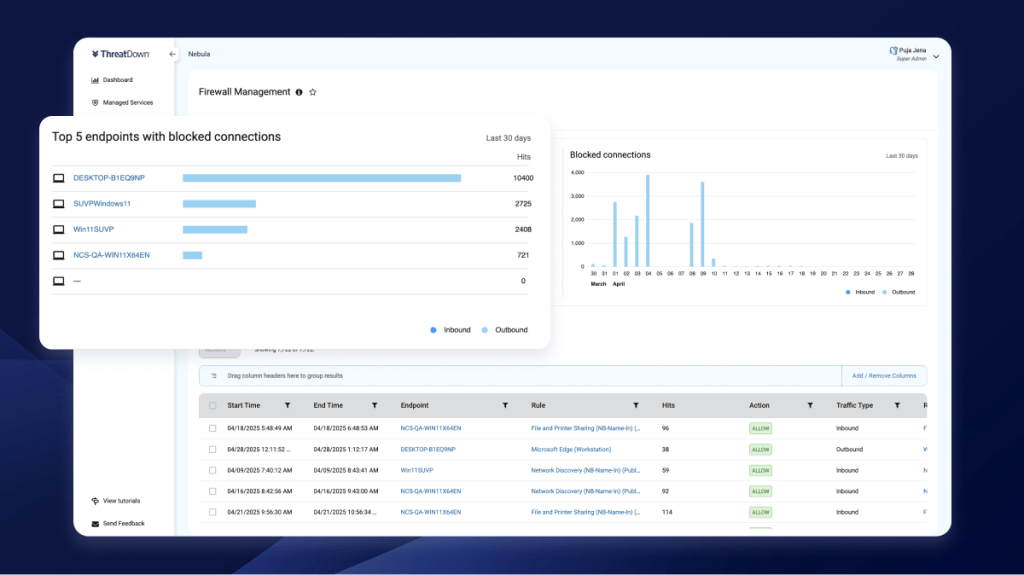
- Network Visibility: Gain visibility into network traffic and monitor which firewall rules were enforced to detect potential security incidents and assist with troubleshooting
What Firewall Management is (and isn’t)
It’s important to clarify what Firewall Management does—and what it doesn’t do:
- Not for perimeter security: Firewall Management is designed to control access on individual machines, not to manage network perimeter security
Enhanced functionality for modern security needs
Firewall Management brings several valuable enhancements to your security toolkit:
- White-listing for Zero-Trust: If your organization is moving towards a zero-trust security model, you’ll love the ability to block all network traffic except for what you explicitly allow. This minimizes your attack surface and helps prevent unauthorized access.
- Network profile segregation: Easily set up different rulesets for different types of network profiles. For example, you can apply stricter rules when workstations are connected to unsecured networks while allowing more flexibility for workstations connected to secure networks.
Multi-Layered control structure
To give you maximum flexibility and control, Firewall Management operates on several levels:
- Individual rules: Specify exactly which traffic is allowed or blocked.
- Rulesets: Group related rules together for easier management.
- Policies: Assign rulesets into policies that can be deployed to specific user groups or device types.
This layered approach ensures that your firewall configuration is both powerful and easy to manage, no matter how complex your environment becomes.