


Sharing a local development server, running a quick demo for a teammate, or testing a webhook integration usually means wrestling with tunneling tools, firewall changes, or deploying to a staging environment just so someone else can reach your endpoint.
NetBird v0.66 introduces the command, letting any connected peer expose a local HTTP or HTTPS service to the public internet through the NetBird reverse proxy with a single command. The service is ephemeral, it lives only while the command runs and cleans up automatically when you stop it. No dashboard clicks, no YAML files, no infrastructure changes.
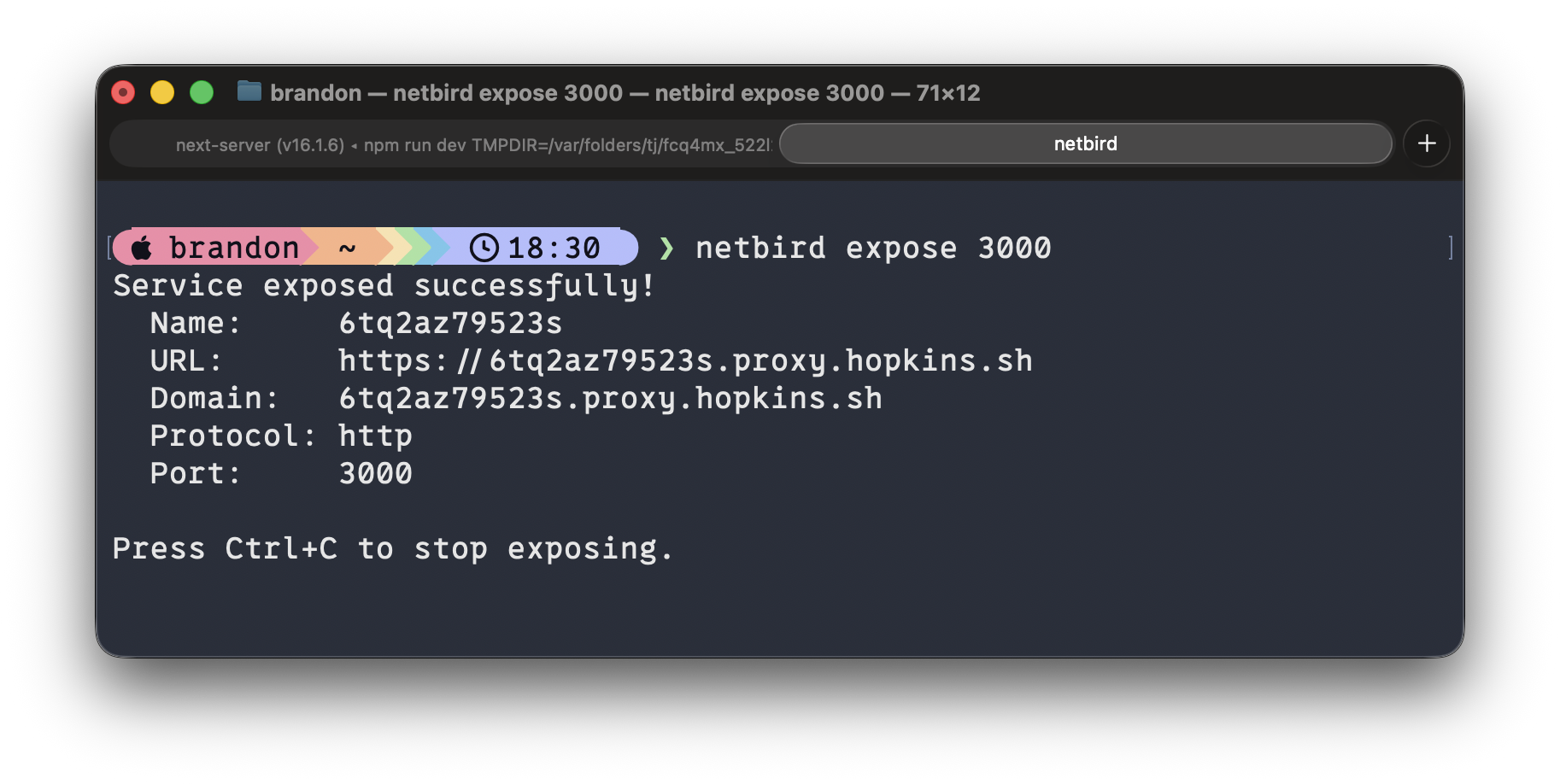
If you already have NetBird running, exposing a service is one command:
That's it. NetBird handles the rest: provisions a TLS certificate, assigns a public domain, and routes traffic through your NetBird reverse proxy to your local port. You get output like:
The service stays alive as long as the command runs. Press and it's gone, no orphaned configurations, no cleanup required.
Exposing a port to the internet doesn't mean exposing it to everyone. The expose command supports three authentication methods you can mix and match directly from the CLI.
Add a 6-digit PIN that visitors must enter before accessing the service:
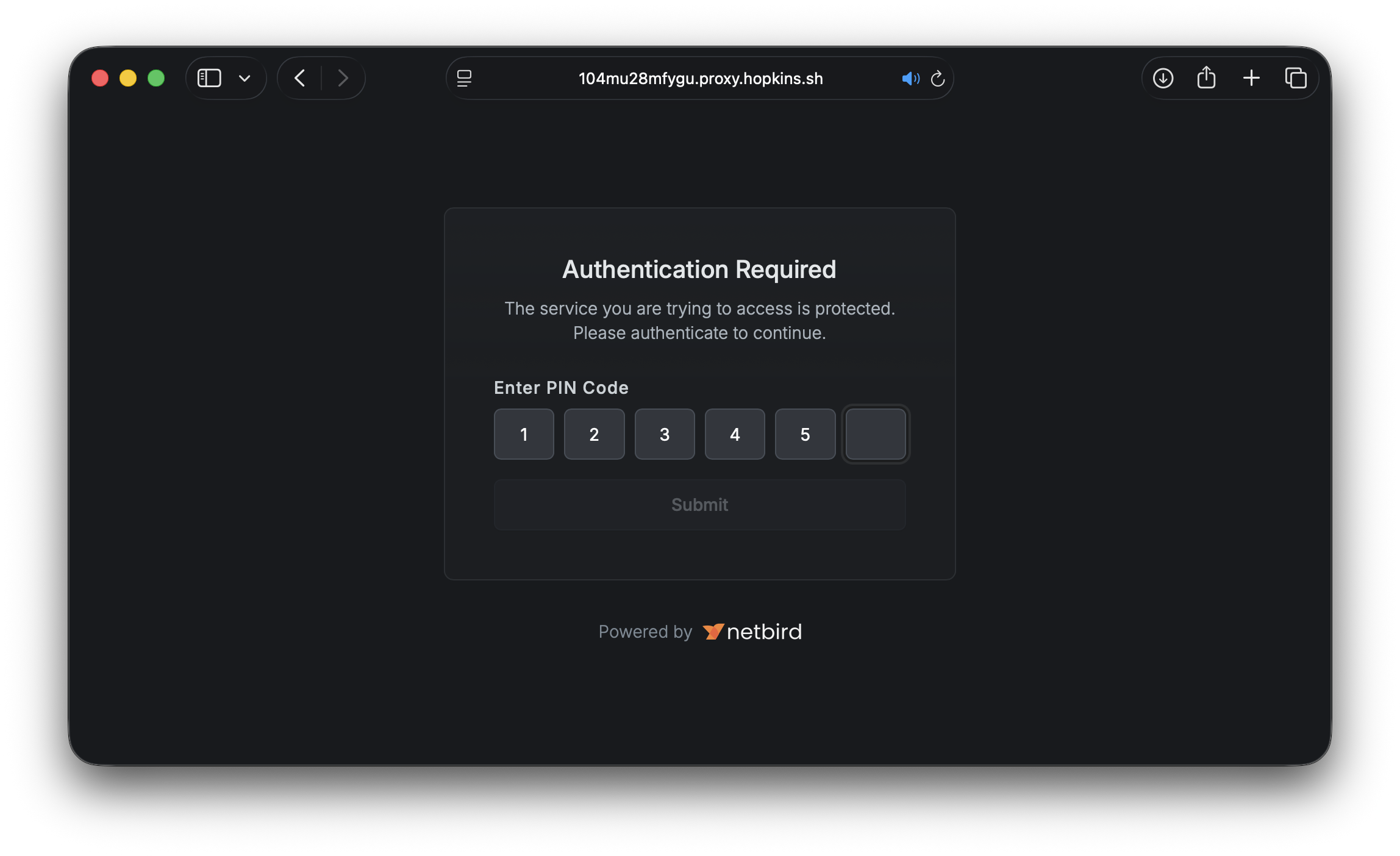
Protect with a password for slightly more flexibility:
Lock it down to specific groups from your identity provider:
Users must authenticate through your configured IdP and belong to one of the specified groups. This is ideal for team-internal sharing where you want SSO-level assurance without setting up a permanent service.
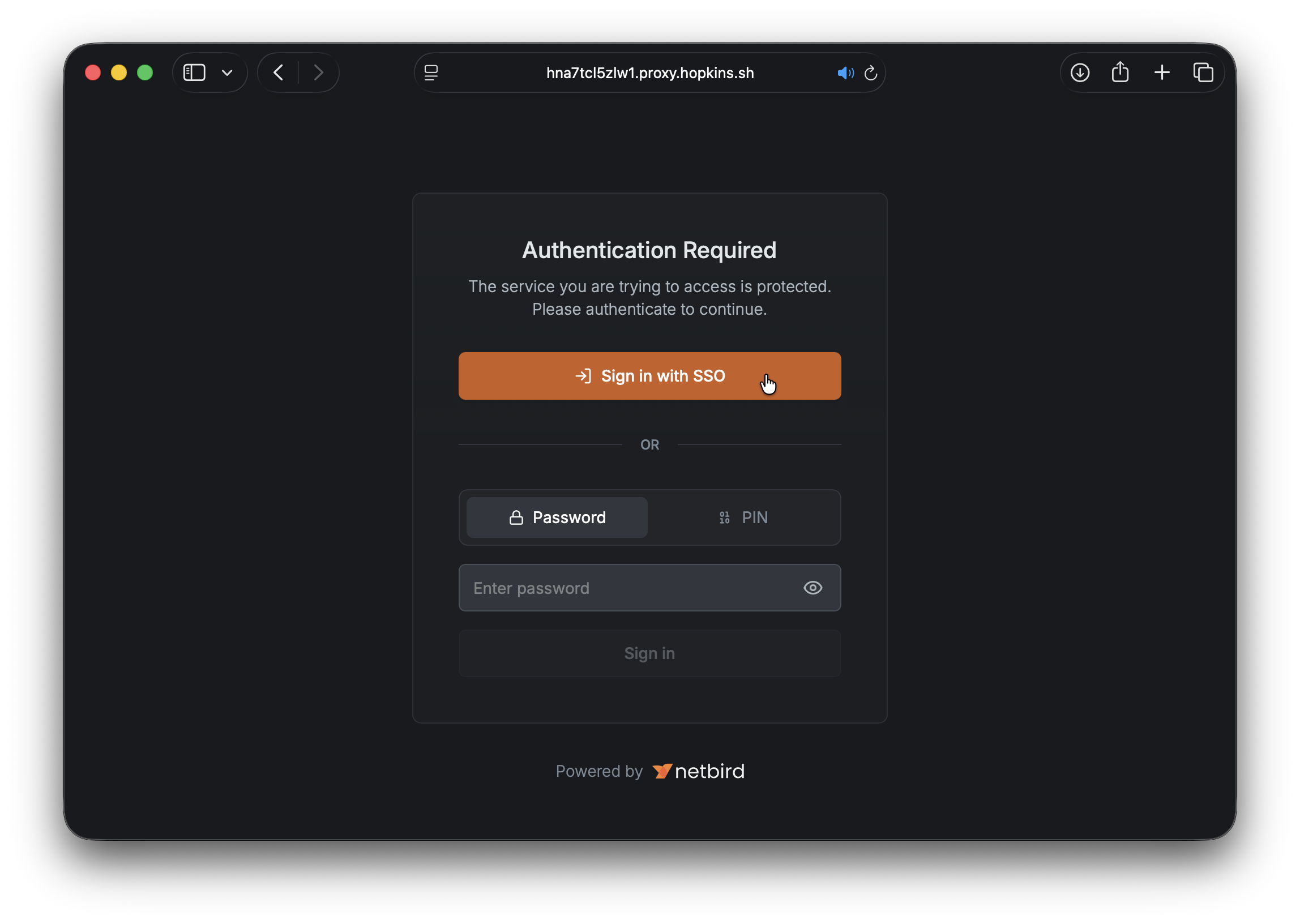
All methods can be combined. When multiple are enabled, visitors can choose which authentication method to use:
By default, exposed services get a randomly generated subdomain. For more readable URLs, you have two options.
Name prefix adds a human-readable prefix to the generated domain:
Custom domain uses a domain you've already configured in your account:
Custom domains must be pre-configured and verified in your NetBird account before they can be used with the expose command. See the Custom Domains documentation for setup instructions.
Unlike services created through the dashboard, exposed services are intentionally temporary. Here's what that means in practice:
This lifecycle model means you never have to worry about forgotten services lingering in your infrastructure. Everything cleans itself up.
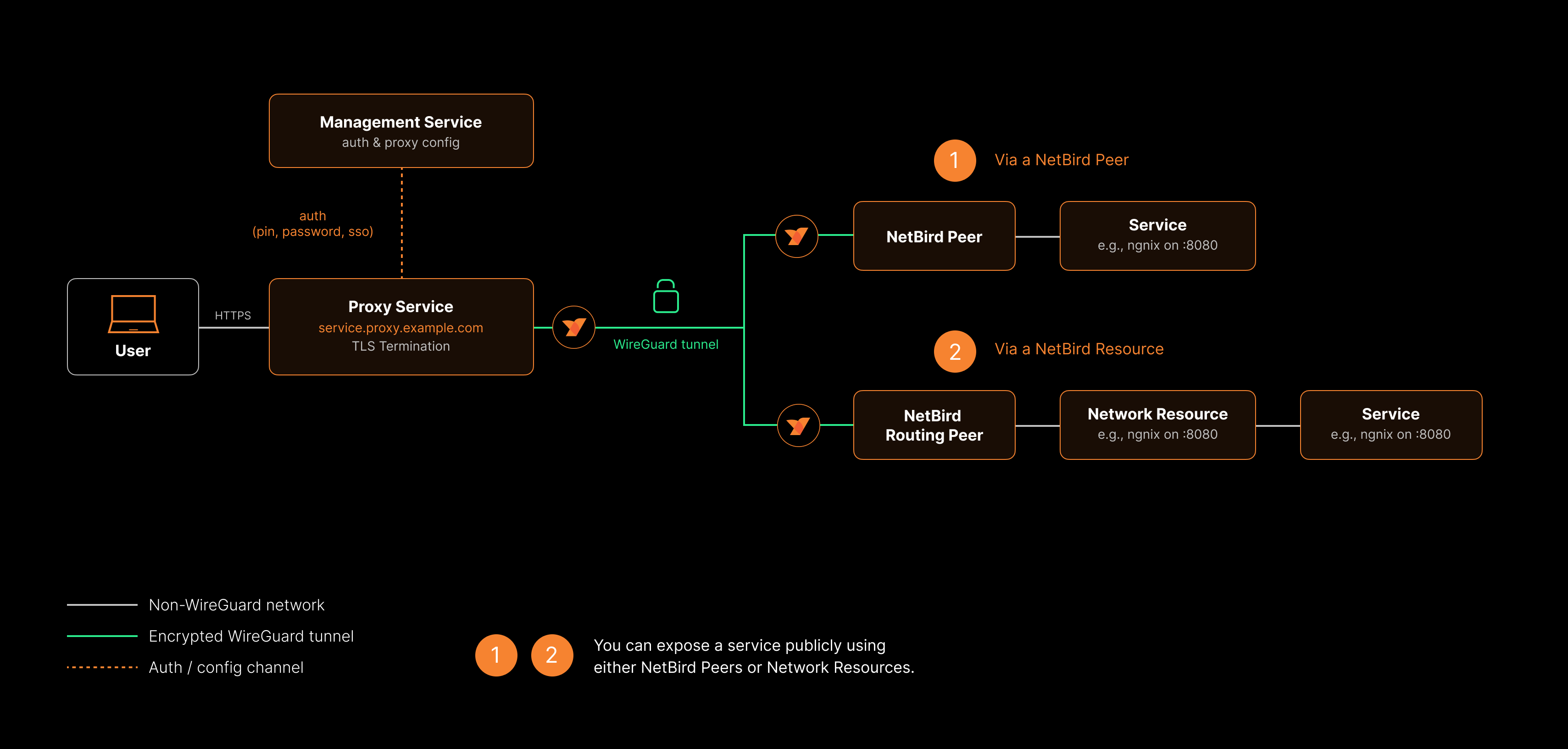
The above diagram is a high-level overview of how the NetBird reverse proxy functionality works. For more details, see the Built-in Reverse Proxy with Custom Domains product update.
The expose command doesn't replace dashboard-created services. They serve different purposes:
| Dashboard Services | CLI Expose | |
|---|---|---|
| Lifecycle | Persistent | Ephemeral |
| Created via | Dashboard or API | command |
| Best for | Production services, long-running endpoints | Demos, dev sharing, testing, webhooks |
| Multiple targets | Yes (path-based routing) | Single local port |
| Advanced settings | Host headers, redirect rewriting | Not available |
Use the dashboard for anything that should be always-on. Use for everything temporary.
Before peers can use the expose command, an account administrator needs to enable the feature:
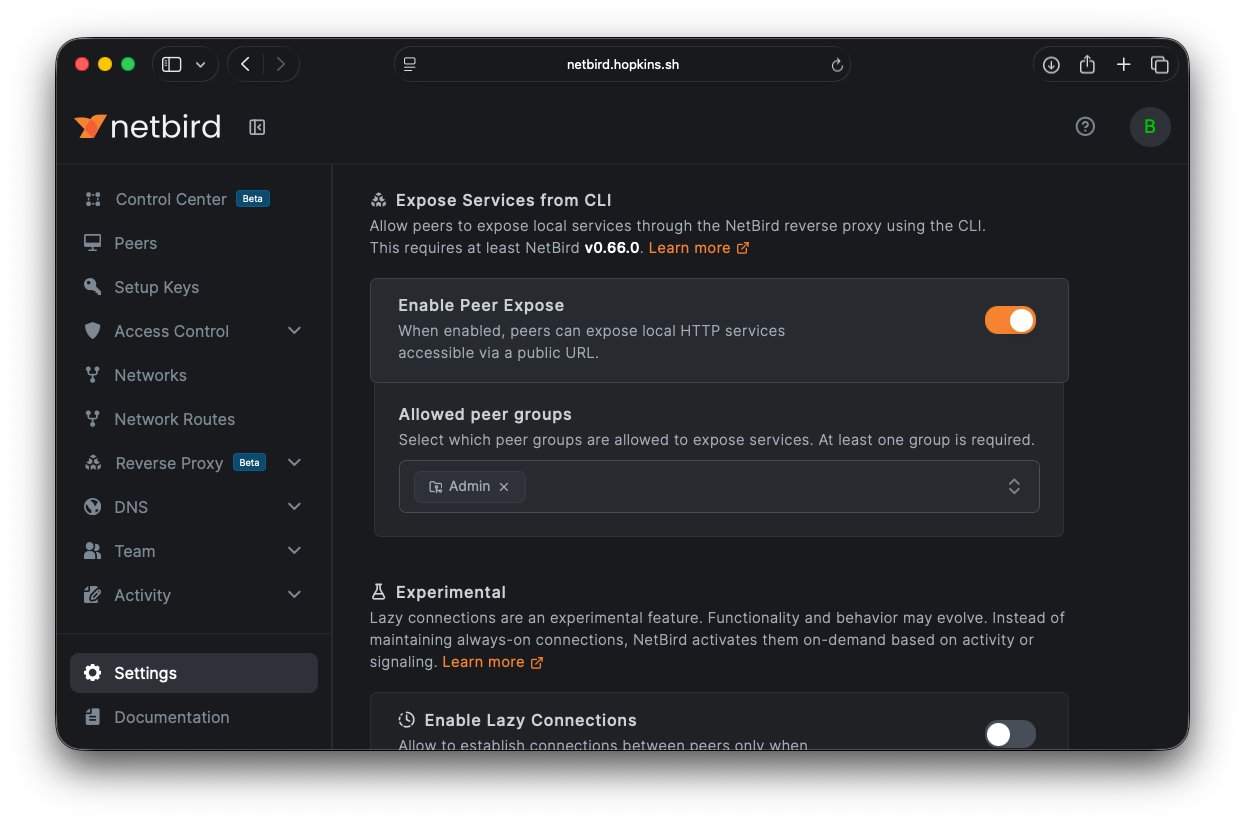
Or via the API:
Only peers belonging to the specified groups can use . Peers outside the allowed groups will receive a error.
For the full command reference, authentication details, session lifecycle, and troubleshooting, check out the Expose from CLI documentation .
此内容由惯性聚合(RSS阅读器)自动聚合整理,仅供阅读参考。 原文来自 — 版权归原作者所有。