惯性聚合 高效追踪和阅读你感兴趣的博客、新闻、科技资讯
阅读原文 在惯性聚合中打开

推荐订阅源

Spread Privacy
Spread Privacy
V
Visual Studio Blog
Cyber Security Advisories - MS-ISAC
Recorded Future
Recorded Future
云风的 BLOG
云风的 BLOG
Microsoft Azure Blog
I
InfoQ
Apple Machine Learning Research
MyScale Blog
MyScale Blog
M
MIT News - Artificial intelligence
WordPress大学
WordPress大学
Recent Announcements
V
V2EX
The GitHub Blog
The GitHub Blog
奇客Solidot–传递最新科技情报
奇客Solidot–传递最新科技情报
Jina AI
Jina AI
小众软件
小众软件
aimingoo的专栏
aimingoo的专栏
V
Vulnerabilities – Threatpost
C
Check Point Blog
C
Cyber Attacks, Cyber Crime and Cyber Security
AI
AI
宝玉的分享
宝玉的分享
P
Proofpoint News Feed
量子位
Attack and Defense Labs
H
Hackread – Cybersecurity News, Data Breaches, AI and More
P
Privacy International News Feed
Google DeepMind News
CTFtime.org: upcoming CTF events
C
CERT Recently Published Vulnerability Notes
腾讯CDC
Latest news
Latest news
Google DeepMind News
The Register - Security
cs.CV updates on arXiv.org
cs.AI updates on arXiv.org
G
GRAHAM CLULEY
Blog — PlanetScale
Blog — PlanetScale
博客园_首页
美团技术团队
The Cloudflare Blog
T
Tenable Blog
cs.CL updates on arXiv.org
J
Java Code Geeks
SecWiki News
SecWiki News
Webroot Blog
Webroot Blog
N
News | PayPal Newsroom
博客园 - 叶小钗
博客园 - Franky

Raz1ner

Github Pages 设置自定义域名 - Raz1ner Deep Clean Pro 使用方法 - Raz1ner 视频动态字幕合成使用方法 - Raz1ner Google Opal 系统提示词 - Raz1ner Google Opal Use Memory 功能解析 - Raz1ner Sheet Toos 使用教程 - Raz1ner 电子表格批量修改 使用教程 - Raz1ner 表格分页批量修改 使用教程 - Raz1ner 滚动字幕视频合成使用方法 - Raz1ner QSwitch 使用方法 - Raz1ner SnapOCR - 截图文字识别工具 - Raz1ner 说说 - 智能语音输入工具 - Raz1ner HEIC Converter 使用方法 - Raz1ner 悬浮歌词播放器 - Raz1ner
Mac 实用软件推荐 - Raz1ner
Raz1ner · 2026-05-02 · via Raz1ner

#软件 #macOS

一些我长期在用的 Mac 效率工具,主要用来提升日常生产力,个人向推荐。

效率

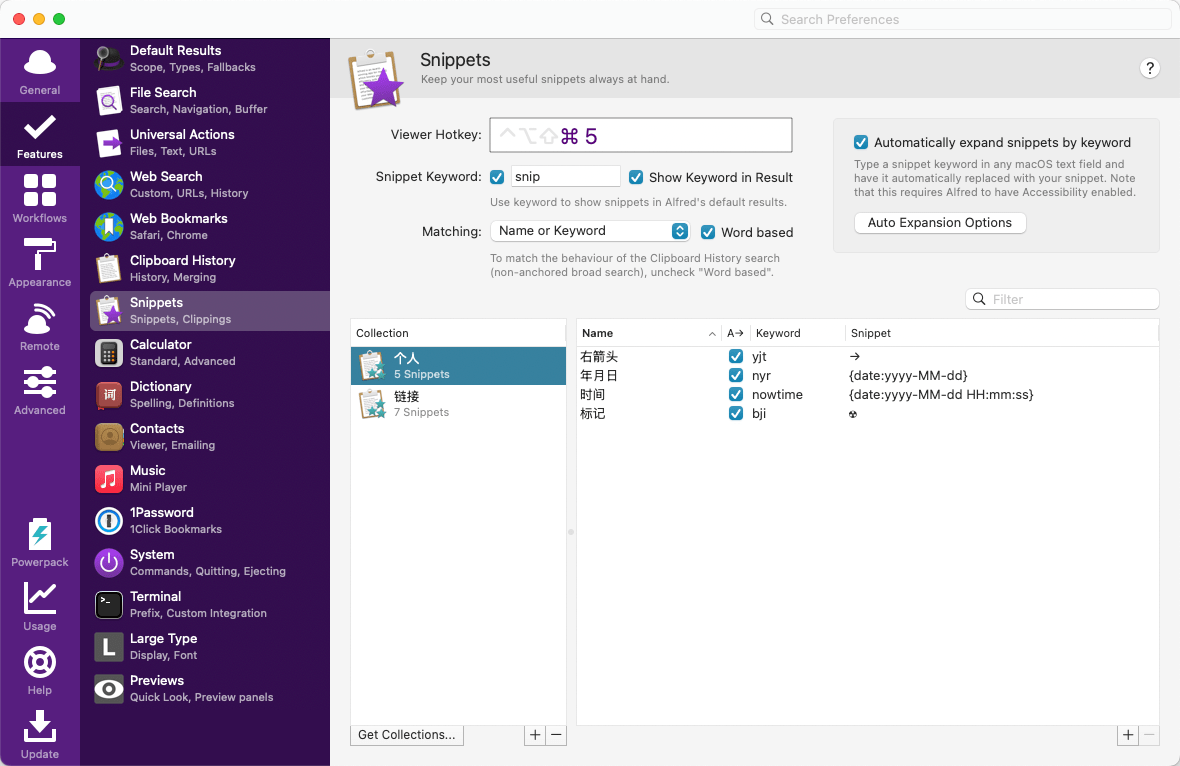
Alfred
非常强大的效率工具,Spotlight 的进阶替代品,通过关键词搜索打开软件,或者搜索文件,也可以在搜索框内进行数学计数。还有一个高频率用到的 Snippets 功能,通过设置关键词,在任何地方输入关键词就会自动输入保存好的内容。
官网:https://www.alfredapp.com/
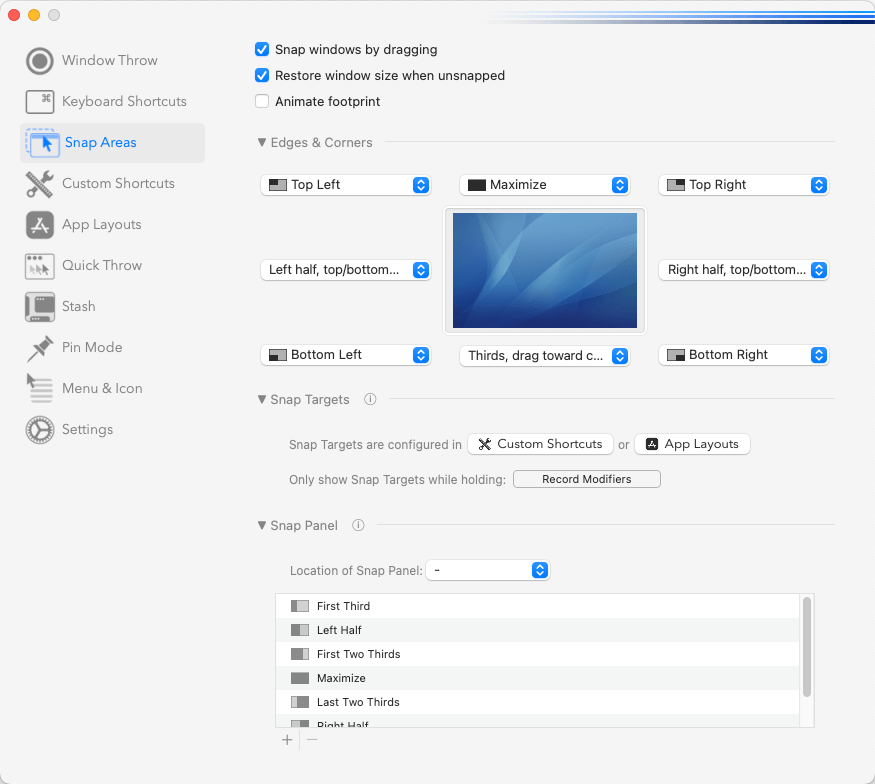
Rectangle Pro
窗口管理工具,用快捷键把窗口快速贴边、分屏,多任务处理效率大幅提升。
官网:https://rectangleapp.com/pro/
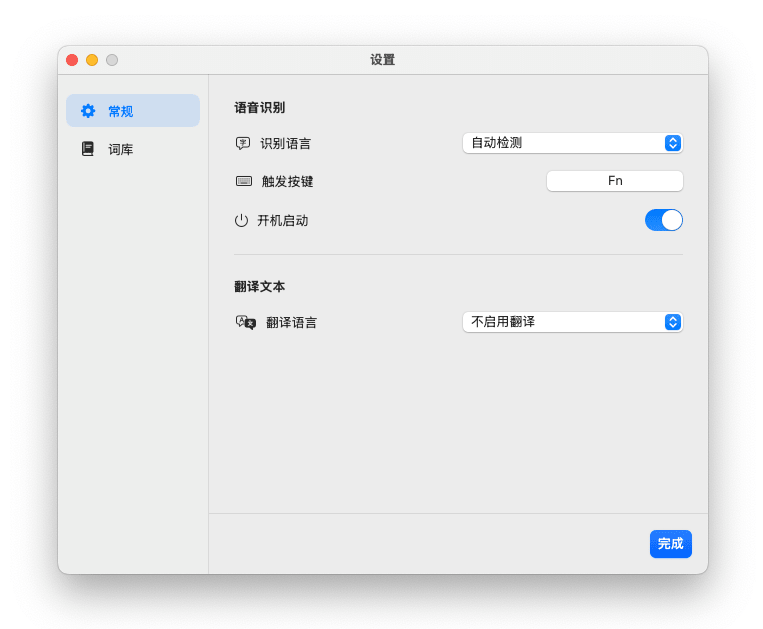
说说
纯本地运行的语音输入法,通过说话代替打字,效率提高 4 倍。
官网:https://raz1ner.com/Awesome-Software/Talk-Talk/
SnapOCR
通过截图选取范围快速识别文字,安装包极小,运行内存占用极低。
官网:https://raz1ner.com/Awesome-Software/SnapOCR/
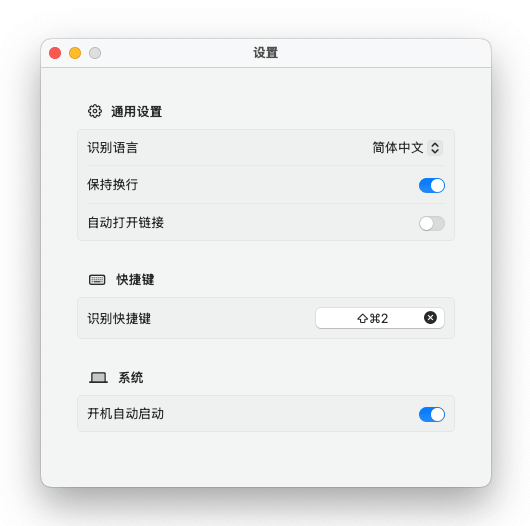
FocusOne
极简专注工具,自动高亮前台窗口,排除背景干扰。
官网:https://raz1ner.com/Awesome-Software/FocusOne/
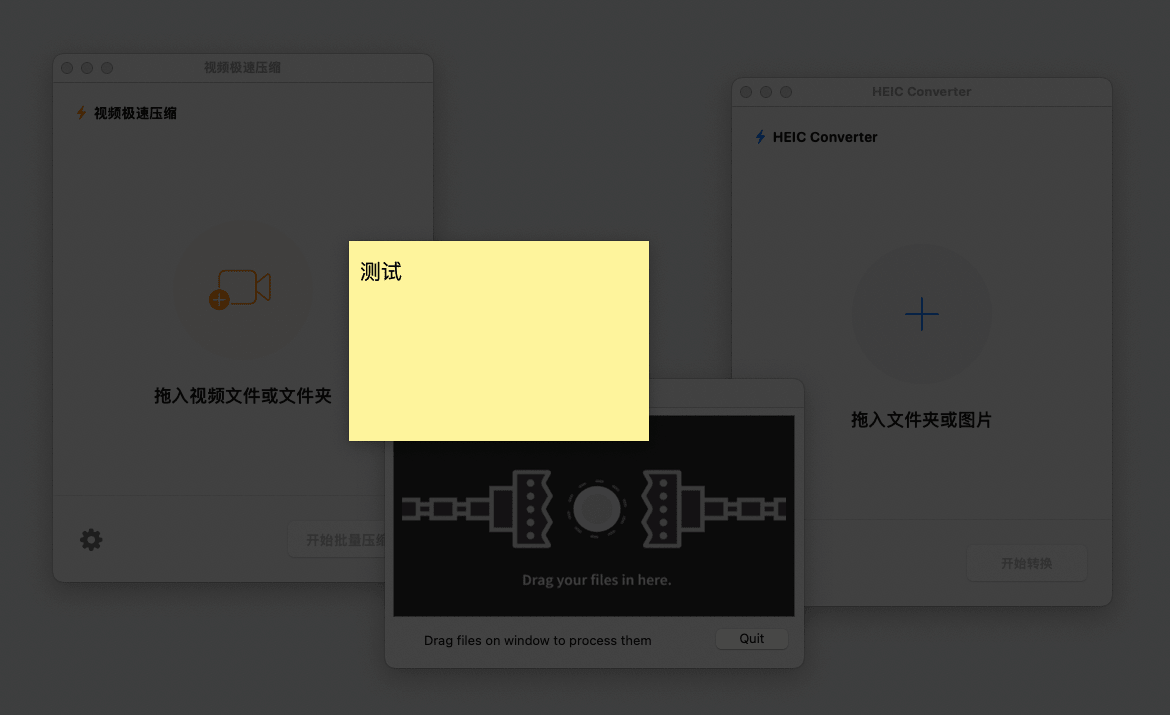
工具

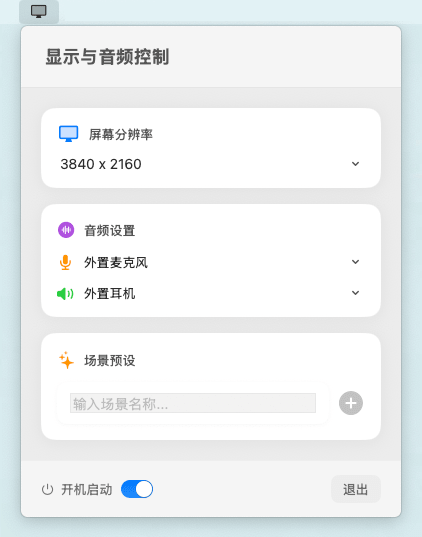
QSwitch
可以一键快速切换屏幕的分辨率和音频输入输出设备。
官网:https://raz1ner.com/Awesome-Software/QSwitch/
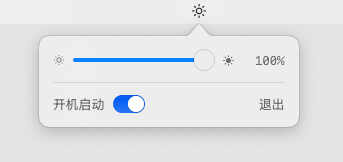
亮度控制
通过键盘直接控制外置显示器的亮度。
官网:https://raz1ner.com/Awesome-Software/Brightness-Control/
Pearcleaner
软件卸载工具,在卸载软件的时候,会查找出残留的文件,清理更彻底。
官网:https://itsalin.com/appInfo/?id=pearcleaner
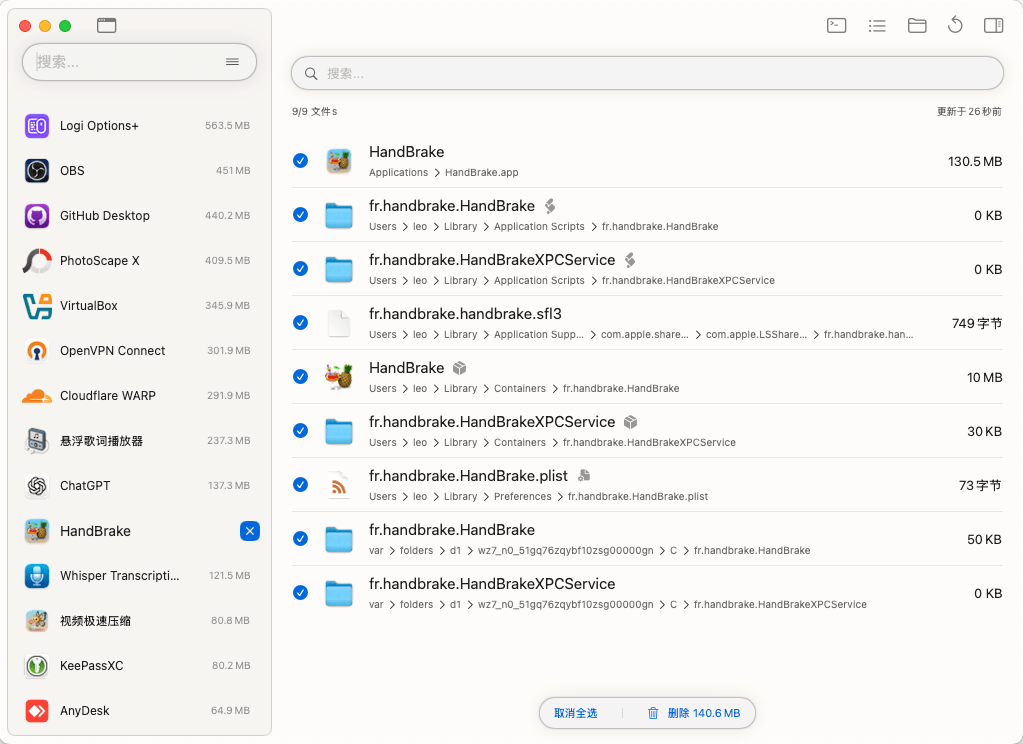
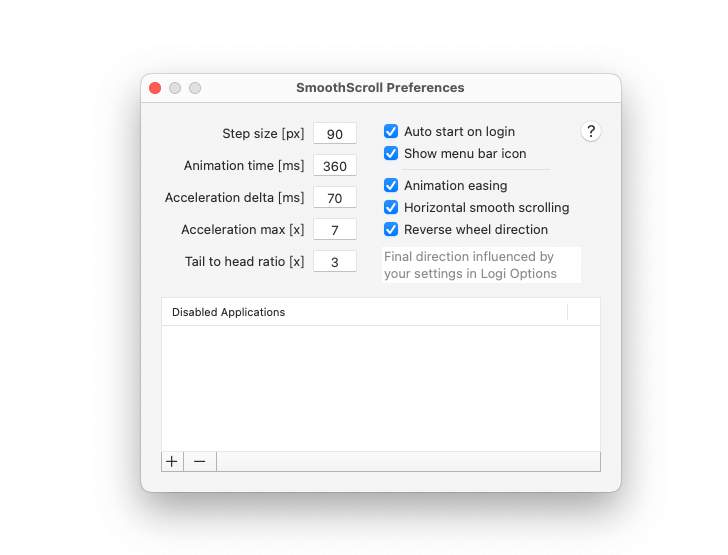
SmoothScroll
让鼠标在滚动的时候更加顺滑,提高使用体验。
官网:https://www.smoothscroll.net/mac/
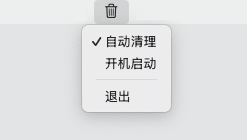
Empty Trash
删除文件后自动清空废纸篓。
官网:https://raz1ner.com/Awesome-Software/Empty-Trash/
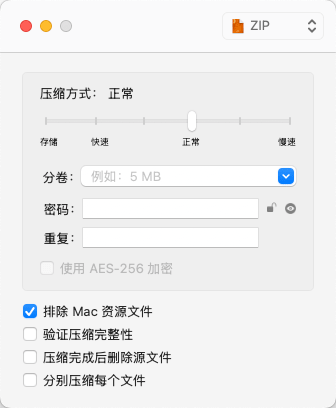
Keka
非常实用的压缩工具,支持多种格式,界面简洁。
官网:https://www.keka.io/zh-cn/
媒体

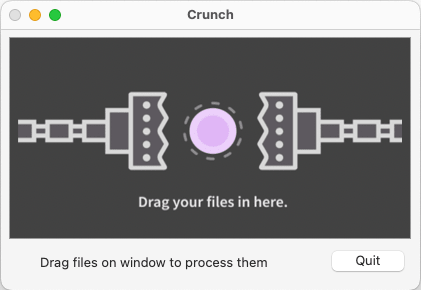
Crunch
一款专门压缩 PNG 格式图片的软件,基于有损压缩,画质损失极小,肉眼基本看不出来什么区别,和同类软件对比,还是它的压缩率最好。
官网:https://github.com/chrissimpkins/Crunch
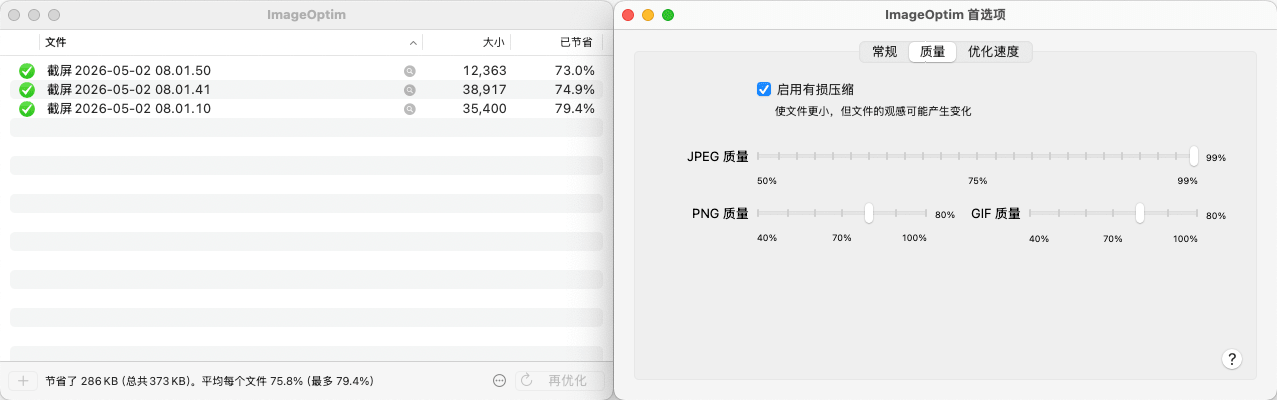
ImageOptim
有损或无损压缩图片,支持市面上绝大部分图片格式,支持更多自定义参数设置。
官网:https://imageoptim.com/mac
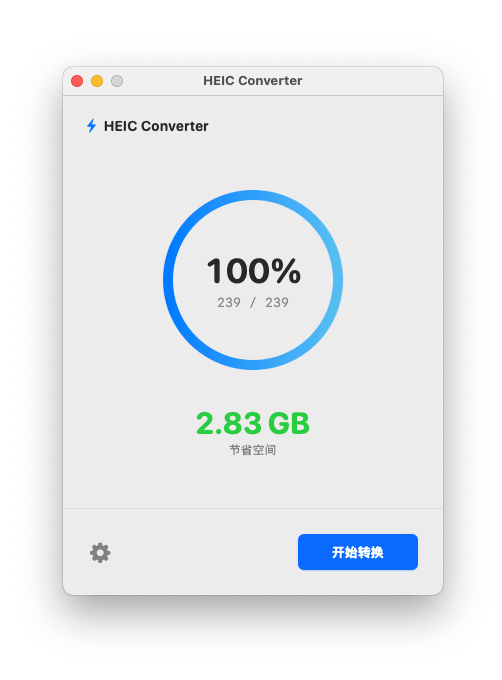
HEIC Converter
多线程批量把图片转换成 HEIC 格式,在保证画质的同时,可以大幅节约磁盘空间。
官网:https://raz1ner.com/post/HEIC-Converter/
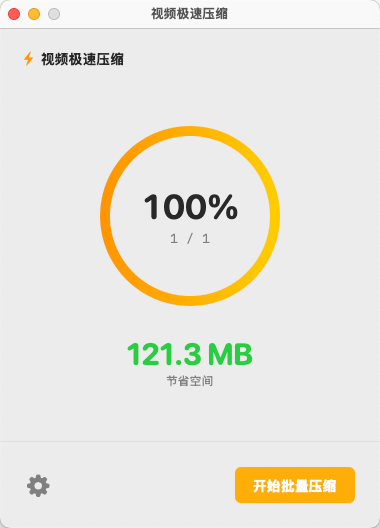
视频极速压缩
一个极简的视频压缩工具,简单易用,压缩率一般可以达到 80% 左右。
官网:https://raz1ner.com/Awesome-Software/Video-Compressor/
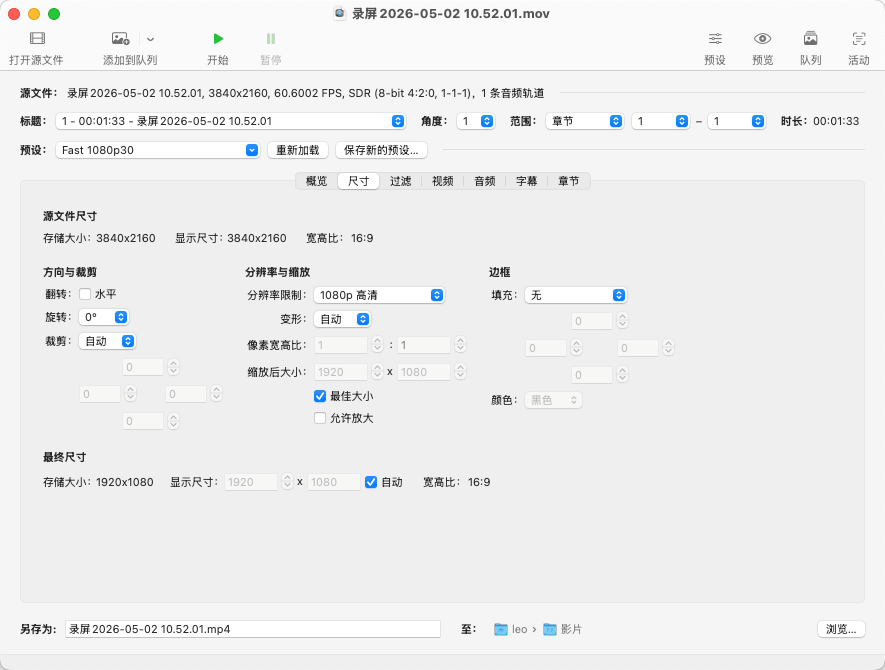
HandBrake
非常强大的视频转码工具,提供更多细节参数设置。
官网:https://handbrake.fr/
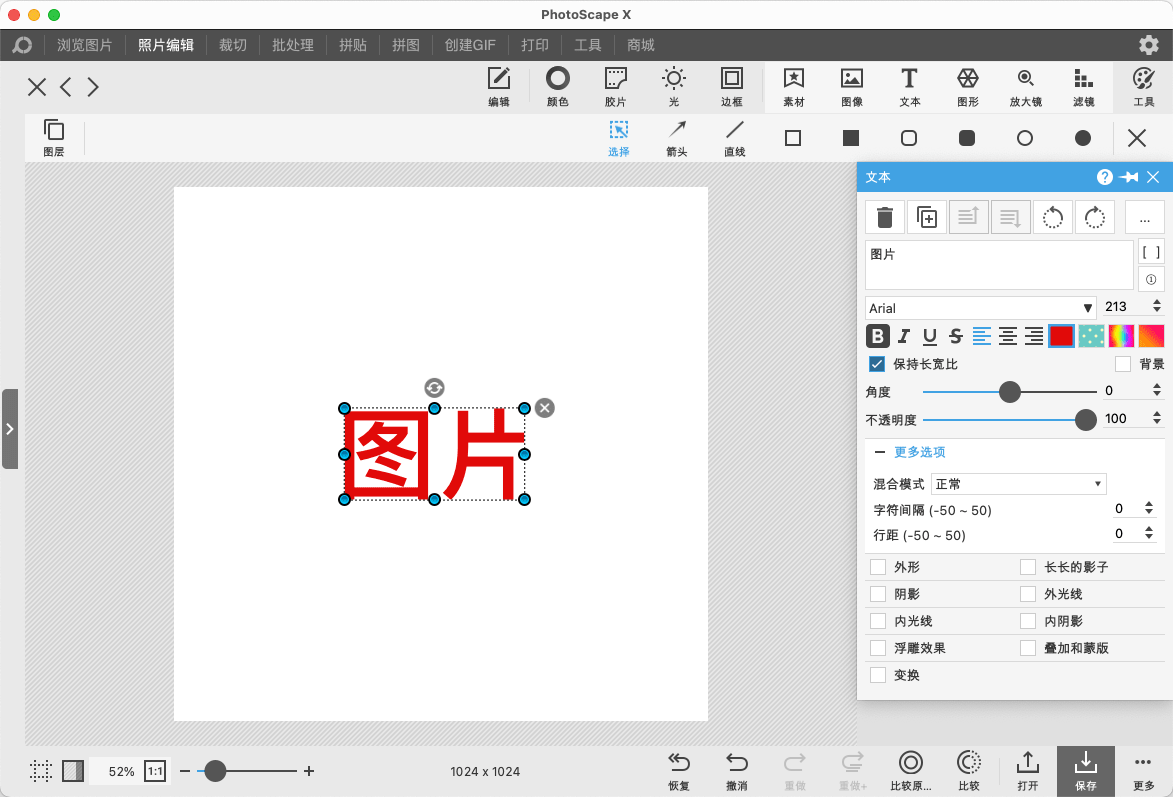
PhotoScape X
支持图片裁切、调色、拼图、打码等等,相比专业级的图像编辑软件,这款软件我体验下来觉得更简单容易上手。
官网:https://itunes.apple.com/app/id929507092