This article is also available in 简体中文.





This article covers share buttons supported by Icarus 5.
This article is also available in 简体中文.
The following share buttons are provided by ppoffice/hexo-component-inferno. Please refer to it for a complete list of supported plugins and their configuration details.
Some AD blockers may block this share button service. Use it with caution.
The Baidu share button service is no longer available. Use other services as alternatives.
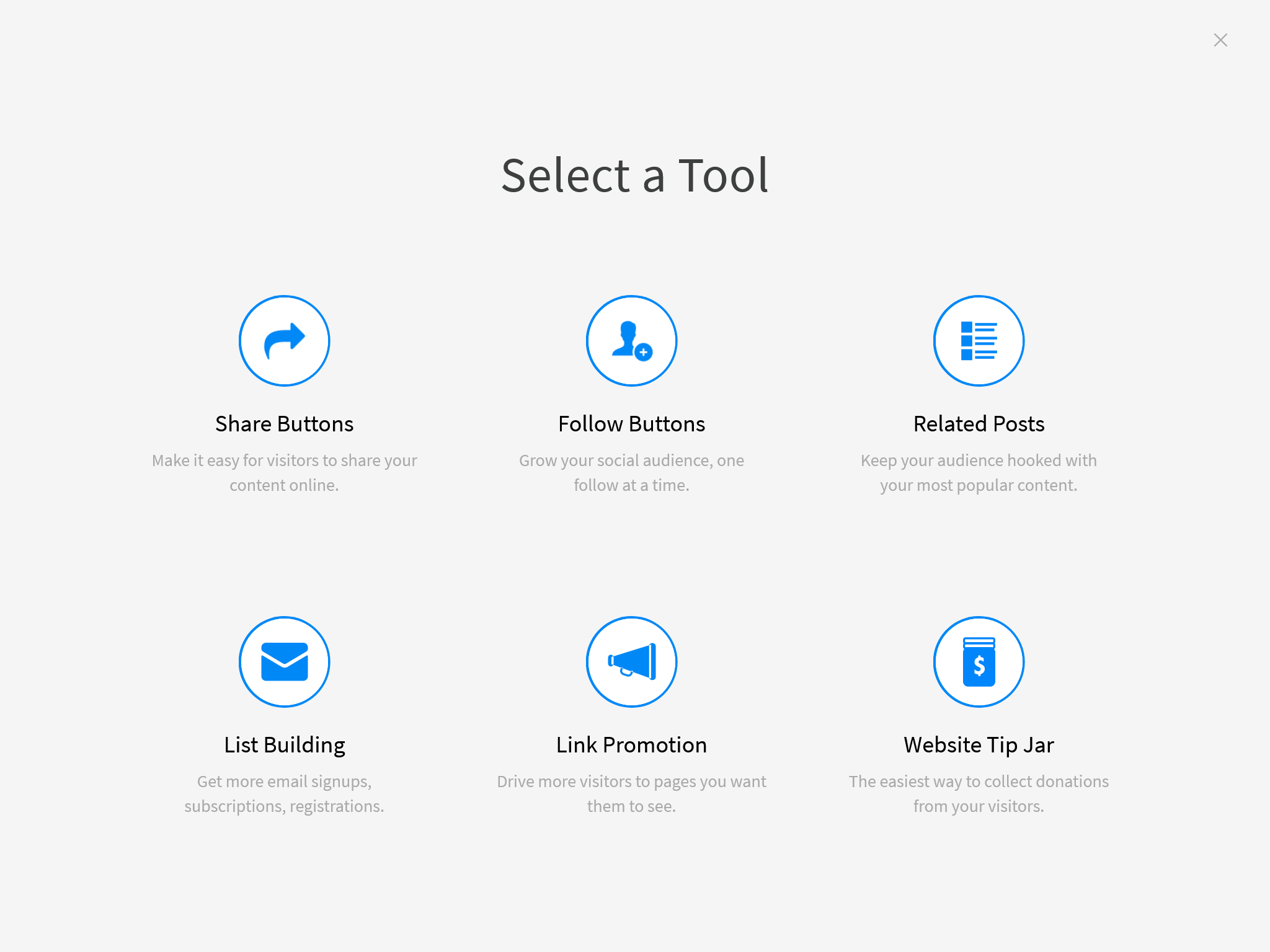
Register for AddThis. Select the “Share Buttons” on the “Select a Tool” page after submitting the registration form.
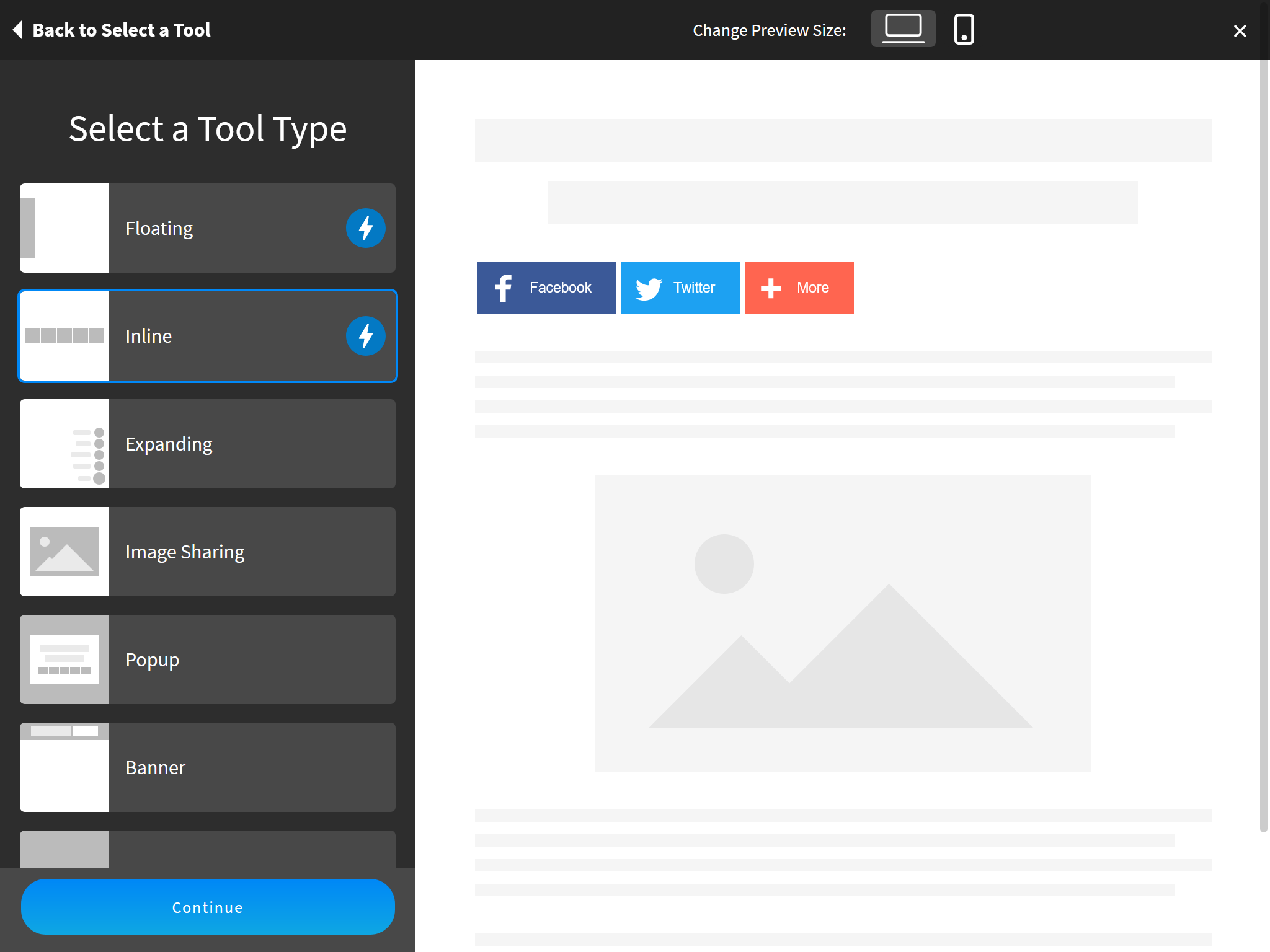
Select the style and buttons on the “Select a Tool Type” page and click “Continue”.
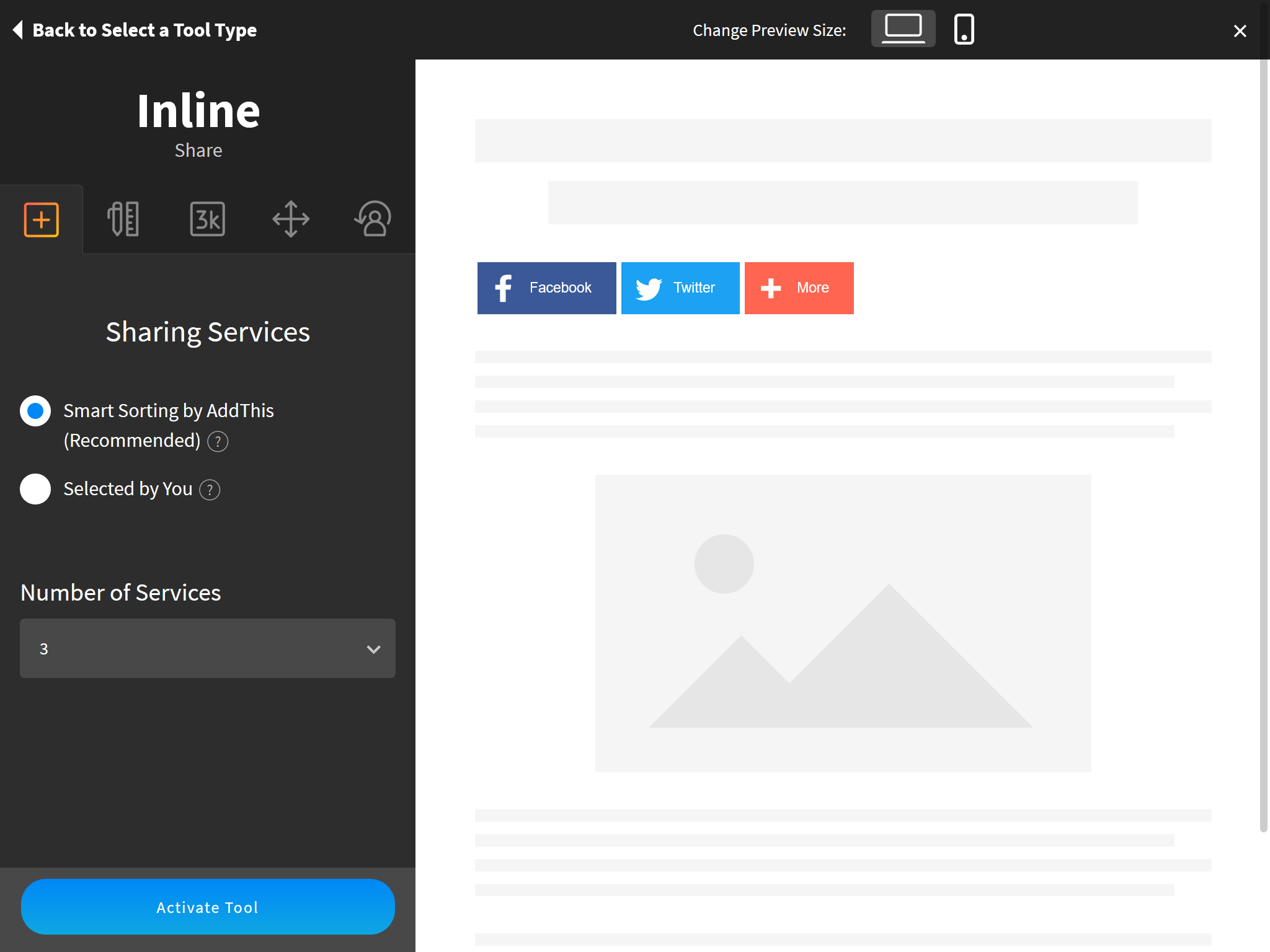
Make further customizations on the next page and click the “Activate Tool” button when finished.
Find the HTML code from the “Get The Code” page, copy the URL in the src attribute to the share button configuration.
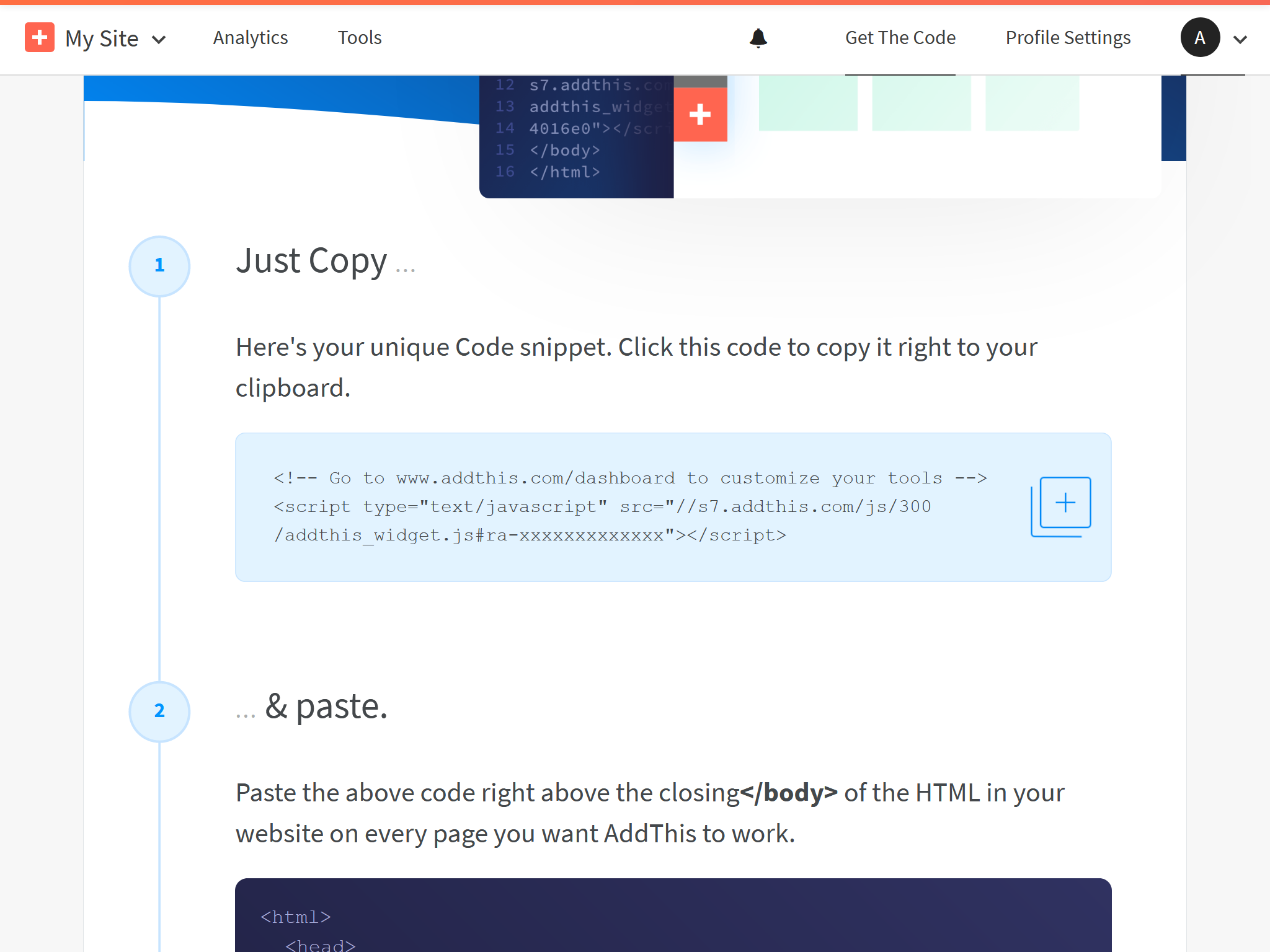
For example, the URL in the following AddThis code:
1 |
|
maps to the following theme configuration:
1 | share: |
You can activate AddToAny without user registration. Just put the following code to your theme configurations:
1 | share: |
Take the following steps if you want to customize the share buttons:
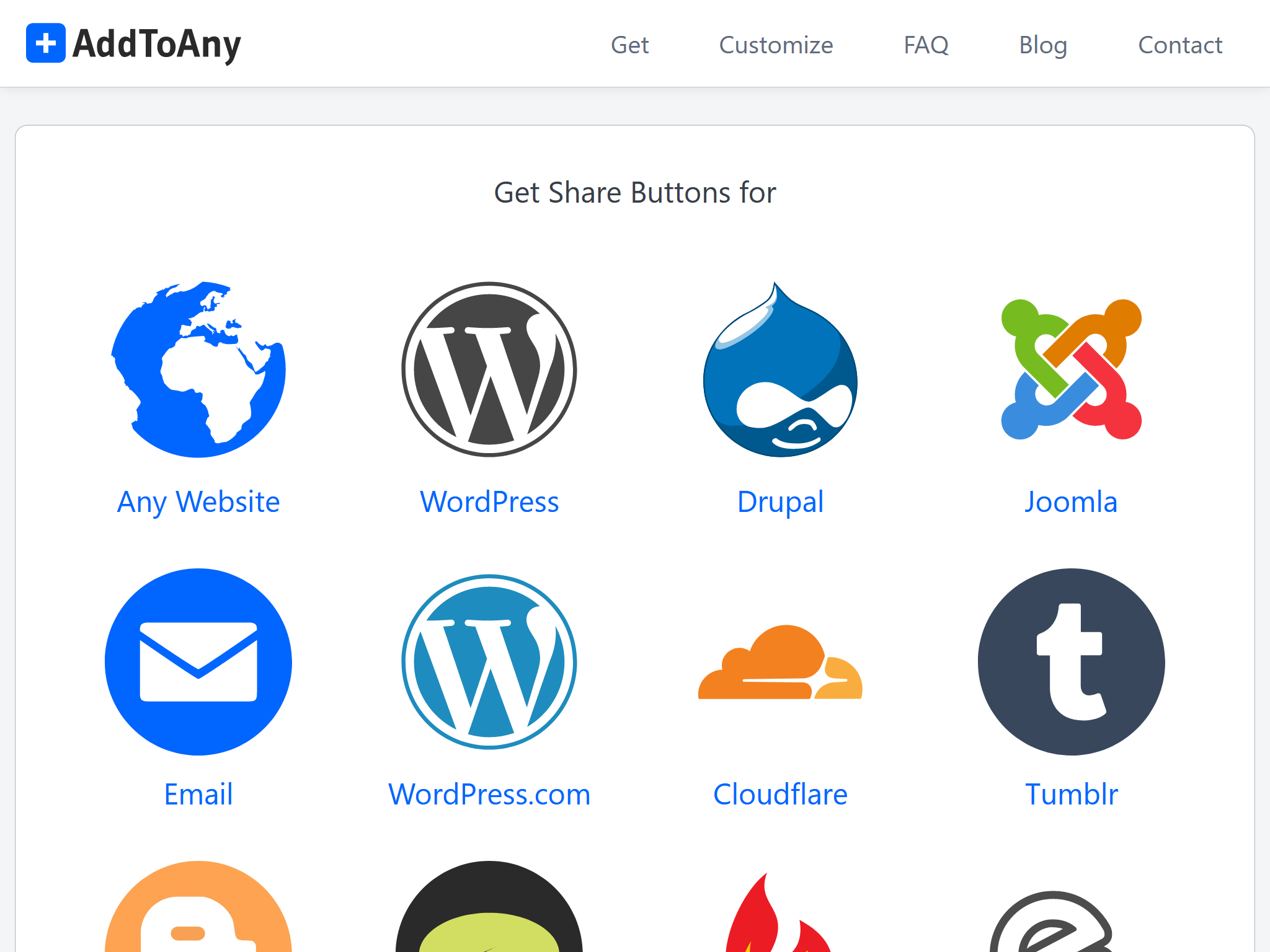
Visit AddToAny official site and click on the “Get the Share Button”.
Then, select “Any Website” and complete the configuration of the buttons.
Click “Get Button Code” after you finish.
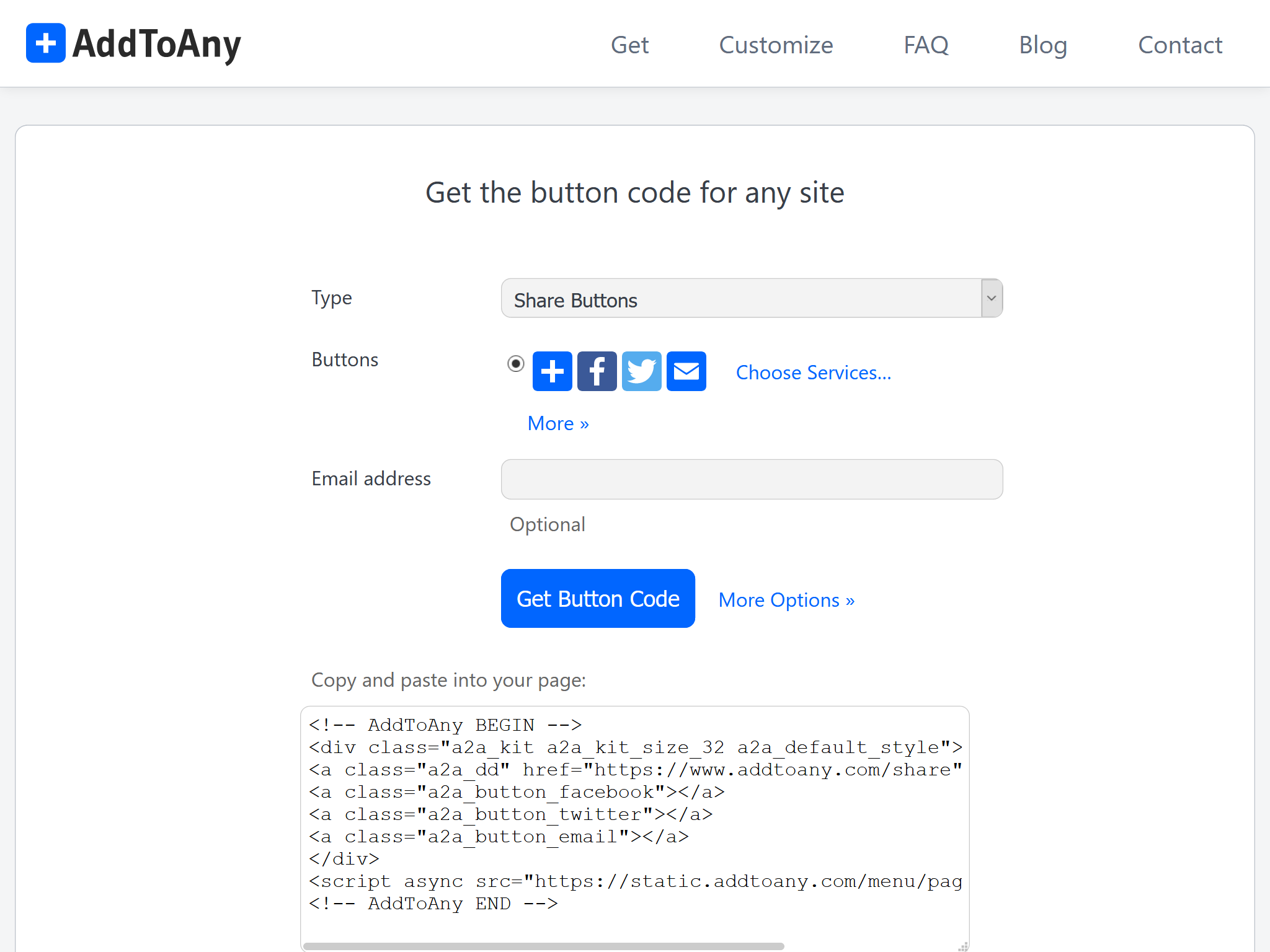
Since the share buttons of Icarus is provided by
ppoffice/hexo-component-inferno,
you need to copy the layout file
(src/view/share/addtoany.jsx)
of AddToAny from this repository
to <icarus_directory>/layout/share/addtoany.jsx.
Then, replace the AddToAny code in addtoany.jsx and fix the package import in the file header.
For example, assume the following code is what you get from the last step:
1 |
|
then you should make the following changes to addtoany.jsx:
1 | const { Component, Fragment } = require('inferno'); |
Some AD blockers may block this share button service. Use it with caution.
The Baidu share button service seems to be no longer maintained. Use other services as alternatives.
Installation Guide
You can activate Baidu Share without user registration. Just put the following code to your theme configurations:
1 | share: |
The Share.js button service is no longer maintained. Use other services as alternatives.
You can activate Share.js without user registration. Just put the following code to your theme configurations:
1 | share: |
(Optional) Please refer to the customization steps in the AddToAny section and the share.js homepage for information about customizing the share buttons.
Visit ShareThis and click the “Start with Share Buttons” button on the page.
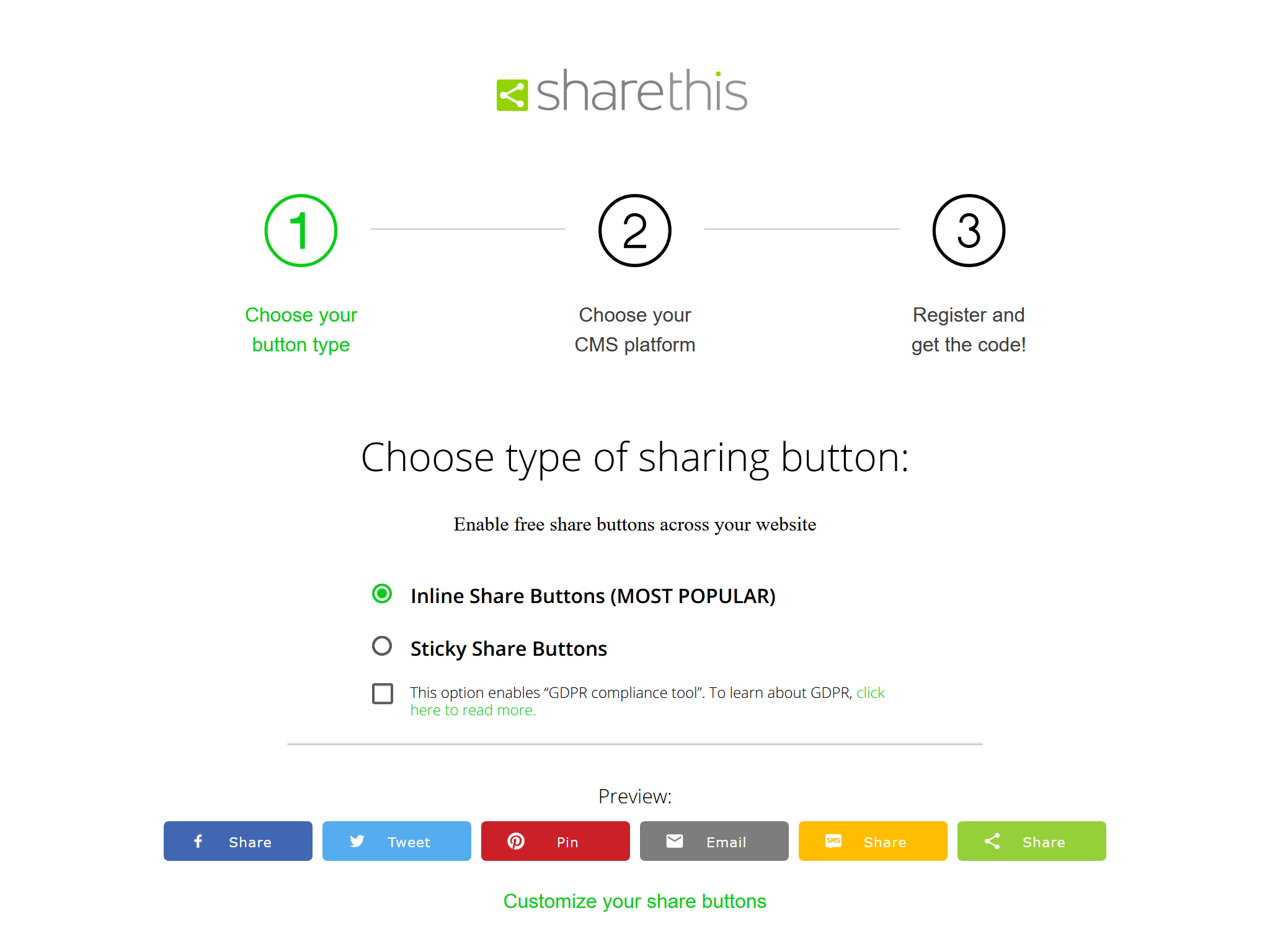
Select the type of buttons you need on the “Choose type of sharing button” page. Don’t enable the “GDPR compliance tool” since it may cause issues. You can also make advanced adjustments by clicking the “Customize your share buttons” link. Click “Next” when you are done.
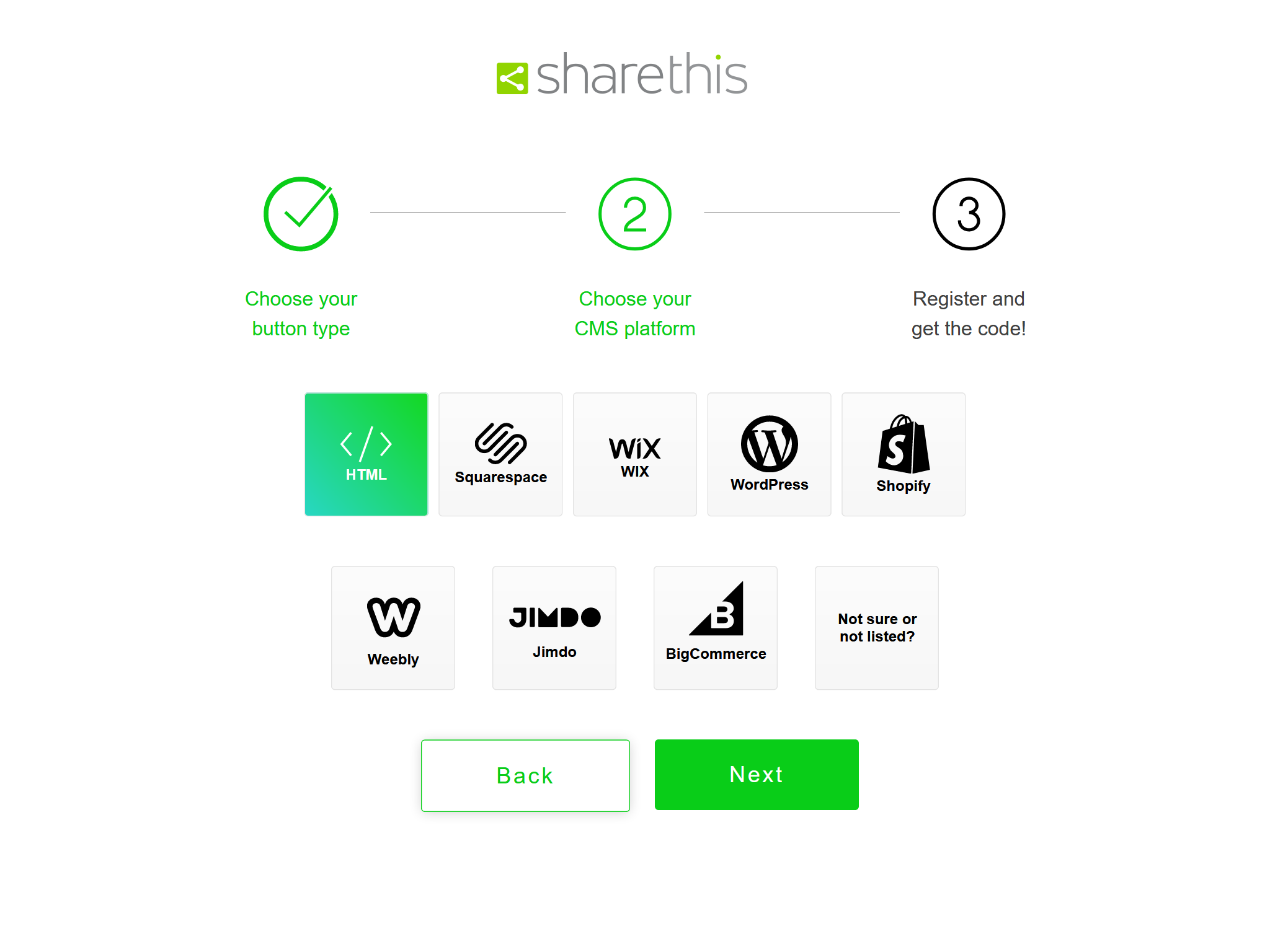
Select “HTML” on the “Choose your CMS platform” page and click “Next”.
Enter your email and password to finish the registration for ShareThis on the “Register and get the code!” page.
Finally, copy the src URL from the HTML code fragment to the share button configuration.
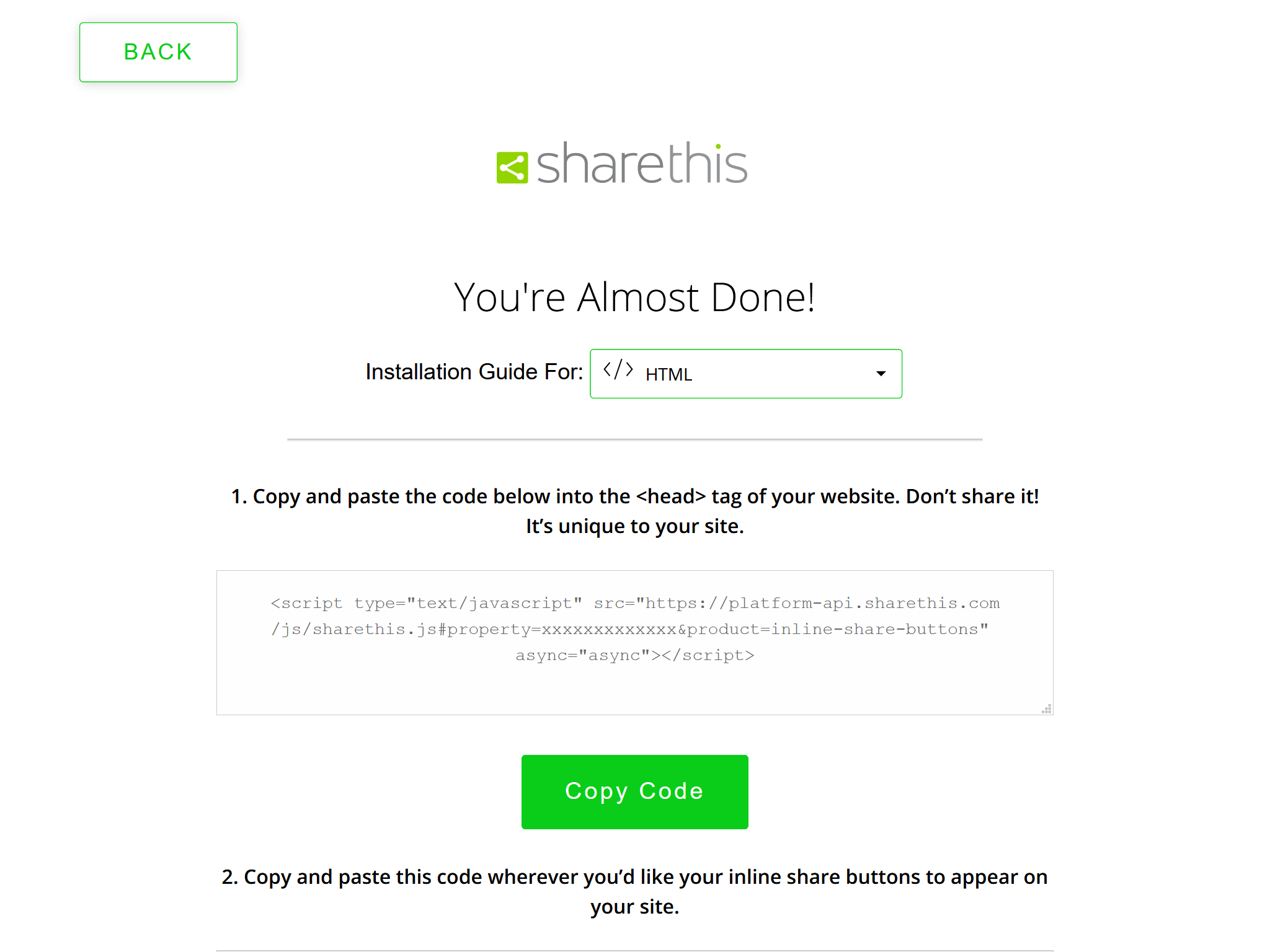
For example, the following ShareThis code:
1 | <script type="text/javascript" src="https://platform-api.sharethis.com/js/sharethis.js#property=xxxxxxxxxxxxx&product=inline-share-buttons" async="async"></script> |
maps to the following theme configuration:
1 | share: |
Something wrong with this article? Click here to submit your revision.
此内容由惯性聚合(RSS阅读器)自动聚合整理,仅供阅读参考。 原文来自 — 版权归原作者所有。