









In my previous post I talked about how to use systemd-sysext to add software to the Steam Deck without modifying the root filesystem. In this post I will give a brief overview of two additional methods.
distrobox is a tool that uses containers to create a mutable environment on top of your OS.
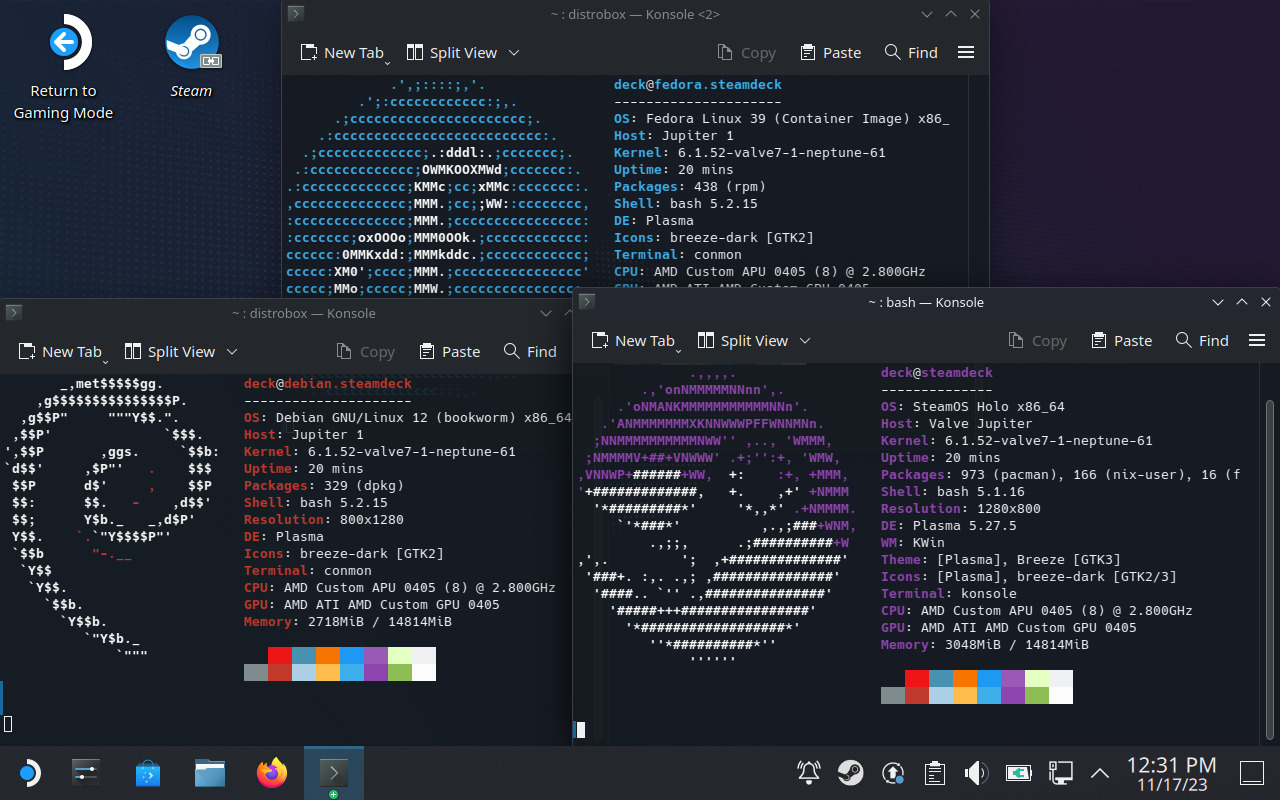
With distrobox you can open a terminal with your favorite Linux distro inside, with full access to the package manager and the ability to install additional software. Containers created by distrobox are integrated with the system so apps running inside have normal access to the user’s home directory and the Wayland/X11 session.
Since these containers are not stored in the root filesystem they can survive an OS update and continue to work fine. For this reason they are particularly suited to systems with an immutable root filesystem such as Silverblue, Endless OS or SteamOS.
Starting from SteamOS 3.5 the system comes with distrobox (and podman) preinstalled and it can be used right out of the box without having to do any previous setup.
For example, in order to create a Debian bookworm container simply open a terminal and run this:
$ distrobox create -i debian:bookworm debbox
Here debian:bookworm is the image that this container is created from (debian is the name and bookworm is the tag, see the list of supported tags here) and debbox is the name that is given to this new container.
Once the container is created you can enter it:
$ distrobox enter debbox
Or from the ‘Debian’ entry in the desktop menu -> Lost & Found.
Once inside the container you can run your Debian commands normally:
$ sudo apt update
$ sudo apt install vim-gtk3
Nix is a package manager for Linux and other Unix-like systems. It has the property that it can be installed alongside the official package manager of any distribution, allowing the user to add software without affecting the rest of the system.
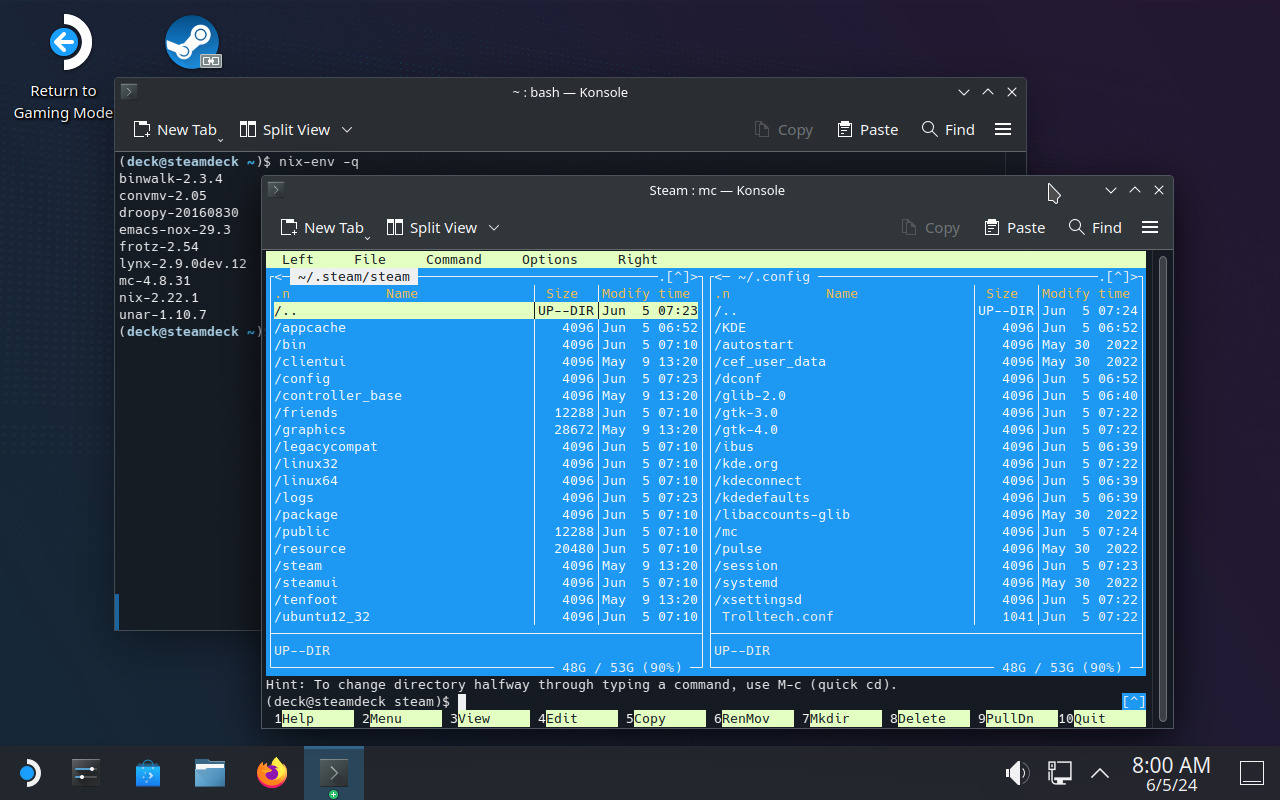
Nix installs everything under the /nix directory, and packages are made available to the user through a new entry in the PATH and a ~/.nix-profile symlink stored in the home directory.
Nix is more things, including the basis of the NixOS operating system. Explaning Nix in more detail is beyond the scope of this blog post, but for SteamOS users these are perhaps its most interesting properties:
/nix.pacman, Nix survives OS updates.podman / distrobox, Nix does not create any containers. All packages have normal access to the rest of the system, just like native SteamOS packages.The only thing that Nix needs from SteamOS is help to set up the /nix directory so its contents are not stored in the root filesystem. This is already happening starting from SteamOS 3.5 so you can install Nix right away in single-user mode:
$ sudo chown deck:deck /nix
$ wget https://nixos.org/nix/install
$ sh ./install --no-daemon
This installs Nix and adds a line to ~/.bash_profile to set up the necessary environment variables. After that you can log in again and start using it. Here’s a very simple example (refer to the official documentation for more details):
# Install and run Midnight Commander
$ nix-env -iA nixpkgs.mc
$ mc

# List installed packages
$ nix-env -q
mc-4.8.31
nix-2.21.1

# Uninstall Midnight Commander
$ nix-env -e mc-4.8.31
What we have seen so far is how to install Nix in single-user mode, which is the simplest one and probably good enough for a single-user machine like the Steam Deck. The Nix project however recommends a multi-user installation, see here for the reasons.
Unfortunately the official multi-user installer does not work out of the box on the Steam Deck yet, but if you want to go the multi-user way you can use the Determinate Systems installer: https://github.com/DeterminateSystems/nix-installer
Distrobox and Nix are useful tools and they give SteamOS users the ability to add additional software to the system without having to modify the base operating system.
While for graphical applications the recommended way to install third-party software is still Flatpak, Distrobox and Nix give the user additional flexibility and are particularly useful for installing command-line utilities and other system tools.
此内容由惯性聚合(RSS阅读器)自动聚合整理,仅供阅读参考。 原文来自 — 版权归原作者所有。