




Welcome to Issue #8! Some of what we have in store:
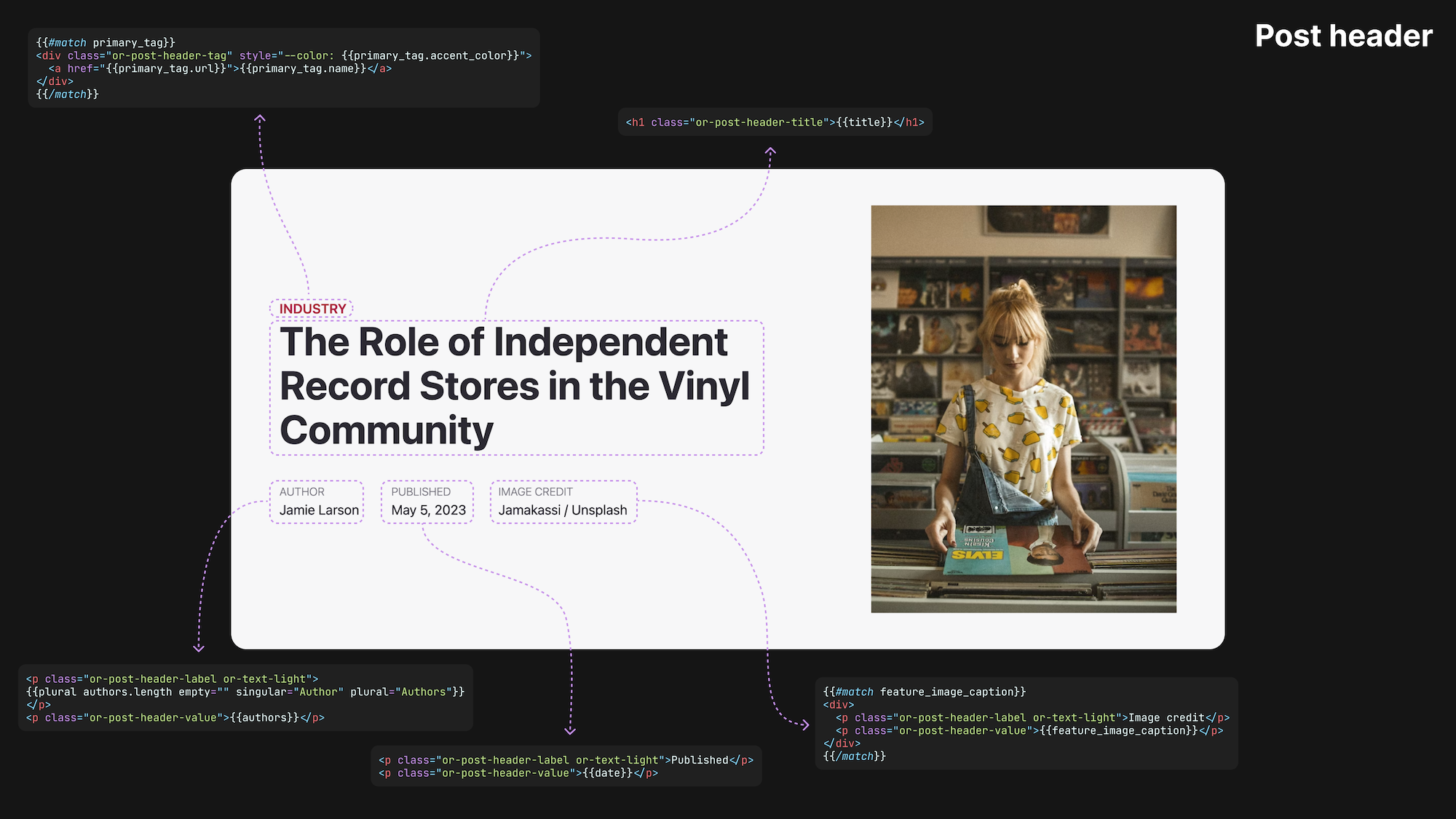
It's the heart and soul of your theme. It's where authors bring their creative content to life, and where readers immerse themselves in these narratives.
It's the post template, and, in our latest tutorial, we cover everything you need to know to build one. We focus on the following:
Check it out 👉
The art of the post template in Ghost
Creating gorgeous post layouts has never been easier in Ghost. Dive into our step-by-step guide to learn everything you need to know about creating a custom post template.
Team Ghost

But wait! There's more.
We also released tutorials on using custom settings and building custom sign-up forms.
Custom settings are the ultimate power-up for Ghost themes
Want to elevate your Ghost theme? Dive into custom settings with this complete guide. Choose typefaces, color schemes, and more. Your theme, your rules!
TutorialsTeam Ghost
How to build custom sign-up forms in Ghost
Learn to create a custom sign-up form with Ghost. This guide covers all steps, including HTML integration, CSS styling, and user engagement strategies.
TutorialsTeam Ghost

Did you know we have a YouTube channel? Our most recent video includes a complete guide to using partials in Ghost. Don't forget to like and subscribe 😜
🚧
Custom theme developers will need to update their themes to support the new @page helper that makes toggling the title and feature image possible.
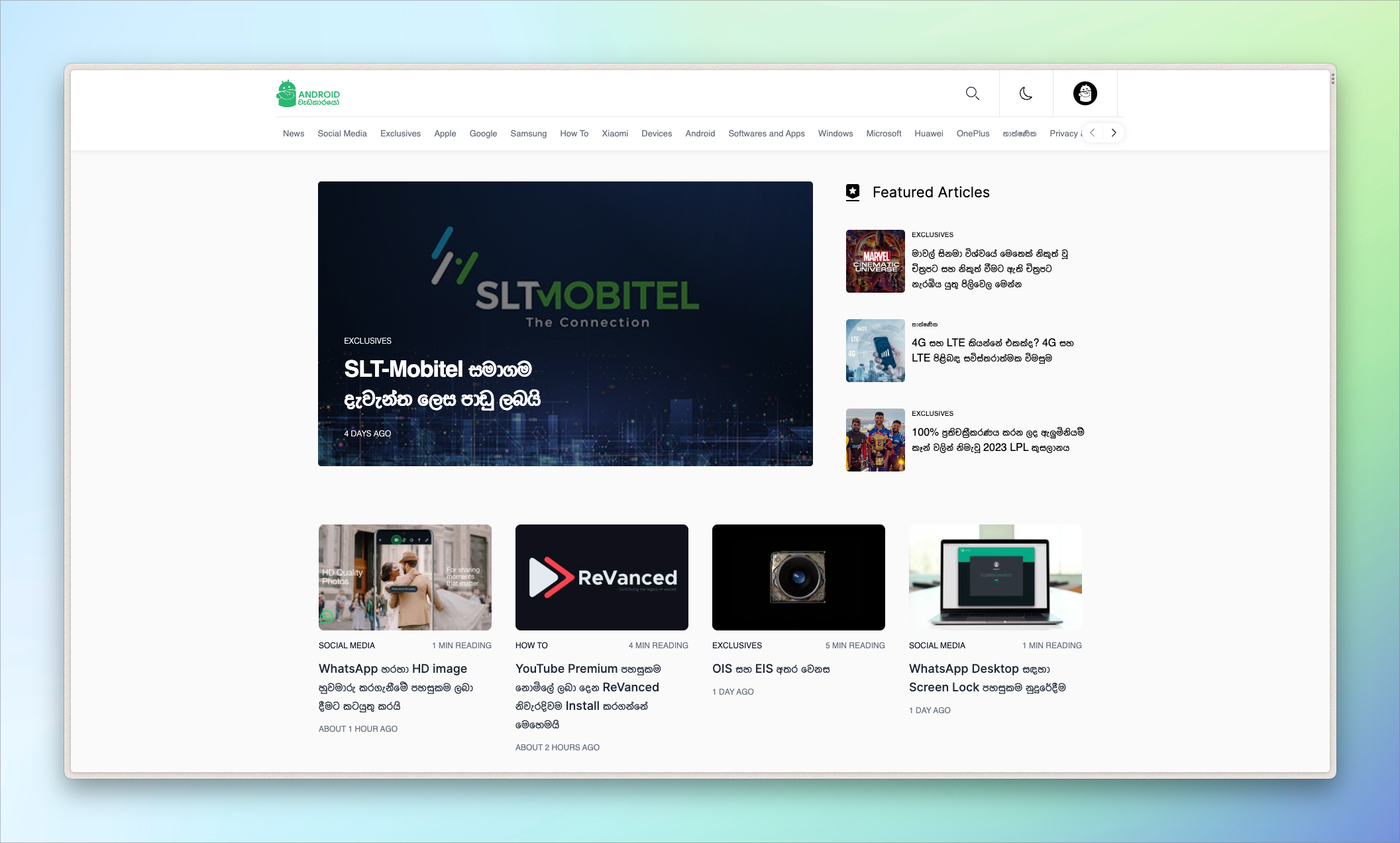
Thimira Thenuwara recently relaunched Android Wedakarayo, a Sinhala publication about technology based in Sri Lanka. The relaunch is notable because Thimira shifted to using Ghost headlessly, implementing a Nuxt frontend with Tailwind styling, oAuth sign-in, and Algolia search. We'll explain all of this in a minute, but let's start at the beginning.
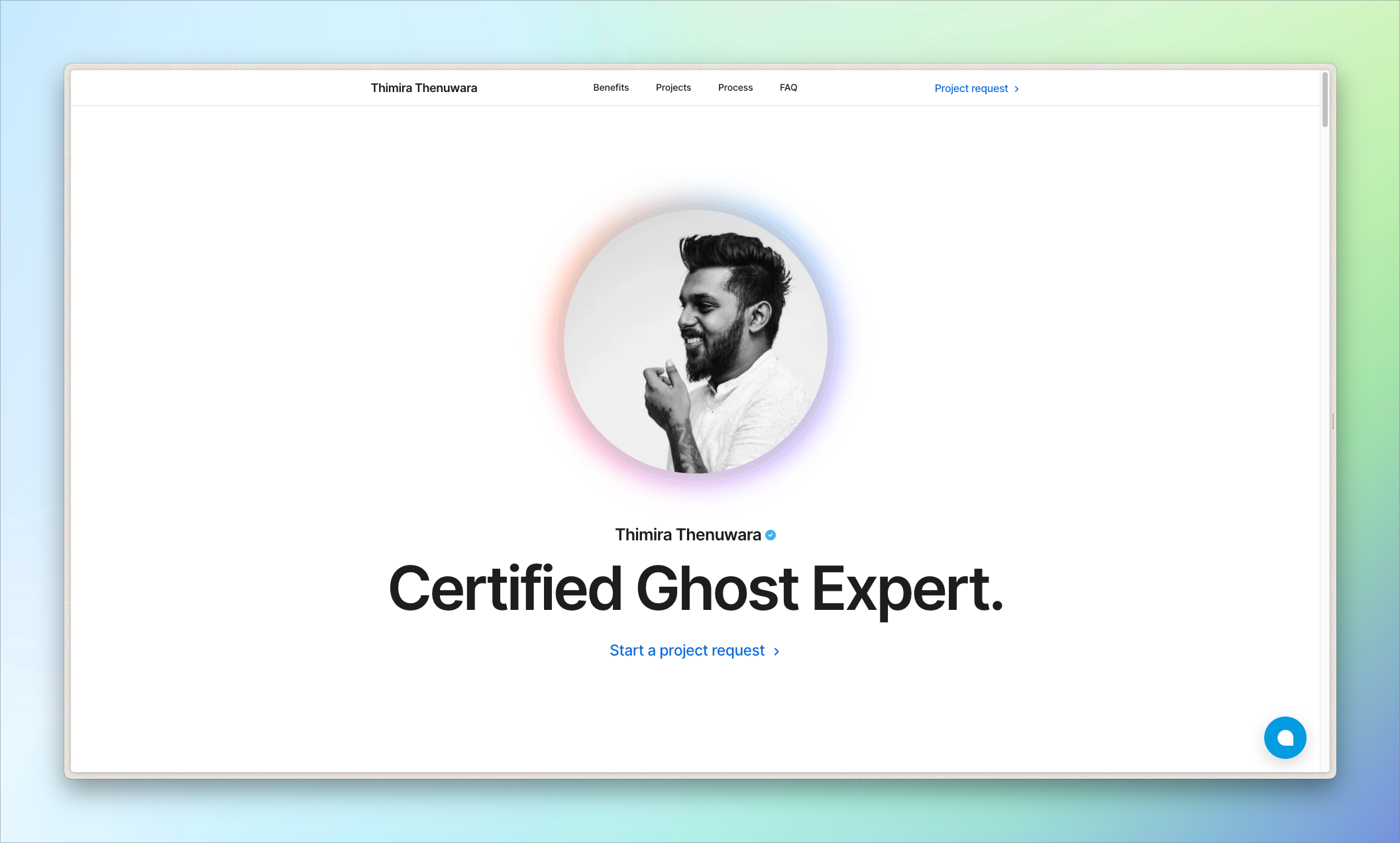
By day, Thimira is a Deputy Manager of Finance for a group of companies in Sri Lanka. By night, certified Ghost Expert 🦸
His foray into Ghost development began when Android Wedakarayo transitioned from WordPress to Ghost. At first, the publication used stock Casper (always a good place to start). Here and there, Thimira began customizing it to suit the publication's needs, eventually developing a totally bespoke theme.
Before hacking on his Ghost theme, Thimira didn't know web development at all! He taught himself HTML, CSS, and JS and says, "The platform taught me the ropes of web design." He also had a great support network to help him: another Ghost Expert, Kasun Jayarathna, got him up to speed on Ghost, Srilal Sachintha taught him Linux servers, and his fiancée, Shenaya Hewagama, cheered him on throughout.
Ghost is truly a fantastic gateway to learning web development. The cost of entry is low and the payoff is high: a totally customized, beautiful publication. Just be careful because before you know it, you'll be building a headless Ghost site with Nuxt, Algolia, oAuth, and a handful of other custom features 😏 Let's talk about what all this means.
Running Ghost headlessly means using Ghost's API with a frontend other than Ghost's native theme layer. While it enables advanced functionality, headless is not the way to go for most users. Ghost's theme layer, for example, includes the metadata that optimizes your site for SEO. Going headless means you need to code that functionality yourself.
Using a framework like Nuxt (based on Vue) for your frontend can ease some of the burden by providing plugins and packages to help you rebuild features from Ghost's theme layer.
Algolia is an advanced search-as-a-service. It can be used with any Ghost site, and we use it on our Tutorials site. Learn more about setting up Algolia on Ghost in our docs.
oAuth (open authorization) is a protocol that allows third-party apps to access user data without exposing user credentials. A common example, and the one Thimira implemented, is using Google or Apple to sign into a third-party website.
To see the whole thing in action, go check out Android Wedakarayo. We'd also be remiss if we didn't mention Thimira's Apple-inspired personal site, which has lots of clever animations.
Sites featured in the Build with Ghost newsletter are discovered through our creator network, Ghost Explore. It’s a way for creators and readers alike to discover their favorite new publications. Anyone running a Ghost site can add themselves to Explore to be featured throughout the wider Ghost ecosystem. If you’d like to be featured in this newsletter, add your site to Explore and reply to this email.
Have an idea for a Ghost tutorial? Reply to this email and let us know ❤️
Looking for other creators and developers working with Ghost? Join the official Ghost Forum, where we talk about all things Ghost!
此内容由惯性聚合(RSS阅读器)自动聚合整理,仅供阅读参考。 原文来自 — 版权归原作者所有。