







概述
使用宝塔面板中自带的Jupyterhub 1.0.1 插件包安装以后,无论使用什么账号密码登录,一律显示“Invaild username or password”。
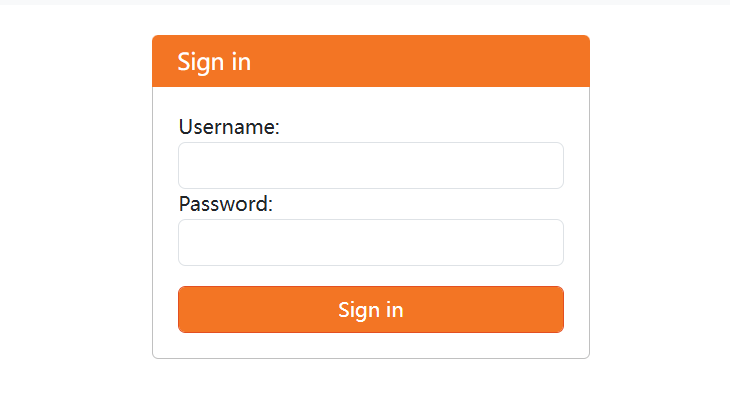
解决方案
已经发现有用户在宝塔面板的论坛反应问题,但是发帖时间是2024年12月,现在已经是2025年5月,bug仍未修复。而这个bug已经是让整个插件完全无法使用的状态,所以官方对这个插件的维护可以说几乎没有吧。
修复这个问题也很简单,打开安装目录,找到 jupyterhub_config.py 文件,可以看到原始文件是这样的:
c = get_config()


# 管理员用户列表
c.Authenticator.admin_users = {'jupyterhub'}

#c.Authenticator.admin_users = {'root'}  # 管理员用户
#c.DummyAuthenticator.password = "123"  # 初始密码设置

# 使用 PAMAuthenticator 作为身份验证类
c.JupyterHub.authenticator_class = 'jupyterhub.auth.PAMAuthenticator'

# 允许自动创建系统用户
c.LocalAuthenticator.create_system_users = True


# 设置每个用户的 book类型 和 工作目录(创建.ipynb文件自动保存的地方)
c.Spawner.notebook_dir = '~'
c.Spawner.default_url = '/lab'
c.Spawner.args = ['--allow-root']
可以看到这个配置界面把 DummyAuthenticator 的配置注释掉了,并且使用PAMAuthenticator作为验证方法。因此我们使用 DummyAuthenticator 作为验证方法,并且删除注释。
c = get_config()


# 管理员用户列表
c.Authenticator.admin_users = {'jupyterhub'}

c.Authenticator.admin_users = {'root'}  # 管理员用户
c.DummyAuthenticator.password = "123"  # 初始密码设置

# 使用 DummyAuthenticator 作为身份验证类
c.JupyterHub.authenticator_class = 'jupyterhub.auth.DummyAuthenticator'

# 允许自动创建系统用户
c.LocalAuthenticator.create_system_users = True


# 设置每个用户的 book类型 和 工作目录(创建.ipynb文件自动保存的地方)
c.Spawner.notebook_dir = '~'
c.Spawner.default_url = '/lab'
c.Spawner.args = ['--allow-root']
然后使用root用户名和123(密码)登录Jupyterhub,至此大功告成。(虽然不是最好的方法,但也是目前摸索到的唯一有效方法)
修改用户名和密码
登录Jupyterhub,点击File--Hub Control Panel来对用户名进行修改。