












I have long joked to my family that if I were super rich, I would love to hire someone whose only job would be to hand me a large cup of coffee as soon as I walked out of my bedroom. Apple Home has not let me do that, but it gets me close.
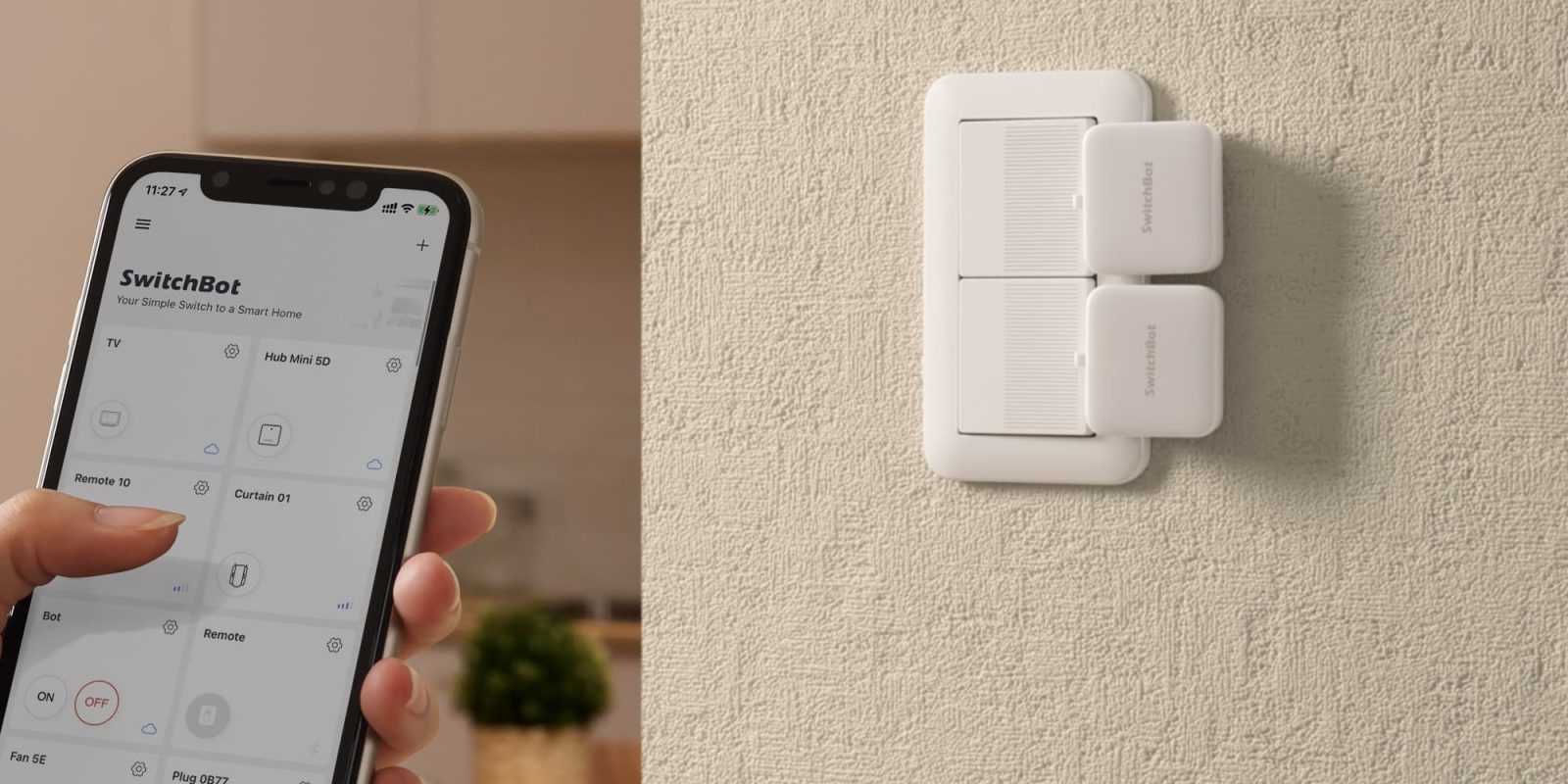
A few years ago, I wrote a guide on automating my morning coffee using a SwitchBot button pusher and HOOBS. It required pulling API keys and MAC addresses just to get it communicating with Apple Home. The new SwitchBot Bot Button Pusher completely streamlines this process with native Matter support and a built-in rechargeable battery.
HomeKit Weekly is a series focused on smart home accessories, automation tips and tricks, and everything to do with Apple’s smart home framework.
To get started, we need to understand what we are trying to do from a high level. For appliances that require a physical button press to turn on, a standard HomeKit outlet cannot do so. My coffee maker does not immediately begin brewing when it receives power from an outlet. Before you mention in the comments that my coffee maker likely has an automatic timer, I am aware. However, I want to integrate it into HomeKit based on when I actually get out of bed, not a specific time-based schedule.
For this setup, you need the SwitchBot Bot Rechargeable Button Pusher. This new version features a 370 mAh lithium-ion battery that lasts up to 6 months on a single charge. It charges via USB-C port as well. You will also need a Matter-compatible SwitchBot hub to bridge the connection to Apple Home. Once the products are unboxed, download the SwitchBot app and begin connecting them to your network. Put the bot in press mode, and you’ll want to tinker with the placement to ensure the robotic arm pushes the button on your coffee maker accurately.
In my original guide, this is the part where I told you to tap the app version ten times to unlock developer options, copy an API token, find a MAC address, and install a HOOBS plugin. I had a lot of difficulties figuring that out the first time. Thankfully, those days are over. The newly released version connects to a Matter enabled hub and supports Apple Home natively. You simply set up the device in the SwitchBot app, link it to your Matter hub, and scan the pairing code directly into the Apple Home app. It appears as a standard switch.
Now that the Bot Rechargeable is working natively with Apple Home, the final step is to create the morning automation. You’ll want an Apple Home motion sensor in your environment, and then find Automations in the Home app. Then choose Add Automation, select A Sensor Detects Something, find your motion sensor, and set your morning time range for the time of day. Make sure the SwitchBot switch is set to turn on when the automation runs.
If you set it up correctly, when your motion sensor detects movement during that preset time, the robotic arm will physically press the button and start brewing your coffee. It is an incredibly satisfying automation that is finally easy to configure.
You can purchase the new SwitchBot Rechargeable Smart Switch Button Pusher from Amazon.


FTC: We use income earning auto affiliate links. More.
此内容由惯性聚合(RSS阅读器)自动聚合整理,仅供阅读参考。 原文来自 — 版权归原作者所有。