







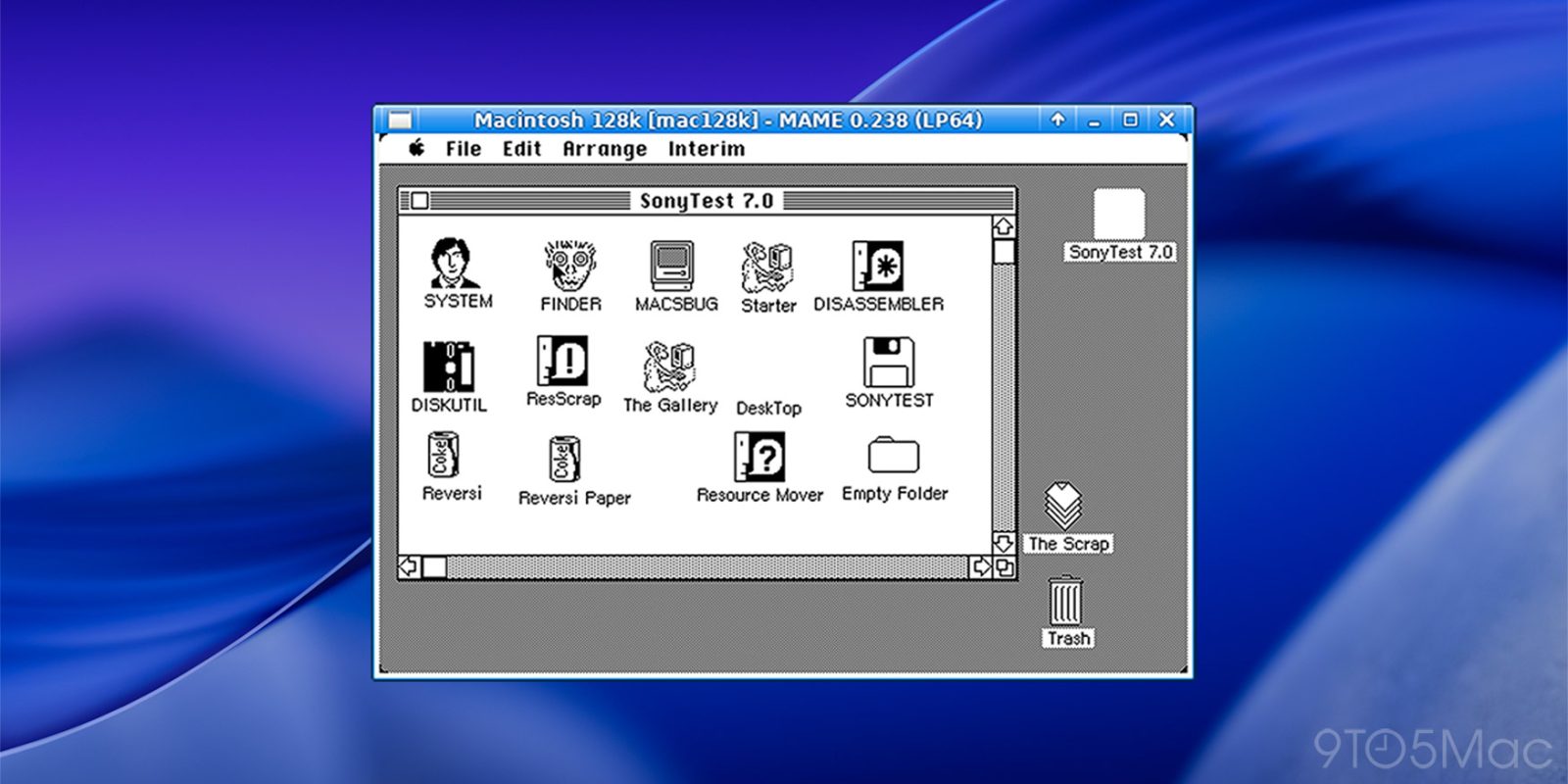
If you’ve ever wondered what it felt like to use the many operating systems Apple (and NeXT) released over the past 40-plus years, The Virtual OS Museum has got you covered, and then some. Here are the details.
As spotted by BoingBoing, The Virtual OS Museum is a project by developer Andrew Warkentin, which offers a way to run more than 1,700 pre-installed operating systems and standalone applications under emulation, covering more than 250 platforms and roughly 600 distinct operating systems from 1948 to the present.
The project is available in two editions: a full 121GB download (174GB unzipped), with everything pre-downloaded for offline use, and a lighter 14GB download (21GB unzipped), which downloads guest VM images the first time they are run.
Or, as The Virtual OS Museum puts it:
Both a full and a lite version are available. The full version ships with everything pre-downloaded and runs offline. The lite version downloads disk/tape/etc. images for guest VMs the first time they are run. Automatic and manual updates are supported on both editions so new installations land without re-downloading the whole VM.
Warkentin says that The Virtual OS Museum “is the result of over 20 years of collecting, which began as he started collecting emulator images in 2003, a time when there were only a few small archives of software images and documentation available.
Here’s some of what you can expect to find:
- The earliest mainframes: Manchester Baby test/demo programs, Mark 1 Scheme A/B/C/T (the earliest examples of system software that could be considered as an OS), various EDSAC software, etc.
- Later mainframes and minicomputers: CTSS, MVS, VM/370, TOPS-10/20, ITS, Multics, RSX, RSTS, and more
- Workstations and Unix variants: PERQ OSes, SunOS, IRIX, OSF/1, A/UX, NeXTSTEP, Plan 9, various BSDs, plus Linux distributions across the decades, and more
- Home computers: various CP/M variants, Apple II, Commodore 8-bit machines, Atari 8-bit, MSX, Tandy TRS-80, BBC Micro, ZX Spectrum, Sharp MZ, and more
- Personal computer operating systems: various DOS variants, OS/2, BeOS, Windows from 1.0 to early Longhorn betas, classic Mac OS through Mac OS X 10.5 PPC, and more
- Mobile and embedded: PalmOS, EPOC/Symbian, Windows CE, Newton OS, early Android and iOS where emulation permits, QNX, etc.
- Research and obscure systems: ZetaLisp, Smalltalk environments, Oberon, Plan 9, and many more that few people now have ever booted
As Warkentin notes on the project’s website, not every emulated system is guaranteed to behave perfectly. The project is still described as a preliminary release, with some operating systems only running in specific emulator versions.
Additionally, the host VM is currently x86-only, “so if you are on ARM or any other non-x86 platform, performance will be rather limited.” This means performance on Apple silicon Macs may not be the best. Still, this is an endlessly interesting project.
Be sure to check out The Virtual OS Museum’s website, which offers download links, quick-start instructions for macOS, Windows, and Linux, a full list of included installations, and screenshots of several systems already running.


FTC: We use income earning auto affiliate links. More.
此内容由惯性聚合(RSS阅读器)自动聚合整理,仅供阅读参考。 原文来自 — 版权归原作者所有。