





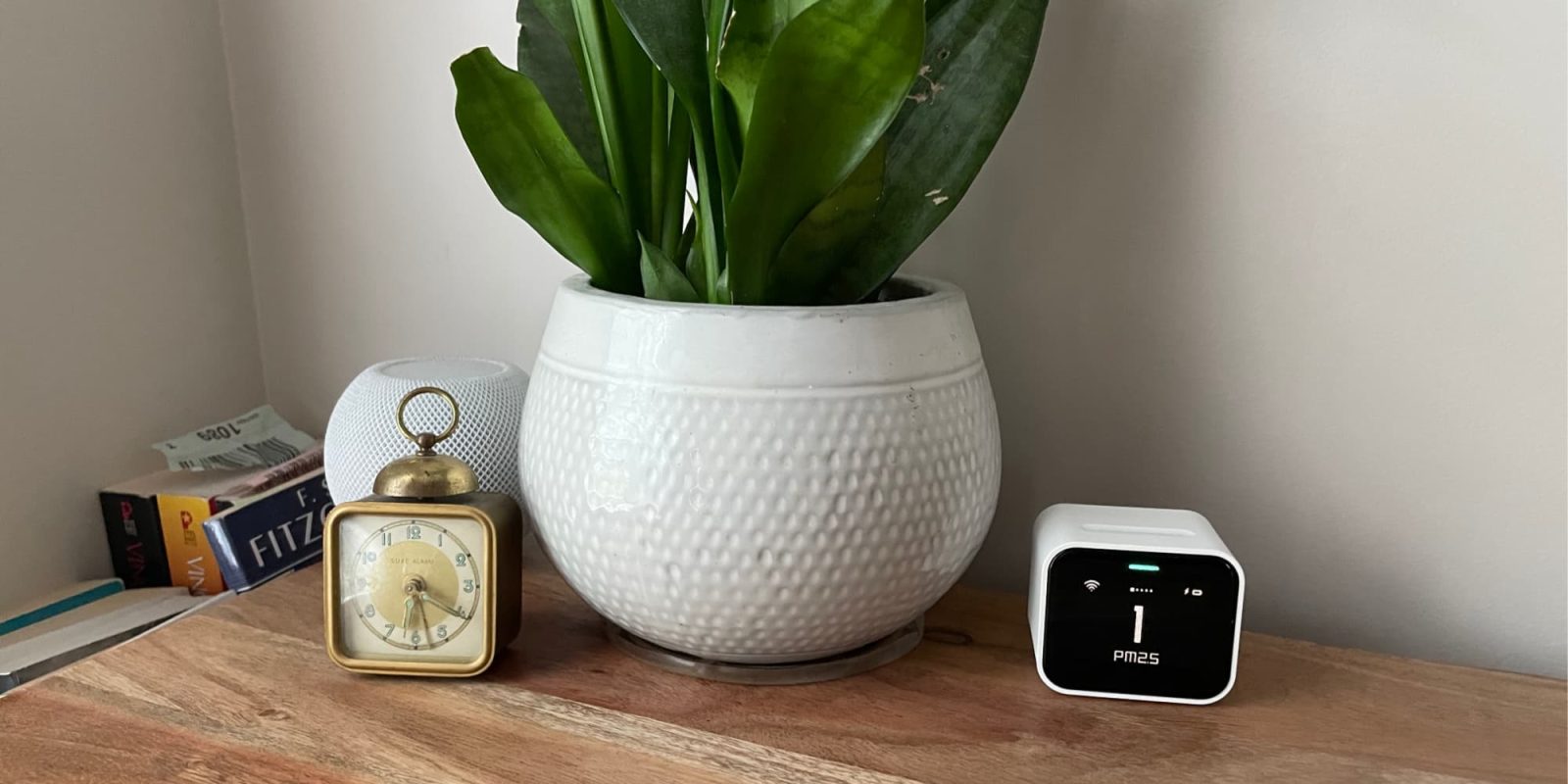
One constant on my desk for a few years now has been the Qingping Air Monitor Lite. When a device can look awesome, but also provide some really cool data for your Apple Home environment, it’s going to be a must-have.
HomeKit Weekly is a series focused on smart home accessories, automation tips and tricks, and everything to do with Apple’s smart home framework.
The first thing that stands out to me about the Qingping Air Monitor Lite is that it has a retro look, which adds a nice look to your desk. It uses an LCD screen, but it almost looks like it belongs in the 80s. It has a squatty body style, breaking the mold of flat, square devices. On the back, you will find a USB-C charging port and a power button. It can run on the internal battery for a limited time, but if you have a spare outlet nearby, you can use the included USB-C-to-USB-A cable to keep it fully charged at all times. Inside the Qingping app, you can customize a few settings based on whether it is running on battery power or plugged into the wall. In my experience, it’s just better to leave it plugged up.
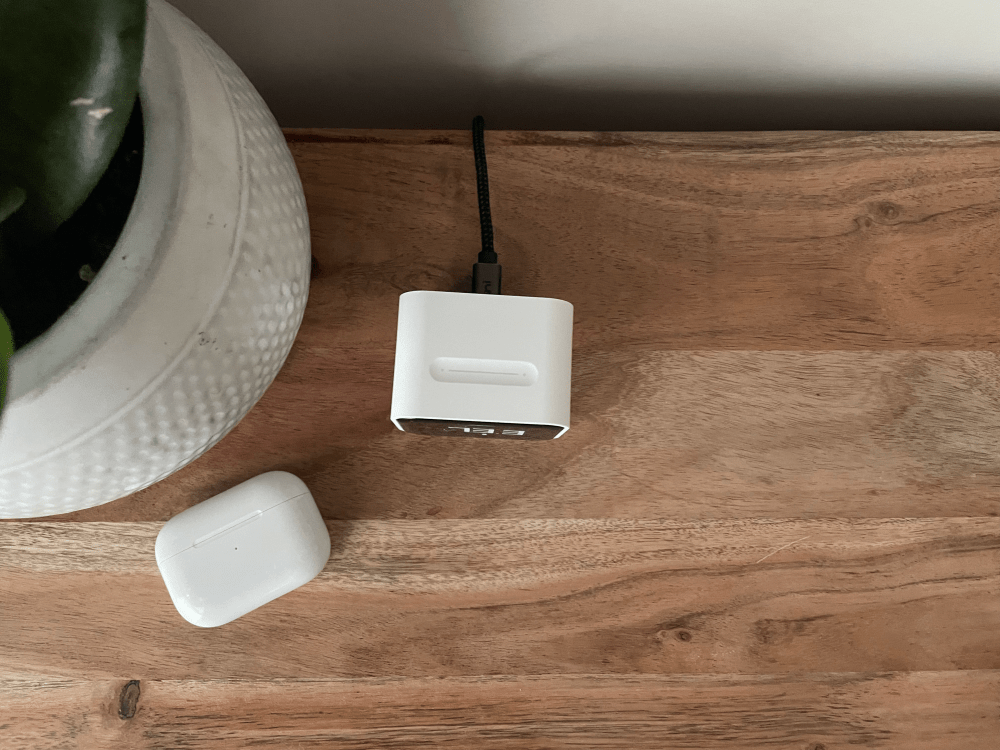
On top, you will find a capacitive slider that lets you swipe to rotate the display through its various metrics. The device tracks temperature, humidity, CO2 levels, and air quality using PM2.5 and PM10 metrics.
Once you unbox it and charge it, you can proceed with the setup. You start by scanning the HomeKit code on the bottom of the device directly in the Apple Home app. The initial onboarding usually goes off without a hitch. Once that is done, you will need to download the Qingping iPhone app to update the firmware and adjust your hardware settings.
I initially ran into a firmware update issue years ago, but simply deleting the device from Apple Home and adding it back resolved the issue. The device defaults to Celsius, so you will want to manually change it in the Qingping app if you prefer Fahrenheit. The app is also where you can customize how the screen operates on power versus battery, choose what the screen saver displays, and export your historical data.
Because my entire house relies on Apple Home, I use the Home app exclusively unless I need to push a firmware update. Once you assign it to a room, you start tracking temperature, air quality, CO2 levels, and humidity for that specific zone. If you have smart fans or air purifiers, you can build automations to turn them on automatically based on readings from the Qingping Air Monitor Lite.
At this point, I am tracking air quality in every room of my house, so I feel confident that the air my family breathes daily is healthy. I am also constantly reminded of the massive temperature differences between various rooms in my house. Rooms at the far end of my HVAC runs can easily be a few degrees different from rooms right next to the unit. As I have learned the hard way, when I forget to take my hallway thermostat out of Eco mode, relying on a single central temperature sensor just does not work. You need localized room data to keep the whole house comfortable.
Overall, the Qingping Air Monitor Lite is a fantastic device to keep on your desk in 2026. It mixes a nice blend of retro and minimal. I love that it includes a rechargeable battery, uses a standard USB-C port, and looks perfect sitting next to everything else on my desk. It’s not the cheapest way to track internal air metrics, but it’s one of the best-looking.
You can buy the Qingping Air Monitor Lite from Amazon.


FTC: We use income earning auto affiliate links. More.

此内容由惯性聚合(RSS阅读器)自动聚合整理,仅供阅读参考。 原文来自 — 版权归原作者所有。