







iOS 27’s biggest highlight is Siri AI, but the update also packs new features for apps like Messages, Notes, Wallet, and more. Here’s everything new for Apple’s Photos app in iOS 27.
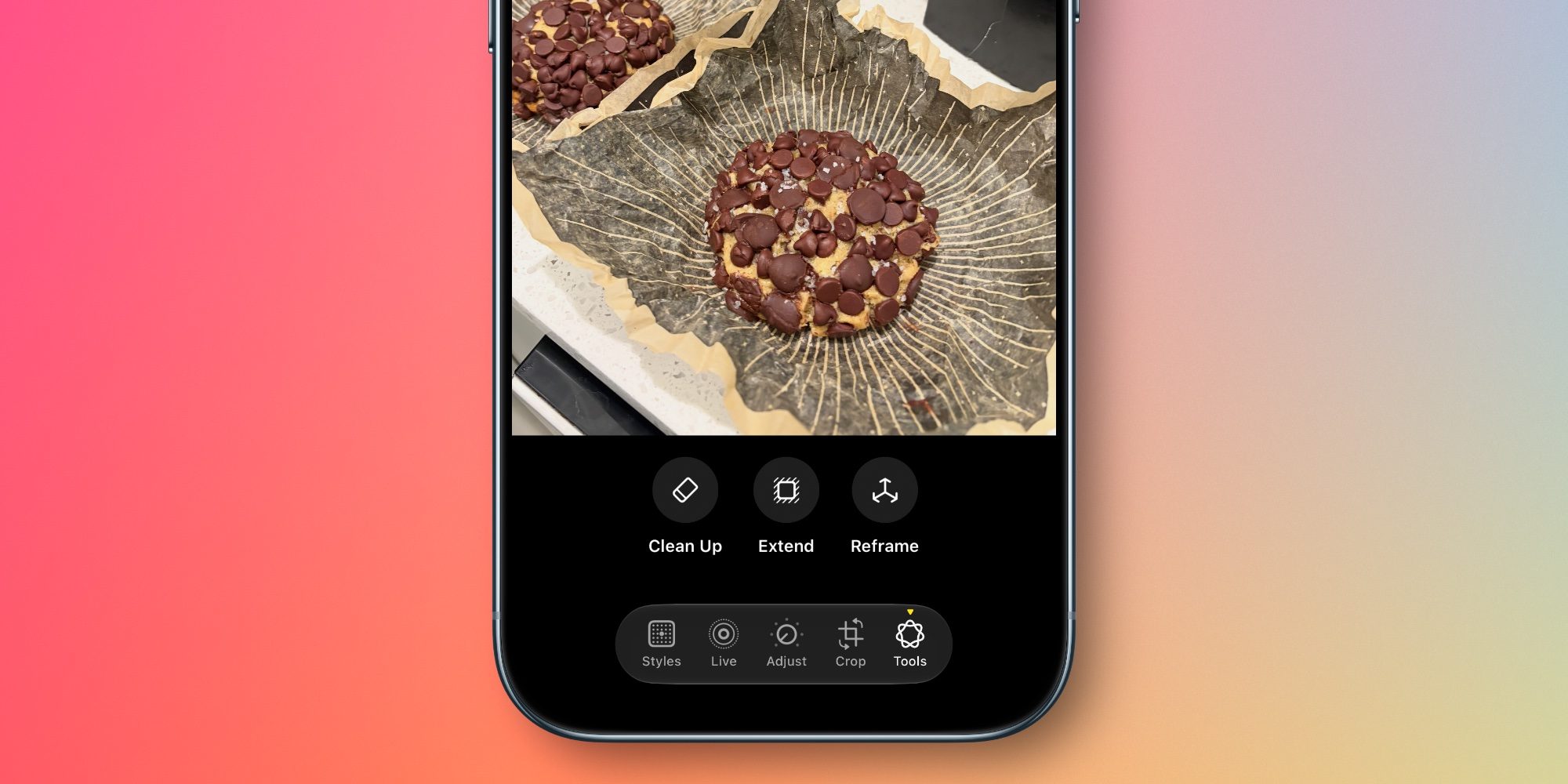
Apple Intelligence powers a trio of editing tools in iOS 27’s Photos app: Extend, Reframe, and a much-improved Clean Up feature.
Extend lets users “give their subjects more breathing room,” per Apple. For example, “they can straighten a crooked horizon without cropping out anything important, or adjust the aspect ratio, and Extend will fill in the missing pieces.”
Reframe lets you adjust the framing of your image spatially. Here’s how Apple describes it:
With Spatial Reframing, users can improve the composition of a photo after it’s been taken. Spatial Reframing builds on Apple’s deep understanding of spatial models thanks to Apple Vision Pro, so users can touch and drag a photo and preview in real time how the perspective shifts — as if they’d repositioned the camera in the original scene. Using powerful image models, Spatial Reframing will only generate new content where the perspective has been shifted, ensuring the reframed photo stays consistent with the original scene.
And the Clean Up feature that debuted in iOS 18 “gets a major upgrade,” Apple says, “so users can remove distractions with better quality and more realistic infill, even when the scene is complex.”

iCloud Shared Albums get their first major upgrades in years with iOS 27. The timing is likely no coincidence, with the feature perfect for Apple’s forthcoming HomePad / HomePod Touch.
Here’s an overview of what’s new, per Apple:
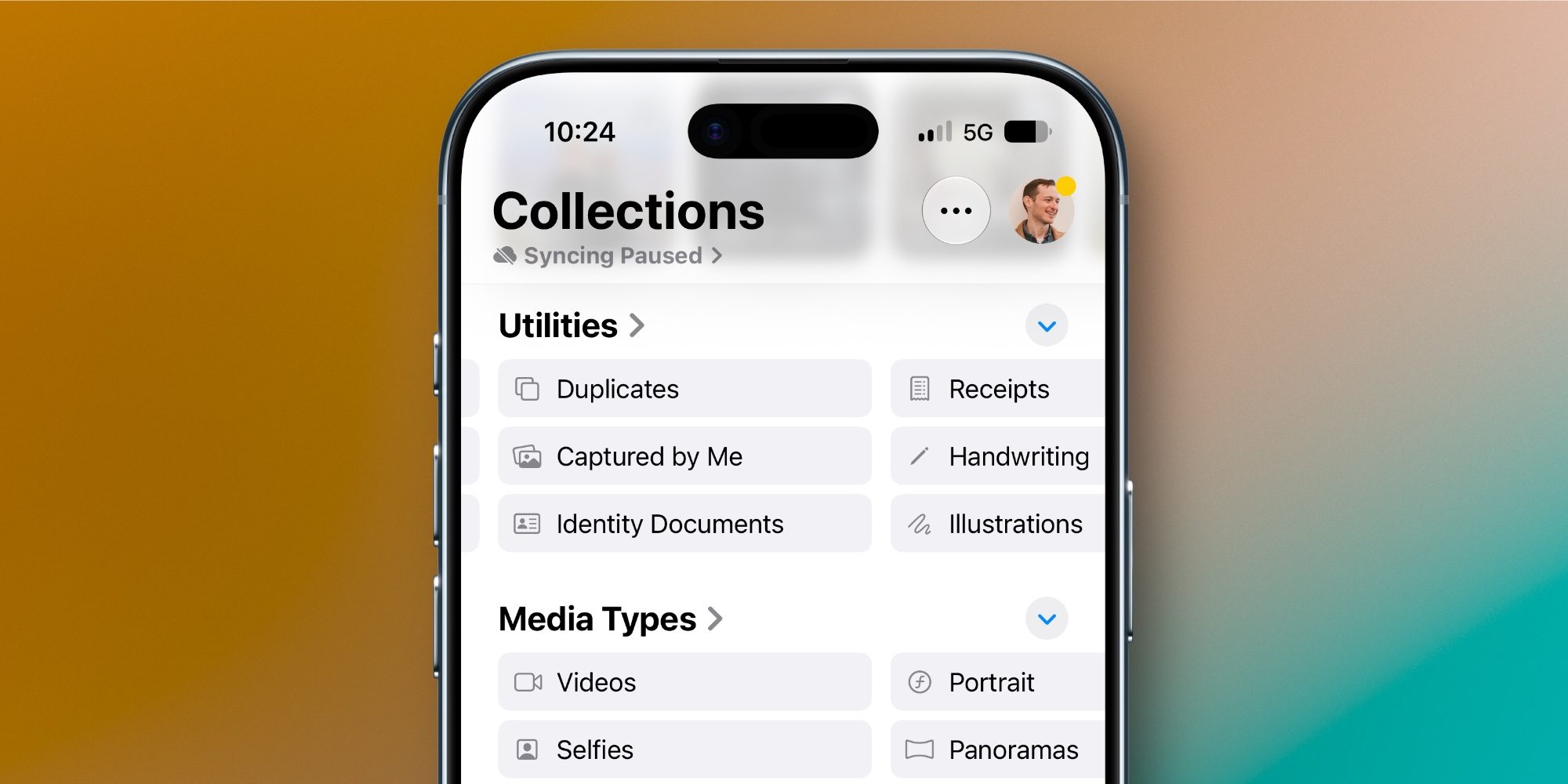
iOS 27 adds two new collections to the Photos app, available under Utilities.
Captured by Me exclusively contains photos taken by you. So it will filter out screenshots, photos you’ve saved from others, and so on.
Identity Documents scans through your Photos library and surfaces images that contain important reference documents, like your driver’s license or passport.
Apple says iOS 27 also adds “Album organization improvements,” but it doesn’t mention specifics.
Another new organization tool in iOS 27 is that you can add keywords to photos. Captions are still available too, but if you scroll up on a photo, near the bottom you’ll find a new ‘Add Keywords’ option.
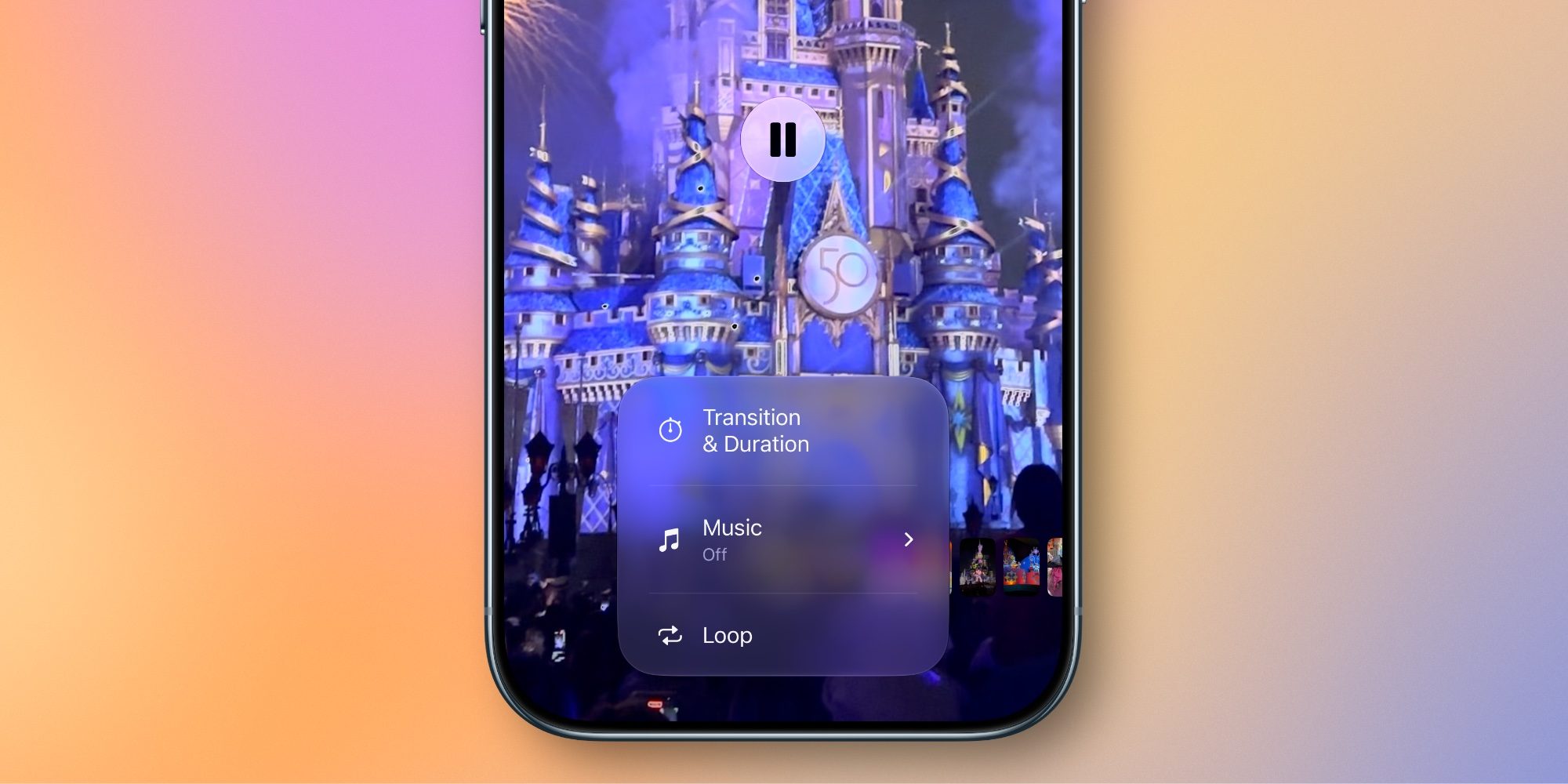
Another upgrade likely timed for the forthcoming HomePad involves slideshow improvements.
Apple Photos has supported quick, easy slideshow creation for years. But if you wanted to customize the automatically generated slideshows, you were out of luck.
Now in iOS 27, slideshows offer new tools for customization. You can change the transition type, set a custom length for the full slideshow and for each photo, and more.
Another welcome addition is that Apple now lets you save any slideshow as a video with one tap.
iOS 27 doesn’t contain any big changes to the design of the Photos app, so if you were hoping to go back to the pre-iOS 18 era, you’ll be disappointed. But the update does offer a variety of exciting new features that make iOS 27 a big year for Apple Photos.
Which new Apple Photos features in iOS 27 are you most excited about? Let us know in the comments.


FTC: We use income earning auto affiliate links. More.

此内容由惯性聚合(RSS阅读器)自动聚合整理,仅供阅读参考。 原文来自 — 版权归原作者所有。