








The Photos app is a central focus of iOS 27, adding new features like Reframe and Extend. In a new interview with Tyler Stalman, two Apple Photos executives went in-depth on the new features and what they mean for photographers.
Stalman was joined by Della Huff, Apple’s Senior Manager for Camera and Photos Product Marketing, and Jon McCormack, Vice President of Camera and Photos Software Engineering.
Spatial Reframing is a feature in iOS 27 that allows users to improve a photo’s composition after it’s been taken by shifting its perspective.
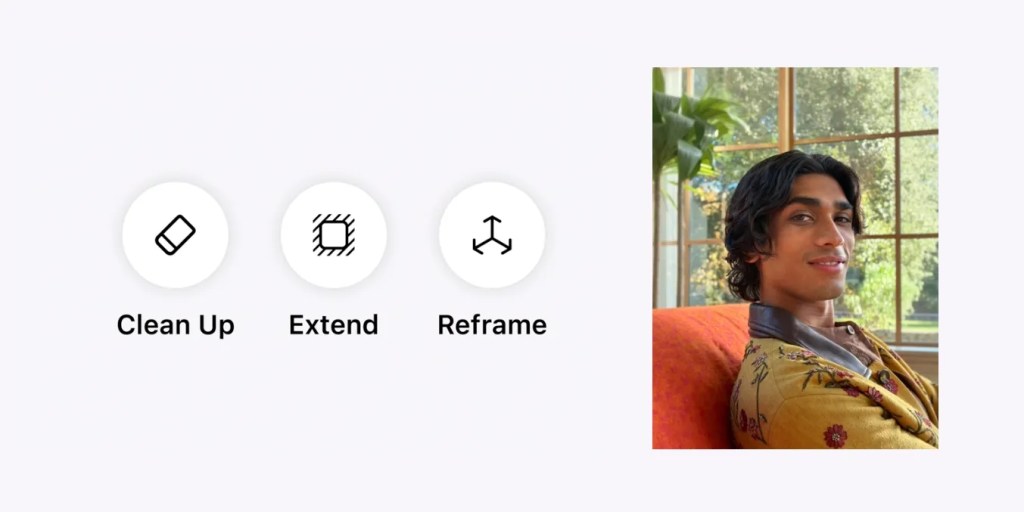
In this week’s interview, Huff emphasized that Spatial Reframing will only generate new content where the perspective has been shifted. This is because one of Apple’s goals for the feature is to allow that perspective shift while staying true to the original moment.
Meanwhile, Extend allows users to expand images to add space around the subject, making it easier to straighten or crop them. McCormack explained in the interview that Extend lets you zoom out by up to 25% on each side of the photo. Here’s why:
Stalman: One of the other big features is being able to extend the frame of your image. How do you think about where to limit how much an image can be changed?
McCormack: That goes back to the question of, what are we fundamentally trying to do here?
The answer is, we’re trying to take a memory that you recorded and we’re trying to just help you refine it. So what does refine mean? And there are two versions of this. I took a photograph and I clipped it just a little bit too close, and so I want to just give it some breathing room.
Or the other thing that personally I use all the time, because I’m horrible with horizons, is you took something that was slightly off axis on the horizon, and then you want to go tilt it, but I really can’t because then this is cut off.
We did a bunch of actually kind of like testing and research, and the number we came up with is 25%. That basically we allow you to make the frame 25 % bigger, but we also only allow you to do it one time. So you can’t do this reverse inception thing of like, grow it and grow it and grow it.
iOS 27 also brings a big improvement to Clean Up, Apple’s feature that lets you remove distractions from your images. According to Huff, the feature can now “clean up more complex objects and handle bigger tasks while still staying true to the original moment.”
In closing, McCormack summed up these three new features and Appel’s overall goal nicely:
What you’ve seen with these three features is, we really are giving our customers some superpowers this year. Because if you think about what it would take to have done any of those operations using traditional tools, it really lives in the rarefied air of people who understand deeply the dark arts of professional photography. Whereas now, what we really want is, we want everybody to be able to do that.
At the same time, we preserve the integrity of the moment. All of those examples that you just saw, the moment was preserved. There was nothing that became fake about it, but the image is just that cleaned up image, the image that you actually want. And this really is all about us giving our customers the ability to preserve their memories, but also perfect them at the same time.
You can watch the full interview below. What do you think of the new Photos features in iOS 27? Let us know down in the comments.
Chance’s favorites:
Follow Chance: Threads, Bluesky, Instagram, and Mastodon.


FTC: We use income earning auto affiliate links. More.

此内容由惯性聚合(RSS阅读器)自动聚合整理,仅供阅读参考。 原文来自 — 版权归原作者所有。