







iOS 27 contains refinements to Apple’s systemwide Liquid Glass design on iPhone, but it also lets you fully customize the transparency of Liquid Glass elements via a new slider. Here are some examples of what it looks like.
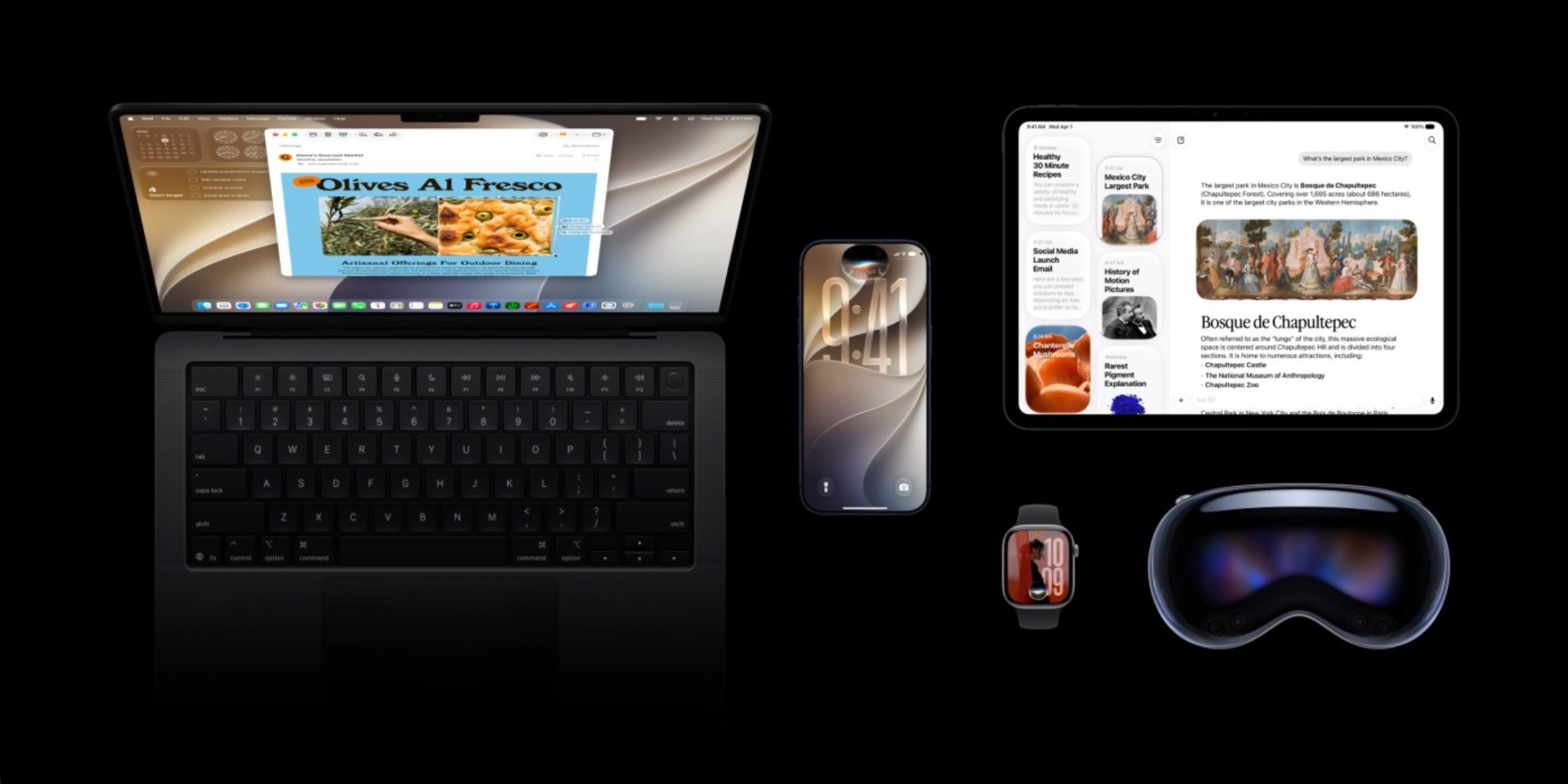
When you have a user base numbering in the billions, crafting a design that works well for everyone is undoubtedly a challenge.
Last year Apple debuted its new Liquid Glass design in iOS 26, and while overall it seems to have been well received, the new look isn’t for everyone.
Already in iOS 26, you can choose between Clear and Tinted looks for Liquid Glass inside the Settings app.
But when iOS 27 ships, it will expand Liquid Glass customization even further with a new slider that replaces those previous options. You’ll find it in Settings ⇾ Appearance.
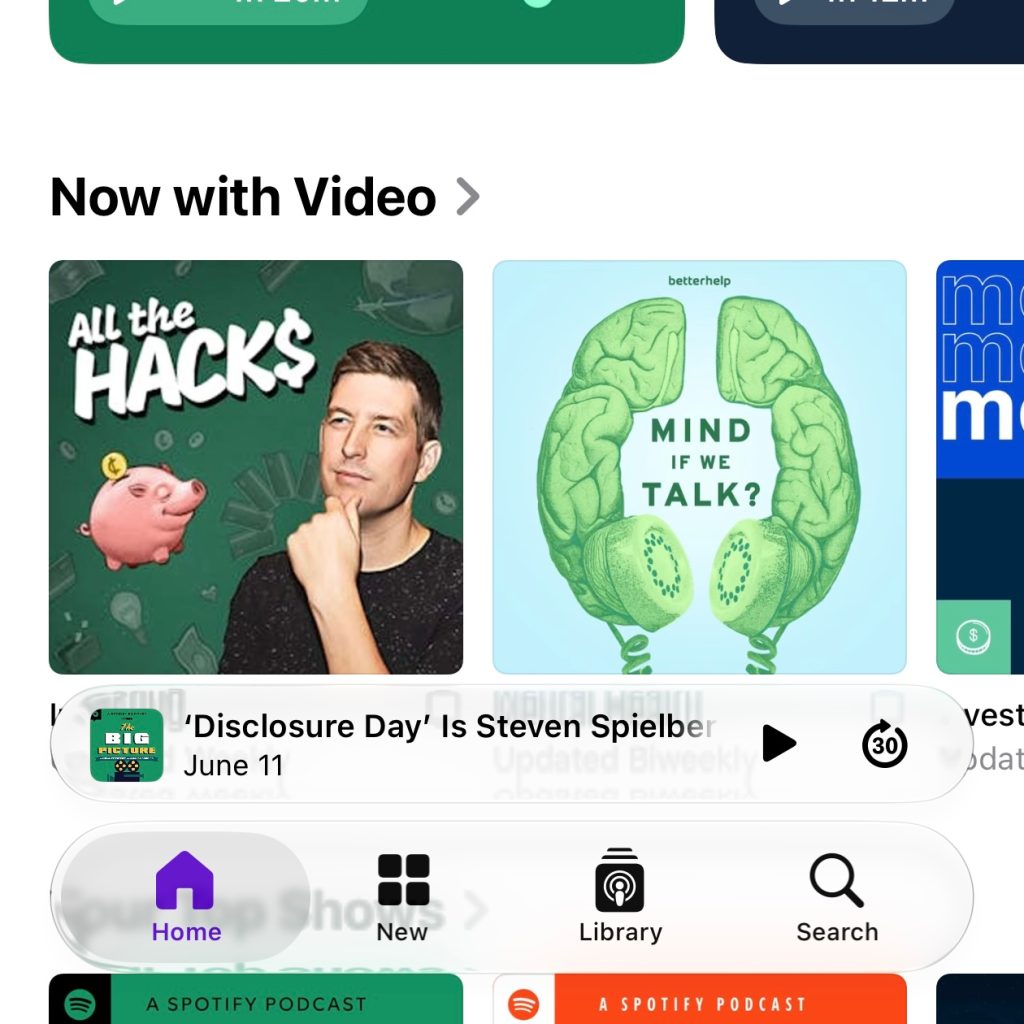
Here are examples of the slider at work, showing what Liquid Glass looks like at its most transparent (left), default setting (middle), and most tinted (right).
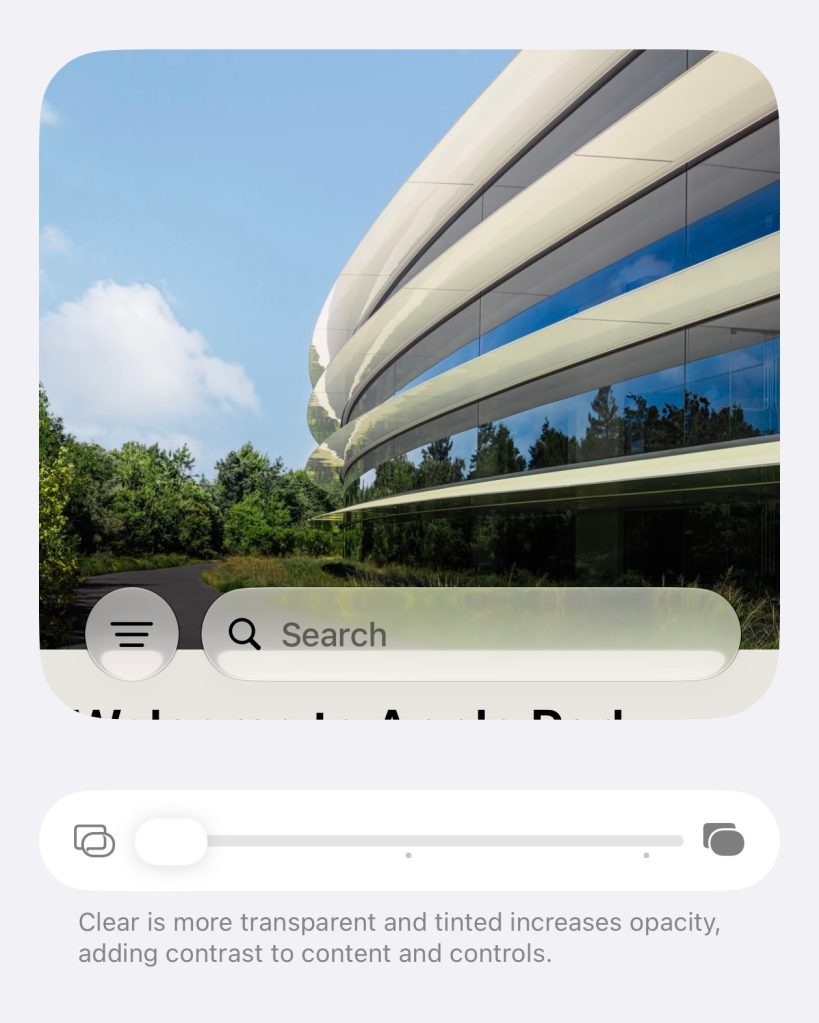
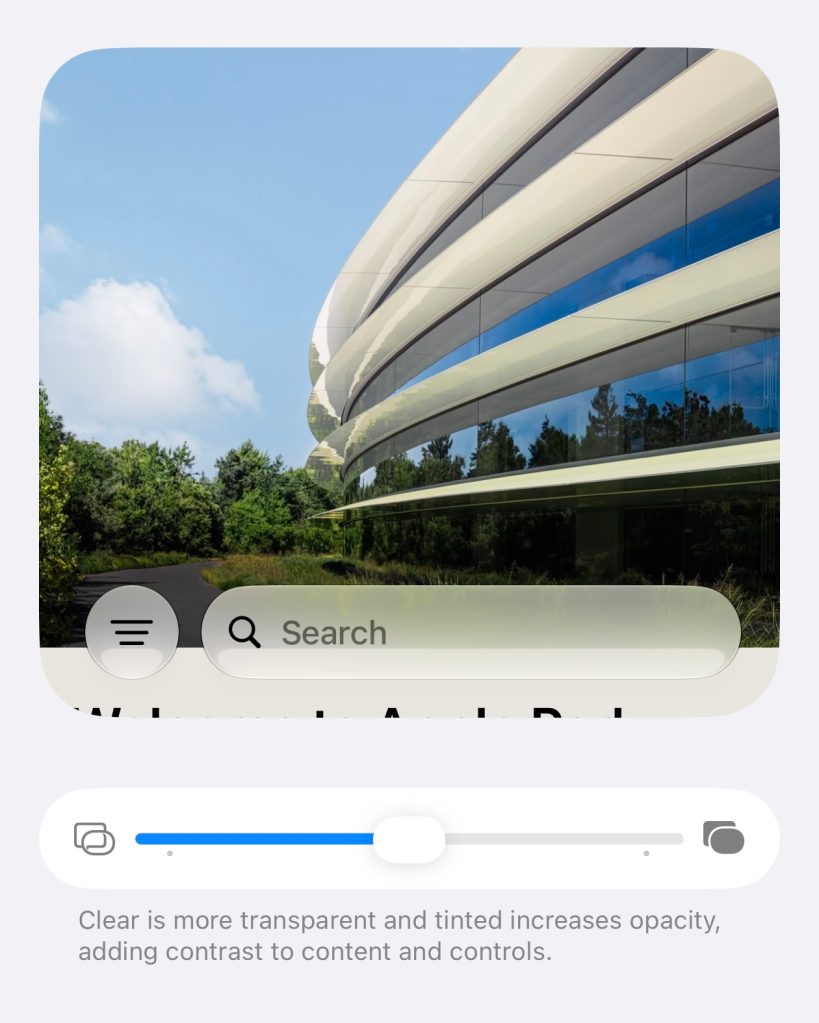
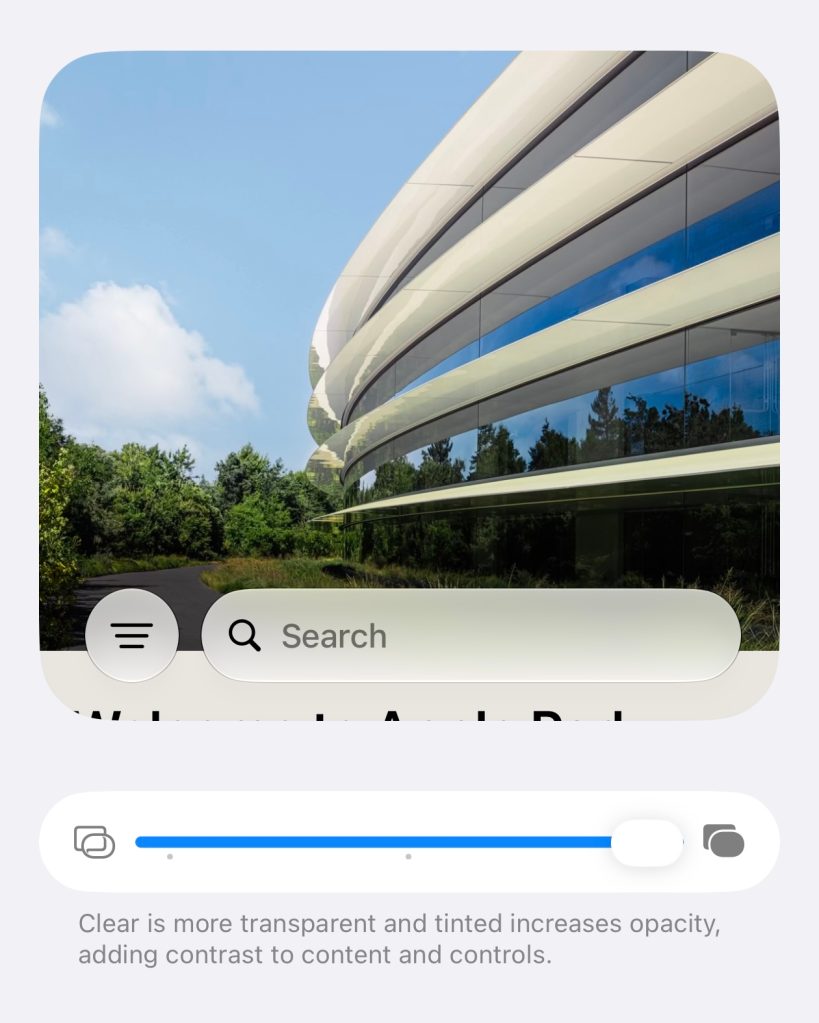
Even though I’m highlighting only three points on the slider, Apple lets you more fully dial in your exact preferred level of transparency and tint.
Like any other systemwide slider, you can set iOS 27’s slider to any point on the spectrum. These included images simply provide a good summary of three key options, with changes between each point harder to discern in a screenshot.
Here are examples from the App Store in iOS 27:
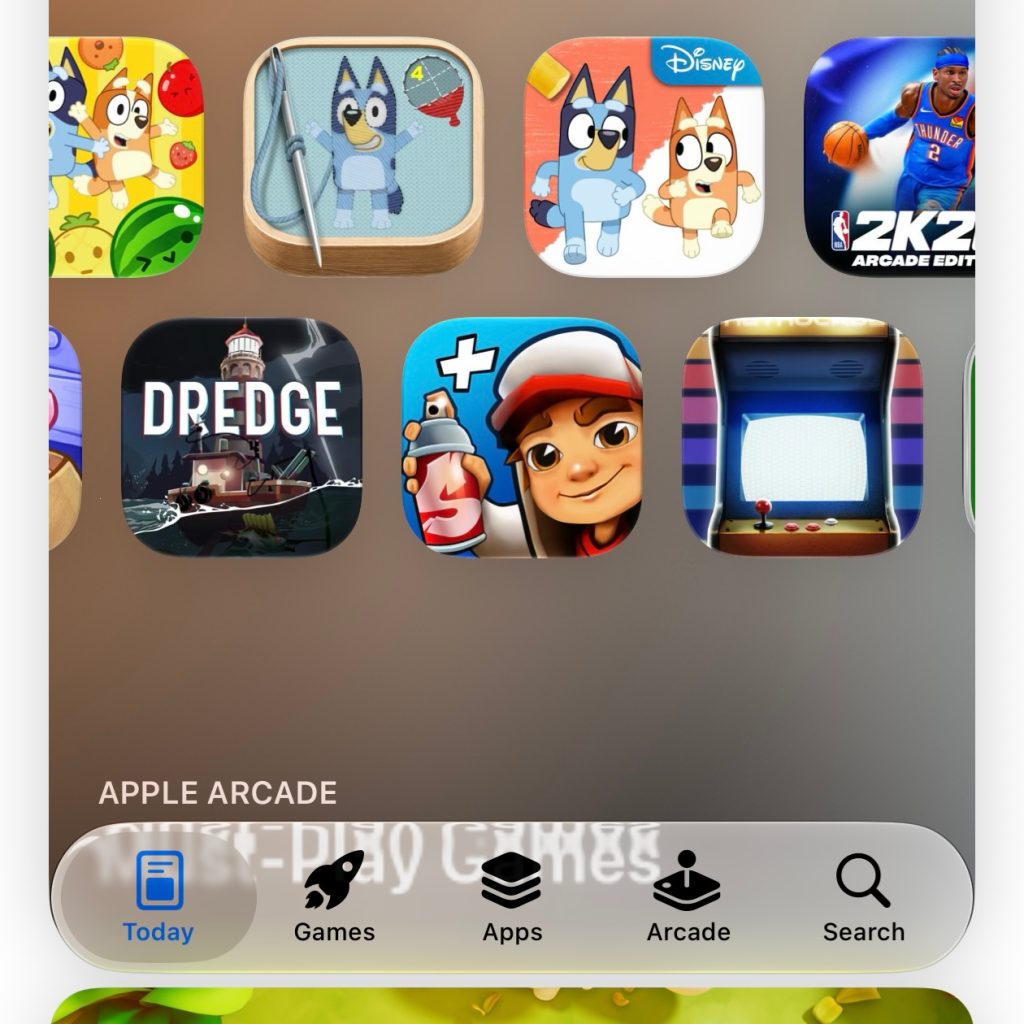
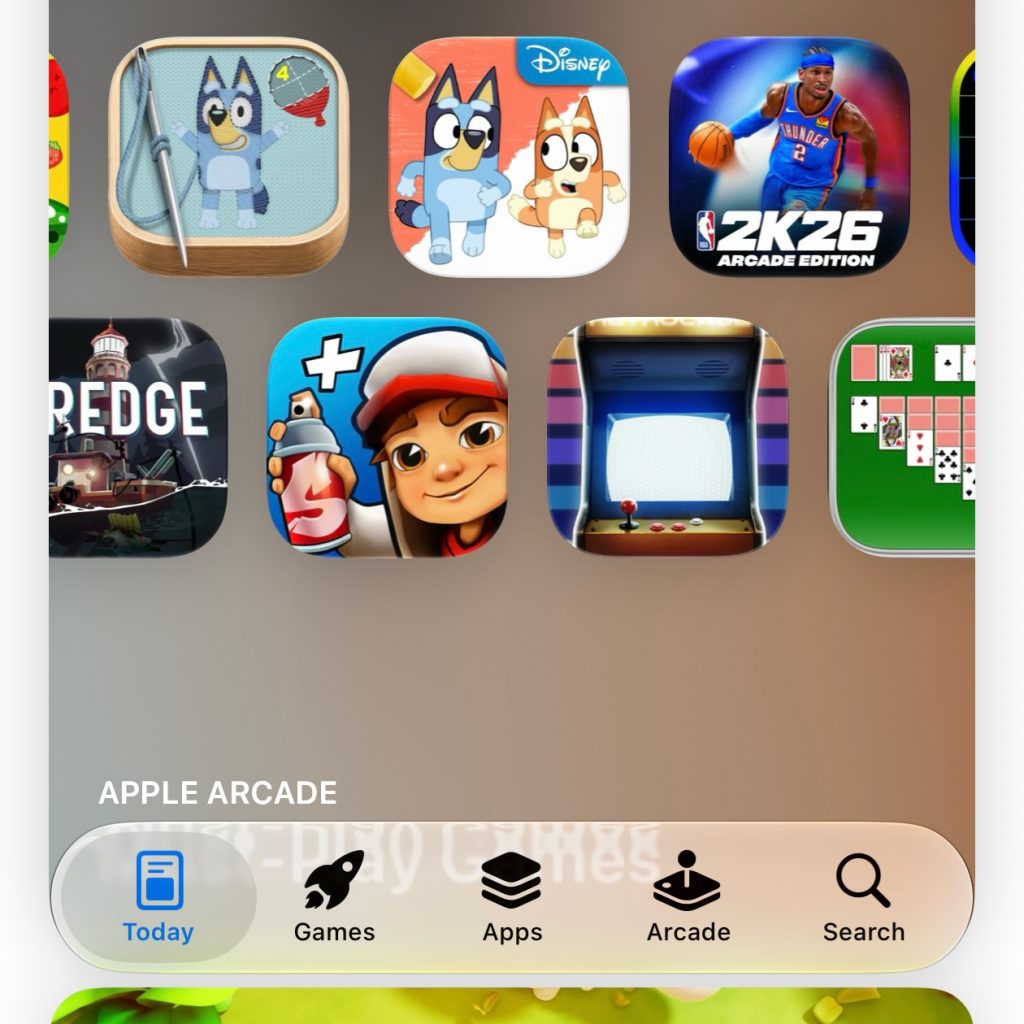
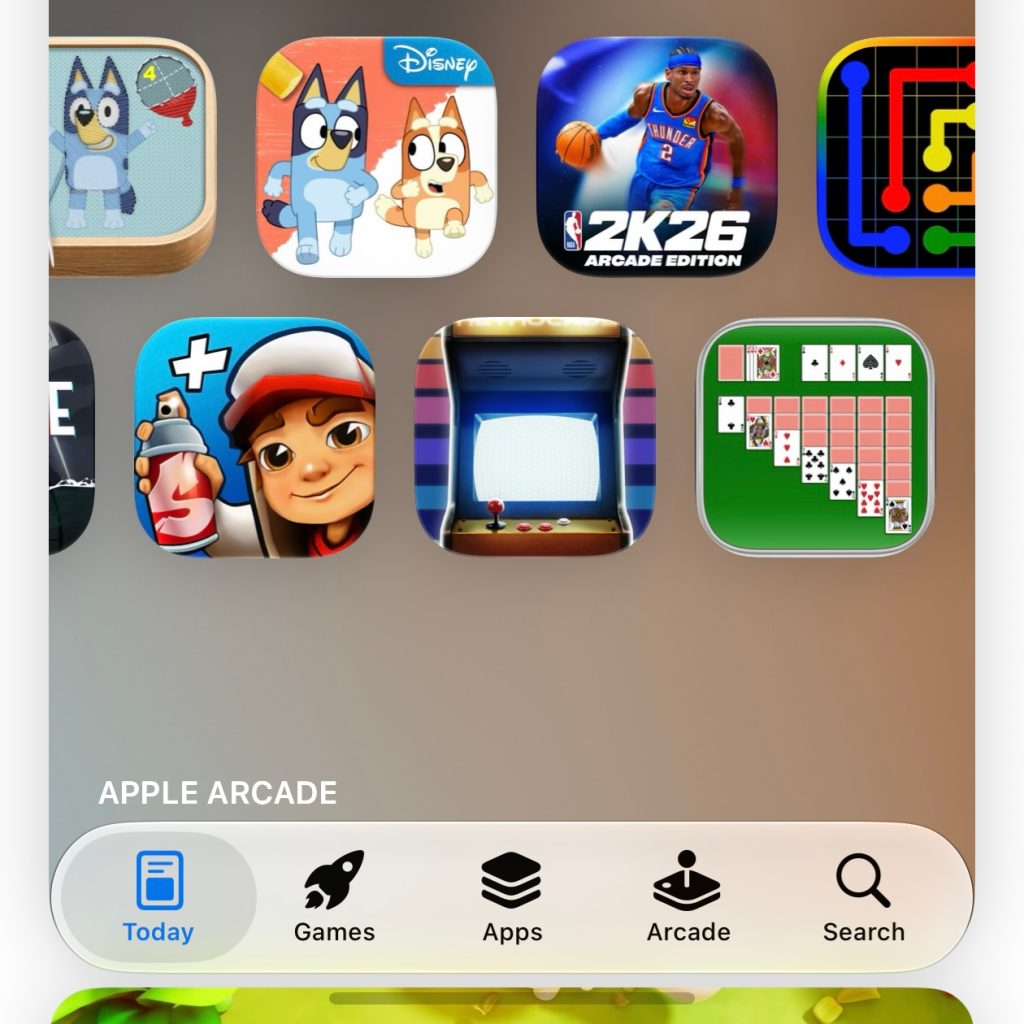
And from Apple Podcasts in iOS 27:
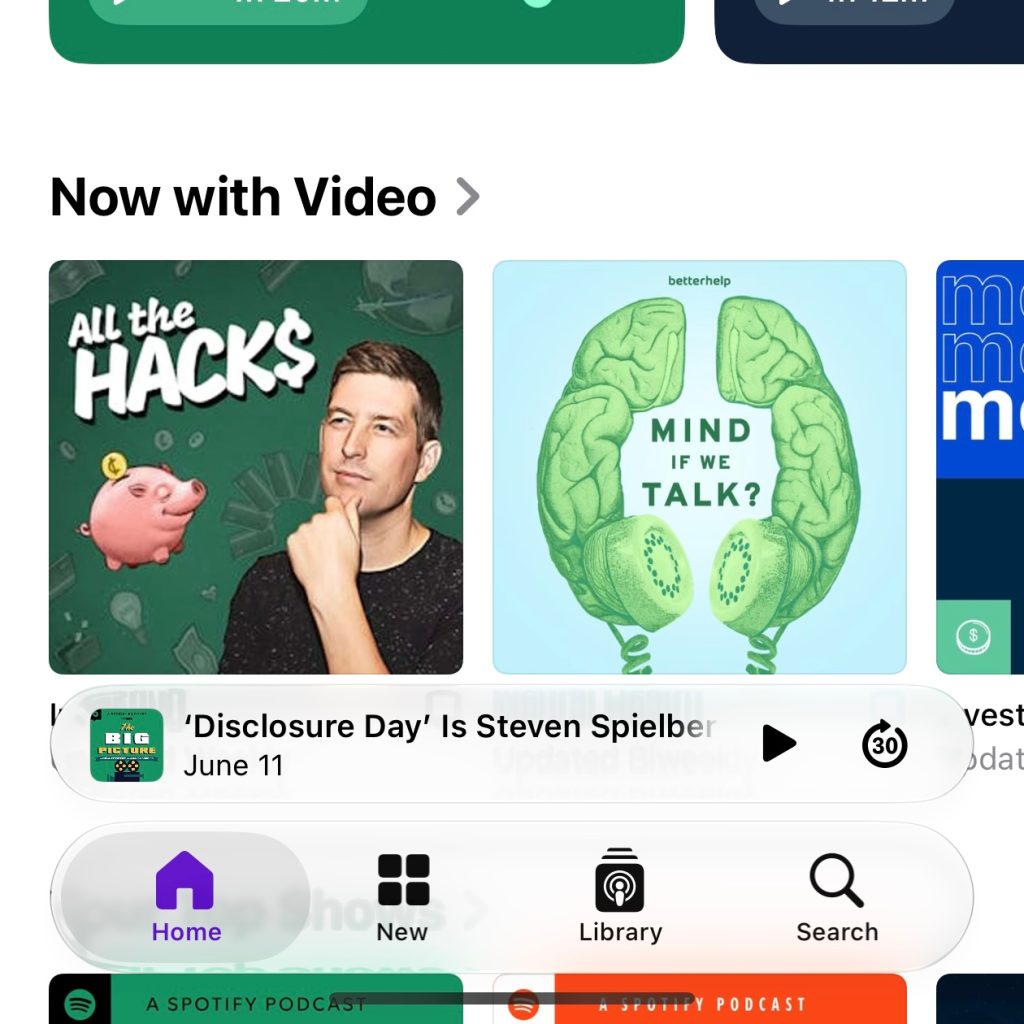
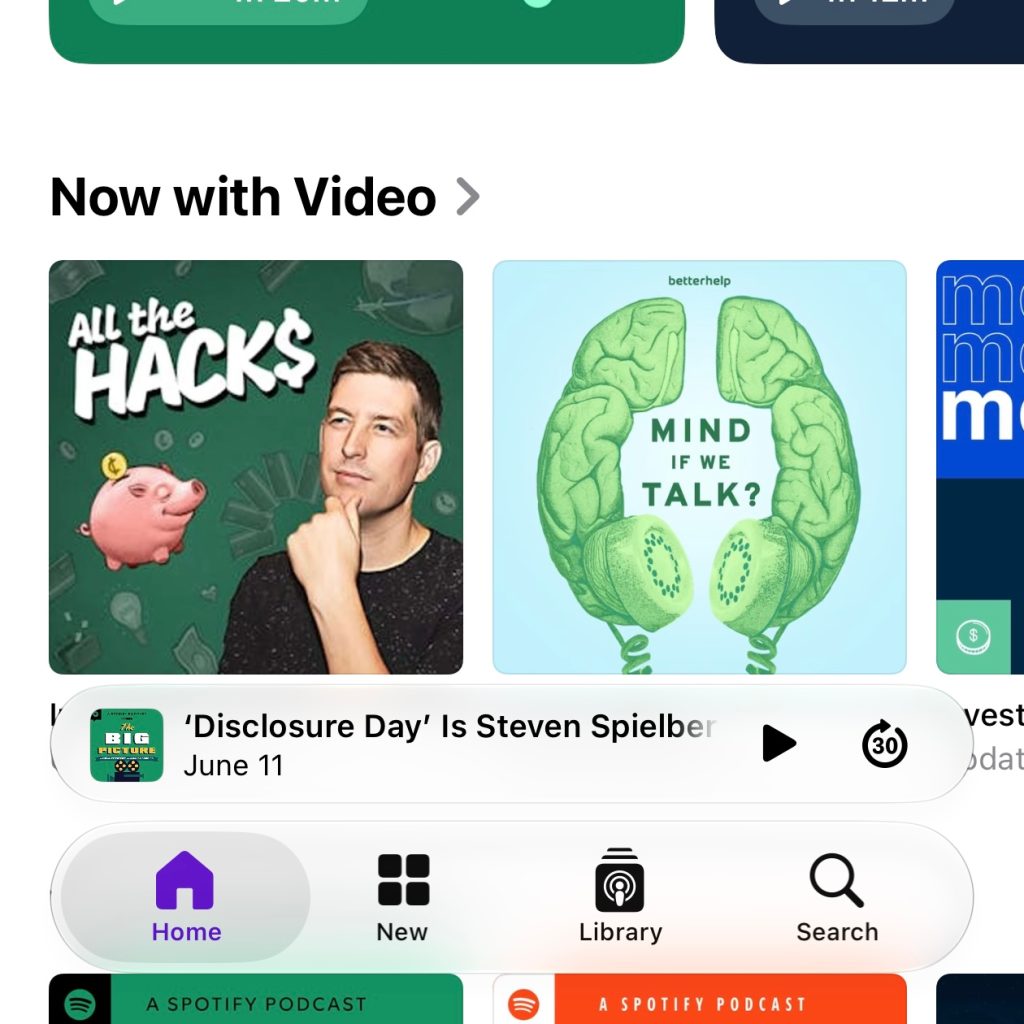
Finally, here’s what notifications look like on the iOS 27 Lock Screen at each setting:
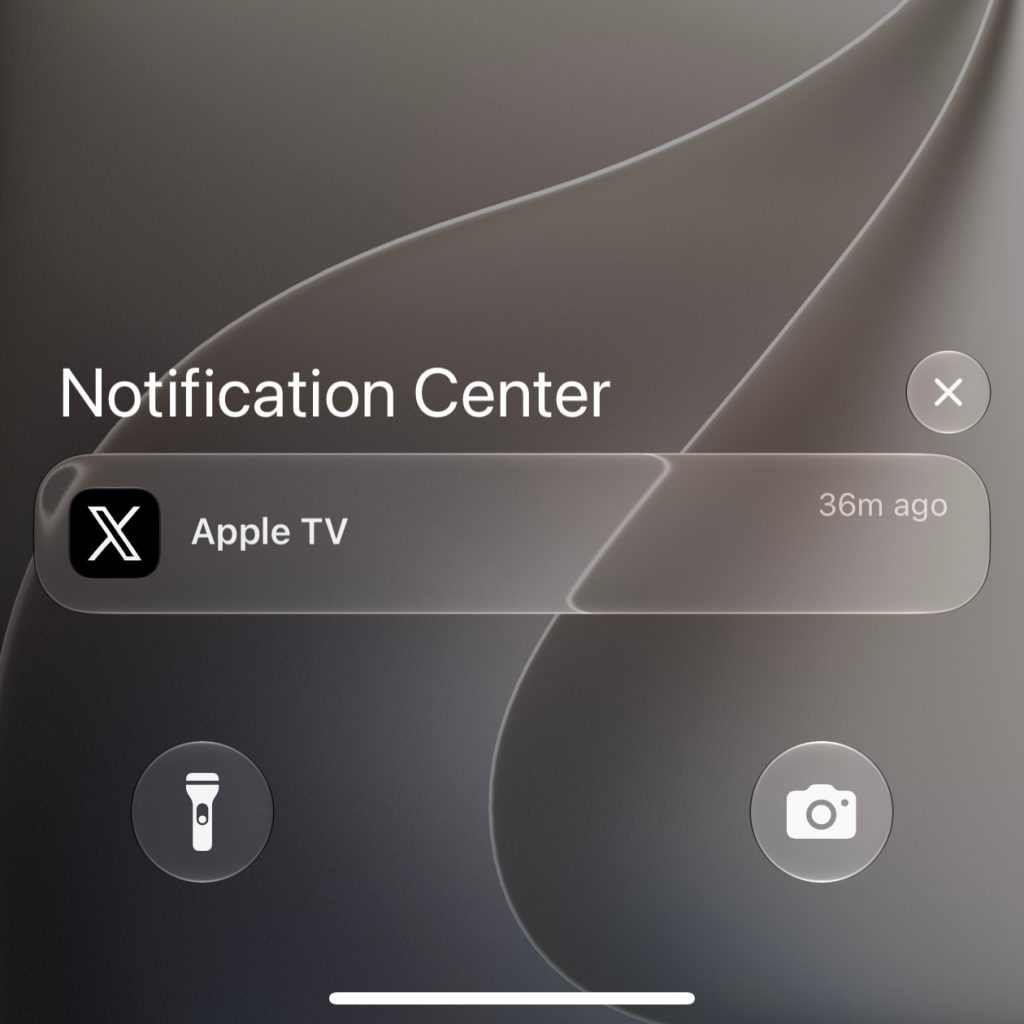
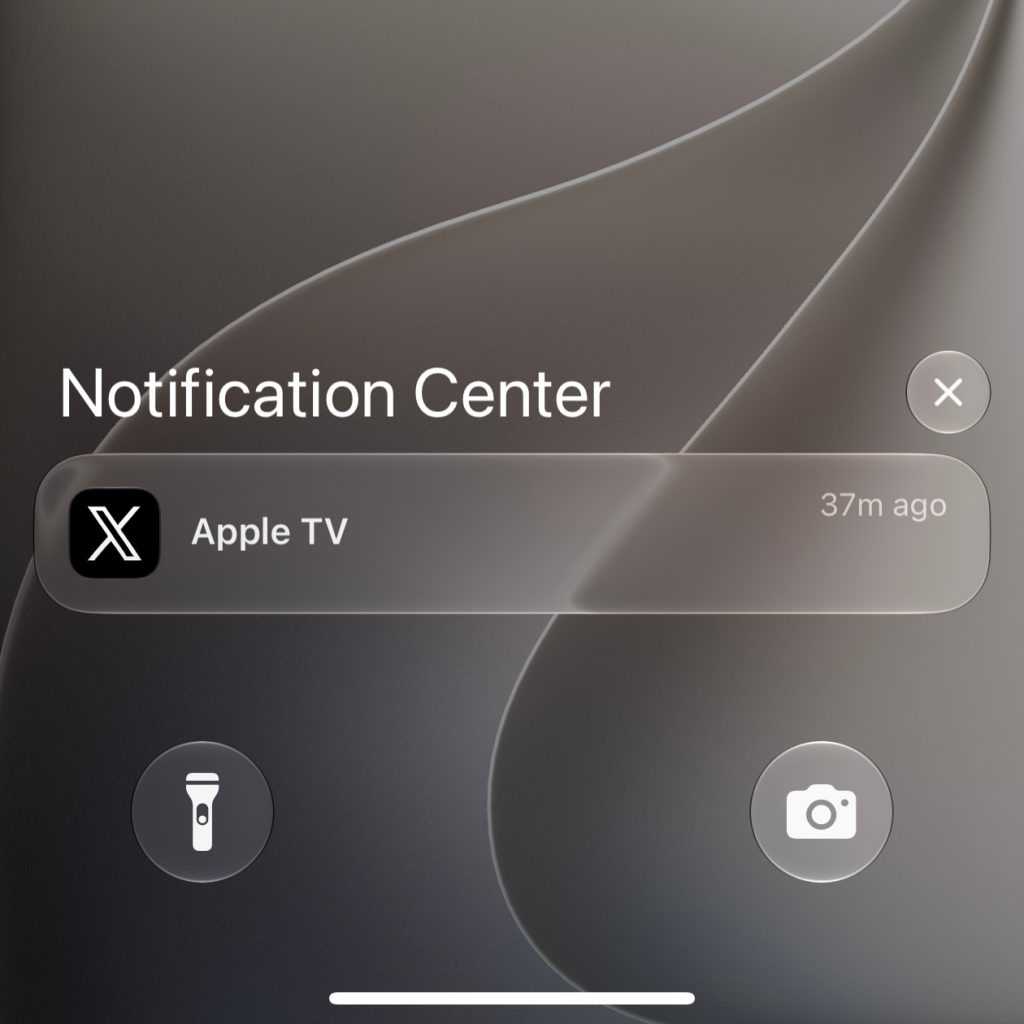

It’s always possible Apple will refine the Liquid Glass slider even further in future iOS 27 betas. However, as it stands today, it seems ready to ship and works well.
Do you plan to make Liquid Glass in iOS 27 more transparent or more tinted? Let us know in the comments.


FTC: We use income earning auto affiliate links. More.

此内容由惯性聚合(RSS阅读器)自动聚合整理,仅供阅读参考。 原文来自 — 版权归原作者所有。