










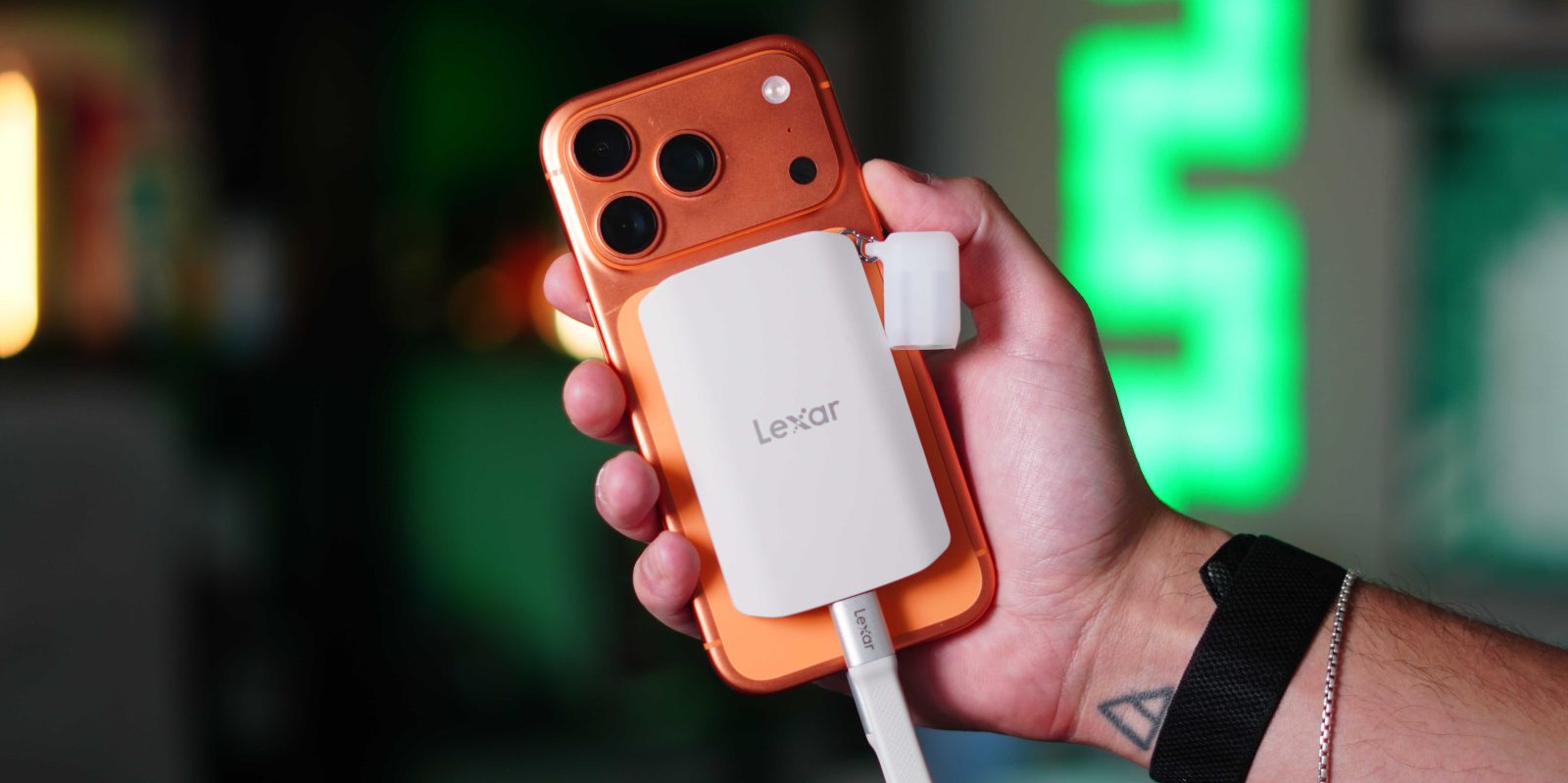
When Apple first introduced MagSafe in the iPhone 12 lineup, I knew it was going to be a hit. It immediately allowed for a modular accessory ecosystem to flourish for the iPhone. But then they gave us USB-C, and that opened the floodgates. Between MagSafe and USB-C, the type of accessories you could mount to your iPhone was basically limitless. One of the coolest examples of that is the Lexar ES5 Magnetic Portable SSD. Spending some time using the ES5 alongside the Blackmagic Camera app, I can confidently say this is one of the more practical MagSafe storage accessories I have tested recently. Here is what you should know.
I have used Lexar SSDs for years. They are compact, well-built and, most importantly, extremely reliable. To this day, one of my main SSDs is the Lexar SL500. The ES5 Magnetic SSD takes all that and makes it insanely convenient to use on the go. We have seen a bunch of SSDs marketed to creators, but they seem like standard SSDs that aren’t ergonomically optimized for iPhone videography. But now, this ES5 feels purpose-built for iPhones, whether for content creation or just for storing videos and photos that are easily accessible on your iPhone. It also brings some insane specs.
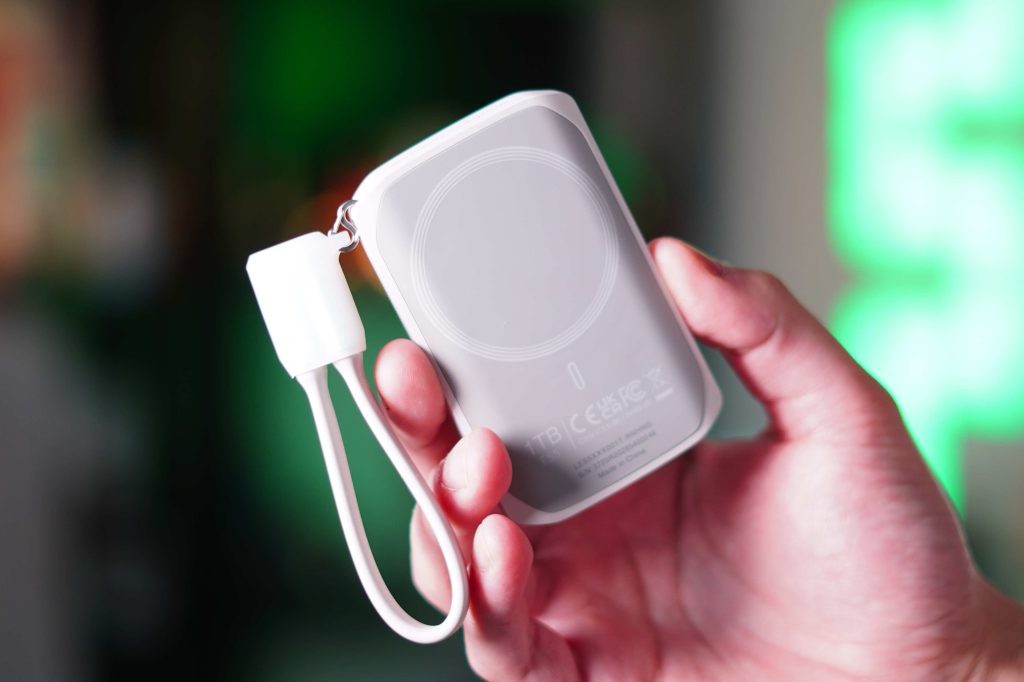
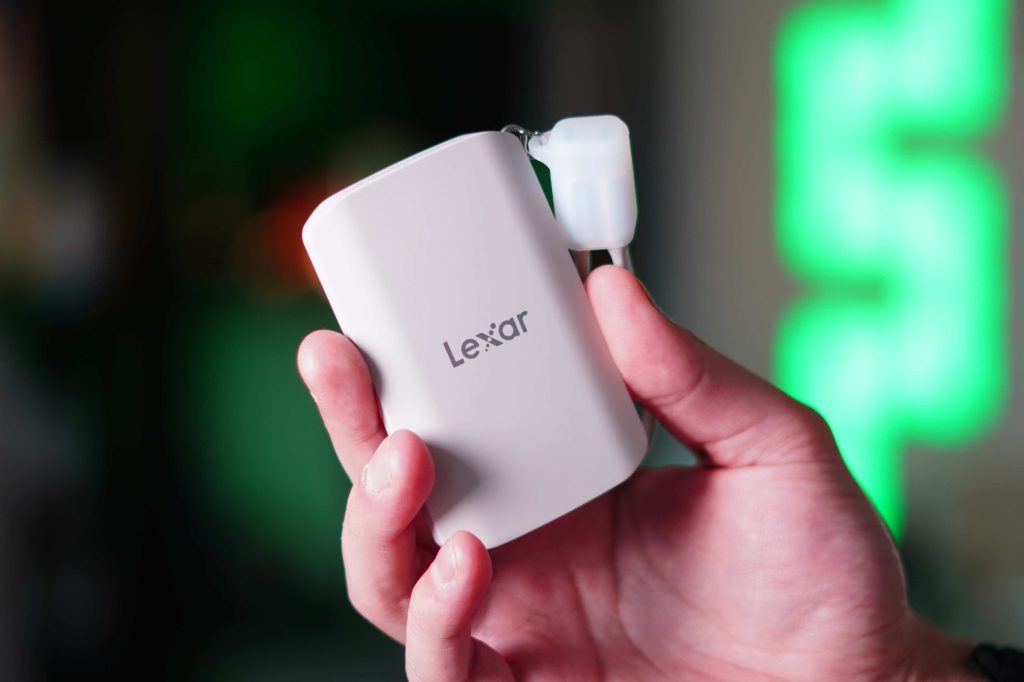
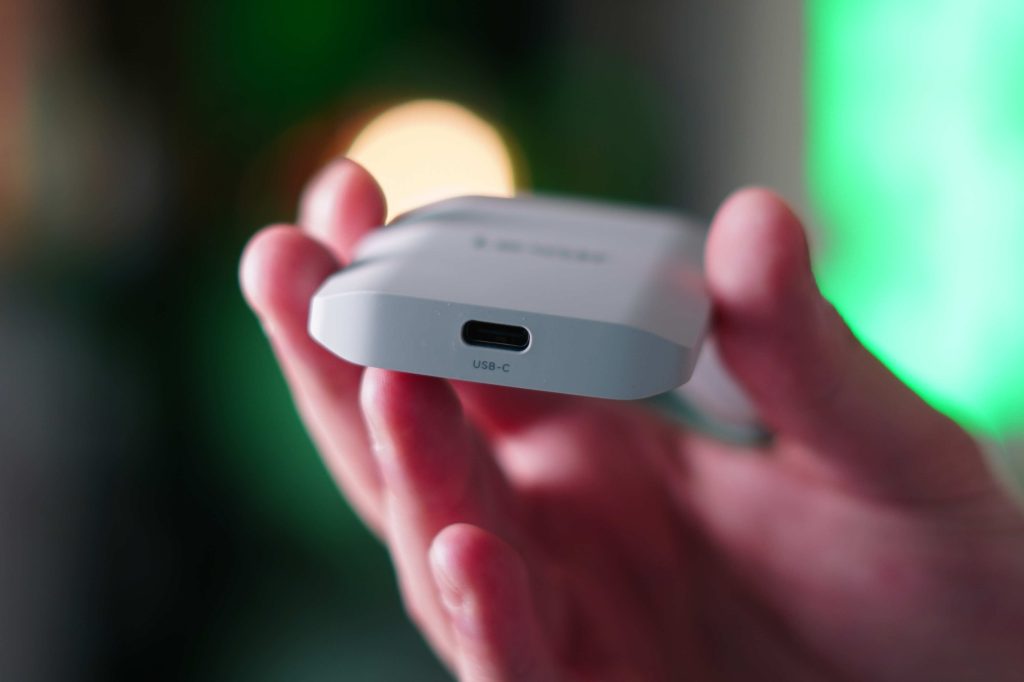
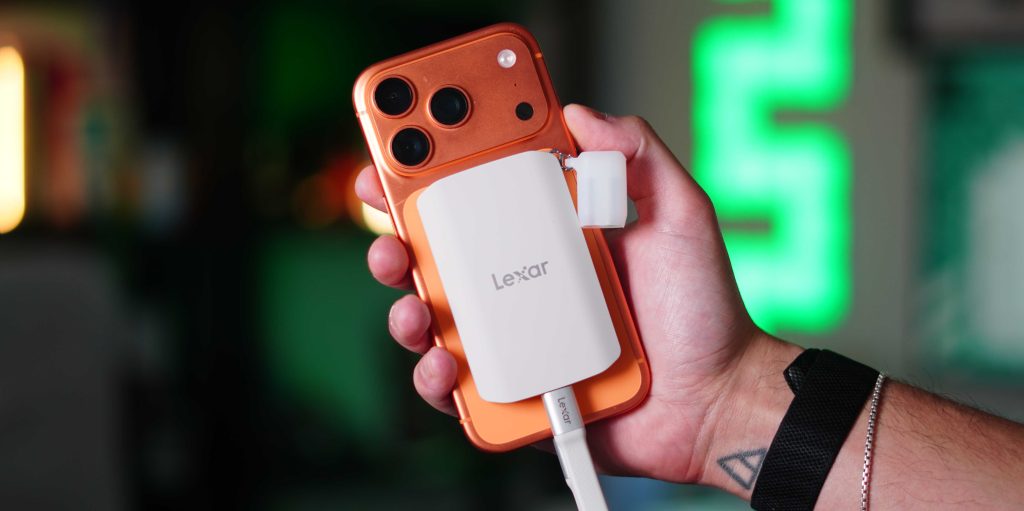
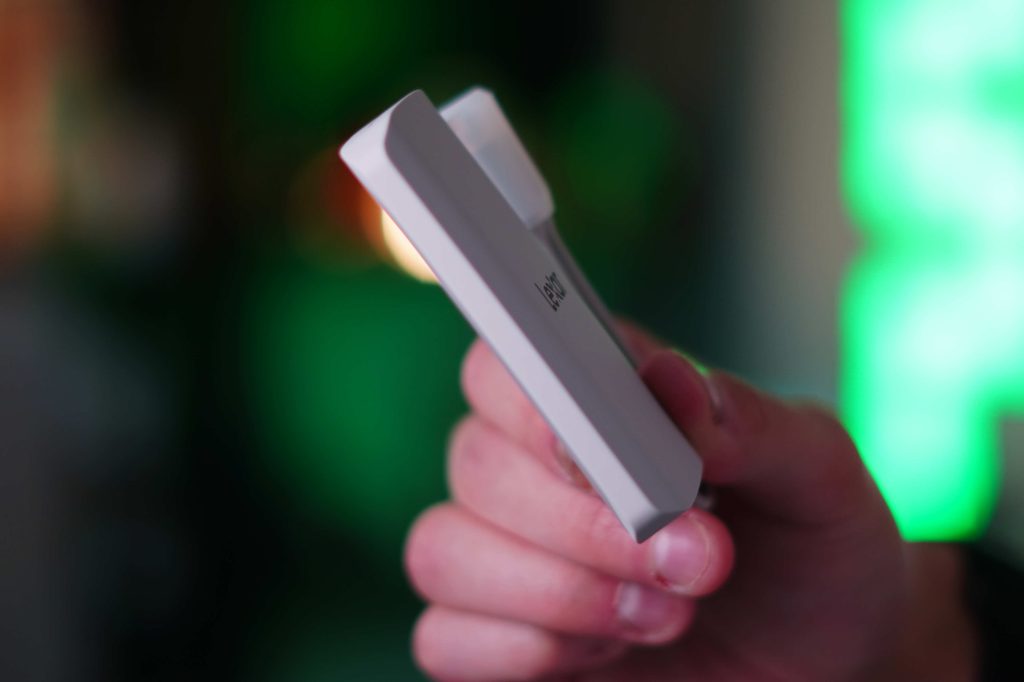
While this SSD can work as a normal SSD with any device that has a USB-C port, it feels built for iPhone because it natively supports ProRes RAW recording. It lets you record incredibly large, high-quality files directly to the SSD without eating up your phone’s internal storage. The other piece that stood out was just how compact it is. It weighs just 80g and is 11mm thick. It also has a soft-touch rubber finish that makes it very comfortable to hold.
When it comes to professional videography on my iPhone, I am a huge fan of the Black Magic Camera app. It gives you all the tools, toggles, features, and manual customizations you get from a regular camera, but on your iPhone. While the stock iPhone camera app has improved over the years, it still lacks many features you expect from a dedicated camera. One feature of the Black Magic Camera app is that it lets you record directly to an external SSD. You can do that on the stock iPhone camera app, but only for ProRes RAW footage. If you want to shoot regular video, it won’t let you shoot directly to an SSD.
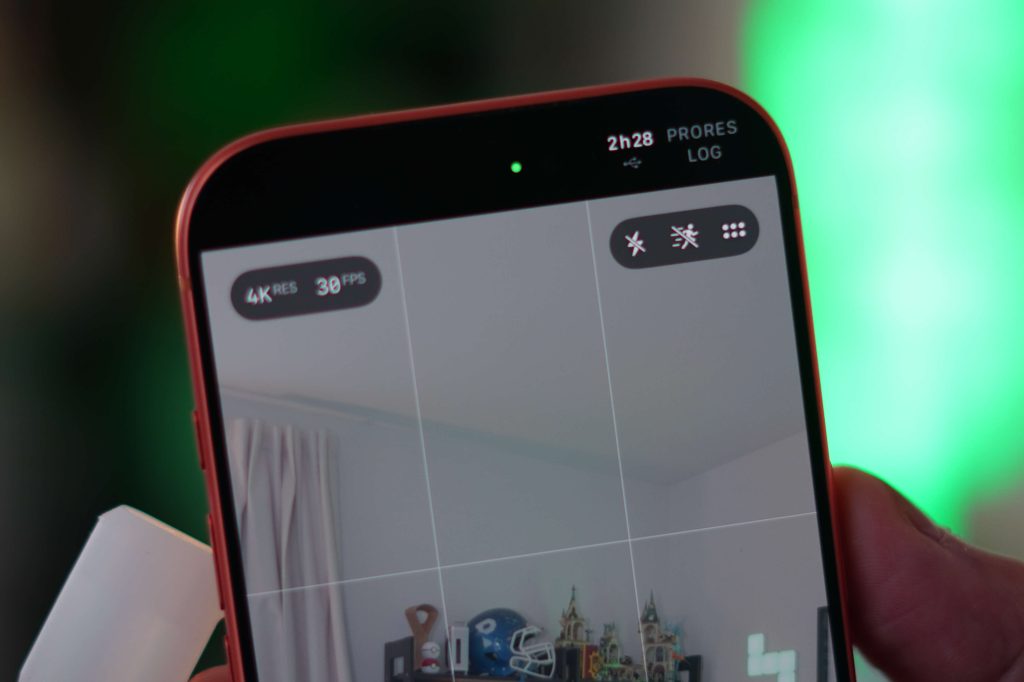
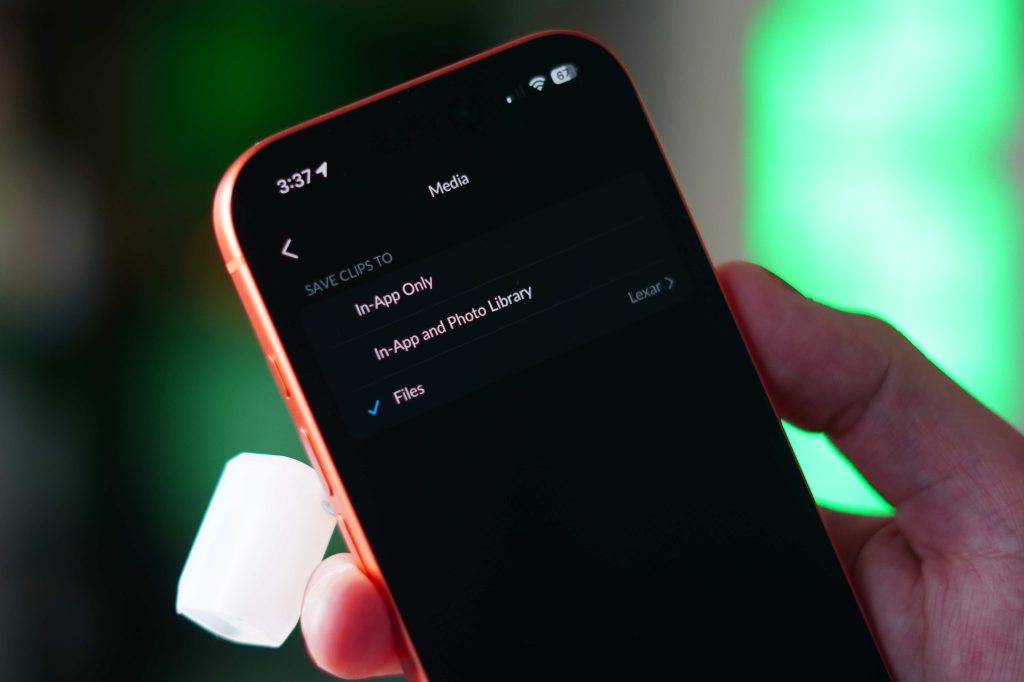
So that is my main use case for the Lexar SSD. I plug in the ES5 SSD, open the Blackmagic Camera app, and start recording directly to the SSD. Because it supports those high 2000MB/s read and write speeds, it works so flawlessly that it almost feels like the storage is internal. Once I am done recording, I just disconnect the SSD and plug it into either my MacBook Pro or iPad Pro, and since I edit off the SSD as well, I can start my editing process. This removes many steps from managing media files. So my workflow really gets a nice efficiency boost.
As I mentioned, this can also record in ProRes Raw natively from the iPhone Camera app. I personally do not use that media type because I just think the file sizes are too large to work with, but if you do, then this SSD is a no-brainer. The iPhone Camera App is well optimized for this, too. When you plug in the SSD, and go to ProRes mode, on the top right corner of the app, you get a USB icon as well as an estimation of how much time you can record based on how much available storage there is. I love that feature.
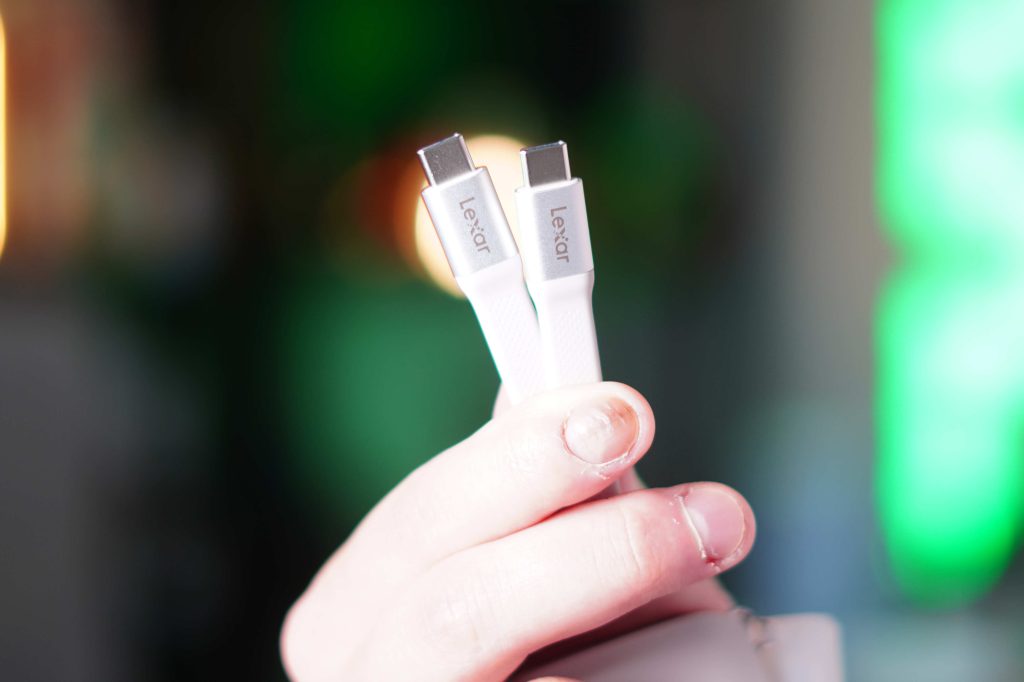
I wanted to briefly mention the build quality, too. This SSD is ultra compact and fits so well on the rear of the iPhone. I use the smaller iPhone 17 Pro, and it fits perfectly in the hand. The soft-touch rubber gives you confidence when holding it and feels nice on your hand. The magnets are strong even without a MagSafe case. They also include a perfect-length USB-C cable that doubles as a lanyard. If you want a cleaner look, you can also remove it completely, which is a nice touch. I was just surprised by how small, compact, and nice it feels in the hand.
We all know that storage pricing has been increasing. But it is still far cheaper to buy external storage than it is to upgrade your internal storage from Apple (at least for now). The Lexar ES5 is available in 1TB and 2TB options, with a 4TB option coming soon. The 1TB version is $199, and the 2TB is $399. If i wanted a 1TB iPhone I would need to spend an extra $400 to get the additional 750GB. Then, if I wanted the 2TB iPhone, it would be an additional $700. So for now, external storage is still far cheaper.
If you are always running out of storage on your iPhone, or if you create content on it, this is a great storage solution to consider. I think the ES5 is one of the best examples of how MagSafe and USB-C are opening the door for genuinely useful accessories. This SSD is clean and compact; it boasts the necessary performance to let you use your iPhone at its peak performance, and the reliability of Lexar is unmatched. It is one of those products that quietly become part of your setup because they solve a real problem without adding friction. And honestly, those are usually the best kinds of accessories.
What do you think? Do you always get the base iPhone? Do you give Apple more money for more storage? Have you used an external SSD with your iPhone? Let’s discuss below!


FTC: We use income earning auto affiliate links. More.
此内容由惯性聚合(RSS阅读器)自动聚合整理,仅供阅读参考。 原文来自 — 版权归原作者所有。