





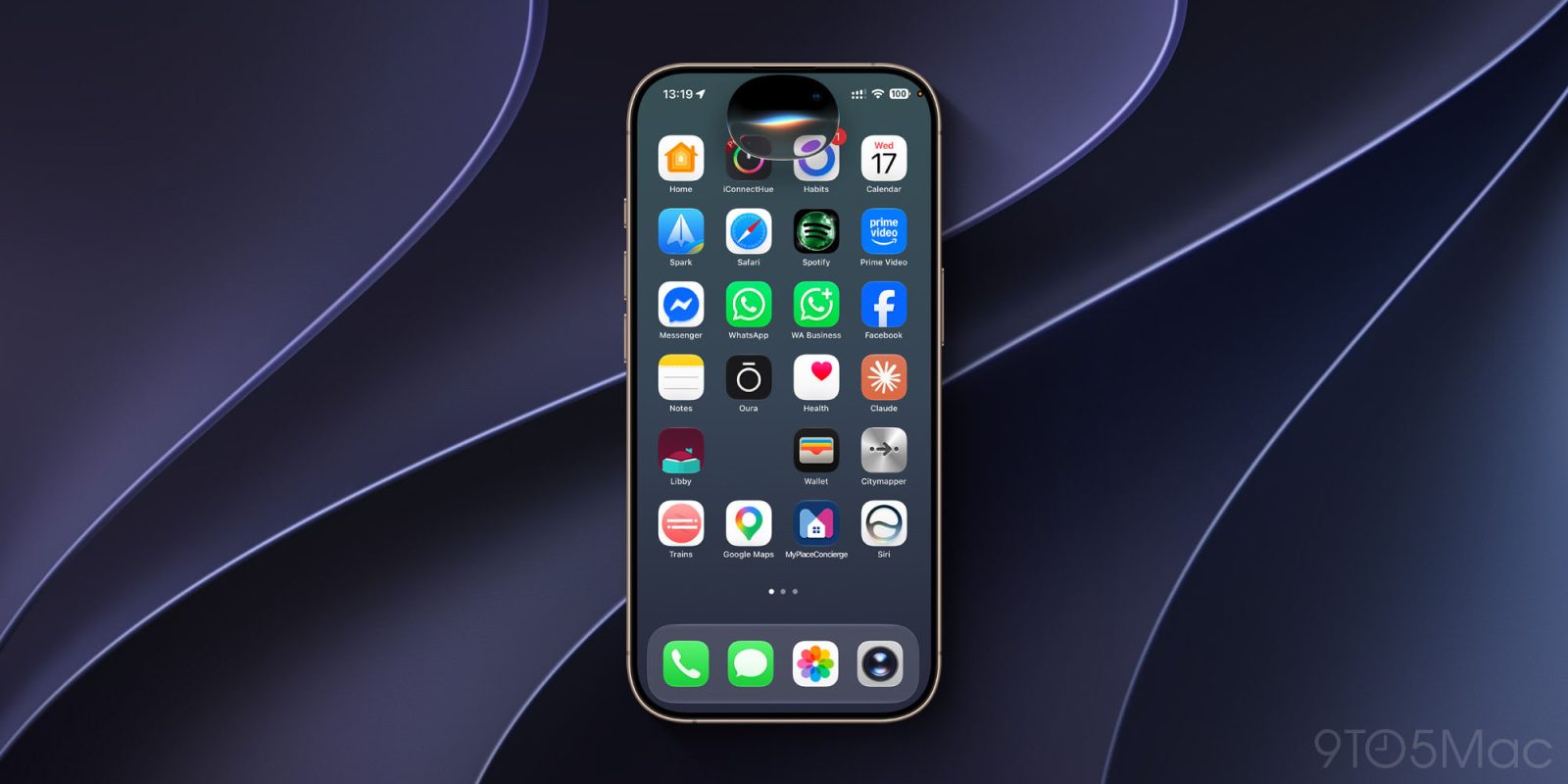
Like a great many people, I’ve been impatiently waiting to leave the Siri AI waitlist, and that finally happened last night.
It’s early, but what I’ve seen so far has me very excited for the future …
I recently confessed to being so impatient to try it that I did something nobody should ever do – installed a first developer beta on my daily driver iPhone. So far, this rash decision hasn’t come back to bite me.
I then got to watch my iPhone begin and finally complete the indexing process. This is where Apple Intelligence reviews the data on our devices and constructs the index it will subsequently use for Siri AI requests. That completed a couple of days ago, but didn’t immediately release me from the Siri AI waitlist. As soon as that happened, I dived right in.
Of course, you’d expect a first developer beta to have plenty of bugs and teething issues, and that’s obviously the case with this one. But my overwhelming first impressions have been how well Siri AI lives up to the promises Apple made for it.
Here’s a quick look at some of the real-world tasks I’ve been able to see working so far …
The first task I gave it was something I quite often need to do, and where the search feature in the Photos app has often disappointed: I asked it to find all photos and videos taken at a particular recurring event. (Yes, it was tango related; why do you ask?) It didn’t manage to identify matches by the name of the event, but as soon as I specified the location, it very quickly found all of the matching results – something the Photos app hasn’t managed in the past.
I asked it when a particular friend had visited me, and it identified the occasion based on both my calendar entry and a message he sent telling me he’d arrived.
I opened a webpage for a public event and asked Siri how I would get there. It correctly identified the venue, then opened Apple Maps and immediately started directions.
In the three weeks I’ve been in my new home, I’ve completed almost all of my planned home improvements with the generous help of a number of friends. I asked Siri what remained to be done, and it was able to immediately pull up the checklist of remaining items from my Notes app.
I recently attended a tango festival and asked Siri to tell me the code to unlock the entry gate. It found not only my note of this code, but also pulled some additional useful details from the email sent by the organizers.
I opened a WhatsApp chat with a friend and asked Siri to summarize our recent conversations. It did an excellent job at this, with both a text summary and bullet points of what it described as key moments.
I recently had a friend ask me where I stayed when I visited Toronto last year. I had to do searches in both my calendar and mail app to get all of the information needed. When I asked Siri to do this, it accessed both sources to provide all of the details.
Like Photos Search, I haven’t found Apple Mail searches to be particularly good in the past. I tried asking Siri for a number of representative things that I would need to find, and it successfully found almost all of them. The one consistent limitation I’ve found so far is that it does look for exact keyword matches rather than considering alternative phrasings as a human would.
Finally, I visited an Apple support page and asked Siri to give me the briefest possible summary in bullet point form, and it did this extremely well.
None of these tasks are going to change the world, but they are real-life examples of how Siri AI will make my life easier and save me time on the types of tasks I carry out multiple times a day. I do think this is going to completely transform the way we use our devices, and fully expect my starting point for most tasks to be to ask Siri to do it for me – with manually opening apps my fallback.


FTC: We use income earning auto affiliate links. More.

此内容由惯性聚合(RSS阅读器)自动聚合整理,仅供阅读参考。 原文来自 — 版权归原作者所有。