

惯性聚合 高效追踪和阅读你感兴趣的博客、新闻、科技资讯
阅读原文 在惯性聚合中打开

推荐订阅源

雷峰网
雷峰网
N
Netflix TechBlog - Medium
博客园_首页
J
Java Code Geeks
奇客Solidot–传递最新科技情报
奇客Solidot–传递最新科技情报
Y
Y Combinator Blog
腾讯CDC
V
V2EX
Microsoft Security Blog
大猫的无限游戏
大猫的无限游戏
Cyberwarzone
Cyberwarzone
N
News and Events Feed by Topic
L
LINUX DO - 最新话题
Schneier on Security
Microsoft Azure Blog
cs.AI updates on arXiv.org
Hacker News: Ask HN
Hacker News: Ask HN
Martin Fowler
Martin Fowler
Google DeepMind News
G
Google Developers Blog
U
Unit 42
WordPress大学
WordPress大学
N
News and Events Feed by Topic
S
Schneier on Security
T
The Blog of Author Tim Ferriss
B
Blog
博客园 - 叶小钗
Forbes - Security
Forbes - Security
F
Fortinet All Blogs
Project Zero
Project Zero
K
Kaspersky official blog
Apple Machine Learning Research
L
LINUX DO - 热门话题
The GitHub Blog
The GitHub Blog
H
Hacker News: Front Page
K
KPMG report finds enterprise disconnect between AI and its ROI | CIO
PCI Perspectives
PCI Perspectives
The Register - Security
www.infosecurity-magazine.com
W
WeLiveSecurity
C
Cyber Attacks, Cyber Crime and Cyber Security
罗磊的独立博客
S
Security @ Cisco Blogs
钛媒体:引领未来商业与生活新知
钛媒体:引领未来商业与生活新知
T
Tailwind CSS Blog
P
Proofpoint News Feed
S
SegmentFault 最新的问题
D
Docker
量子位
M
MIT News - Artificial intelligence

The Eclectic Light Company

Apple has released an update to XProtect for all macOS Hero or hooligan: Theseus’ later years BSD flags are incompatible with iCloud Drive Apple has released macOS Tahoe 26.5.1 In memoriam Mary Cassatt: 1, 1868-1880 Solutions to Saturday Mac riddles 362 What Location Services do in macOS Eclectic paintings of Joseph Stella: 2 European myths Last Week on My Mac: Razzle and dazzle Eclectic paintings of Joseph Stella: 1 American landscapes Saturday Mac riddles 362 Protect files with the Locked or Immutable flag Reading Visual Art: 252 Dragonfly What happens in the log when an app crashes as it starts up? Portraits of trees: Introduction On Reflection: Conclusions and contents Which tasks require mains power? Medium and message: Vast canvases Online reference to external displays for Apple silicon Macs What’s in that phishing email? Hero or hooligan: Theseus and Ariadne Solutions to Saturday Mac riddles 361 How to search document versions Rubens’ Consequences of War Rubens’ Peace and War Saturday Mac riddles 361 How to search Time Machine backups? Naturalists: Contents and artists On Reflection: Extending the image Tackle QuickLook problems Medium and message: Pottery Hero or hooligan: Theseus and the sandals How QuickLook provides thumbnails and previews Last Week on My Mac: Syncing metadata in iCloud Drive Paintings of visits to India 1778-1877 Saturday Mac riddles 360 Naturalists: Sorolla and Zorn On Reflection: Pierre Bonnard 1909-1946 SpotTest 1.2 can display Spotlight metadata directly On Reflection: Pierre Bonnard 1899-1908 How to preserve versions, and how to create versioned PDFs Medium and message: Sculpture What gets synced in iCloud Drive? Hero or hooligan: Perseus 2 Solutions to Saturday Mac riddles 359 Last Week on My Mac: snapshots, the elephant in APFS Paintings of Beatrice Portinari: to 1862 Saturday Mac riddles 359 Naturalists: Into the 20th century How to check whether Spotlight is getting the right metadata On Reflection: Mirror play Hero or hooligan: Perseus 1 The bicentenary of Frederic Edwin Church: 1857-77 Solutions to Saturday Mac riddles 358 macOS virtual machines and audio-video syncing A walk in the parks of Rome, Vienna, Manhattan and Brooklyn Saturday Mac riddles 358 Naturalists: Photography Use Finder tags for categories Control what gets written to the log Medium and message: Tapestry Virtualisation on Apple silicon Macs is different Jerusalem Delivered: Overview and contents The bicentenary of Frederic Edwin Church: 1849-57 Solutions to Saturday Mac riddles 357 Painting Pandora and her box: 1883-1919 Painting Pandora and her box: 1550-1882 Saturday Mac riddles 357 Reading Visual Art: 250 Winged sandals The secret life of the xattr The macOS Natural Language framework and Nalaprop Medium and Message: Stained glass The MACL extended attribute Jerusalem Delivered: 13 Leading characters Solutions to Saturday Mac riddles 356 Privacy: How locations are protected Painting Spring blossom 2 Last Week on My Mac: Don’t be a victim of fraud Painting Spring blossom 1 Saturday Mac riddles 356 Explainer: Recovery Reading Visual Art: 249 Mask Naturalists: Urban poverty On Reflection: Cézanne Medium and Message: Mosaic Jerusalem Delivered: 12 Delivery Solutions to Saturday Mac riddles 355 Centaurs 2: Revenge Centaurs 1: Fights Saturday Mac riddles 355 Explainer: sandboxes Naturalists: The modern meal Why you can’t trust Privacy & Security Apple has just released an update to macOS Tahoe, to version 26.4.1 On Reflection: Divisionism Please help update CPU frequencies for Apple silicon Macs Commemorating the centenary of the death of John Ferguson Weir Privacy: Files & Folders or Full Disk Access? Jerusalem Delivered: 11 Into Jerusalem Privacy: protected folders
Privacy: Which folders are protected in Tahoe?
2026-04-15 · via The Eclectic Light Company

Obtaining a definitive list of locations that are subject to privacy protection in macOS Tahoe 26.4 hasn’t been easy, and I’ve previously relied on information given piecemeal in WWDC sessions. This article reports the results of formal testing using a new version of my test app Insent, and brings some surprises.
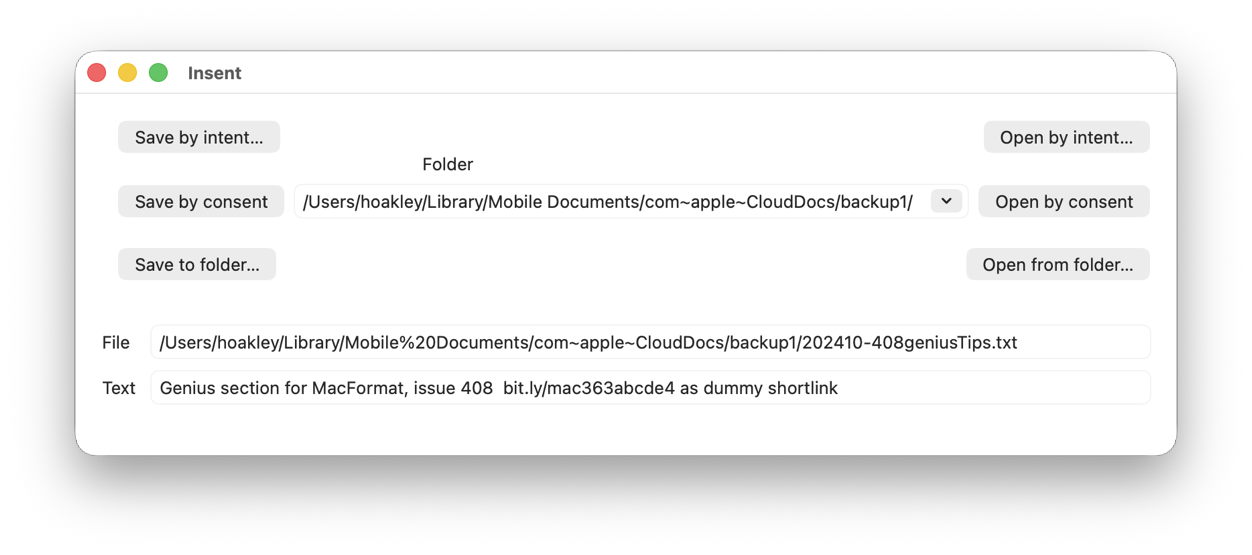
Insent version 1.2 now allows you to set the path to the folder to be used for its Save and Open by consent buttons, using a Combo box. That’s a combination of a popup menu including the three most popular locations, Desktop, Documents and Downloads, and an editable text box into which you can enter a custom folder path.

Save and Open by consent are actions in which the user doesn’t express their intent to write to or read from the protected location, for example in an Open and Save Panel, but the app’s code determines the path and file. Thus, to ensure the app’s access doesn’t compromise the user’s privacy, those actions may be blocked unless the user gives their consent in a dialog presented for TCC, the privacy manager.

In the Save by consent code, all Insent does is construct a URL to a new text file in that folder path, then tries writing a String to that URL using String.write() non-atomically. To open a text file from that folder path, it attempts to enumerate the contents of the directory at that URL using FileManager.default.contentsOfDirectory(), then iterates through the contents until it finds a text file to open. If it does, it tries to read that file using String(contentsOf: url), and displays the start of that String.
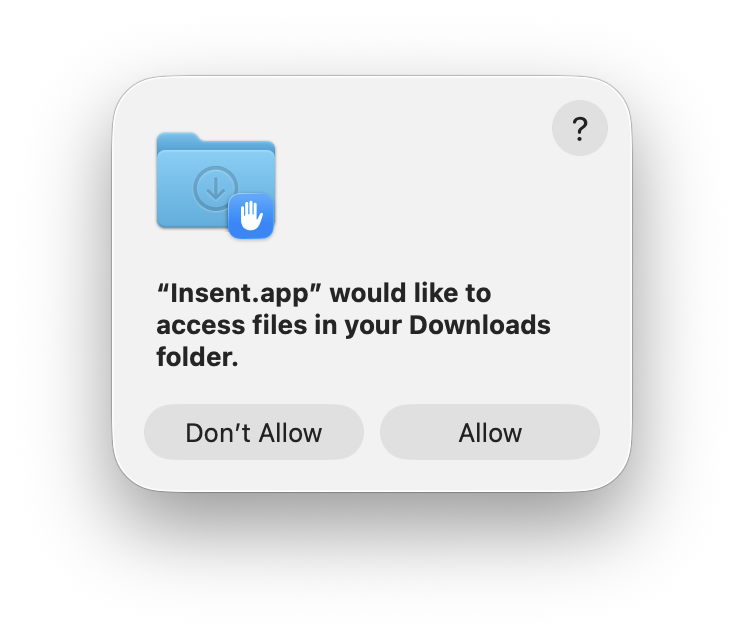
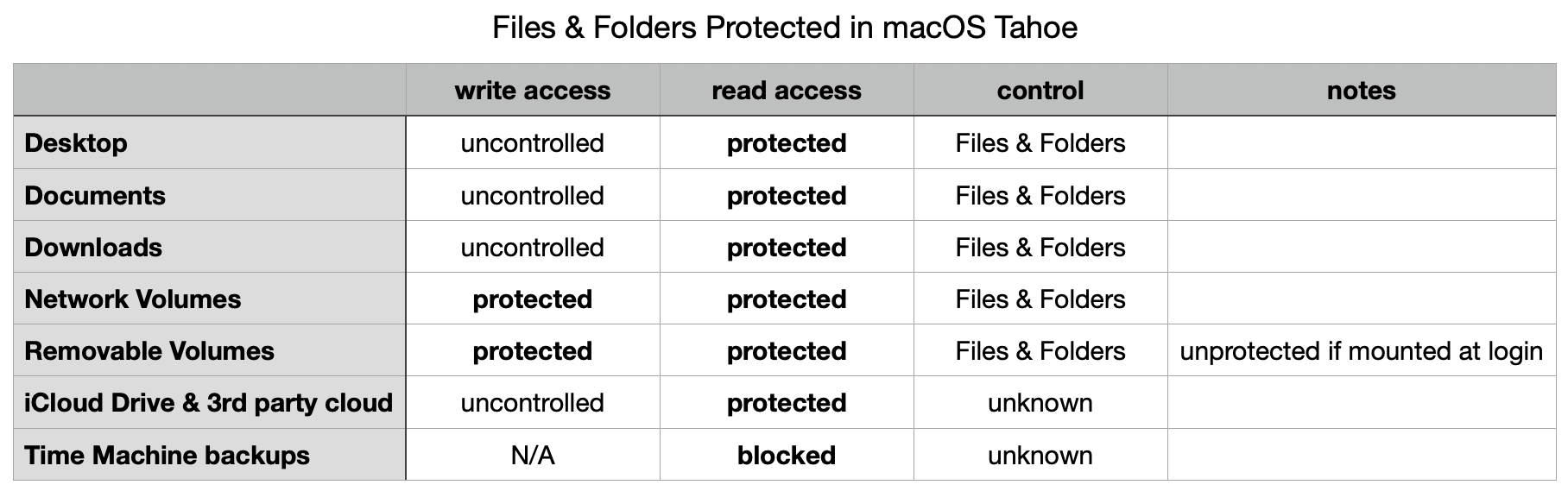
Only three locations conform to the standard control:

  • ~/Desktop
  • ~/Documents
  • ~/Downloads

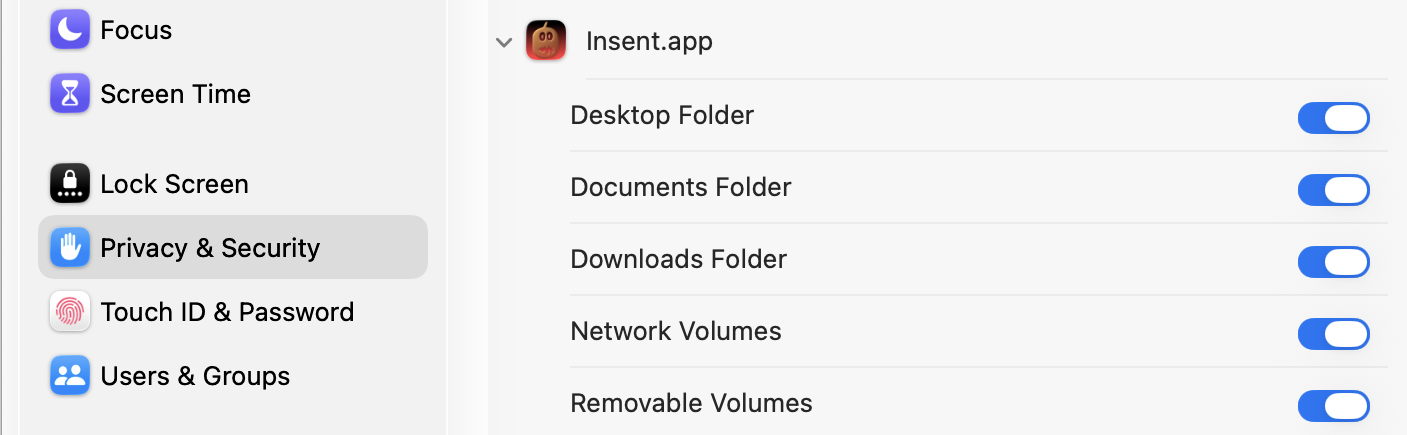
In each case, there is no control over writing to the location, but any attempt to list the contents of that folder elicits a request for consent, and results in an entry for Insent in the Files & Folders list in Privacy & Security settings.
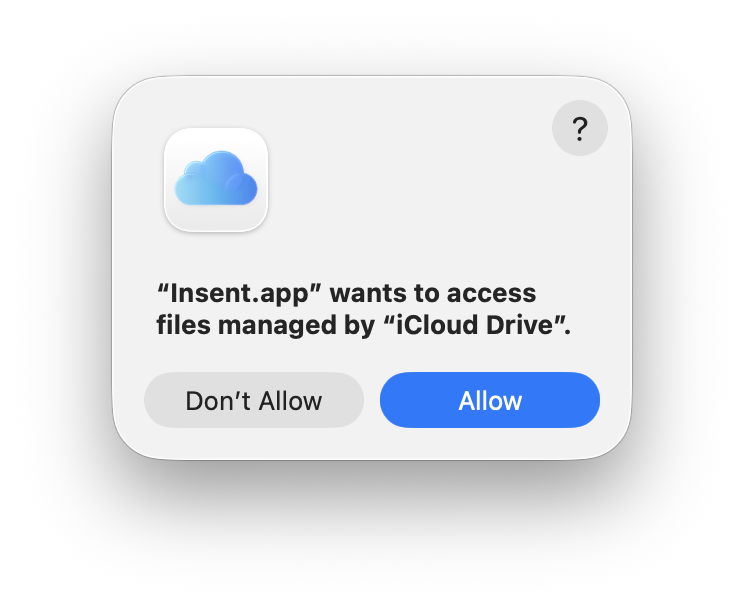
For iCloud Drive, and presumably third-party cloud services with equivalent privacy protection, there is no control over writing to the location, and listing folder contents requires consent, but no entry appears in the Files & Folders list, and I have been unable to discover any equivalent control elsewhere. Thus, once consent has been given, it appears to remain indefinitely, as the user doesn’t have a control to disable that access.
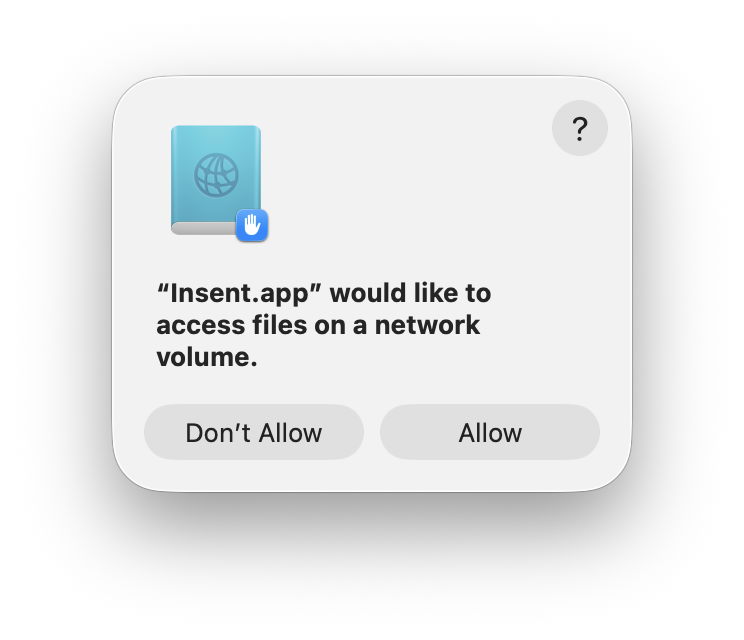
Removable Volumes and Network Volumes differ again, in that both Save and Open by consent require user consent, although giving consent to one action also grants it for the other. However, not all removable volumes are treated as protected. A Time Machine backup drive that is mounted automatically during startup, and has an additional volume not used for backups, wasn’t given any protection, while an SSD connected and mounted well after login was treated as a Removable Volume.

Although often listed as being subject to privacy protection, read access by consent was blocked for Time Machine backups, and they’re read only anyway.

One strange behaviour discovered during testing was the automatic addition of Insent to the Full Disk Access list, rather than individual Files & Folders. However, Full Disk Access hadn’t been granted, and when Insent was removed from that list, individual Files & Folders were shown instead.
There was no evidence of any other special locations among other standard folders in the user’s Home folder, although there are separate controls covering Photos access, and that to app databases, as listed in Privacy & Security settings.

The following table summarises privacy protection for special locations in macOS 26.4.
Insent version 1.2 is now available from here: insent12
Have fun trying to make sense of this protection.