





This is a short development update on our progress towards the first release candidate for GIMP 3.0. We recently reached the string freeze milestone. What this means is that there will be no more changes in user-facing text (like GUI labels and messages) so that translators can work on the final translations for the 3.0 release.
Progress on completing the blocking issues for 3.0 slowed over the summer due to the maintainer and some of the main developers falling ill after the Libre Graphics Meeting conference. This is why we are “late” compared to our original estimated timelines. Thankfully everyone’s feeling much better now, and work has resumed in earnest! As of this writing, we’re currently at 96% completion for the 3.0 RC1 milestone, with 11 issues remaining.
We’ll have a lot more to share in the news post for GIMP 3.0 RC1. However, here are a few highlights to show what we’ve been working on the last few months:
Finalizing the API is a crucial task for GIMP 3.0. As we’ve added new features and improved existing ones during development, we’ve needed to make “breaking” changes to the public API. This means that if a third-party developer ported their 2.10 plug-in or script to use GIMP 2.99.16’s API, it might not work with the 2.99.18 API due to further changes. Once 3.0 is released however, any function that’s in the public API must continue to work for all future releases of GIMP 3. So we have to get it right before the first 3.0 release!
Most of the API changes are invisible to non-developers, so we won’t detail all of them here. However, we’d like to share a few to illustrate the on-going work:
Over several past releases, our internal plug-ins have been ported to the new GimpProcedure and GimpProcedureDialog API. This update automatically saves the last settings used, letting users reset to it or to the “factory default” values whenever they like. The GimpProcedureDialog API also allows developers to automatically create a GUI based on the settings they defined.
Until recently though, this GUI creation feature was only fully available to C plug-ins – other plug-in languages like Python couldn’t generate certain widgets such as dropdown boxes and radio buttons. Since the 2.99.18 release however, we’ve been able to make the full API available to all supported plug-in languages. Python plug-in developers can see more examples of how to use this new API in the Python plug-in section of our repository. Once the API is fully stabilized, we’ll update our developer website with more tutorials on how to use this and other APIs in your plug-ins.
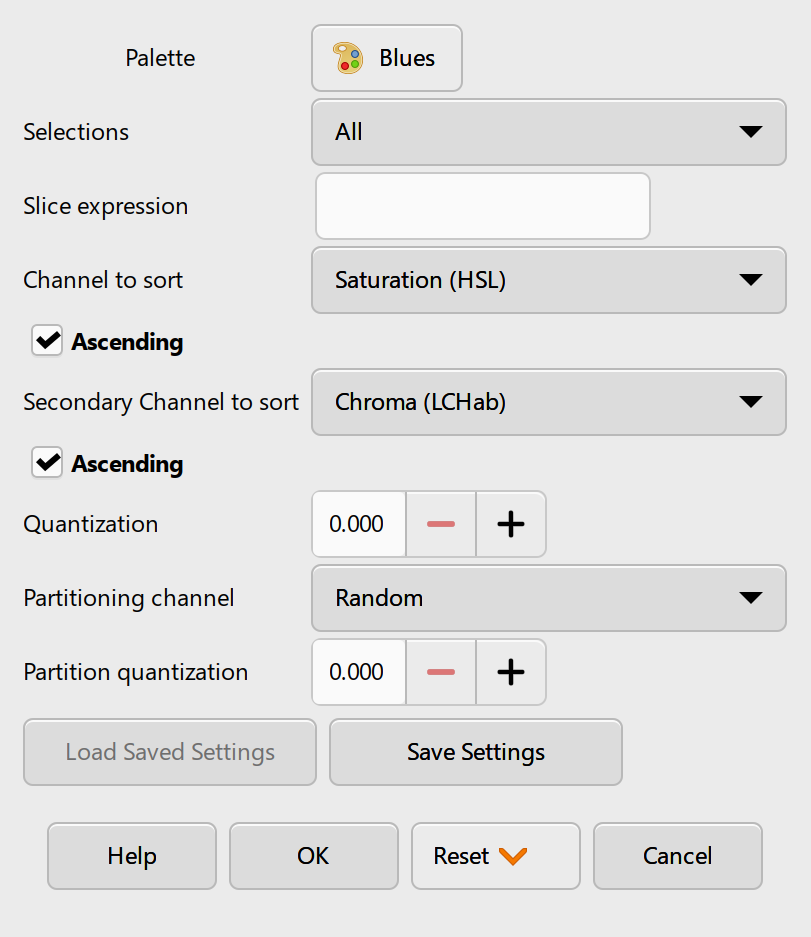
Lloyd Konneker has been organizing and implementing many improvements to our Script-fu code library. For script developers, script-fu-register has been deprecated and replaced with two new functions: script-fu-register-procedure for general scripts and script-fu-register-filter for image-processing scripts. These two new script functions also use the GimpProcedureDialog API, so script developers will have access to the same automated GUI creation mentioned in the last section. You can look at our in-progress guide to see how you can use these new features when porting your 2.10 plug-in scripts.
A long standing feature request has been exporting images with different settings, while leaving the original image unchanged. For instance, letting users export an image in several different sizes.
The new GimpExportOptions class sets the groundwork for us to implement this in future 3.x releases. We’ve simplified how images are exported using the plug-in API, and moved much of the export settings code to the GimpExportOptions parameter. This change will allow us to add new types of export settings and features after 3.0 without plug-in developers having to make changes to their own code. As a nice side-effect, this work also fixed some existing inconsistencies between exporting an image from GIMP’s GUI and exporting from a script.
The second remaining area of work for 3.0 is finishing the color space invasion project. Our goal is for the color space and color profile information to be associated with the pixels in all aspects of GIMP, from the canvas to the GUI and everywhere in-between. This is important for artists to keep colors consistent on all devices and monitors they use. The first half of this work was completed by Jehan in the 2.99.18 release. Since then we have been fixing the inevitable bugs from such a large change while making the rest of GIMP color-space aware. This work overlaps with the API changes, as several of our code functions still assumed the colors were in the sRGB color space.
In addition, we’ve been reviewing the existing color algorithm to make sure they are correct and performing efficiently. Øyvind Kolås and Elle Stone have provided great insight and assistance with this process. We want to ensure that your GIMP 2.10 XCF project files look the same when opened in GIMP 3.0, but we also want to set up infrastructure to improve the accuracy of layer modes and other aspects of GIMP going forward.
Since introducing non-destructive filters in GIMP 2.99.18, we’ve received a lot of great feedback and bug reports from early adopters. Based on these reports we’ve fixed many bugs related to copying, pasting, and updating filters, along with improving the general stability of the effects code. The temporary filter icon has also been replaced by a more intuitive  design from new contributor Denis Rangelov (created with the vector art program Inkscape, another FLOSS project that we highly recommend).
In addition to on-going bug fixes, we’ve also implemented non-destructive filters on layer groups. Now you can add an adjustment filter like Brightness-Contrast (or any other layer effect) to a group and have it change the display of each layer inside it.
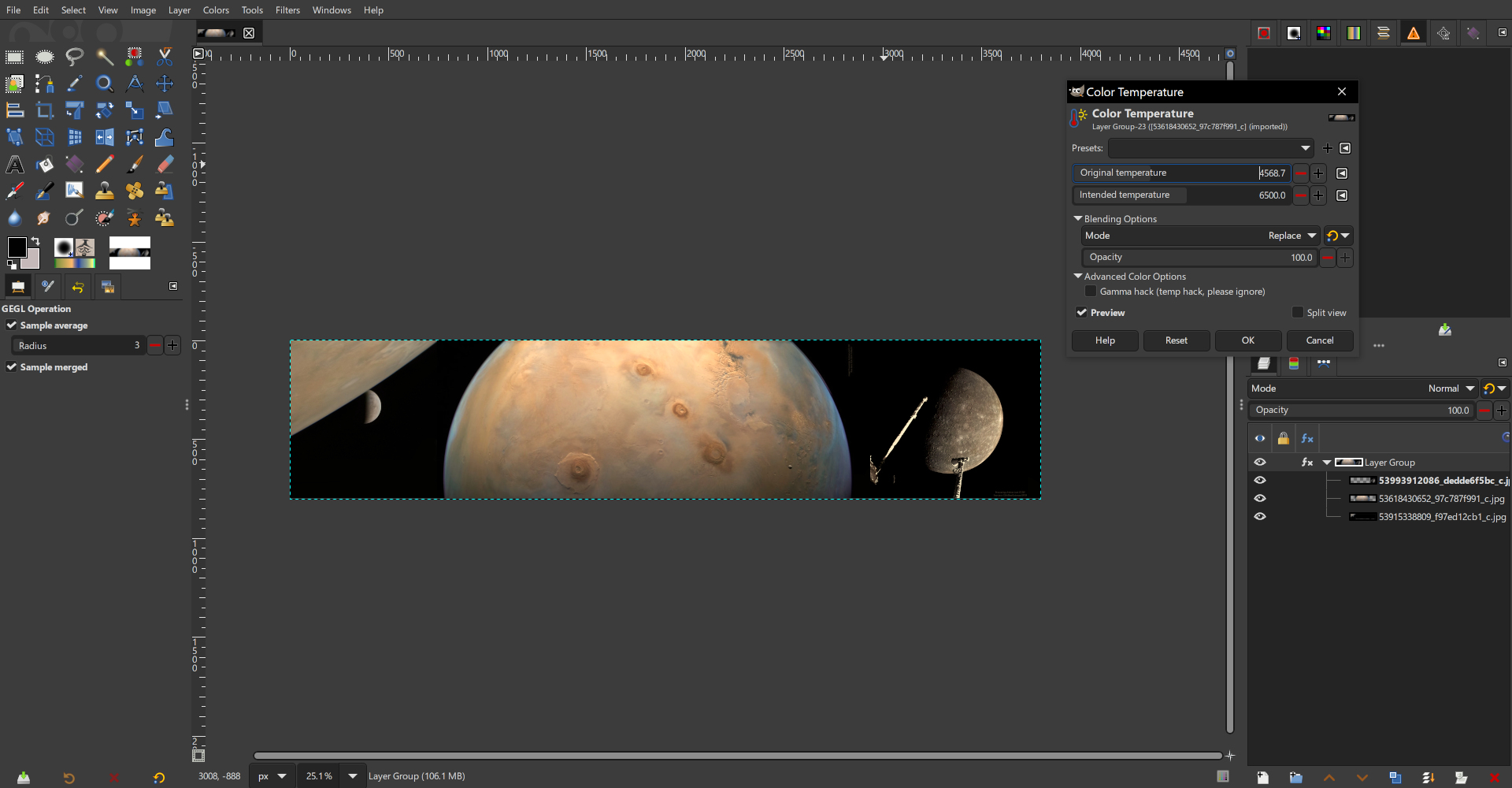
Øyvind has also worked hard on ctx these last few months, including improving portability for various platforms (on all types of architectures, libc and OSes), improving performance and massively profiling and fuzz-testing the project. For reminder, ctx is one of the latest ambitious project in the GIMP family, for 2D vector rendering and serialization. Though it is not necessarily used a lot in GIMP itself yet, it may pave the way for future work on more vector abilities in our software.
Of course, all this happens while still maintaining babl and GEGL, our color conversion engine and graph-based pixel processing framework. These 2 libraries do not receive significant changes lately, despite all the work done with the Color Space Invasion and the non-destructive editing projects, which is quite a good sign of a stable software in good shape!
Bruno Lopes has been working hard to improve our build processes on all platforms. His on-going work has helped reduce redundancies and inefficiencies in our development pipeline, Windows installers, and Flakpak distributions. He is also preparing a new version of our Microsoft Store installer that will be better integrated into the platform, and as noted in a prior news post, he’s experimenting with an AppImage version of GIMP. You can also thank Bruno for his work in updating the build documentation on our developer website.
While GIMP does not natively process RAW images, we have plug-ins that allow sending and retrieving images with great FLOSS raw photo processing software like darktable and RawTherapee. Earlier this year, darktable updated their public API which GIMP uses to set up this connection - causing the plug-in to stop working. Fortunately Hanno Schwalm and other darktable developers worked with us to create a GIMP-specific API that should be more stable going forward. We really appreciate collaborating with darktable developers to restore this connection!
(Note that this updated API is not yet available in GIMP 2.10.38 or GIMP 2.99.18. For now, you can use darktable 4.6 and below with GIMP as a workaround)
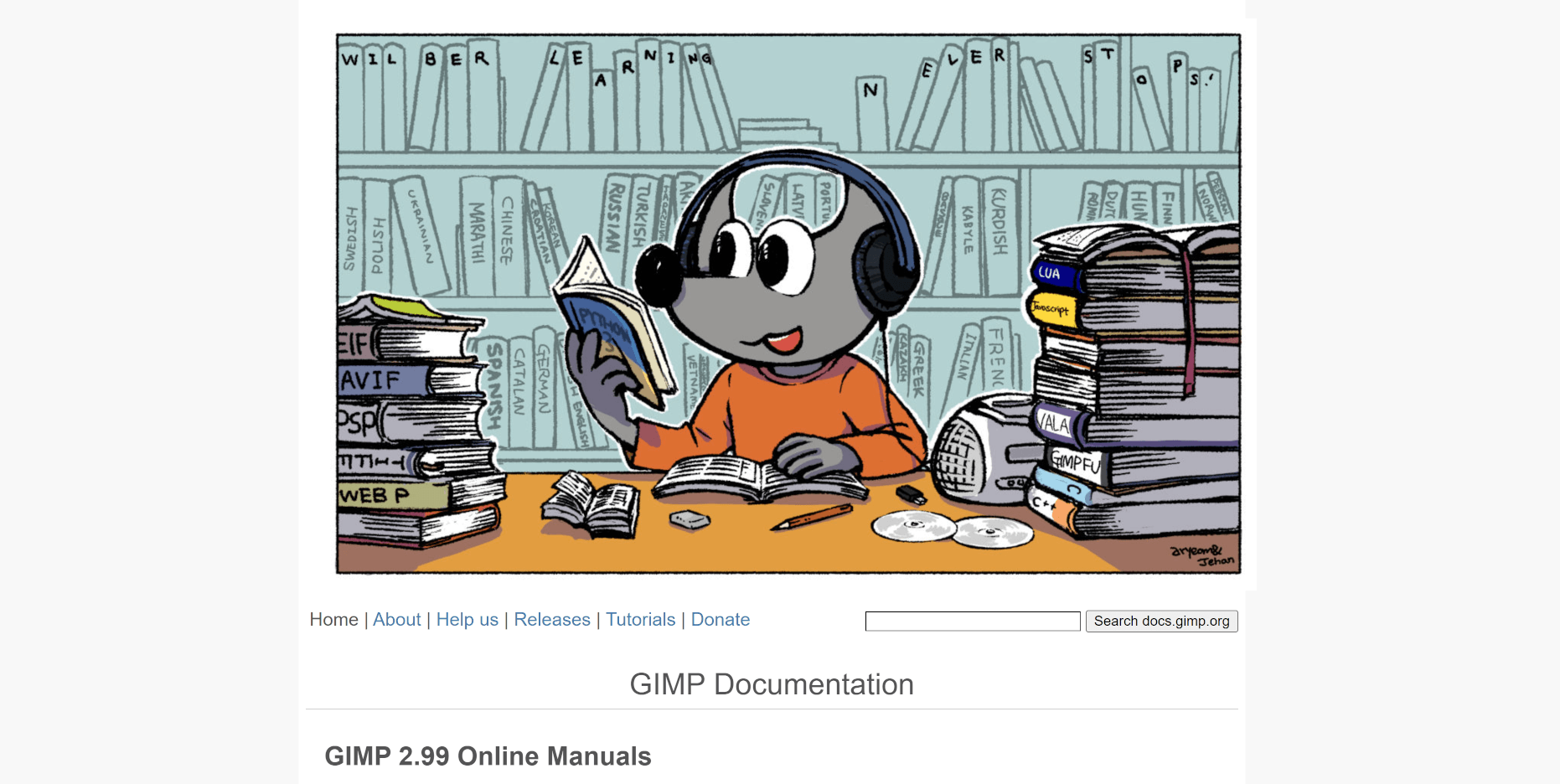
With all the new changes and improvements in GIMP 3.0, the help manual needs a lot of updates from 2.10. Jacob Boerema has taken the lead on this project to update screenshots and text as well as adding new sections. This is an area where anyone can help without needing to write a line of code! You can review the upcoming documentation on our help manual test site. If you notice something’s missing or outdated, you can post about it on our issue tracker. If you want to help further, you can also fix the problem yourself and submit a merge request.
Since the feature freeze milestone, we’ve been focused on fixing as many bugs as we can before the first release. These include everything from older bugs that existed in GIMP 2.10, to recent ones created as we implemented all the new features for GIMP 3.0. Special thanks to Anders Jonsson, Andre Klapper, Lloyd Konneker, and Sam Lester for their extensive work finding and fixing these bugs! Early adopters and testers have also provided valuable bug reports, so if you’ve come across a bug in the development releases, please report them on our issue tracker.
We once again participated in GSoC this summer. We were fortunate to work with three student contributors this time around. Due to the circumstances mentioned above, their projects were scaled back a bit compared to our initial plans. Still, all three students did great work!
Idriss Fekir continued his work on improving the text tool from GSoC 2023. His work also overlapped with the color space improvements, such as fixing issues with text color as we made it color-space aware.
Cheesequake did initial research and design for eventually porting our GtkTreeView GUI to GTK4. He also assisted with many bug fixes for our non-destructive editing code.
Varun Samaga B L worked on improving OpenCL code in GEGL. OpenCL speeds up the performance of filters and other aspects of GIMP by taking better advantage of your graphics card’s multi-processing capabilities. You can see a more detailed write-up from Varun on his GSoC report.
We really appreciate all the hard work from our GSoC students!
One area we want to focus on after 3.0 is improving our UI/UX design process. We have set up a separate UX repository to report and discuss issues related to design. We are looking to build a team of designers to discuss and create design improvements to GIMP that also respect existing user’s workflows. Denis Rangelov has taken a strong interest in this area and has already done great work in identifying, categorizing, and moving design issues from the code repository to the dedicated design section. Some design improvements have already been implemented for 3.0, and we look forward to working with community designers to give people a better experience!
There’s a lot more work going on behind the scenes, and we look forward to sharing it with you soon in the 3.0 RC1 release news post! If you haven’t already, you can test out the 2.99.18 release from the development downloads page. It does not include any of the improvements we’ve made since its release, but it still gives a good preview of what 3.0 will look like.
Don’t forget you can donate and personally fund GIMP developers, as a way to give back and accelerate the development of GIMP. Community commitment helps the project to grow stronger!
此内容由惯性聚合(RSS阅读器)自动聚合整理,仅供阅读参考。 原文来自 — 版权归原作者所有。