



惯性聚合 高效追踪和阅读你感兴趣的博客、新闻、科技资讯
阅读原文 在惯性聚合中打开

推荐订阅源

C
Cisco Blogs
爱范儿
爱范儿
有赞技术团队
有赞技术团队
博客园 - 【当耐特】
Jina AI
Jina AI
Project Zero
Project Zero
宝玉的分享
宝玉的分享
Martin Fowler
Martin Fowler
WordPress大学
WordPress大学
Simon Willison's Weblog
钛媒体:引领未来商业与生活新知
钛媒体:引领未来商业与生活新知
T
Tenable Blog
F
Fortinet All Blogs
大猫的无限游戏
大猫的无限游戏
Last Week in AI
Last Week in AI
月光博客
月光博客
雷峰网
雷峰网
G
Google Developers Blog
V
V2EX
T
Tor Project blog
罗磊的独立博客
Schneier on Security
Know Your Adversary
Know Your Adversary
W
WeLiveSecurity
freeCodeCamp Programming Tutorials: Python, JavaScript, Git & More
P
Privacy International News Feed
S
Securelist
奇客Solidot–传递最新科技情报
奇客Solidot–传递最新科技情报
P
Proofpoint News Feed
Blog — PlanetScale
Blog — PlanetScale
Threat Intelligence Blog | Flashpoint
小众软件
小众软件
Scott Helme
Scott Helme
I
Intezer
T
Threat Research - Cisco Blogs
The GitHub Blog
The GitHub Blog
N
Netflix TechBlog - Medium
C
CERT Recently Published Vulnerability Notes
Security Archives - TechRepublic
酷 壳 – CoolShell
酷 壳 – CoolShell
L
LINUX DO - 最新话题
N
News | PayPal Newsroom
L
Lohrmann on Cybersecurity
T
Troy Hunt's Blog
Google DeepMind News
P
Proofpoint News Feed
人人都是产品经理
人人都是产品经理
Latest news
Latest news
AWS News Blog
AWS News Blog
Apple Machine Learning Research

GIMP

GIMP - GIMP 3.2.4 Released GIMP - GIMP @ Libre Graphics Meeting 2026 GIMP - New Color Mode Coming to GIMP GIMP - GIMP 3.2.2 Released GIMP - GIMP 3.2 RC3: Third Release Candidate for GIMP 3.2 GIMP - Interview with Øyvind Kolås, GIMP developer GIMP - GIMP @ FOSDEM 2026 GIMP - GIMP 3.0.8 Released GIMP - GIMP 3.2 RC2: Second Release Candidate for GIMP 3.2 GIMP - GIMP 3.2 RC1: First Release Candidate for GIMP 3.2 GIMP - Interview with Simon Budig, GIMP developer GIMP - New Official Snap package GIMP - GIMP 3.0.6 Released GIMP - GIMP 3.1.4: Second Development Release towards GIMP 3.2 GIMP - Interview with Sevenix (author of GIMP 3.0’s splash image) GIMP - GIMP 3.1.2: First Development Release towards GIMP 3.2 GIMP - GIMP 3.0.4 Released GIMP - New Priorities for GIMP GIMP - GIMP 3.0.2 Released GIMP - GIMP 3.0 Released GIMP - GIMP 3.0 RC3 Released GIMP - GIMP team at FOSDEM 2025 (talk and keynote) GIMP - GIMP 3.0 RC2 Released 🎁 GIMP - GIMP 3.0 RC1 Released GIMP - Development Update: Closing In on the 3.0 Release Candidate GIMP - Experiments with AppImage GIMP - GIMP at LGM 2024 (Rennes, France) GIMP - GIMP 2.10.38 Released GIMP - GIMP 2.99.18 Released: The Last Development Preview Before 3.0! GIMP - GIMP 2.10.36 Released GIMP - GIMP now on Windows for ARM (experimental) GIMP - GIMP 2.99.16 Released: Wilber Week 2023 edition! GIMP - Wilber Week 2023: report GIMP - GIMP in GSoC 2023 GIMP - GIMP Help Manual 2.10.34 Released GIMP - GIMP 2.10.34 Released GIMP - 2022 annual report GIMP - GIMP 2.10.32 on Apple Silicon GIMP - Happy 27! GIMP - Development version: GIMP 2.99.14 Released GIMP - Conference “GIMP and ZeMarmot” in Vandœuvre-lès-Nancy (France) GIMP - Revival of the GIMP developer website GIMP - Development version: GIMP 2.99.12 Released GIMP - GIMP 2.10.32 is on the Microsoft Store! GIMP - GIMP 2.10.32 Released GIMP - GSoC 2022 project announced: CMYK features GIMP - GIMP is a GSoC 2022 mentor organization GIMP - Development version: GIMP 2.99.10 Released GIMP - 2021 annual report GIMP - GIMP 2.10.30 Released GIMP - GIMP is not affected by the log4j vulnerability GIMP - GIMP 2.99.8 macOS package now available GIMP - Development version: GIMP 2.99.8 Released GIMP - GIMP’s official mirrors and mirror policy GIMP - GIMP 2.10.28 Released GIMP - Funding GIMP developers for sustainable development GIMP - Development version: GIMP 2.99.6 Released GIMP - GIMP 2.10.24 Released GIMP - 🎄 Development release GIMP 2.99.4 is out 🎁 GIMP - GIMP 2.10.22 Released for macOS GIMP - This is 25 GIMP - Development release GIMP 2.99.2 is out GIMP - GIMP 2.10.22 Released GIMP - GIMP 2.10.20 Released GIMP - GIMP 2.10.18 Released GIMP - GIMP and GEGL in 2019 GIMP - GIMP 2.10.14 Released GIMP - GIMP 2.10.12 Released GIMP - GIMP 2.10.10 Released GIMP - GIMP and GEGL in 2018 GIMP - GIMP 2.10.8 Released GIMP - GIMP receives a $100K donation GIMP - GIMP 2.10.6 Released GIMP - GIMP 2.10.4 Released GIMP - GIMP has moved to Gitlab GIMP - GIMP 2.10.2 Released GIMP - GIMP 2.10.0 Released GIMP - GIMP 2.10.0 Release Candidate 2 Released GIMP - Fun at SCaLE 2018 GIMP - GIMP 2.10.0 Release Candidate 1 Released GIMP - Libre Graphics Meeting + SCaLE 2018 GIMP - GIMP and GEGL in 2017 GIMP - Strings Freeze For GIMP 2.10 Is Now On GIMP - GIMP 2.9.8 Released GIMP - GIMP 2.9.6 Released GIMP - An Interview with Michael Schumacher, GIMP administrator GIMP - GIMP 2.8.22 Released GIMP - An Interview with Michael Natterer, GIMP maintainer GIMP - GIMP 2.8.20 Packages for macOS and Microsoft Windows are available GIMP - GIMP 2.10 blockers and the road to 3.0 GIMP - GIMP 2.8.20 Released GIMP - WilberWeek 2017 GIMP - Community-supported development of GEGL now live GIMP - 2016 in review GIMP - Making settings persistent in GIMP GIMP - GIMP 2.8.18 Released GIMP - GIMP 2.9.4 Released GIMP - GIMPers at Texas Linux Fest 2016 GIMP - GEGL 0.3.8 and babl 0.1.18 Released GIMP - Updated 2.8.16 Installer with a Major Bugfix Released
GIMP - GIMP 3.2 Released
by GIMP Team · 2026-03-14 · via GIMP

We’re happy to present the first release of GIMP 3.2! This marks a year of design, development, and testing from volunteers and the community, as part of our plan to streamline releases after GIMP 3.0. We’re excited for you to see the new features that version 3.2 offers!
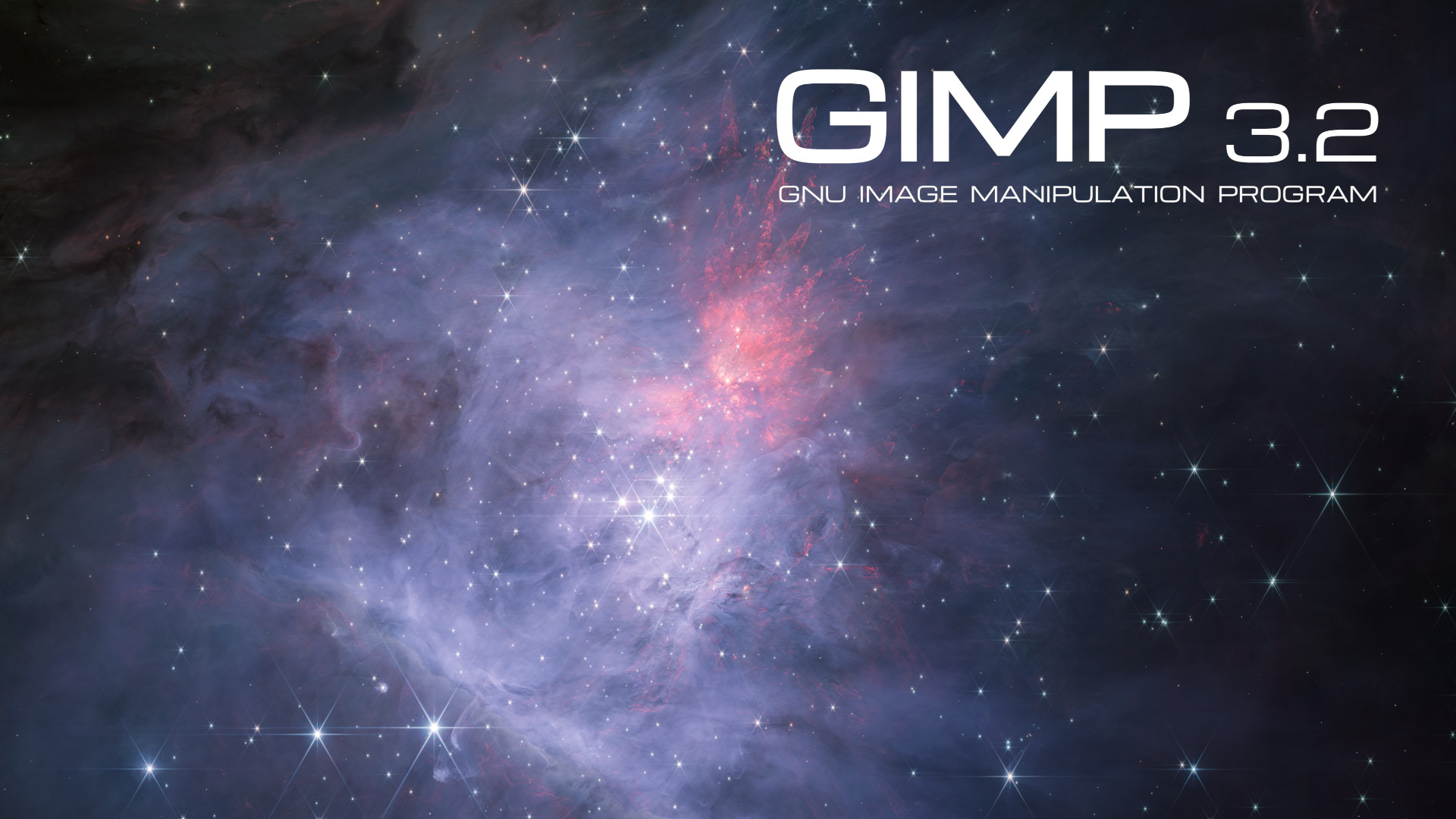
GIMP 3.2: splash screen by Mark McCaughrean
GIMP 3.2 splash screen, by Mark McCaughrean (CC by-sa 4.0)
  • Highlights
  • Learn More
  • Other Related Releases
  • Enjoy GIMP 3.2!
  • Support GIMP development

Highlights

Here are some of the many highlights to look out for as you start using GIMP 3.2:

  • New non-destructive layers!

    • You can now use Link Layers to incorporate external image as part of your compositions, easily scaling, rotating, and transforming them without losing quality or sharpness. The link layer’s content is updated when the source file is modified
    • The Path tool can now create Vector Layers, which lets you draw shapes with adjustable fill and stroke settings.
  • The MyPaint Brush tool has been upgraded, adding 20 new brushes, and it now automatically adjusts to your canvas zoom and rotation for more dynamic painting.

  • A new Overwrite paint mode allows you to draw over existing colors without blending their transparency.

  • The on-canvas Text Editor has a number of workflow improvements. Among them, you can now move it as needed across the canvas and utilize many common shortcuts such as Ctrl + B for bold text and Shift + Ctrl + V for pasting unformatted text. The Text Outline feature also includes more options to control the direction of the outline.

  • New file format support and improvements to existing formats, such as DDS BC7 export and more layer styles imported for PSDs. Thanks to vector layers, we now also support SVG export and expanded vector options in PDF export.

  • A variety of UX and UI improvements, based on your feedback and our design team’s efforts. To list a few:

    • Options to make the brush thumbnails use theme colors for previews, for a nicer experience in dark themes
    • Ability to drag and drop images onto the image tab to open in GIMP
    • Keyboard shortcut support for the Shear and Flip tools
    • New System color scheme that automatically matches GIMP’s theme color scheme to the one you set for your OS
  • The CMYK color selector now shows the Total Ink Coverage for your color, helping you adjust during soft-proofing based on your printer’s ink coverage limit.

  • For script and plug-in developers, a new GEGL Filter browser has been added to make it easier to find non-destructive filters to use.

Learn More

We’ve prepared release notes to go over all the changes, improvements, new features, and more. And if you’d like even more details, you can peruse the NEWS changelog for all 3.1 and 3.2 development releases.

But to see it for yourself, you can get GIMP 3.2 directly from our Downloads page and try it out!

» READ COMPLETE RELEASE NOTES «

To accompany our release of GIMP 3.2, packagers should be aware that we also released:

We do not have a ready-to-release documentation for this version 3.2 yet. We recommend you to continue using the 3.0 online documentation for the time being.
Our contributors are working hard on enhancing the documentation. Any help is welcome on our gimp-help project to speed up the process!

Enjoy GIMP 3.2!

GIMP 3.2 builds on the foundation we created in GIMP 3.0, providing great new features and setting the stage for even more awesome things in future versions!

Download GIMP 3.2

Note: packages on stores may take a bit longer to reach you as they may be in review.

Support GIMP development

Don’t forget you can donate and personally fund GIMP developers, as a way to give back and accelerate the development of GIMP. Community commitment helps the project to grow stronger!

Support us by
Donating