





TL;DR – Apple logs hide the juicy debugging bits as
<private>. Drop plist files into/Library/Preferences/Logging/Subsystems/for a simpler solution, or install a configuration profile as an alternative.
If you’ve ever tried debugging a macOS app using the unified logging system, you’ve probably encountered the dreaded <private> redaction. Your carefully crafted log messages turn into cryptic puzzles where the most important debugging information is hidden. Let me show you what’s really going on and how to work around it.
The Privacy Problem
When you log something like this in Swift:
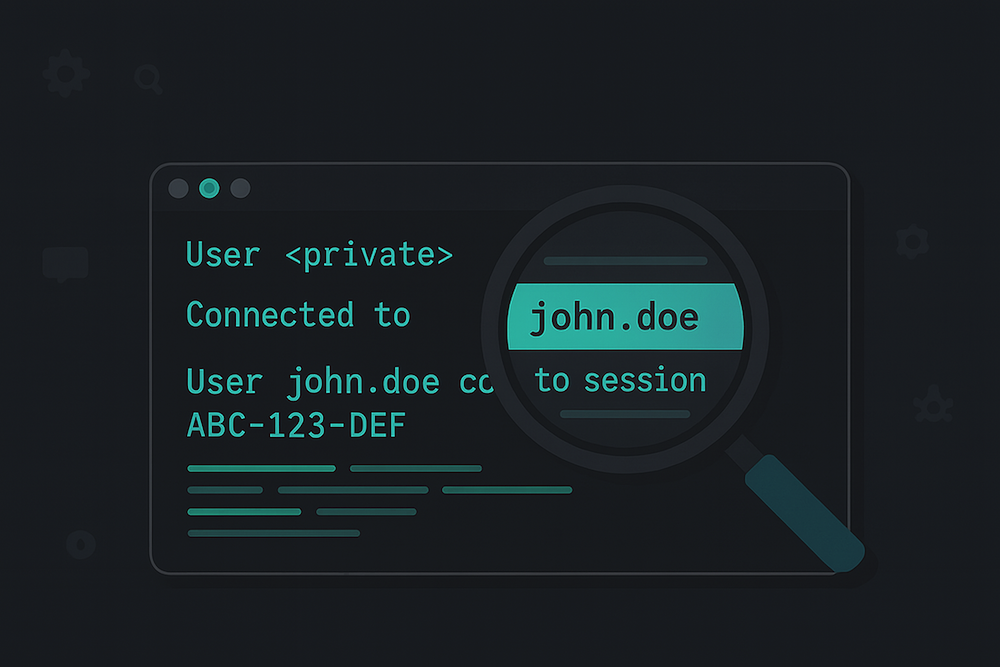
logger.info("User \(username) connected to session \(sessionId)")You expect to see:
User john.doe connected to session ABC-123-DEFBut instead you get:
User <private> connected to session <private>Not very helpful when you’re trying to debug an issue, right?
What Actually Gets Redacted
Here’s where it gets interesting. Through testing, I discovered that Apple’s redaction logic is not as straightforward as the documentation suggests:
| What you log | Documentation says | Reality |
|---|---|---|
Simple strings ("user@example.com") | Redacted | Usually redacted! |
File paths (/Users/username) | Redacted | ✓ Redacted |
UUIDs (ABC-123-DEF) | Redacted | ✓ Redacted |
| Integers, booleans, floats | Public | ✓ Public |
The discrepancy comes from how Apple’s logging system is implemented. The os_log function requires format strings to be compile-time constants (C string literals) for performance optimization. When you use string interpolation with dynamic values, the compiler and logging library work together to mark these as runtime data that needs privacy protection.
Static strings embedded directly in your code are treated as part of the format string and assumed to be non-sensitive, while any runtime values (variables, computed properties, function returns) are automatically redacted to prevent accidental leakage of personal information.
Old Solutions That No Longer Work
Before we get to what works, let’s quickly cover what doesn’t work anymore:
❌ The private_data:on flag (Dead since Catalina)
# This returns "Invalid Modes 'private_data:on'" on macOS 10.15+
sudo log config --mode "private_data:on" --subsystem your.app.subsystem
This was completely removed in macOS Catalina (10.15) and later.
❌ sudo doesn’t reveal private data
You might think running with sudo would show everything:
sudo log show --predicate 'subsystem == "your.app"' --infoNope! The privacy redaction happens at write time, not read time. Once logged as <private>, the actual data is gone forever.
The Plist Solution (Preferred Method)
Thanks to Rasmus Sten for pointing out this elegant solution! You don’t need to use .mobileconfig files – you can simply drop plist files directly into /Library/Preferences/Logging/Subsystems/. This is actually what happens when you install a configuration profile anyway.
Step 1: Create a Plist File
Create a file named after your subsystem (e.g., com.mycompany.myapp.plist) with this content:
<?xml version="1.0" encoding="UTF-8"?>
<!DOCTYPE plist PUBLIC "-//Apple//DTD PLIST 1.0//EN" "http://www.apple.com/DTDs/PropertyList-1.0.dtd">
<plist version="1.0">
<dict>
    <key>DEFAULT-OPTIONS</key>
    <dict>
        <key>Enable-Private-Data</key>
        <true/>
    </dict>
</dict>
</plist>
Step 2: Install the Plist
# Create the directory if it doesn't exist
sudo mkdir -p /Library/Preferences/Logging/Subsystems/

# Copy your plist file
sudo cp com.mycompany.myapp.plist /Library/Preferences/Logging/Subsystems/

# Set proper permissions
sudo chmod 644 /Library/Preferences/Logging/Subsystems/com.mycompany.myapp.plist
Important Gotcha: When writing these plist files programmatically, you must write them atomically. Write to a temporary file first, then use
mvto move it into place. This ensures the logging subsystem sees a complete, valid plist file.
Step 3: Generate Fresh Logs
The configuration only affects new log entries. Run your app to generate fresh logs.
Step 4: Remove After Debugging
sudo rm /Library/Preferences/Logging/Subsystems/com.mycompany.myapp.plistWhy This Method is Better
- Scriptable: Can be added/removed programmatically from shell scripts
- No UI interaction: No need to navigate System Settings
- Granular control: Enable/disable specific subsystems instantly
- CI/CD friendly: Perfect for automated testing environments
Documentation
This approach is documented in:
- Apple’s
os_log(5)man page (runman 5 os_login Terminal) - Apple Developer Forums confirming the
/Library/Preferences/Logging/Subsystems/directory usage - Der Flounder’s detailed analysis of macOS Sequoia’s logging configuration
The Configuration Profile Solution (Alternative Method)
If you prefer a GUI approach or need to deploy settings across multiple machines, you can still use configuration profiles:
View Configuration Profile Template
<?xml version="1.0" encoding="UTF-8"?>
<!DOCTYPE plist PUBLIC "-//Apple//DTD PLIST 1.0//EN" "http://www.apple.com/DTDs/PropertyList-1.0.dtd">
<plist version="1.0">
<dict>
    <key>PayloadContent</key>
    <array>
        <dict>
            <key>PayloadDisplayName</key>
            <string>ManagedClient logging</string>
            <key>PayloadEnabled</key>
            <true/>
            <key>PayloadIdentifier</key>
            <string>com.yourapp.logging.EnablePrivateData</string>
            <key>PayloadType</key>
            <string>com.apple.system.logging</string>
            <key>PayloadUUID</key>
            <string>GENERATE-UUID-1</string>
            <key>PayloadVersion</key>
            <integer>1</integer>
            <key>System</key>
            <dict>
                <key>Enable-Private-Data</key>
                <true/>
            </dict>
            <key>Subsystems</key>
            <dict>
                <key>your.app.subsystem</key>
                <dict>
                    <key>DEFAULT-OPTIONS</key>
                    <dict>
                        <key>Enable-Private-Data</key>
                        <true/>
                    </dict>
                </dict>
            </dict>
        </dict>
    </array>
    <key>PayloadDescription</key>
    <string>This profile enables logging of private data for debugging.</string>
    <key>PayloadDisplayName</key>
    <string>Your App Private Data Logging</string>
    <key>PayloadIdentifier</key>
    <string>com.yourapp.PrivateDataLogging</string>
    <key>PayloadOrganization</key>
    <string>Your Organization</string>
    <key>PayloadRemovalDisallowed</key>
    <false/>
    <key>PayloadType</key>
    <string>Configuration</string>
    <key>PayloadUUID</key>
    <string>GENERATE-UUID-2</string>
    <key>PayloadVersion</key>
    <integer>1</integer>
</dict>
</plist>
Customizing the Profile
Critical Components to Replace:
-
UUIDs: Two unique identifiers are required:
- Replace
GENERATE-UUID-1andGENERATE-UUID-2with actual UUIDs - Generate with:
uuidgen(run twice for two different UUIDs)
- Replace
-
Organization: Replace
Your Organizationwith your actual organization or app name -
Subsystems: The most critical part! Replace
your.app.subsystemwith your actual logging subsystem(s):let logger = Logger(subsystem: "com.mycompany.myapp", category: "Network")In this example,
"com.mycompany.myapp"is the subsystem you need to add. -
Multiple Subsystems: To enable private data for multiple subsystems, duplicate the subsystem structure:
<key>Subsystems</key>
<dict>
    <key>com.mycompany.myapp</key>
    <dict>
        <key>DEFAULT-OPTIONS</key>
        <dict>
            <key>Enable-Private-Data</key>
            <true/>
        </dict>
    </dict>
    <key>com.mycompany.myframework</key>
    <dict>
        <key>DEFAULT-OPTIONS</key>
        <dict>
            <key>Enable-Private-Data</key>
            <true/>
        </dict>
    </dict>
</dict>
Key Implementation Details:
- PayloadType values: The top-level PayloadType must be
Configuration, while the inner PayloadType (in PayloadContent) must becom.apple.system.logging - PayloadRemovalDisallowed: Keep this as
falseso you can easily remove the profile after debugging - System section: Enables private data for system-level logs
- DEFAULT-OPTIONS: Required wrapper for subsystem options
Save the customized file as EnablePrivateLogging.mobileconfig.
Installing Configuration Profiles
- Double-click the
.mobileconfigfile - Navigate to:
- macOS 15 (Sequoia) and later: System Settings → General → Device Management
- macOS 14 (Sonoma) and earlier: System Settings → Privacy & Security → Profiles
- Click “Install…” and authenticate
- Wait 1-2 minutes for the system to apply changes
Removing Configuration Profiles
Go back to the Profiles/Device Management section and click the minus (-) button.
The Code-Level Solution
For production apps, mark specific non-sensitive values as public:
// This will always be visible
logger.info("Session: \(sessionId, privacy: .public)")

// This remains private by default
logger.info("Token: \(apiToken)")
This is the safest approach as you explicitly control what’s exposed.
Automating with Claude Code
Instead of manually editing configuration files, just give Claude Code this blog post URL and ask it to create a customized plist or profile for your app. Living in the future means your documentation can be both human-readable and agent-executable.
Summary
Apple’s log privacy is well-intentioned but can be frustrating during development. The plist approach is your best bet for debugging:
- Privacy redaction happens at write time
- sudo can’t recover what was never stored
- Direct plist files are simpler than configuration profiles
- Always remove debugging configurations when done
For more details on this topic, check out:
- Apple’s os_log(5) man page – The authoritative source
- Howard Oakley’s excellent post – Deep dive into log privacy
- Der Flounder’s Sequoia analysis – Latest macOS changes
Happy debugging, and may your logs be forever unredacted (but only when you need them to be)!