








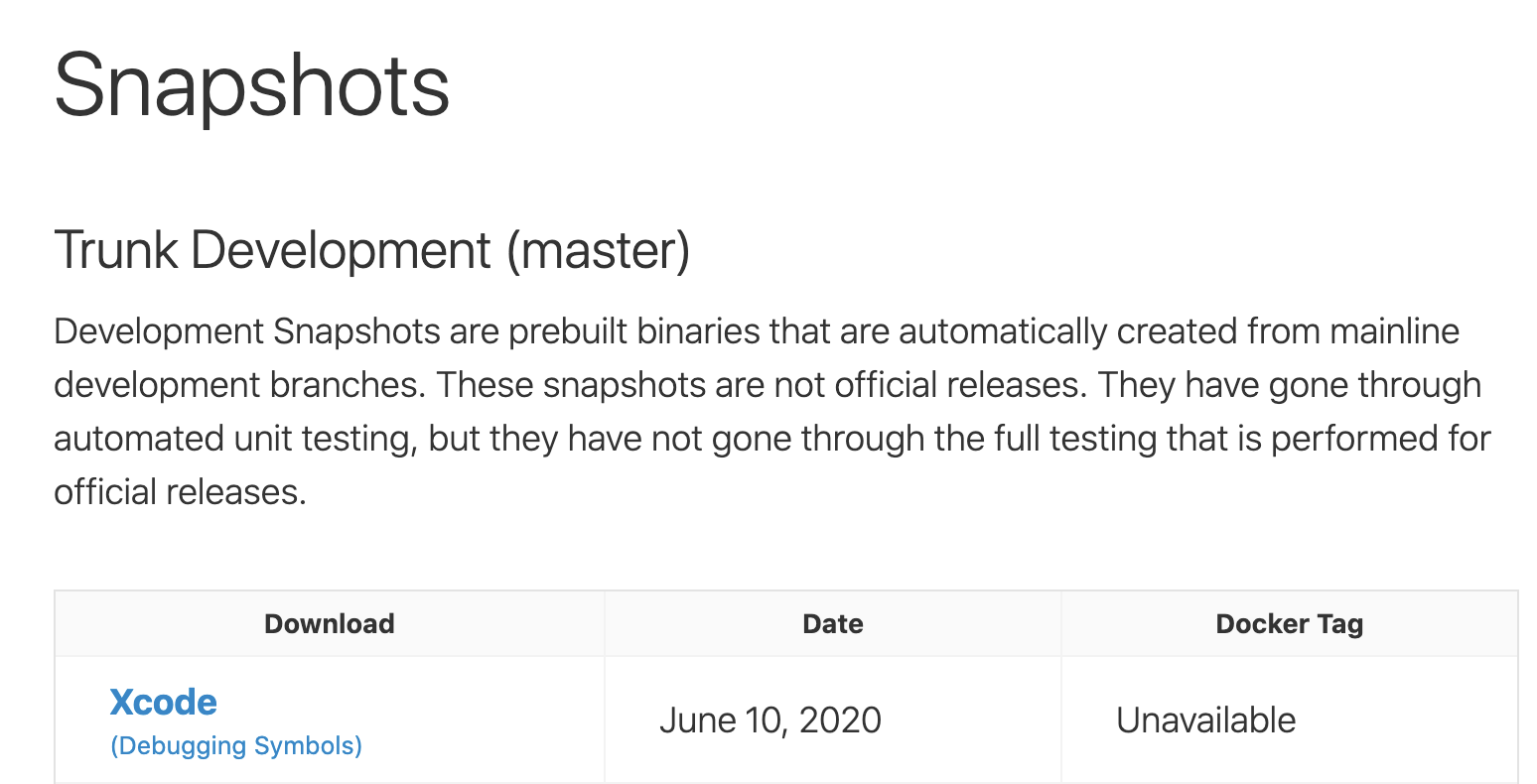
I recently started the adventure of building PSPDFKit with the Swift trunk development snapshot. I did this both in order to verify a fix for the SR-12933 LLDB debugging issue and to be better prepared for the Xcode 12 release at WWDC.
I’m documenting my adventure with the June 10 Swift trunk toolchain — may it help Google warriors, as some of the errors didn’t yield any useful results. Let’s skip the download-install-select-in-Xcode part and go straight to the issues.
libclang_rt.profile_iossim.a Not Found
You might see the following error early on:
File not found: /Library/Developer/Toolchains/swift-DEVELOPMENT-SNAPSHOT-2020-06-09-a.xctoolchain/usr/lib/clang/10.0.0/lib/darwin/libclang_rt.profile_iossim.aThen you might run into a variant of SR-12001 and need to copy some files into the toolchain that are not shipped with it by default:
sudo cp `xcode-select -p`/Toolchains/XcodeDefault.xctoolchain/usr/lib/clang/*/lib/darwin/libclang_rt.*.a /Library/Developer/Toolchains/swift-DEVELOPMENT-SNAPSHOT-2020-06-09-a.xctoolchain/usr/lib/clang/10.0.0/lib/darwinUndefined Symbol: _isOSVersionAtLeast
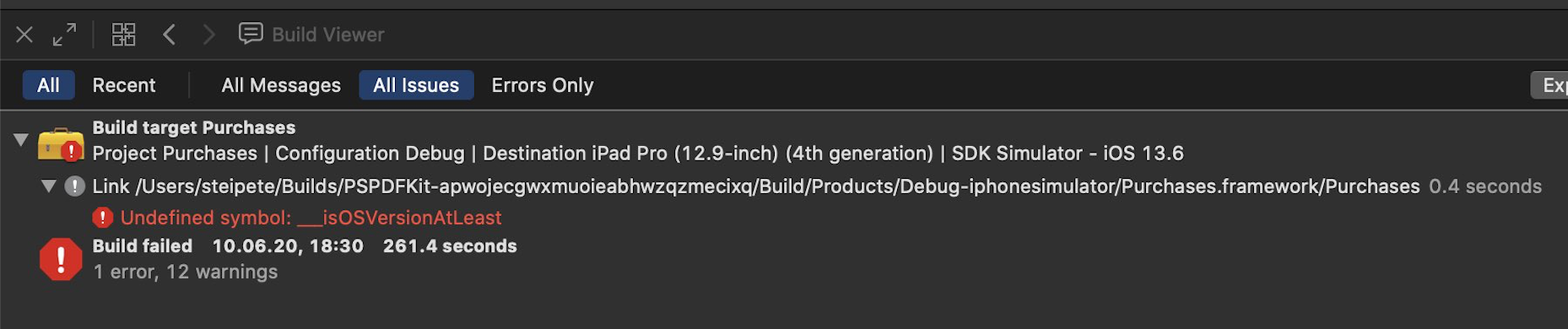
Initially I missed a few files (I only copied libclang_rt.profile_iossim.a) and then got yet a different error: Undefined symbols for architecture arm64: "___isOSVersionAtLeast".
Run the above cp command to fix.
Uncaught Exception of Type tbb::captured_exception
Next up, the linker crashed:
BB Warning: Exact exception propagation is requested by application but the linked library is built without support for it

libc++abi.dylib: terminating with uncaught exception of type tbb::captured_exception: Unidentified exception
This turned out to be zld — removing the xcconfig setting solved this. This will be fixed eventually, as Apple’s ld is open source and zld is just a faster fork. I documented this in the Swift Forum for others to find.
Archive Member with Length Is Not Mach-O or LLVM Bitcode
This one took me a while! We are using different configurations in PSPDFKit, so some lower-level parts compile with our release configuration and some compile with debug (you still want a fast PDF render experience when working on the UI).
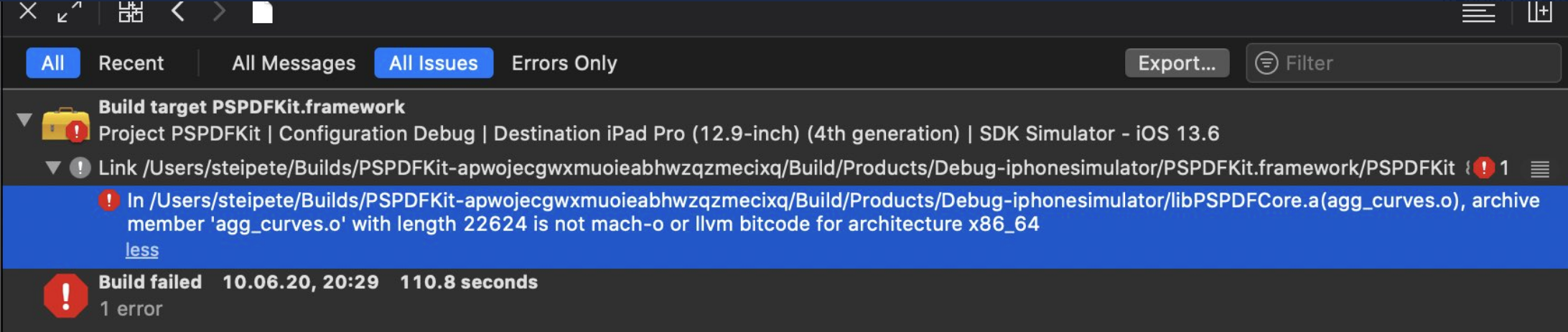
This seems to be a bug; there’s no reason this should fail, as it’s perfectly OK to compile different objects with different optimizer settings. Changing this to be the same settings everywhere did work around the issue.
Missing APINotes
Apple uses API notes to make the mapping from Objective-C to Swift easier. They are currently to a degree tightly coupled with Clang itself, and as the UIPointerInteraction API is very new, these notes haven’t been upstreamed yet — so we get a different, non-optimized API in Swift when compiling with trunk.
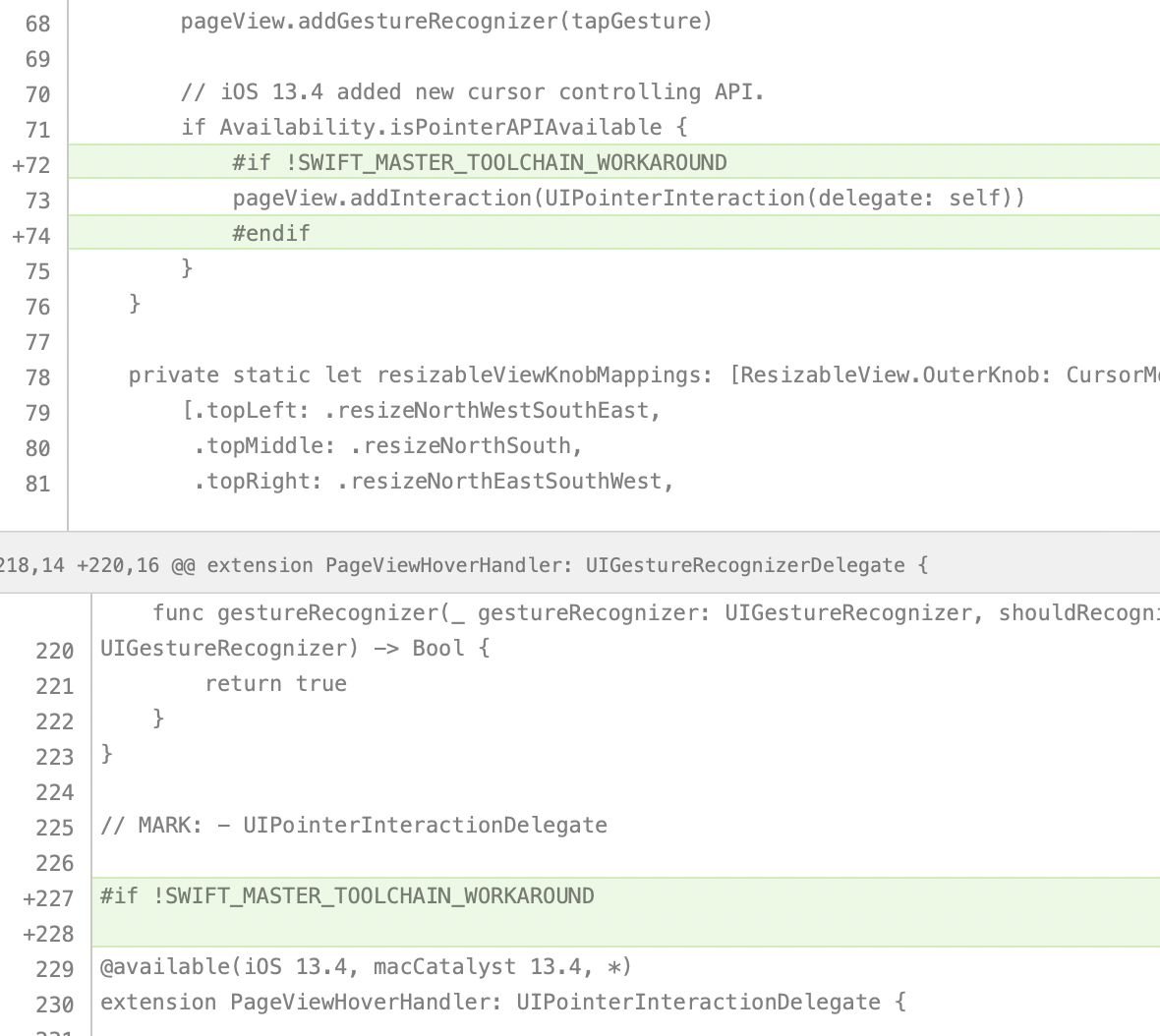
To conditionally disable Swift code, I used an #ifdef and set the following in our xcconfig file:
OTHER_SWIFT_FLAGS = -D SWIFT_TRUNK_TOOLCHAIN_WORKAROUNDThis still disables the code and isn’t a real fix, but I assume Apple will eventually update trunk to include these API notes.
libLTO.dylib Could Not Be Loaded
If you get an libLTO.dylib could not be loaded error, you might have a setup where Link Time Optimization is enabled in at least one of your projects. I fixed this by making sure LTO is off everywhere:
LLVM_LTO = NOXcode and Xcode Build System Crash
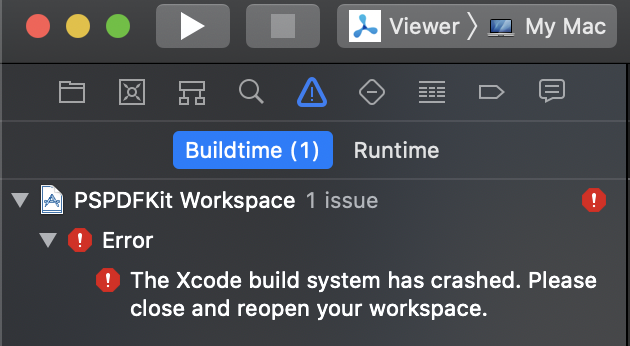
To be honest, I’m just adding this for the sake of completeness. This happens at random times and isn’t really related to Swift trunk. A restart fixes it.
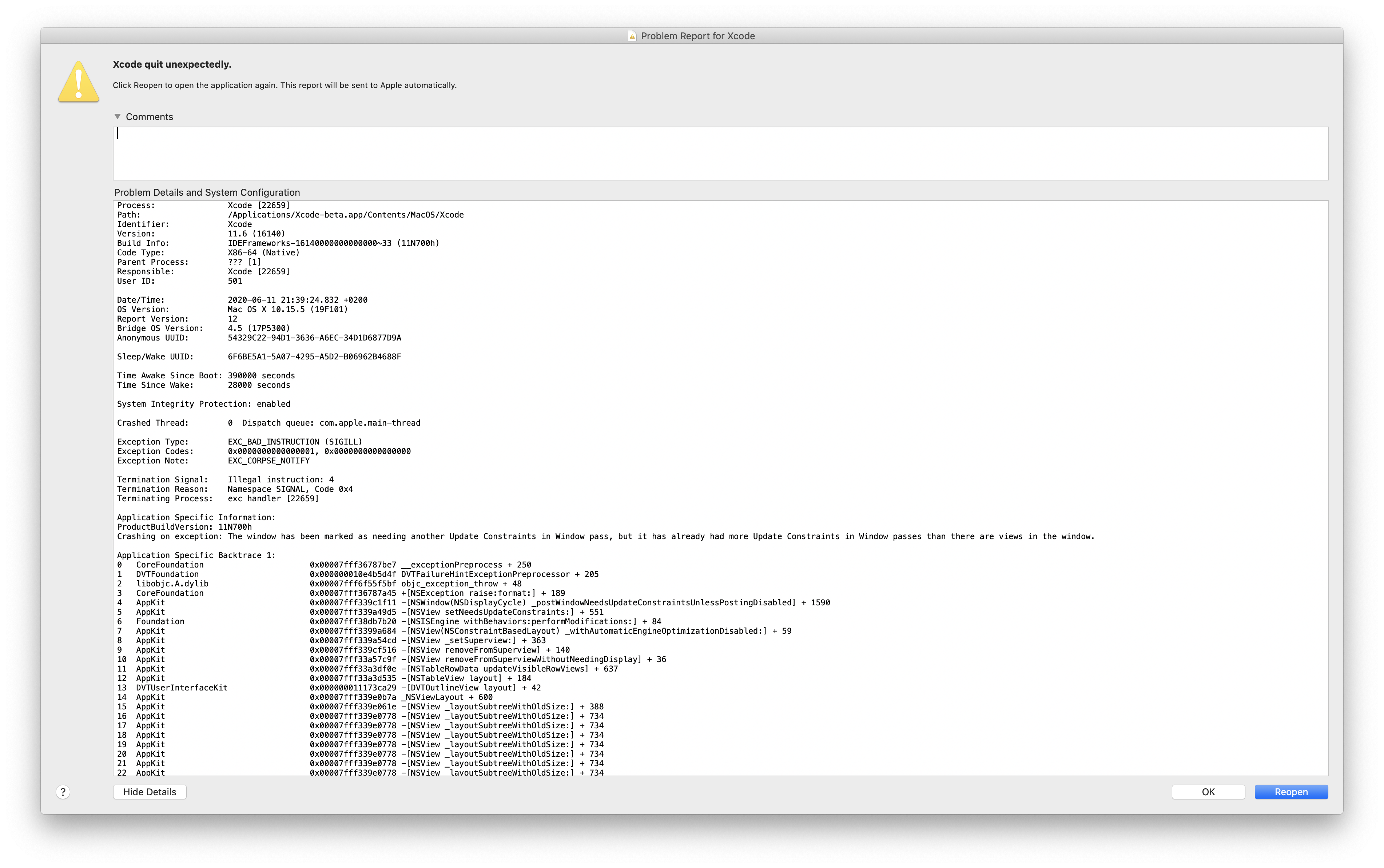
Build system crashes are especially fun because Xcode doesn’t crash, but you still have to quit and restart it manually. One could make the argument that it would be more convenient if Xcode would simply crash as well.
Swift Compiler Crash: Impossible SILDeclRef
Compiling for iOS now worked, but Catalyst crashed with the following error: impossible SILDeclRef loc UNREACHABLE executed at /Users/buildnode/jenkins/workspace/oss-swift-package-osx/swift/lib/SIL/IR/SILDeclRef.cpp:155!.
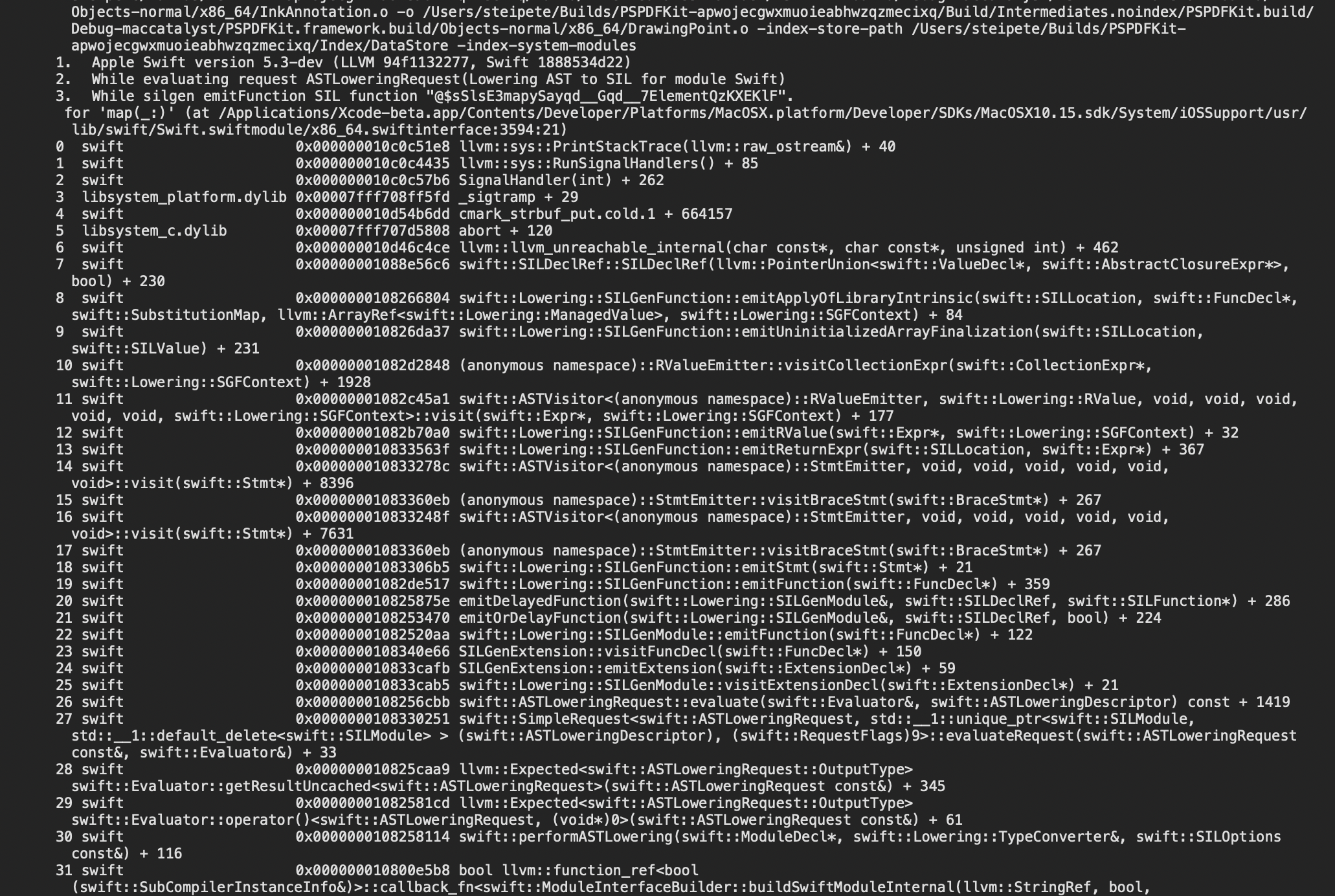
Turns out this is already known and happens any time you run this compiler with a Swift.swiftinterface from the SDK. It will be fixed in a few days.
Catalyst Warning
We expose some internal Swift classes to Objective-C that are only available in newer versions of the OS. Pointer library methods have been added to Catalyst, and we declare this availability for both iOS and Catalyst, but the trunk version doesn’t know about the maccatalyst platform.
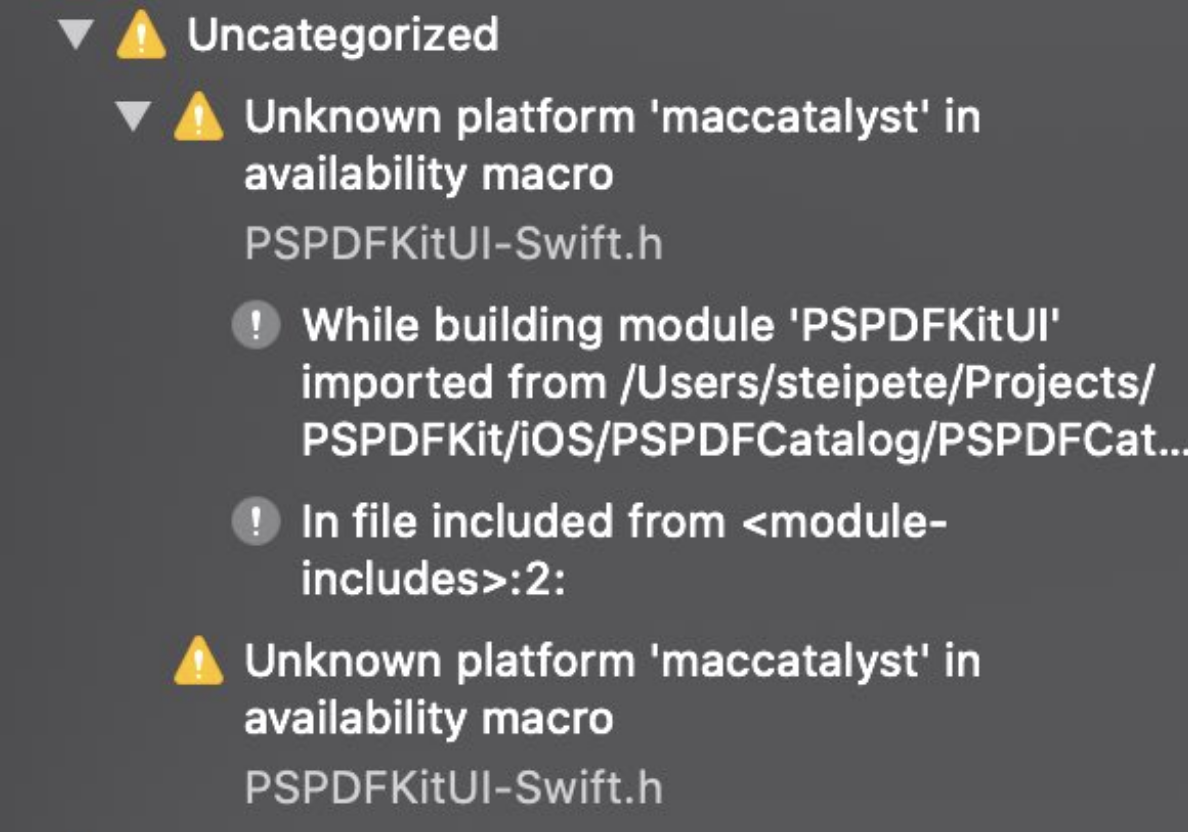
The only way to get rid of this error seems to be to remove the define, but since this is only a warning, I skipped that.
Conclusion
Using the Swift trunk toolchain is a rocky road, and I can only recommend this if you feel adventurous or really want to help Apple verify a bug fix. However, I appreciate that Apple provides prebuilt packages, and I’m sure the issues above will be ironed out eventually.